

Image: The Bluedio HT Turbine Wireless Bluetooth 4.1 Stereo Headphones, featuring a sleek black design with silver accents on the headband and earcups.
పరిచయం
The Bluedio HT Turbine Wireless Bluetooth 4.1 Stereo Headphones are designed to deliver a rich audio experience with powerful bass and clear sound across all frequencies. Featuring Bluetooth 4.1 for stable connectivity and long battery life, these headphones offer both wireless convenience and the option for wired listening. The ergonomic design with soft earmuffs ensures comfort for extended use.
Key features include 57mm ultra-large dynamic drivers for surging low-frequency shock, acoustic echo cancellation and noise reduction for clear calls, and an audio sharing function to connect with another H(Shooting Brake) headphone. They also support 4 languages for voice prompts: Chinese, English, French, and Spanish.
పెట్టెలో ఏముంది
Upon opening your Bluedio HT Turbine headphones package, you should find the following items:
- Bluedio HT Turbine Wireless Bluetooth Headphones
- Micro-USB charging cable (5ft)
- 3.5 మిమీ ఆడియో కేబుల్
- వినియోగదారు మాన్యువల్

Image: The Bluedio HT Turbine headphones, along with their included micro-USB charging cable, 3.5mm audio cable, and user manual, neatly packaged in their retail box.
సెటప్
హెడ్ఫోన్లను ఛార్జ్ చేస్తోంది
Before first use, ensure your Bluedio HT Turbine headphones are fully charged. Connect the provided Micro-USB charging cable to the charging port on the headphones and the other end to a USB power source (e.g., computer USB port, USB wall adapter). A full charge typically takes approximately 2 గంటలు.
మొబైల్ ఫోన్తో జత చేయడం
- హెడ్సెట్ మరియు మీ మొబైల్ ఫోన్ మధ్య దూరాన్ని 1 మీటర్ లోపల ఉంచండి. ఎంత దగ్గరగా ఉంటే అంత మంచిది.
- When the headset is off (if not, power off the headset first), press and hold the MFB (మల్టీ-ఫంక్షన్ బటన్) for 5 seconds or so, only when you see the LED remains blue can you release the button, the headset is in pairing mode.
- మీ మొబైల్ ఫోన్ యొక్క బ్లూటూత్ను ఆన్ చేయండి, పరికరాలను జోడించండి / శోధించండి.
- When "H" or "Bluedio" appears, select it. (If asked for a pass code: Enter "0000")
శ్రద్ధ:
If pairing is not successful within 60 seconds, the LED goes out and the headset is out of pairing mode. Repeat the pairing procedure.

Image: Visual guide illustrating the steps to pair the Bluedio HT Turbine headphones with a mobile device, showing the multi-function button, blue LED indicator, and a smartphone's Bluetooth menu.
ఆపరేటింగ్ సూచనలు
పైగా నియంత్రణలుview
The Bluedio HT Turbine headphones feature intuitive controls located on the earcup for easy management of your audio and calls. These include touch controls for media playback and volume adjustment.
- మల్టీ-ఫంక్షన్ బటన్ (MFB): Power On/Off, Pairing, Play/Pause, Answer/End Calls.
- వాల్యూమ్ అప్/తదుపరి ట్రాక్: Increase volume, skip to next song.
- వాల్యూమ్ డౌన్/మునుపటి ట్రాక్: Decrease volume, go to previous song.
- మైక్రో-USB పోర్ట్: హెడ్ఫోన్లను ఛార్జ్ చేయడానికి.
- 3.5mm ఆడియో జాక్: For wired connection when battery is low or for non-Bluetooth devices.

చిత్రం: వివరణాత్మక view of the right earcup of the Bluedio HT Turbine headphones, highlighting the control buttons for power, volume, track control, and the charging port.
ఆడియో షేరింగ్ ఫంక్షన్
The Bluedio HT Turbine headphones support an Audio Sharing function. This allows you to connect your headphones to another H(Shooting Brake) headphone via an audio cable (sold separately) to share music instantly. It is recommended to use headphones with an impedance of 32 Ohms or higher for optimal audio sharing performance.
నిర్వహణ
To ensure the longevity and optimal performance of your Bluedio HT Turbine headphones, follow these maintenance guidelines:
- శుభ్రపరచడం: Use a soft, dry cloth to clean the headphones. Do not use abrasive cleaners, alcohol, or chemical solvents, as these may damage the surface.
- నిల్వ: ఉపయోగంలో లేనప్పుడు, హెడ్ఫోన్లను చల్లని, పొడి ప్రదేశంలో, ప్రత్యక్ష సూర్యకాంతి మరియు తీవ్రమైన ఉష్ణోగ్రతలకు దూరంగా నిల్వ చేయండి.
- తేమను నివారించండి: Do not expose the headphones to water or excessive moisture. If they get wet, wipe them dry immediately.
- జాగ్రత్తగా నిర్వహించండి: Avoid dropping the headphones or subjecting them to strong impacts, which can damage internal components.
- ఛార్జింగ్: Charge the headphones regularly, even if not used frequently, to maintain battery health. Avoid overcharging for extended periods.
ట్రబుల్షూటింగ్
If you encounter issues with your Bluedio HT Turbine headphones, refer to the following common troubleshooting steps:
| సమస్య | సాధ్యమైన పరిష్కారం |
|---|---|
| హెడ్ఫోన్లు పవర్ ఆన్ చేయవు. | Ensure the headphones are fully charged. Connect to a power source and allow sufficient charging time. |
| పరికరంతో జత చేయడం సాధ్యం కాదు. |
|
| శబ్దం లేదు లేదా తక్కువ వాల్యూమ్ ఉంది. |
|
| ధ్వని వక్రీకరణ లేదా అడపాదడపా కనెక్షన్. |
|
స్పెసిఫికేషన్లు
Detailed technical specifications for the Bluedio HT Turbine Wireless Bluetooth 4.1 Stereo Headphones:
| ఫీచర్ | వివరాలు |
|---|---|
| బ్లూటూత్ వెర్షన్ | V4.1 |
| బ్లూటూత్ ప్రోfiles | A2DP, AVRCP, HSP, HFP |
| బ్లూటూత్ ట్రాన్స్మిషన్ ఫ్రీక్వెన్సీ | 2.4GHz-2.48GHz |
| ఆపరేటింగ్ రేంజ్ | Up to 10m (free space) |
| ఫ్రీక్వెన్సీ రెస్పాన్స్ | 20Hz-20kHz |
| టాక్ టైమ్ | 45 గంటల వరకు |
| బ్లూటూత్ మ్యూజిక్ సమయం | 40 గంటల వరకు |
| స్టాండ్బై సమయం | 1625 గంటల వరకు |
| ఛార్జింగ్ సమయం | 2 గంటలు |
| ఆడియో డ్రైవర్ పరిమాణం | 57 మిల్లీమీటర్లు |
| ఇంపెడెన్స్ | 16 ఓం |
| చెవి ప్లేస్మెంట్ | ఓవర్ చెవి |
| మెటీరియల్ | Artificial Protein Leather, Soft Earmuffs |
| వస్తువు బరువు | 7.7 ఔన్సులు |
| ఉత్పత్తి కొలతలు | 7.2 x 6.9 x 3.4 అంగుళాలు |
| బ్యాటరీ రకం | 1 లిథియం పాలిమర్ బ్యాటరీ (చేర్చబడింది) |
వారంటీ మరియు మద్దతు
For warranty information, technical support, or any inquiries regarding your Bluedio HT Turbine headphones, please contact Bluedio customer service directly.
You can find more information and support resources on the official Bluedio webసైట్:
Alternatively, you may contact them via email:
ఇమెయిల్: accessoryservice2@bluedio.com
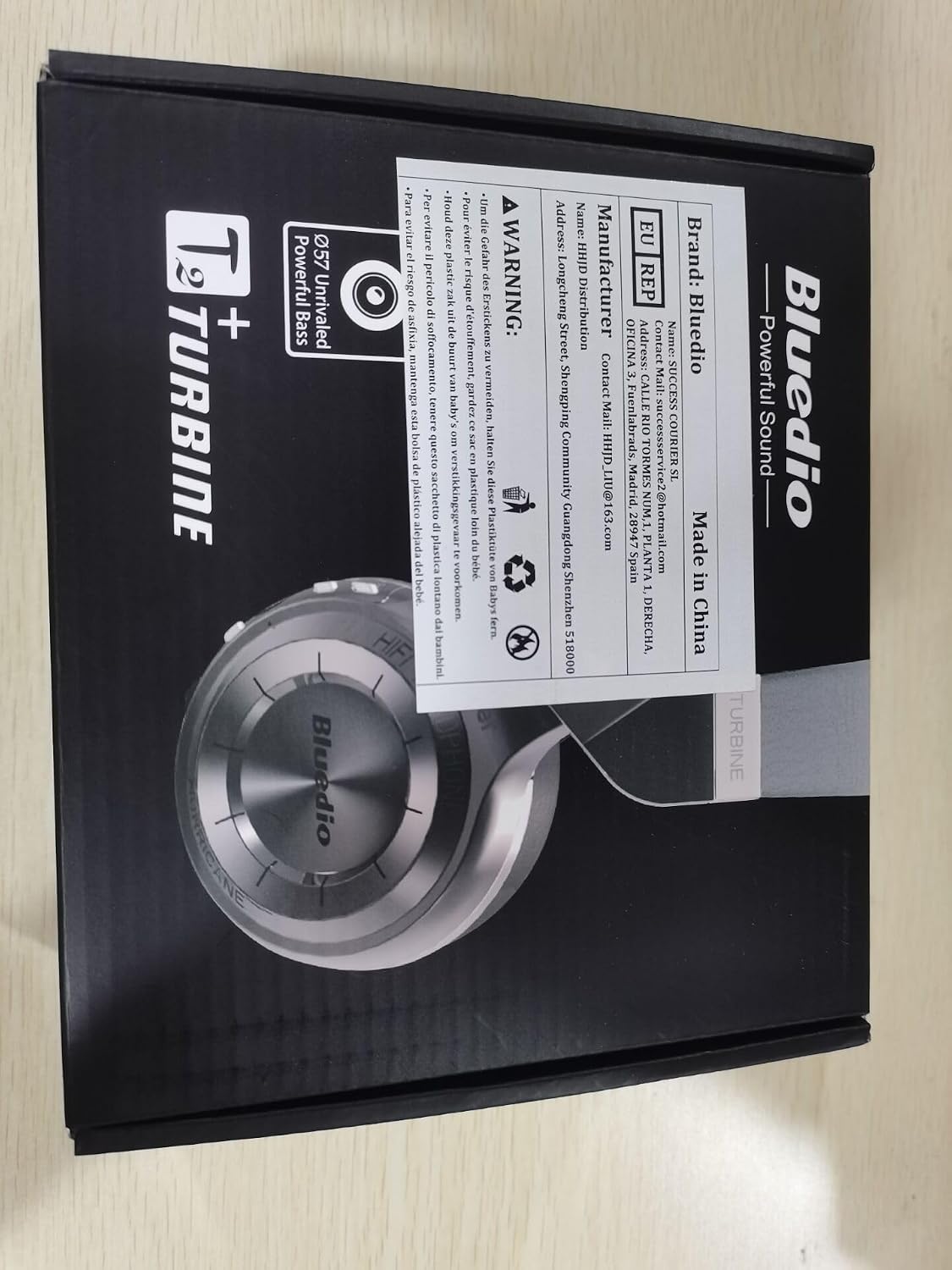
Image: The back of the Bluedio HT Turbine product box, displaying manufacturer details, contact email, and other product information.