
పరిచయం
This manual provides instructions for the Datalogic Barcodescanner Touch TD1100 90 Light, model TD1120-BK-90K1. It covers essential information for setting up, operating, maintaining, and troubleshooting your device to ensure optimal performance. Please read this manual thoroughly before using the scanner.
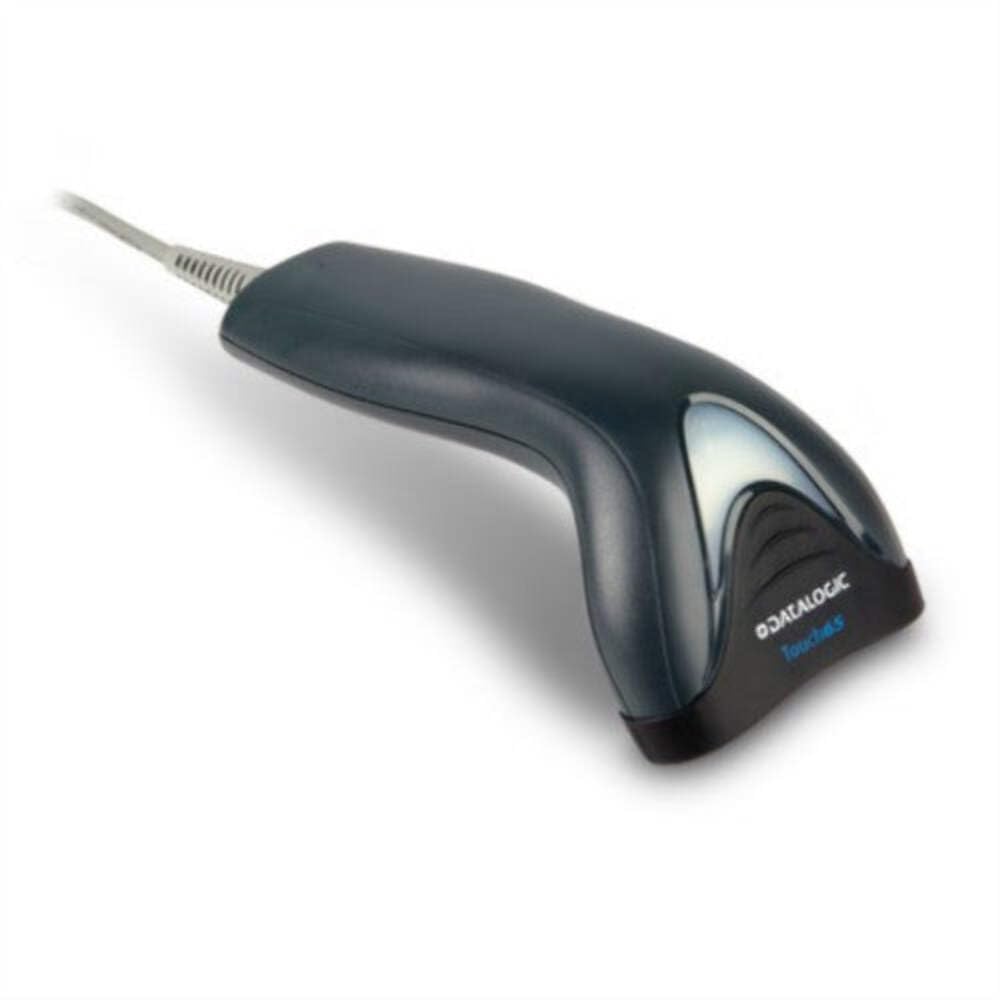
Image: The Datalogic Touch TD1100 90 Light barcode scanner, showing its ergonomic design and integrated cable.
సెటప్
1. అన్ప్యాకింగ్
ప్యాకేజింగ్ నుండి అన్ని భాగాలను జాగ్రత్తగా తొలగించండి. అన్ని అంశాలు ఉన్నాయని నిర్ధారించుకోండి:
- Datalogic Touch TD1100 90 Light Barcode Scanner
- USB కేబుల్ (ఇంటిగ్రేటెడ్)
- త్వరిత ప్రారంభ మార్గదర్శి (చేర్చబడి ఉంటే)
2. స్కానర్ను కనెక్ట్ చేయడం
The TD1120-BK-90K1 model connects via a USB interface. Follow these steps:
- మీ కంప్యూటర్లో (డెస్క్టాప్ లేదా ల్యాప్టాప్) అందుబాటులో ఉన్న USB పోర్ట్ను గుర్తించండి.
- Insert the USB connector of the scanner's cable firmly into the USB port.
- The operating system should automatically detect the new hardware and install the necessary drivers. This process may take a few moments.
- Once drivers are installed, the scanner will typically emit a short beep or an indicator light will illuminate, signifying it is ready for use.
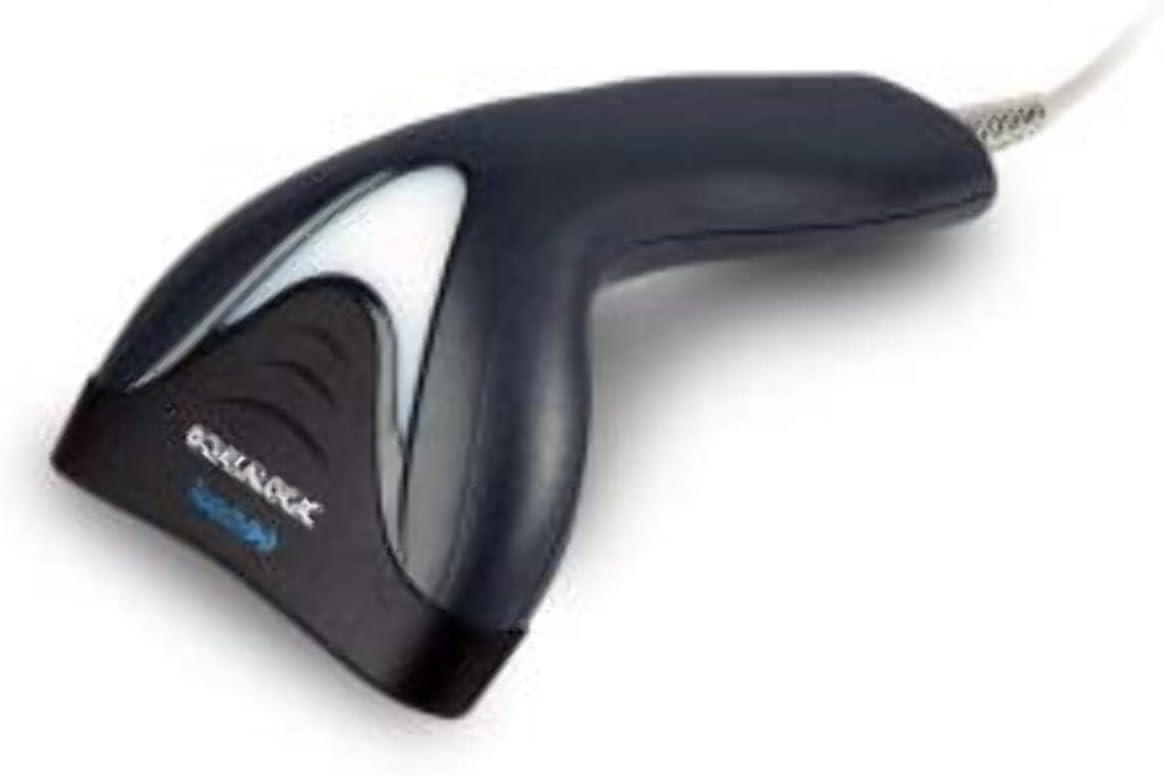
చిత్రం: వైపు view of the Datalogic Touch TD1100 90 Light barcode scanner, highlighting the integrated cable for connection.
ఆపరేటింగ్ సూచనలు
1. Basic Scanning Procedure
బార్కోడ్ని స్కాన్ చేయడానికి:
- స్కానర్ కనెక్ట్ చేయబడి, పవర్ ఆన్ చేయబడిందని నిర్ధారించుకోండి.
- Open an application on your computer where you want the scanned data to appear (e.g., a text editor, spreadsheet, or POS software).
- స్కానింగ్ విండో బార్కోడ్ వైపు ఉండేలా స్కానర్ను పట్టుకోండి.
- Press and hold the trigger button. A red aiming line or light will project from the scanning window.
- Position the aiming line across the entire barcode.
- Once the barcode is successfully read, the scanner will emit a beep and/or the indicator light will flash green. The data will then appear in your active application.
- ట్రిగ్గర్ బటన్ను విడుదల చేయండి.
2. Scanning Techniques
- సరైన దూరం: Hold the scanner at an appropriate distance from the barcode, typically between 2-10 cm (1-4 inches), depending on the barcode size and density.
- కోణం: Scan barcodes at a slight angle to avoid direct reflection, which can interfere with reading.
- Damaged Barcodes: For poorly printed or damaged barcodes, try scanning from different angles or distances.
నిర్వహణ
1. స్కానర్ను శుభ్రపరచడం
Regular cleaning helps maintain optimal scanning performance.
- స్కానింగ్ విండో: మెత్తని, మెత్తని బట్టను ఉపయోగించండి డిampened with a mild, non-abrasive cleaner (e.g., isopropyl alcohol or glass cleaner) to gently wipe the scanning window. Avoid harsh chemicals or abrasive materials.
- బాహ్య: బాహ్య భాగాన్ని తుడవండి casing తో a సాఫ్ట్, damp cloth. Do not allow liquids to enter the scanner.
- స్కానర్ను శుభ్రపరిచే ముందు దాని విద్యుత్ సరఫరా నుండి డిస్కనెక్ట్ చేయబడిందని నిర్ధారించుకోండి.
2. నిల్వ
When not in use, store the scanner in a clean, dry environment, away from direct sunlight, extreme temperatures, and corrosive materials.
ట్రబుల్షూటింగ్
If you encounter issues with your Datalogic TD1100 scanner, refer to the following common problems and solutions:
| సమస్య | సాధ్యమైన కారణం | పరిష్కారం |
|---|---|---|
| స్కానర్ పవర్ ఆన్ చేయదు లేదా ప్రతిస్పందించదు. | Loose cable connection, faulty USB port, power issue. |
|
| స్కానర్ బార్కోడ్లను చదవదు. | Incorrect scanning technique, damaged barcode, dirty scanning window, incompatible barcode type, application not ready. |
|
| స్కాన్ చేసిన డేటా తప్పుగా కనిపిస్తుంది. | Keyboard wedge settings, incorrect language settings. |
|
స్పెసిఫికేషన్లు
Key technical specifications for the Datalogic Touch TD1100 90 Light (TD1120-BK-90K1):
- మోడల్ సంఖ్య: TD1120-BK-90K1
- బ్రాండ్: డేటాలాజిక్
- స్కాన్ రేటు: సెకనుకు 90 ఫ్రేమ్లు (fps)
- కనెక్టివిటీ టెక్నాలజీ: బ్లూటూత్
- అనుకూల పరికరాలు: డెస్క్టాప్, ల్యాప్టాప్
- శక్తి మూలం: బ్యాటరీ ఆధారితమైనది
- వస్తువు బరువు: 153 గ్రాములు
- యొక్క నిజమైన కోణం View: 3.5 డిగ్రీలు
- తయారీదారు: డేటాలాజిక్
Note: Some specifications like "Battery Powered" and "Bluetooth" might be generic for the TD1100 series. The TD1120-BK-90K1 is primarily a wired USB scanner.
వారంటీ మరియు మద్దతు
వారంటీ సమాచారం
Datalogic products are covered by a standard manufacturer's warranty. For specific warranty terms and conditions, please refer to the warranty card included with your product or visit the official Datalogic webవారంటీ క్లెయిమ్ల కోసం మీ కొనుగోలు రుజువును ఉంచండి.
సాంకేతిక మద్దతు
For technical assistance, troubleshooting beyond this manual, or to inquire about repairs, please contact Datalogic customer support. You can typically find contact information on the Datalogic webసైట్లో లేదా మీ స్కానర్తో అందించిన డాక్యుమెంటేషన్లో.
- Datalogic Official Webసైట్: www.datalogic.com
- మద్దతు వనరులు: Check the support section of the webతరచుగా అడిగే ప్రశ్నలు, డ్రైవర్లు మరియు అదనపు డాక్యుమెంటేషన్ కోసం సైట్.