
1. పరిచయం
ధన్యవాదాలు, ధన్యవాదాలు.asing the FINLUX 32-FHD-5620 32-inch Smart HD Ready LED TV. This television combines high-definition viewing with smart features, including Freeview Play, Amazon Prime Video, and Alexa compatibility. This manual provides essential information for setting up, operating, and maintaining your new television. Please read it thoroughly before use and retain it for future reference.
2. భద్రతా సమాచారం
విద్యుత్ షాక్, మంటలు లేదా టెలివిజన్కు నష్టం జరగకుండా ఉండటానికి ఎల్లప్పుడూ క్రింది భద్రతా జాగ్రత్తలను పాటించండి.
- శక్తి మూలం: లేబుల్పై సూచించిన విధంగా టీవీని AC విద్యుత్ సరఫరాకు మాత్రమే కనెక్ట్ చేయండి.
- వెంటిలేషన్: తగినంత వెంటిలేషన్ ఉండేలా చూసుకోండి. వెంటిలేషన్ ఓపెనింగ్లను బ్లాక్ చేయవద్దు.
- నీరు మరియు తేమ: టీవీని వర్షం లేదా తేమకు గురిచేయవద్దు. టీవీపై ద్రవాలతో నిండిన వస్తువులను ఉంచవద్దు.
- శుభ్రపరచడం: శుభ్రపరిచే ముందు టీవీని అన్ప్లగ్ చేయండి. మృదువైన, పొడి వస్త్రాన్ని ఉపయోగించండి. ద్రవ లేదా ఏరోసోల్ క్లీనర్లను ఉపయోగించవద్దు.
- ప్లేస్మెంట్: టీవీని స్థిరమైన, సమతల ఉపరితలంపై ఉంచండి. ప్రత్యక్ష సూర్యకాంతిలో లేదా ఉష్ణ వనరుల దగ్గర ఉంచకుండా ఉండండి.
- సర్వీసింగ్: టీవీని మీరే సర్వీసింగ్ చేయడానికి ప్రయత్నించవద్దు. అన్ని సర్వీసింగ్లను అర్హత కలిగిన సర్వీస్ సిబ్బందికి సూచించండి.
3. పెట్టెలో ఏముంది
మీ టెలివిజన్ను జాగ్రత్తగా అన్ప్యాక్ చేసి, కింది అంశాలన్నీ చేర్చబడ్డాయో లేదో తనిఖీ చేయండి:
- FINLUX 32-FHD-5620 32-inch Smart HD Ready LED TV
- రిమోట్ కంట్రోల్ (2 AAA బ్యాటరీలతో సహా)
- టీవి స్టాండ్
- Instruction Booklets
- పవర్ కేబుల్

చిత్రం 1: ముందు view of the FINLUX 32-FHD-5620 TV with a colorful landscape displayed on screen, showcasing its design and central stand.
4. సెటప్
4.1 స్టాండ్ అటాచ్ చేయడం
- స్క్రీన్ దెబ్బతినకుండా ఉండటానికి టీవీ ముఖాన్ని మృదువైన, శుభ్రమైన ఉపరితలంపై ఉంచండి.
- టీవీ అడుగున ఉన్న మౌంటు రంధ్రాలతో స్టాండ్ను సమలేఖనం చేయండి.
- అందించిన స్క్రూలను ఉపయోగించి స్టాండ్ను భద్రపరచండి. అది గట్టిగా బిగించబడిందని నిర్ధారించుకోండి.
- టీవీని స్థిరమైన ఉపరితలంపై నిటారుగా ఉంచి జాగ్రత్తగా ఎత్తండి.
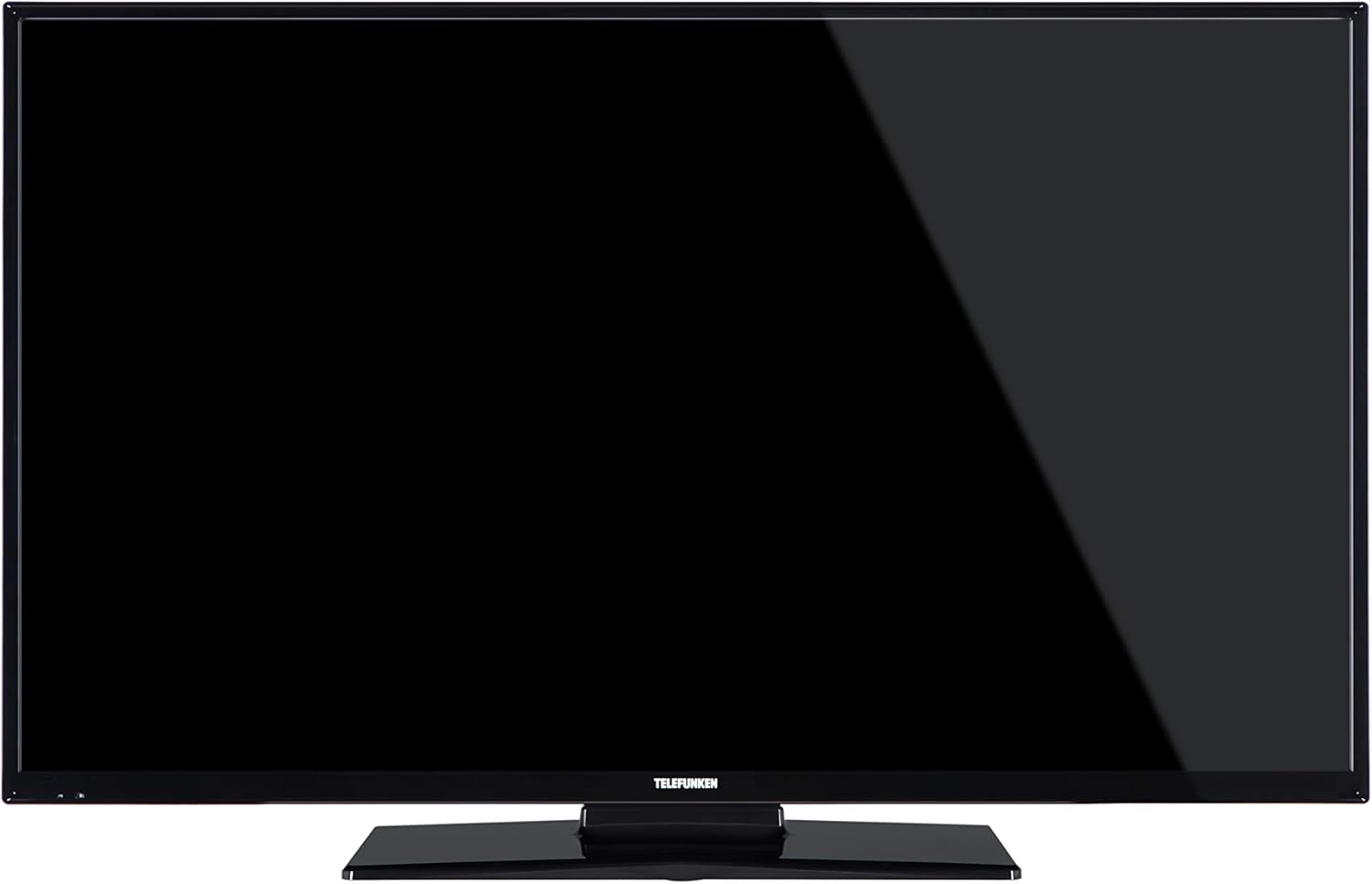
చిత్రం 2: ముందు view of the FINLUX 32-FHD-5620 TV with a black screen, demonstrating the TV's appearance with the stand installed.
4.2 వాల్ మౌంటింగ్ (ఐచ్ఛికం)
మీరు మీ టీవీని వాల్ మౌంట్ చేయాలని ఎంచుకుంటే, VESA-అనుకూల వాల్ మౌంట్ కిట్ను (చేర్చబడలేదు) ఉపయోగించాలని నిర్ధారించుకోండి మరియు వాల్ మౌంట్తో అందించిన సూచనలను అనుసరించండి. భద్రత మరియు సరైన ఇన్స్టాలేషన్ను నిర్ధారించడానికి ఎల్లప్పుడూ వాల్ మౌంటింగ్ కోసం ప్రొఫెషనల్ని సంప్రదించండి.
4.3 బాహ్య పరికరాలను కనెక్ట్ చేయడం
Your FINLUX TV offers various connectivity options. Refer to the image below for port locations.

చిత్రం 3: వైపు view of the FINLUX 32-FHD-5620 TV, highlighting the accessible input ports for external devices.
- HDMI: బ్లూ-రే ప్లేయర్లు, గేమ్ కన్సోల్లు లేదా సెట్-టాప్ బాక్స్లను కనెక్ట్ చేయండి.
- USB: మీడియా ప్లేబ్యాక్ కోసం USB నిల్వ పరికరాలను కనెక్ట్ చేయండి.
- యాంటెన్నా/కేబుల్: Connect your aerial for Freeview Play channels.
- ఈథర్నెట్: వైర్డు ఇంటర్నెట్ కనెక్షన్ కోసం.
- వీజీఏ: కంప్యూటర్ను కనెక్ట్ చేయండి.
4.4 పవర్ కనెక్షన్
Plug the power cable into the TV's power input, then into a wall socket.
4.5 ప్రారంభ సెటప్ విజార్డ్
మొదటిసారి పవర్-ఆన్ చేసినప్పుడు, టీవీ మీకు ప్రారంభ సెటప్ ప్రక్రియ ద్వారా మార్గనిర్దేశం చేస్తుంది. ఇందులో ఇవి ఉంటాయి:
- భాష ఎంపిక.
- Country/Region selection.
- Channel scanning (for Freeview ప్లే).
- నెట్వర్క్ కనెక్షన్ (Wi-Fi లేదా ఈథర్నెట్).
- Time zone settings.
5. మీ టీవీని ఆపరేట్ చేయడం
5.1 రిమోట్ కంట్రోల్
Insert the two AAA batteries into the remote control, ensuring correct polarity. The remote allows you to control all TV functions, including power, volume, channel selection, smart TV navigation, and menu access.
5.2 ప్రాథమిక టీవీ విధులు
- పవర్ ఆన్/ఆఫ్: రిమోట్ లేదా టీవీలో పవర్ బటన్ను నొక్కండి.
- వాల్యూమ్ నియంత్రణ: VOL +/- బటన్లను ఉపయోగించండి.
- ఛానెల్ ఎంపిక: CH +/- బటన్లు లేదా నంబర్ ప్యాడ్ ఉపయోగించండి.
- ఇన్పుట్ మూలం: Press the SOURCE button to switch between HDMI, USB, TV, etc.
5.3 స్మార్ట్ టీవీ ఫీచర్లు
Your FINLUX Smart TV provides access to a range of online content and services.
- ఉచితview ప్లే: Access over 60 TV channels and up to 15 HD channels. Scroll back in the TV Guide (EPG) to watch programs from the last 7 days from BBC iPlayer, ITV Hub, All 4, and Demand 5. Ensure your TV is connected to the internet.
- అమెజాన్ ప్రైమ్ వీడియో: Enjoy a wide selection of movies and TV shows.
- అలెక్సా ఇంటిగ్రేషన్: Control your TV using voice commands through an Amazon Echo or Echo Dot device. Pair your Alexa device with your TV to enable this feature.
- అమెజాన్ డాష్ భర్తీ: This feature allows the TV to automatically reorder batteries when they run low. Register for this service via the Dash Replenishment application on your TV.
5.4 నెట్వర్క్ కనెక్షన్
To access Smart TV features, your TV must be connected to the internet.
- Wi-Fi: Navigate to the TV's network settings, select your Wi-Fi network, and enter the password.
- ఈథర్నెట్: మీ రౌటర్ నుండి టీవీలోని LAN పోర్ట్కు ఈథర్నెట్ కేబుల్ను కనెక్ట్ చేయండి.
6. నిర్వహణ
6.1 మీ టీవీని శుభ్రపరచడం
- శుభ్రం చేసే ముందు టీవీని ఎల్లప్పుడూ అన్ప్లగ్ చేయండి.
- స్క్రీన్ మరియు క్యాబినెట్ను తుడవడానికి మృదువైన, పొడి, మెత్తటి బట్టను ఉపయోగించండి.
- Do not use liquid or spray cleaners, as they may damage the screen or cabinet.
6.2 సాఫ్ట్వేర్ నవీకరణలు
Your TV may receive software updates to improve performance and add new features. Ensure your TV is connected to the internet to receive these updates automatically or check for them manually in the settings menu.
7. ట్రబుల్షూటింగ్
మీ టీవీలో మీకు సమస్యలు ఎదురైతే, ఈ క్రింది సాధారణ సమస్యలు మరియు పరిష్కారాలను చూడండి.
| సమస్య | సాధ్యమైన పరిష్కారం |
|---|---|
| శక్తి లేదు | Check if the power cable is securely plugged into the TV and the wall outlet. Ensure the wall outlet has power. |
| చిత్రం లేదు, కానీ ధ్వని ఉంది | ఇన్పుట్ సోర్స్ను తనిఖీ చేయండి. బాహ్య పరికరాలు ఆన్ చేయబడి, సరిగ్గా కనెక్ట్ చేయబడ్డాయని నిర్ధారించుకోండి. వేరే HDMI కేబుల్ను ప్రయత్నించండి. |
| శబ్దం లేదు, కానీ చిత్రం ఉంది | వాల్యూమ్ స్థాయిని తనిఖీ చేయండి. మ్యూట్ యాక్టివేట్ చేయబడలేదని నిర్ధారించుకోండి. ఆడియో సెట్టింగ్లు మరియు బాహ్య ఆడియో కనెక్షన్లను తనిఖీ చేయండి. |
| రిమోట్ కంట్రోల్ పనిచేయడం లేదు | బ్యాటరీలను మార్చండి. రిమోట్ మరియు టీవీ యొక్క IR సెన్సార్ మధ్య ఎటువంటి అడ్డంకులు లేవని నిర్ధారించుకోండి. |
| Wi-Fiకి కనెక్ట్ చేయడం సాధ్యపడదు | Ensure your router is on and working. Re-enter the Wi-Fi password. Try restarting your router and TV. |
| Smart features not loading | Check your internet connection. Restart the TV. Ensure the TV's software is up to date. |
ఈ పరిష్కారాలను ప్రయత్నించిన తర్వాత కూడా సమస్య కొనసాగితే, దయచేసి కస్టమర్ మద్దతును సంప్రదించండి.
8. స్పెసిఫికేషన్లు
| మోడల్ సంఖ్య | 32-FHD-5620 |
| బ్రాండ్ | FINLUX |
| స్క్రీన్ పరిమాణం | 32 అంగుళాలు |
| ప్రదర్శన సాంకేతికత | LED |
| రిజల్యూషన్ | HD Ready (e.g., 1366x768 pixels). Note: Specifications mention 4K resolution, which may refer to supported input signals. The panel's native resolution is HD Ready. |
| రిఫ్రెష్ రేట్ | 50 Hz |
| ప్రత్యేక లక్షణాలు | Amazon Dash Replenishment, Works with Alexa, Freeview Play, Smart TV |
| కనెక్టివిటీ టెక్నాలజీ | Ethernet, HDMI, USB, VGA |
| మద్దతు ఉన్న ఇంటర్నెట్ సేవలు | Alexa, Amazon Prime Video |
| మౌంటు రకం | Wall Mount, Table Mount |
| బ్యాటరీలు | 2 AAA (రిమోట్ కోసం చేర్చబడింది) |
| ప్యాకేజీ కొలతలు (సుమారుగా) | 91 x 58 x 15.5 సెం.మీ |
| ప్యాకేజీ బరువు (సుమారుగా) | 7.1 కిలోలు |
9. వారంటీ మరియు మద్దతు
9.1 వారంటీ సమాచారం
Your FINLUX TV is covered by a manufacturer's warranty. Please refer to the warranty card included in your product packaging or visit the official FINLUX webవివరణాత్మక వారంటీ నిబంధనలు మరియు షరతుల కోసం సైట్ను చూడండి. వారంటీ క్లెయిమ్ల కోసం మీ కొనుగోలు రుజువును ఉంచండి.
9.2 కస్టమర్ మద్దతు
For technical assistance, troubleshooting beyond this manual, or service inquiries, please contact FINLUX customer support. Contact details can typically be found on the official FINLUX webసైట్ లేదా మీ టీవీతో అందించిన డాక్యుమెంటేషన్లో.
ఆన్లైన్ మద్దతు: Visit the official FINLUX webతరచుగా అడిగే ప్రశ్నలు, సాఫ్ట్వేర్ డౌన్లోడ్లు మరియు మద్దతు సంప్రదింపు సమాచారం కోసం సైట్.