
పరిచయం
Thank you for choosing Blukar K9203 In-Ear Headphones. This manual provides essential information for the proper setup, operation, and maintenance of your headphones. Please read it carefully before use.

Image: Diagram illustrating the internal components of the Blukar K9203 in-ear headphones, highlighting dynamic audio quality. A frequency response graph is also shown below the headphone diagram.
సెటప్
1. కుడి చెవి చిట్కాలను ఎంచుకోవడం
The Blukar K9203 headphones come with four sizes of soft silicone ear tips (XS, S, M, L) to ensure a comfortable and stable fit. Choosing the correct size is crucial for optimal sound quality and noise isolation.
- Test different sizes: Try each ear tip size to find the one that creates a snug seal in your ear canal without causing discomfort.
- సరైన అమరిక: A good fit will block out external noise and enhance bass response.

Image: A visual guide showing the four different sizes of silicone ear tips (XS, S, M, L) included with the Blukar K9203 headphones. A person is shown wearing the headphones, demonstrating proper fit.
2. మీ పరికరానికి కనెక్ట్ చేస్తోంది
The Blukar K9203 headphones feature a standard 3.5mm audio jack for wide compatibility.
- Locate the audio port: Identify the 3.5mm headphone jack on your smartphone, tablet, laptop, or other audio device.
- Insert the jack: Firmly insert the 3.5mm audio jack of the headphones into your device's audio port until it clicks into place.
- అనుకూలత: These headphones are compatible with most devices equipped with a 3.5mm headphone jack.
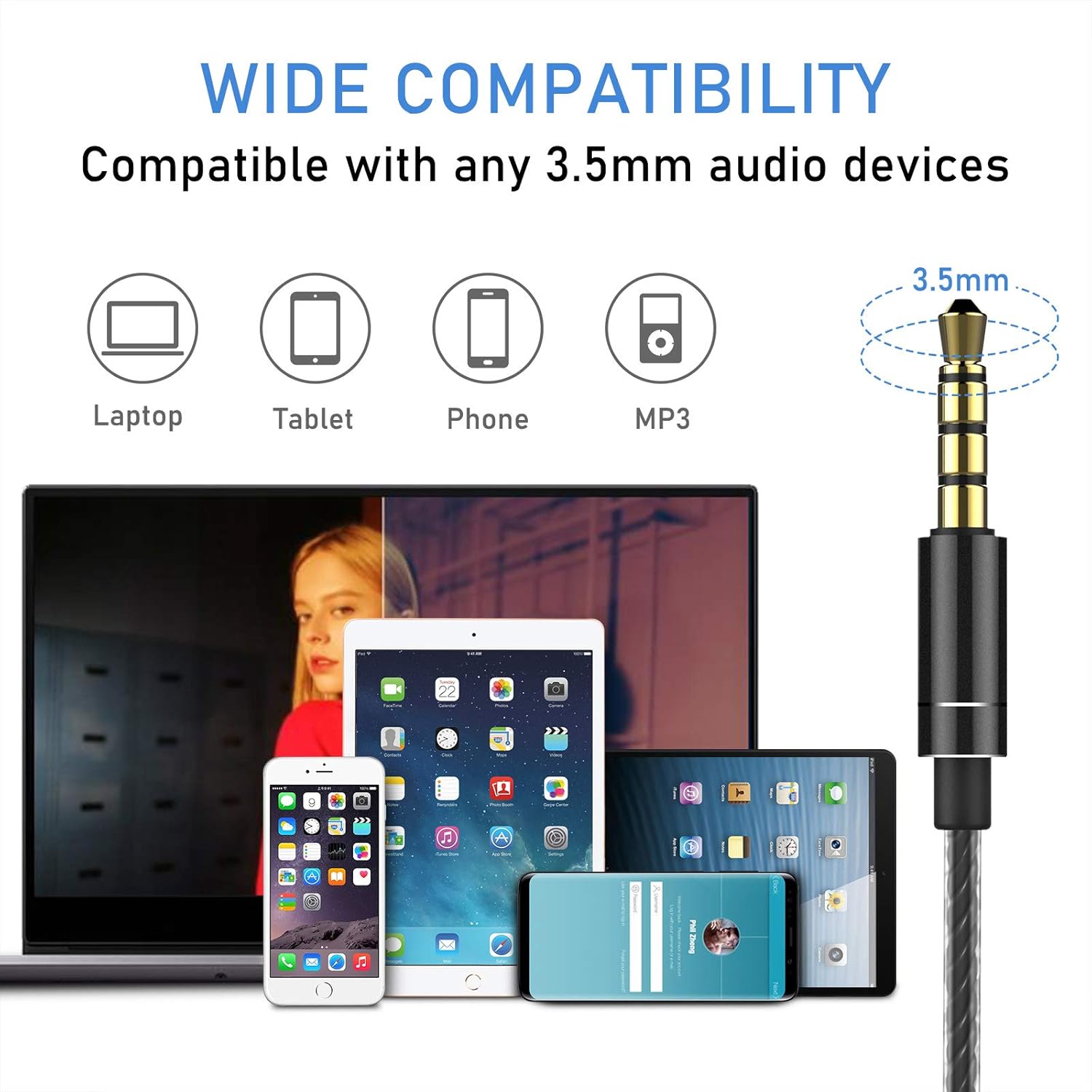
Image: An illustration demonstrating the wide compatibility of the Blukar K9203 headphones' 3.5mm jack with various devices, including laptops, tablets, smartphones, and MP3 players.
ఆపరేటింగ్ సూచనలు
The Blukar K9203 headphones feature an in-line remote control with a built-in microphone for convenient audio and call management.
రిమోట్ కంట్రోల్ విధులు:
| చర్య | ఫంక్షన్ |
|---|---|
| వాల్యూమ్ అప్ (+) | వాల్యూమ్ పెంచండి |
| వాల్యూమ్ డౌన్ (-) | వాల్యూమ్ తగ్గించండి |
| Press once (Center Button) | సంగీతాన్ని ప్లే చేయండి/పాజ్ చేయండి; కాల్కు సమాధానం ఇవ్వండి/ముగించండి |
| Double click (Center Button) | తదుపరి పాట |
| Triple click (Center Button) | మునుపటి పాట |
| Long press (Center Button) | ఇన్కమింగ్ కాల్ని తిరస్కరించండి |

చిత్రం: వివరణాత్మక view of the in-line remote control on the Blukar K9203 headphones, illustrating the functions of each button for music playback and call management.
మైక్రోఫోన్ వినియోగం:
The integrated HD microphone allows for clear conversations during calls. Ensure the microphone is positioned appropriately for optimal voice pickup.

Image: Individuals using the Blukar K9203 headphones in different environments, highlighting the noise-isolating capabilities for an immersive audio experience.
నిర్వహణ
Proper care will extend the lifespan of your Blukar K9203 headphones.
- శుభ్రపరచడం: Regularly clean the ear tips with a soft, dry cloth. For deeper cleaning, remove the ear tips and wash them with mild soap and water, ensuring they are completely dry before reattaching.
- కేబుల్ కేర్: Avoid sharp bends, twists, or excessive pulling on the cable. Store the headphones neatly to prevent tangling. The durable metal and plastic material of the cable is designed to resist wear, but proper handling is still recommended.
- నిల్వ: When not in use, store the headphones in a clean, dry place, preferably in a protective pouch to prevent dust accumulation and physical damage.
- తేమను నివారించండి: While the headphones have some water resistance, avoid prolonged exposure to water or high humidity. Do not submerge them in liquid.
ట్రబుల్షూటింగ్
If you encounter issues with your Blukar K9203 headphones, refer to the following common solutions:
ధ్వని లేదు లేదా తక్కువ వాల్యూమ్:
- కనెక్షన్ని తనిఖీ చేయండి: మీ పరికరం యొక్క ఆడియో పోర్ట్లో 3.5mm జాక్ పూర్తిగా చొప్పించబడిందని నిర్ధారించుకోండి.
- వాల్యూమ్ స్థాయిలు: Verify that the volume on both your device and the headphone's in-line remote is turned up.
- ఆడియో మూలం: Confirm that the audio is playing correctly from your device's selected output.
- మరొక పరికరంతో పరీక్షించండి: Connect the headphones to a different device to determine if the issue is with the headphones or the original device.
పేలవమైన ధ్వని నాణ్యత (వక్రీకరణ, మఫ్ల్డ్ సౌండ్):
- చెవి చిట్కా ఫిట్: Ensure you are using the correct size ear tips for a proper seal. An improper fit can significantly affect sound quality, especially bass.
- Clean Ear Tips/Grilles: Check if the ear tips or headphone grilles are obstructed by earwax or debris. Clean them carefully.
- ఆడియో సోర్స్ నాణ్యత: Low-quality audio files or streaming can result in poor sound. Try playing a high-quality audio file.
మైక్రోఫోన్ పనిచేయకపోవడం:
- పరికర అనుకూలత: Ensure your device supports external microphones via the 3.5mm jack.
- యాప్ అనుమతులు: Check microphone permissions in the settings of the app you are using (e.g., calling app, voice recorder).
- టెస్ట్ మైక్రోఫోన్: Use a voice recording app on your device to test if the microphone is picking up sound.
స్పెసిఫికేషన్లు
| ఫీచర్ | వివరాలు |
|---|---|
| బ్రాండ్ | బ్లుకర్ |
| మోడల్ సంఖ్య | K9203 |
| కనెక్టివిటీ టెక్నాలజీ | వైర్డు (3.5mm జాక్) |
| చెవి ప్లేస్మెంట్ | ఇన్-ఇయర్ |
| ఫారమ్ ఫ్యాక్టర్ | ఇన్-ఇయర్ |
| నాయిస్ కంట్రోల్ | సౌండ్ ఐసోలేషన్ |
| మైక్రోఫోన్ | ఇంటిగ్రేటెడ్ |
| నియంత్రణ రకం | Volume Control, Button Push |
| ఫ్రీక్వెన్సీ రేంజ్ | 20 హెర్ట్జ్ - 20,000 హెర్ట్జ్ |
| ఆడియో డ్రైవర్ రకం | డైనమిక్ |
| మెటీరియల్ | Silicone, Plastic, Metal |
| కేబుల్ ఫీచర్లు | Durable, 120 cm length |
| నీటి నిరోధక స్థాయి | Waterproof (Implies resistance, not submersible) |
| అనుకూల పరికరాలు | Phones, Mobile Phones, Laptops, Tablets |
| చేర్చబడిన భాగాలు | Cable, Ear Tips (XS/S/M/L) |
| రంగు | బూడిద రంగు |
| జిటిఐఎన్ (యుపిసి) | 631060836911 |
వారంటీ సమాచారం
Blukar products are designed and manufactured to the highest quality standards. For specific warranty details, please refer to the warranty card included with your purchase or contact Blukar customer support. Typically, a standard manufacturer's warranty covers defects in materials and workmanship under normal use.
కస్టమర్ మద్దతు
If you have any questions, require technical assistance, or need further support regarding your Blukar K9203 In-Ear Headphones, please contact Blukar customer service through the retailer where you purchased the product or visit the official Blukar webసంప్రదింపు సమాచారం కోసం సైట్.
For online support, you may visit the Blukar store page: Blukar Store