
పరిచయం
This manual provides instructions for the LeadsaiL Wireless Optical Mouse, model LX005. This 2.4 GHz wireless mouse offers a stable connection, silent clicks, and adjustable DPI settings for various computing needs. It is designed for comfort and portability, suitable for use with laptops and personal computers.
The mouse features a silent click design, minimizing noise during use, making it ideal for environments where quiet operation is essential. Its 2.4GHz wireless technology ensures a reliable connection over a range of up to 10 meters. The mouse has undergone a 5,000,000 click test, ensuring long-lasting usage.

Image: A close-up of a hand using the LeadsaiL wireless mouse, with an overlay highlighting that the mouse has been tested for 5,000,000 clicks to ensure durability.
సెటప్ సూచనలు
- బ్యాటరీని చొప్పించండి: Open the battery compartment located on the underside of the mouse. Insert one AA battery (included with some models, otherwise purchase separately) ensuring correct polarity.

Image: The underside of the LeadsaiL wireless mouse, illustrating the battery compartment for a single AA battery and the storage slot for the Nano USB receiver. The power switch is also visible.
- USB రిసీవర్ను తిరిగి పొందండి: The Nano USB receiver is stored in a dedicated slot next to the battery compartment on the mouse's underside. Gently pull it out.
- రిసీవర్ను కనెక్ట్ చేయండి: Plug the Nano USB receiver into an available USB port on your computer or laptop.

Image: A LeadsaiL wireless mouse in use with a laptop, demonstrating the 2.4GHz wireless connection established by the USB receiver plugged into the laptop's side.
- పవర్ ఆన్: Locate the ON/OFF switch on the bottom of the mouse and slide it to the "ON" position.
- ఆటోమేటిక్ కనెక్షన్: The mouse should automatically connect to your computer. No additional drivers are typically required (Plug and Play).
ఆపరేటింగ్ సూచనలు
- నిశ్శబ్ద క్లిక్లు: The mouse features a silent click design, minimizing noise during use. This is beneficial in quiet environments.
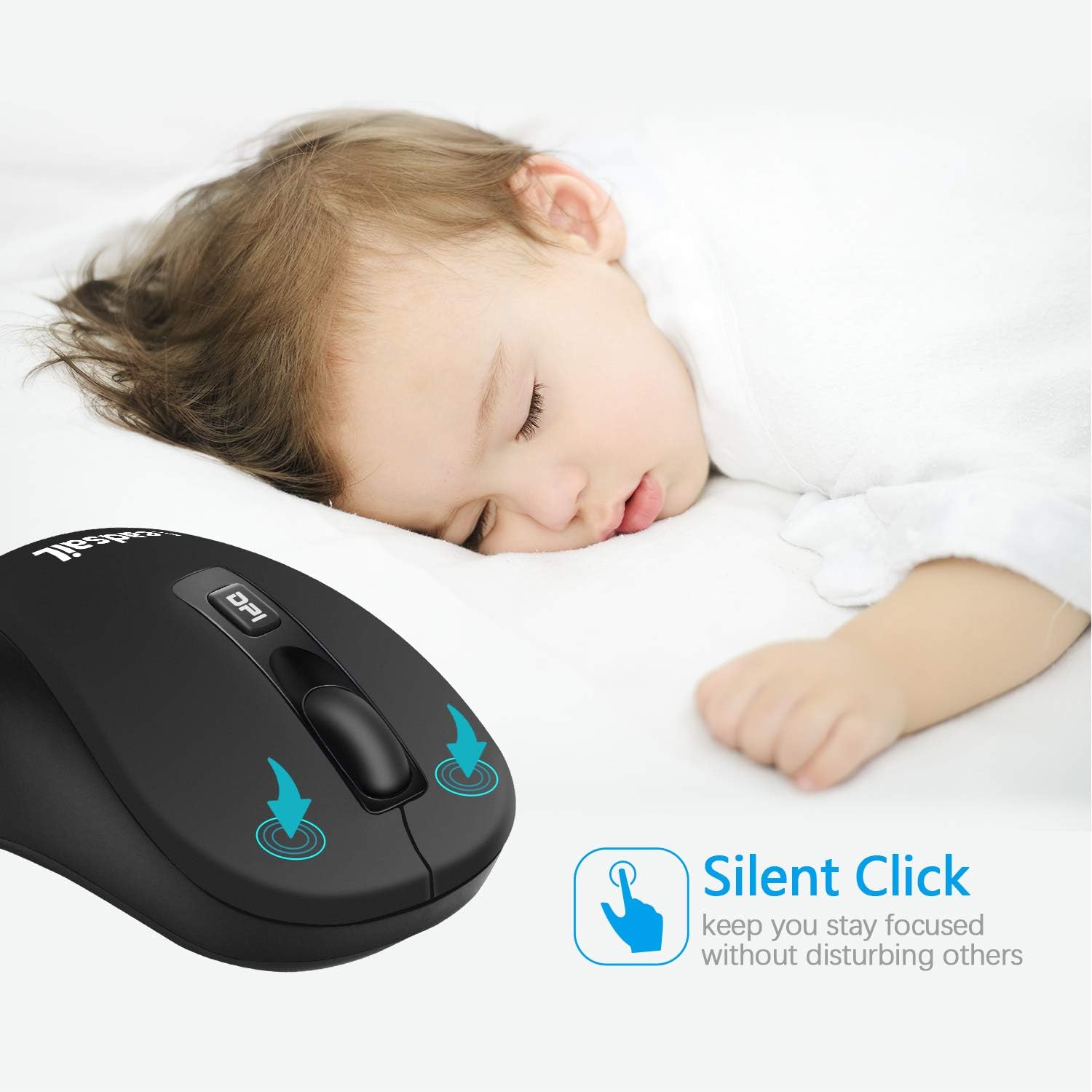
Image: A LeadsaiL wireless mouse with an overlay indicating "Silent Click," positioned near a sleeping baby, emphasizing its quiet operation.
- DPI సర్దుబాటు: The mouse offers three adjustable DPI settings: 800, 1200, and 1600. Press the DPI button, usually located behind the scroll wheel, to cycle through these settings. A higher DPI provides faster cursor movement, while a lower DPI offers more precise control. The default setting is 1600 DPI.
- వైర్లెస్ పరిధి: The 2.4GHz wireless connection provides a reliable operating range of up to 10 meters (approximately 33 feet) without interference.
- ఉపరితల అనుకూలత: The optical sensor allows for smooth operation on various surfaces, including mouse pads, desks, and glass surfaces.
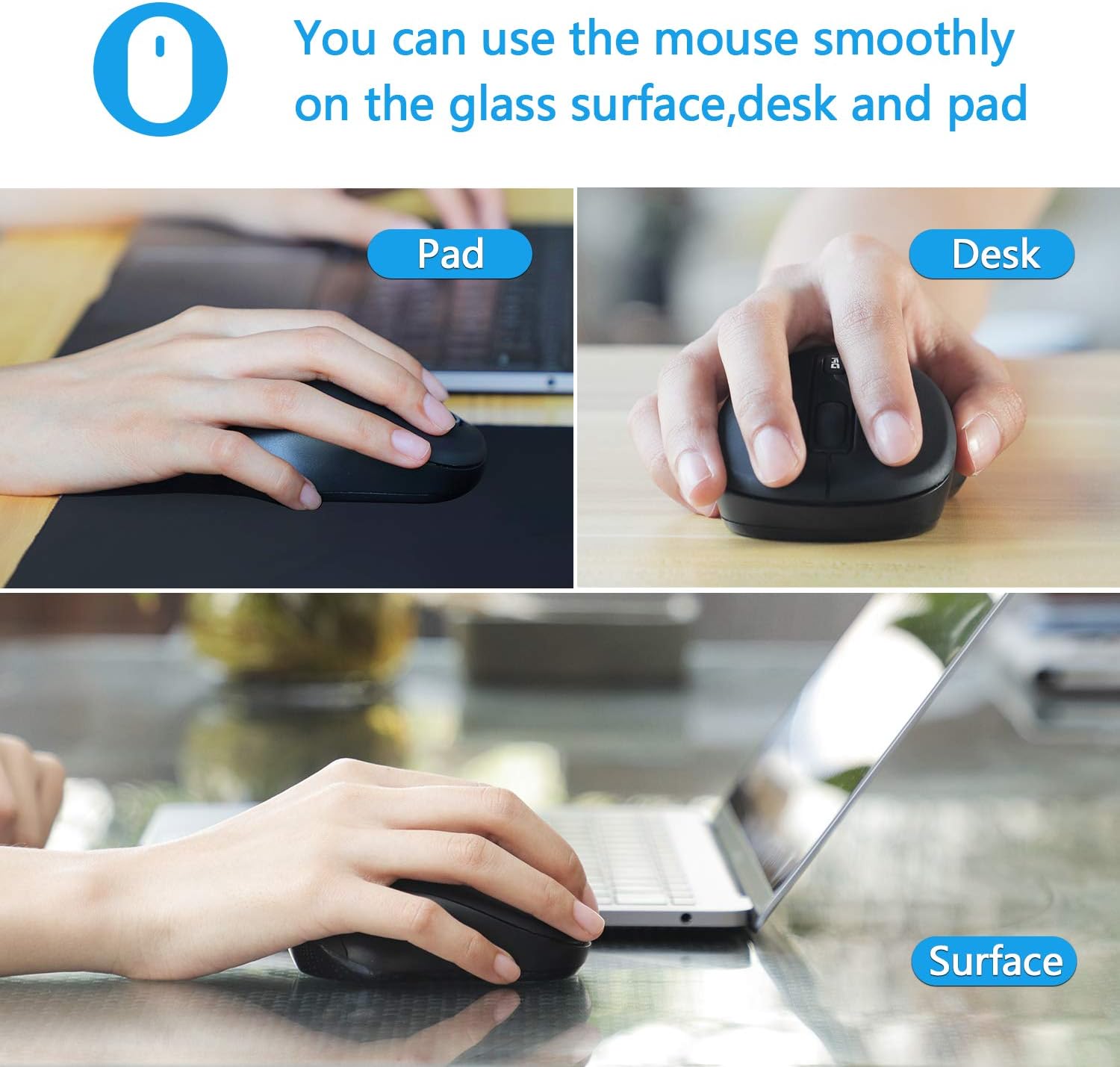
Image: A LeadsaiL wireless mouse demonstrated in use on three different surfaces: a mouse pad, a wooden desk, and a glass surface, highlighting its versatile tracking capabilities.
నిర్వహణ
- బ్యాటరీ భర్తీ: When the mouse performance degrades or the indicator light (if present) signals low power, replace the AA battery. Ensure the mouse is switched off before replacing the battery.
- పవర్ సేవింగ్ మోడ్: To conserve battery life, the mouse will enter an energy-saving mode after 8 minutes of inactivity. To reactivate, simply move or click the mouse.
- శుభ్రపరచడం: Use a soft, dry cloth to clean the exterior of the mouse. Avoid using harsh chemicals or abrasive materials.
- నిల్వ: When not in use for extended periods, switch off the mouse using the ON/OFF switch on the bottom. For transport, store the Nano USB receiver in its dedicated slot on the mouse's underside to prevent loss.
ట్రబుల్షూటింగ్
- మౌస్ స్పందించడం లేదు:
- Ensure the mouse is switched "ON".
- AA బ్యాటరీ సరిగ్గా చొప్పించబడిందో లేదో మరియు తగినంత ఛార్జ్ ఉందో లేదో తనిఖీ చేయండి. అవసరమైతే భర్తీ చేయండి.
- USB రిసీవర్ మీ కంప్యూటర్లోని పనిచేసే USB పోర్ట్లోకి సురక్షితంగా ప్లగ్ చేయబడిందని ధృవీకరించండి.
- USB రిసీవర్ని వేరే USB పోర్ట్కి ప్లగ్ చేసి ప్రయత్నించండి.
- పరిధి సమస్యలను తోసిపుచ్చడానికి మౌస్ను USB రిసీవర్కి దగ్గరగా తరలించండి.
- అడపాదడపా కనెక్షన్:
- Ensure there are no large metallic objects or other wireless devices operating on the 2.4GHz frequency between the mouse and the receiver, as these can cause interference.
- వేరే ఉపరితలంపై మౌస్ని ఉపయోగించి ప్రయత్నించండి.
- Cursor Movement is Erratic or Slow:
- మౌస్లోని DPI బటన్ను ఉపయోగించి DPI సెట్టింగ్ను సర్దుబాటు చేయండి.
- మౌస్ అడుగున ఉన్న ఆప్టికల్ సెన్సార్ను మృదువైన, పొడి వస్త్రంతో శుభ్రం చేయండి.
- Ensure the surface you are using the mouse on is clean and suitable for optical tracking.
స్పెసిఫికేషన్లు
| మోడల్ సంఖ్య | LX005 |
| కనెక్టివిటీ టెక్నాలజీ | 2.4 GHz వైర్లెస్ (USB రిసీవర్) |
| మూవ్మెంట్ డిటెక్షన్ టెక్నాలజీ | ఆప్టికల్ |
| DPI సెట్టింగులు | 800 / 1200 / 1600 (సర్దుబాటు) |
| బటన్ల సంఖ్య | 4 |
| చేతి ధోరణి | సవ్యసాచి |
| వైర్లెస్ రేంజ్ | 10 మీటర్ వరకు |
| శక్తి మూలం | 1 x AA బ్యాటరీ |
| సగటు బ్యాటరీ జీవితం | 12 months (approximate) |
| అనుకూల పరికరాలు | వ్యక్తిగత కంప్యూటర్, ల్యాప్టాప్ |
| అనుకూలమైన ఆపరేటింగ్ సిస్టమ్స్ | Windows 7/8/10/XP, Vista 7/8, Linux (Not compatible with Pro or other laptops with only Type-C ports) |
| ఉత్పత్తి కొలతలు | 115 x 62 x 32 మిమీ (4.5 x 2.4 x 1.3 అంగుళాలు) |
| ఉత్పత్తి బరువు | 62గ్రా (2.2 oz) |
| ప్యాకేజీ విషయాలు | Wireless Mouse, USB Receiver, User Manual |

చిత్రం: పై నుండి క్రిందికి view of the LeadsaiL wireless mouse, showing its approximate dimensions of 11 cm in length and 6.6 cm in width.
వారంటీ మరియు మద్దతు
Specific warranty information and direct support contact details are not provided in the product description. Please refer to the retailer or manufacturer's official website for warranty terms and customer support options.