
1. పరిచయం
The Voxelab Aquila X2 is an open-source FDM (Fused Deposition Modeling) 3D printer designed for both beginners and experienced users. It features a robust metal frame, a removable build plate, and intelligent functions like filament detection and resume printing. This manual provides essential information for safe and effective use of your printer.

Image: The Voxelab Aquila X2 3D Printer with a sample print.
2. భద్రతా సూచనలు
Please read and understand all safety instructions before operating the printer to prevent injury or damage.
- ప్రింటర్ను ఎల్లప్పుడూ బాగా వెంటిలేషన్ ఉన్న ప్రదేశంలో ఆపరేట్ చేయండి.
- Keep the printer away from flammable materials, heat sources, and water.
- Do not touch the nozzle or heated bed during operation, as they reach high temperatures.
- ఆపరేషన్ సమయంలో పిల్లలు మరియు పెంపుడు జంతువులను ప్రింటర్ నుండి దూరంగా ఉంచండి.
- విద్యుత్ సరఫరా వాల్యూమ్ నిర్ధారించుకోండిtage matches your local requirements.
- Do not attempt to modify the printer's electrical components.
- ఏదైనా నిర్వహణ లేదా శుభ్రపరిచే ముందు పవర్ అవుట్లెట్ నుండి ప్రింటర్ను అన్ప్లగ్ చేయండి.
3. ప్యాకేజీ విషయాలు
Upon receiving your Voxelab Aquila X2, verify that all components are present and undamaged. The package typically includes:
- Voxelab Aquila X2 3D Printer (partially assembled)
- Filament spool holder
- పవర్ కేబుల్
- USB కేబుల్
- SD కార్డ్ మరియు కార్డ్ రీడర్
- అసెంబ్లీ మరియు నిర్వహణ కోసం ఉపకరణాలు
- Sampలె ఫిలమెంట్
- వినియోగదారు మాన్యువల్ (ఈ పత్రం)
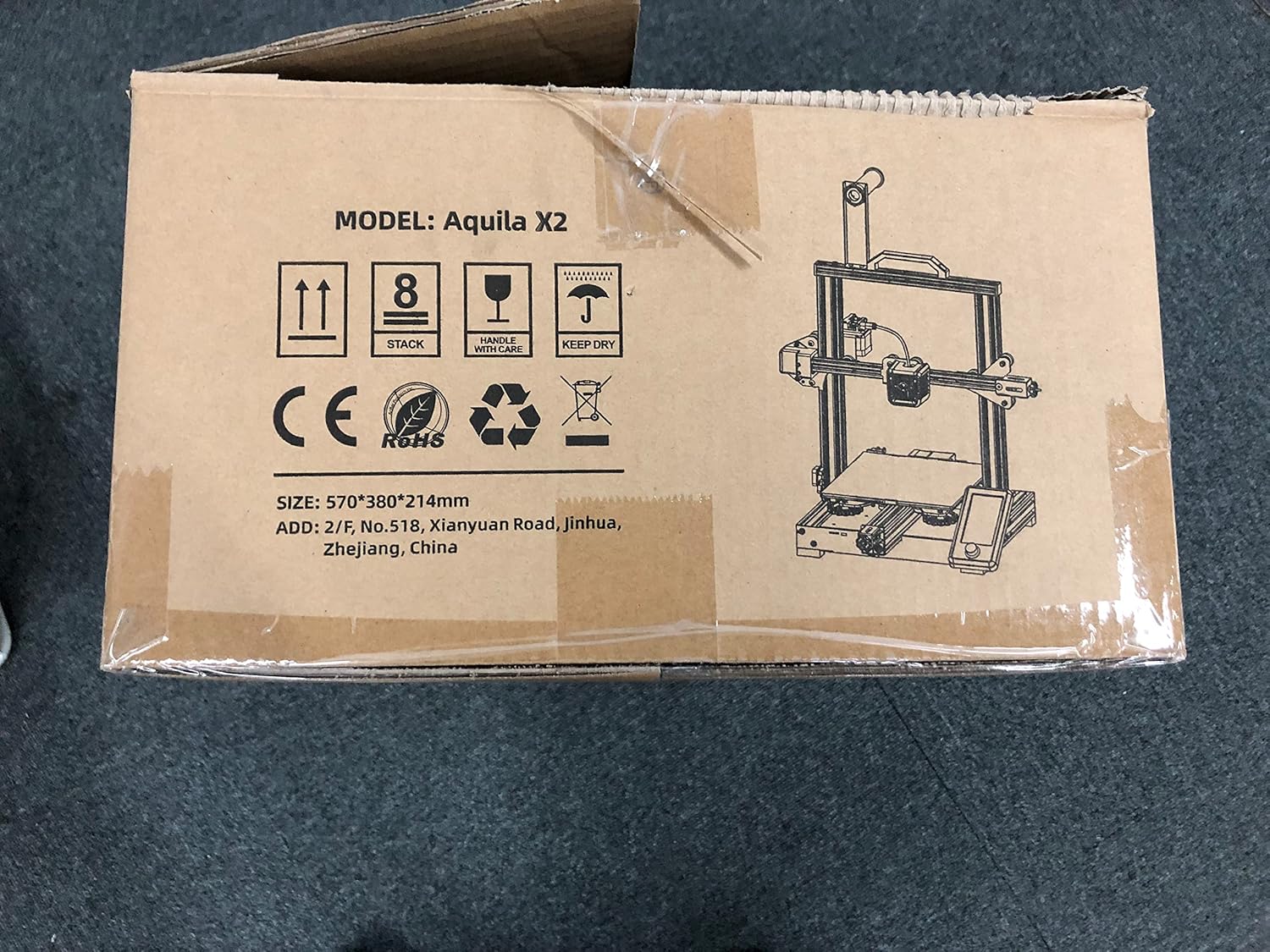
Image: The Voxelab Aquila X2 product packaging.
4. సెటప్ గైడ్
The Aquila X2 comes semi-assembled. Follow these steps to complete the setup:
4.1 అసెంబ్లీ
- భాగాలను అన్ప్యాక్ చేయండి: ప్యాకేజింగ్ నుండి అన్ని భాగాలను జాగ్రత్తగా తొలగించండి.
- గాంట్రీని అటాచ్ చేయండి: Secure the gantry to the base using the provided screws. Ensure it is aligned correctly.
- Install Spool Holder: Mount the filament spool holder onto the designated position on the frame.
- కేబుల్స్ కనెక్ట్ చేయండి: Connect all motor, endstop, and hotend cables according to the labels. Double-check connections for security.
- విద్యుత్ సరఫరా తనిఖీ: Verify the power supply switch is set to the correct voltagమీ ప్రాంతం కోసం (115V లేదా 230V).
4.2 Initial Leveling
Accurate bed leveling is crucial for successful prints.
- పవర్ ఆన్: ప్రింటర్ను ఆన్ చేయండి.
- ఆటో హోమ్: Navigate to the 'Prepare' menu on the screen and select 'Auto Home'. The nozzle will move to the home position.
- స్టెప్పర్లను నిలిపివేయండి: Select 'Disable Steppers' from the 'Prepare' menu to move the print head freely.
- Adjust Corners: Move the nozzle to each corner of the print bed. Use a piece of paper between the nozzle and the bed. Adjust the bed leveling knobs until there is slight friction when moving the paper.
- Center Check: Repeat the process for the center of the bed.

Image: Voxelab Aquila X2 3D Printer dimensions.
5. ఆపరేటింగ్ సూచనలు
This section covers basic operation, from loading filament to starting your first print.
5.1 లోడింగ్ ఫిలమెంట్
- ముందుగా వేడి చేయండి: On the printer's screen, select 'Prepare' > 'Preheat PLA' (or appropriate filament type).
- ఫిలమెంట్ చొప్పించు: Once the hotend reaches temperature, insert the filament into the filament detection sensor and then into the extruder's input hole.
- Feed Filament: Gently push the filament until it exits the nozzle. You may need to press the extruder lever to release tension.

Image: The Voxelab Aquila X2 3D Printer in operation, highlighting its features.
5.2 ముద్రణను ప్రారంభించడం
- Prepare G-code: Use a slicing software (e.g., Cura, VoxelMaker) to convert your 3D model (.STL, .OBJ) into a G-code file. దీన్ని సేవ్ చేయండి file to the provided SD card.
- SD కార్డ్ని చొప్పించండి: Insert the SD card into the printer's card slot.
- ఎంచుకోండి File: On the printer's screen, navigate to 'Print' and select your desired G-code file.
- మానిటర్ ప్రింట్: The printer will begin heating and then start printing. Monitor the first few layers to ensure proper adhesion.

Image: The printer's colorful screen with rotary knob for navigation.
6 కీ ఫీచర్లు
The Voxelab Aquila X2 incorporates several features to enhance your 3D printing experience:
- Filament Detection Sensor: Automatically pauses printing and notifies you when filament runs out or breaks, preventing failed prints and material waste.
- రెజ్యూమ్ ప్రింటింగ్ ఫంక్షన్: ఒక పవర్ విషయంలో outage, the printer can resume printing from where it left off once power is restored.
- Removable Carbon Silicon Crystal Glass Plate: Provides strong adhesion during printing and allows for easy removal of finished prints once cooled. Heats up quickly.
- Large Build Volume: Offers a generous print area of 220 x 220 x 250 mm for various project sizes.
- Open-Source Technology: Allows for flexible upgrades and modifications, catering to advanced users.
- నిశ్శబ్ద ఆపరేషన్: Designed to operate with noise levels below 50 decibels for a more pleasant printing environment.

Image: Visual representation of the resume printing and filament detection features.

చిత్రం: పైగాview of key features including all-metal body, high precision, and color screen.
7. నిర్వహణ
క్రమం తప్పకుండా నిర్వహణ ఉత్తమ పనితీరును నిర్ధారిస్తుంది మరియు మీ ప్రింటర్ యొక్క జీవితకాలాన్ని పొడిగిస్తుంది.
- Clean Print Bed: After each print, allow the bed to cool and then clean it with isopropyl alcohol to remove any residue.
- నాజిల్ తనిఖీ: నాజిల్లో మూసుకుపోయిందా లేదా అరిగిపోయిందా అని క్రమానుగతంగా తనిఖీ చేయండి. అవసరమైతే దాన్ని మార్చండి.
- కదిలే భాగాలను లూబ్రికేట్ చేయండి: Apply a small amount of lithium grease to the Z-axis lead screw and smooth rods every few months.
- Tighten Belts: Ensure the X and Y axis belts are properly tensioned. They should be taut but not overly tight.
- ఫర్మ్వేర్ నవీకరణలు: Check the Voxelab webపనితీరును మెరుగుపరచడానికి మరియు కొత్త ఫీచర్లను జోడించడానికి అందుబాటులో ఉన్న ఏవైనా ఫర్మ్వేర్ నవీకరణల కోసం సైట్.
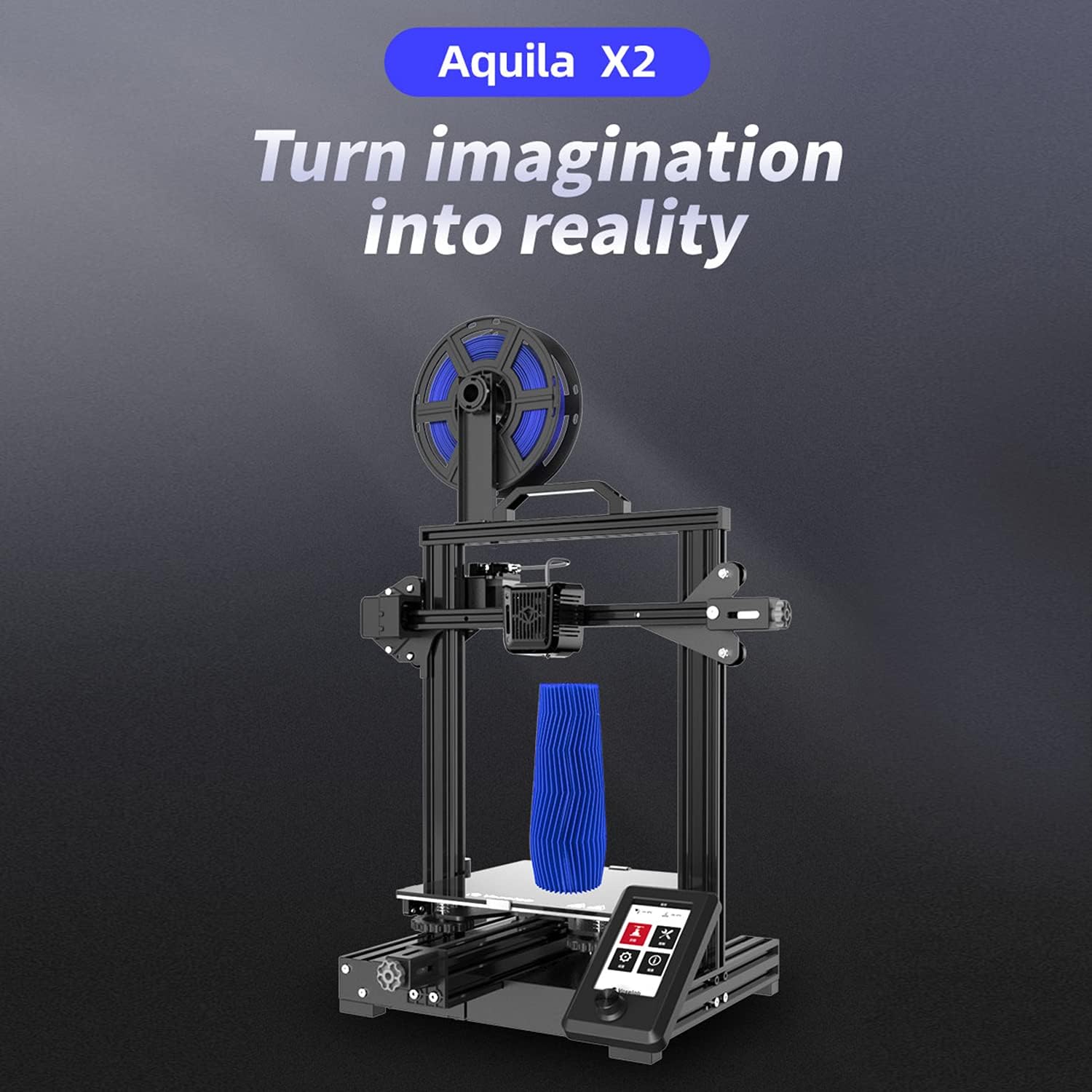
Image: The ultra-flat glass print bed, important for print adhesion and maintenance.
8. ట్రబుల్షూటింగ్
సాధారణ సమస్యలు మరియు వాటి సంభావ్య పరిష్కారాల కోసం ఈ విభాగాన్ని చూడండి.
- Print Not Sticking to Bed:
సాధ్యమయ్యే కారణాలు: Bed not level, nozzle too far from bed, bed not heated, dirty print surface, incorrect initial layer settings.
పరిష్కారాలు: Re-level the bed, adjust Z-offset, ensure bed temperature is appropriate for filament, clean bed with isopropyl alcohol, check slicer settings for initial layer height and speed. - Filament Not Extruding:
సాధ్యమయ్యే కారణాలు: మూసుకుపోయిన నాజిల్, చిక్కుబడ్డ ఫిలమెంట్, సరికాని ఉష్ణోగ్రత, ఎక్స్ట్రూడర్ గేర్ స్లిప్.
పరిష్కారాలు: Clean or replace nozzle, untangle filament, ensure hotend temperature is correct for filament, check extruder tension. - Poor Print Quality (Layer Shifts, Gaps):
సాధ్యమయ్యే కారణాలు: Loose belts, unstable printer, incorrect print speed, worn nozzle.
పరిష్కారాలు: Tighten X and Y axis belts, ensure printer is on a stable surface, reduce print speed, replace nozzle. - ప్రింటర్ ఆన్ చేయడం లేదు:
సాధ్యమయ్యే కారణాలు: Loose power cable, incorrect voltage switch setting, faulty power supply.
పరిష్కారాలు: Check power cable connections, verify power supply voltage switch, contact support if issue persists.
9. స్పెసిఫికేషన్లు
Detailed technical specifications for the Voxelab Aquila X2 3D Printer:
| ఫీచర్ | స్పెసిఫికేషన్ |
|---|---|
| Extruder Number | 1 |
| ఎక్స్ట్రూడర్ వ్యాసం | 0.4 మి.మీ |
| Max Extruder Temp. | 250 °C |
| Max Platform Temp. | 110 °C |
| ప్రింట్ స్పీడ్ | ≤180mm/s (50-80mm/s normally) |
| Support Filament | PLA, ABS, PETG |
| ప్రింట్ వాల్యూమ్ | 220 x 220 x 250 మిమీ |
| లేయర్ రిజల్యూషన్ | 0.1-0.4 మి.మీ |
| ప్రింట్ రిజల్యూషన్ | ± 0.2 మి.మీ |
| పరికర పరిమాణం | 473 x 480 x 473 మిమీ |
| నికర బరువు | 8.2 కిలోలు |
| ఇన్పుట్ వాల్యూమ్tage | ఎసి 115/230 వి 50/60 హెర్ట్జ్ |
| అవుట్పుట్ వాల్యూమ్tage | DC 24V |
| శక్తి | 350 W |
| పని వాతావరణం | 15-30 °C |

Image: Technical specifications of the Voxelab Aquila X2.
10. వారంటీ మరియు మద్దతు
Voxelab provides a 12-month warranty for all 3D printers, along with lifetime technical support and 12-hour professional customer service.
For technical assistance, troubleshooting, or warranty claims, please contact Voxelab customer service through their official webమీరు ఉత్పత్తిని కొనుగోలు చేసిన సైట్ లేదా రిటైలర్.
Voxelab Official Webసైట్: www.voxelab3dp.com