
1. పరిచయం
ధన్యవాదాలు, ధన్యవాదాలు.asing the AUKEY PC-LM3 Webcam. ఈ మాన్యువల్ మీ సెటప్, ఆపరేటింగ్ మరియు నిర్వహణ కోసం వివరణాత్మక సూచనలను అందిస్తుంది webcam. Please read this manual thoroughly before use and retain it for future reference.
2. భద్రతా సమాచారం
- ఉంచండి webcam away from water, moisture, and extreme temperatures.
- పరికరాన్ని మీరే విడదీయడానికి లేదా మరమ్మతు చేయడానికి ప్రయత్నించవద్దు. అన్ని సర్వీసింగ్లను అర్హత కలిగిన సిబ్బందికి సూచించండి.
- డ్రాప్ చేయడం లేదా సబ్జెక్ట్ చేయడం మానుకోండి webబలమైన ప్రభావాలకు కామ్.
- Clean the lens with a soft, dry cloth. Do not use liquid cleaners.
3. ప్యాకేజీ విషయాలు
దయచేసి మీ ప్యాకేజీలో అన్ని వస్తువులు ఉన్నాయో లేదో తనిఖీ చేయండి:
- AUKEY PC-LM3 Webకెమెరా
- వినియోగదారు మాన్యువల్
- USB కేబుల్ (ఇంటిగ్రేటెడ్)
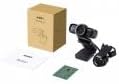
Image 1: Contents of the AUKEY PC-LM3 Webcam package, showing the webcam, manual, and packaging.
4. ఉత్పత్తి ముగిసిందిview
The AUKEY PC-LM3 is a 1080p USB 2.0 webcam designed for high-quality video communication and recording. It features a CMOS sensor and 5x optical zoom capability, providing clear and detailed visuals.
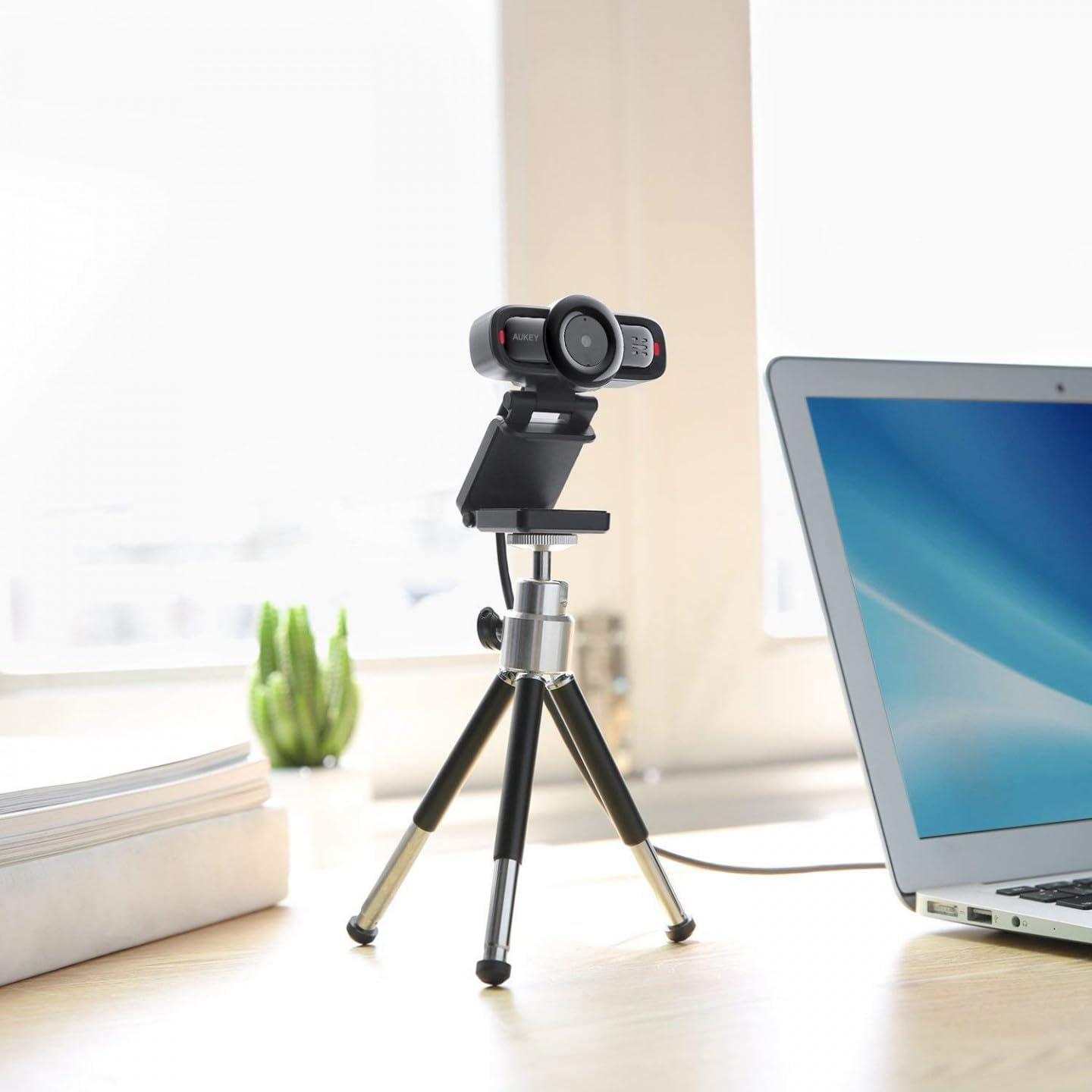
Image 2: AUKEY PC-LM3 Webcam in use, demonstrating its compact design and mounting flexibility on a tripod.
ముఖ్య లక్షణాలు:
- Full HD 1080p video recording
- CMOS sensor for clear images
- USB 2.0 connectivity for universal compatibility
- 5x optical zoom for detailed framing
- Integrated microphone for audio capture
- Adjustable clip for versatile mounting options
5. సెటప్
5.1 Placing the Webకెమెరా
- మానిటర్లో: Unfold the clip and place the webcam on top of your monitor or laptop screen. Adjust the clip to secure it firmly.
- ట్రైపాడ్ పై: ది webcam features a standard tripod thread. Mount it onto a compatible tripod for more flexible positioning.
- ఫ్లాట్ ఉపరితలంపై: Fold the clip to form a stable stand and place the webcam on a desk or other flat surface.
5.2 మీ కంప్యూటర్కు కనెక్ట్ చేయడం
- యొక్క USB కనెక్టర్ను ప్లగ్ చేయండి webcam into an available USB 2.0 or 3.0 port on your computer.
- మీ కంప్యూటర్ అవసరమైన డ్రైవర్లను స్వయంచాలకంగా గుర్తించి ఇన్స్టాల్ చేయాలి. ఈ ప్రక్రియకు కొన్ని క్షణాలు పట్టవచ్చు.
- ఇన్స్టాల్ చేసిన తర్వాత, ది webcam will be ready for use with video conferencing software or recording applications.
గమనిక: No additional software or drivers are typically required for Windows, macOS, or Linux operating systems.
6. ఆపరేటింగ్ Webకెమెరా
6.1 Using with Video Conferencing Software
To use the AUKEY PC-LM3 webcam with applications like Zoom, Skype, Microsoft Teams, or Google Meet:
- మీకు ఇష్టమైన వీడియో కాన్ఫరెన్సింగ్ అప్లికేషన్ను తెరవండి.
- Navigate to the application's settings or preferences (usually found under "Audio & Video" or "Devices").
- Select "AUKEY PC-LM3" as your video input device.
- Select "AUKEY PC-LM3 Microphone" (or similar) as your audio input device, if applicable.
- Adjust any video settings such as resolution or brightness within the application if available.
6.2 రికార్డింగ్ వీడియో
To record video using the webcam, use your computer's built-in camera application (e.g., Camera app on Windows, Photo Booth on macOS) or third-party recording software. Ensure the AUKEY PC-LM3 is selected as the video source.
6.3 ఆప్టికల్ జూమ్
ది webcam features 5x optical zoom. This function is typically controlled via software. Check your video conferencing or recording application for zoom controls. If not available, third-party webcam control software may offer this functionality.
7. నిర్వహణ
7.1 శుభ్రపరచడం Webకెమెరా
- నిర్ధారించండి webcam is disconnected from your computer before cleaning.
- Use a soft, lint-free cloth to gently wipe the lens and body of the webకామ్.
- For stubborn smudges on the lens, slightly dampen the cloth with water or a lens cleaning solution, then wipe gently. Avoid excessive moisture.
- కఠినమైన రసాయనాలు, రాపిడి క్లీనర్లు లేదా ద్రావకాలను ఉపయోగించవద్దు.
7.2 నిల్వ
ఉపయోగంలో లేనప్పుడు, నిల్వ చేయండి webcam in a cool, dry place, away from direct sunlight and dust. Consider using a privacy cover (if included or purchased separately) to protect the lens and ensure privacy.
8. ట్రబుల్షూటింగ్
| సమస్య | పరిష్కారం |
|---|---|
| Webకంప్యూటర్ ద్వారా కామ్ గుర్తించబడలేదు. |
|
| వీడియో అవుట్పుట్ లేదు. |
|
| పేలవమైన వీడియో నాణ్యత. |
|
9. స్పెసిఫికేషన్లు
| ఫీచర్ | వివరాలు |
|---|---|
| మోడల్ | PC-LM3 |
| వీడియో రిజల్యూషన్ | 1920 x 1080 పిక్సెల్లు (1080p) |
| సెన్సార్ టెక్నాలజీ | CMOS |
| కనెక్టివిటీ | USB 2.0 |
| ఆప్టికల్ జూమ్ | 5x |
| వీడియో క్యాప్చర్ ఫార్మాట్ | MP4, AVI |
| మద్దతు ఉన్న ఆడియో ఫార్మాట్ | AAC, MP3 |
| కొలతలు (L x W x H) | 7.7 x 7.2 x 4.6 సెం.మీ |
| బరువు | 130 గ్రాములు |
| రంగు | నలుపు |
10. వారంటీ మరియు కస్టమర్ మద్దతు
AUKEY products are covered by a limited warranty from the date of purchase. For specific warranty terms and conditions, please refer to the warranty card included with your product or visit the official AUKEY webసైట్.
If you encounter any issues or have questions regarding your AUKEY PC-LM3 Webcam, please contact AUKEY customer support for assistance. Contact information can typically be found on the official AUKEY webసైట్ లేదా వారంటీ కార్డులో.