
1. ఉత్పత్తి ముగిసిందిview
The APM 571075 is a Full HD 1080P wired USB webcam designed for clear and fluid video communication. It features an integrated microphone and a privacy cover, making it suitable for virtual meetings, online calls, and streaming.

Image: APM 571075 Full HD 1080P Webకామ్, ముందు భాగం view.
ముఖ్య లక్షణాలు:
- Full HD 1080P resolution (1920x1080 px) for clear video.
- ఆడియో క్యాప్చర్ కోసం ఇంటిగ్రేటెడ్ మైక్రోఫోన్.
- Smooth image transmission at 30 frames per second.
- Integrated privacy cover for enhanced security.
- Automatic adjustments for saturation, contrast, sharpness, white balance, and exposure.
- వైడ్-యాంగిల్ లెన్స్.
- Wired USB connection for reliable performance.
2. ప్యాకేజీ విషయాలు
ప్యాకేజీలో అన్ని అంశాలు ఉన్నాయని నిర్ధారించుకోండి:
- 1 x APM 571075 Full HD 1080P Webకెమెరా
- 1 x User Manual (Multilingual)
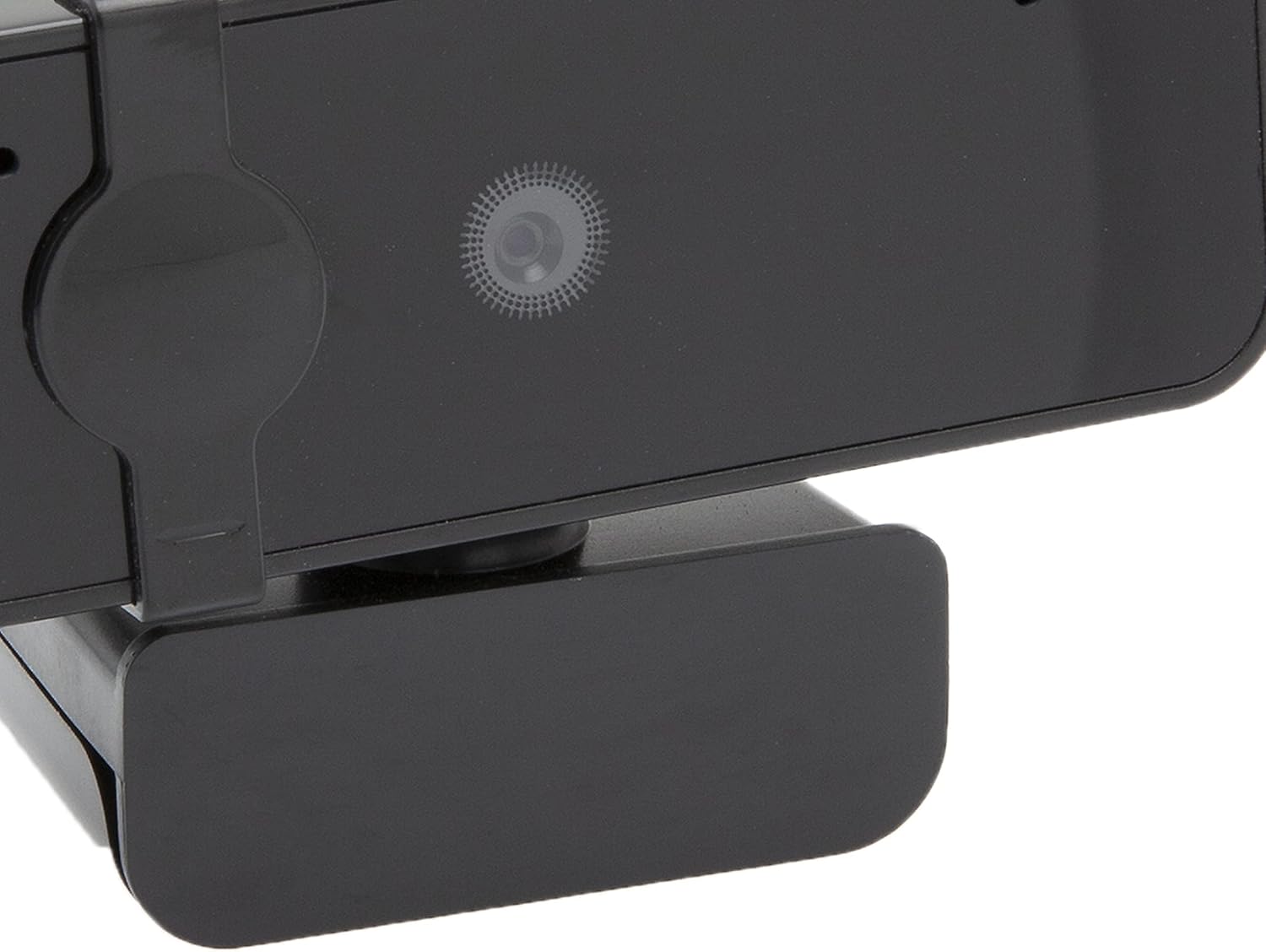
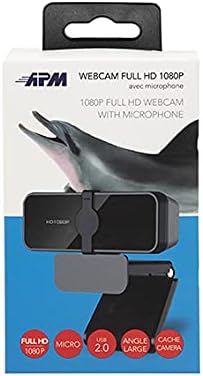
Image: APM 571075 Webcam in its retail packaging.
3. సెటప్
సిస్టమ్ అవసరాలు:
The APM 571075 webcam is compatible with:
- వ్యక్తిగత కంప్యూటర్లు (PCలు)
- ల్యాప్టాప్లు
- Tablets (with USB host support)
కనెక్ట్ చేస్తోంది Webక్యామ్:
- అన్ప్యాక్ ది webcam and uncoil the USB cable.
- Plug the USB connector into an available USB port on your computer or compatible device.
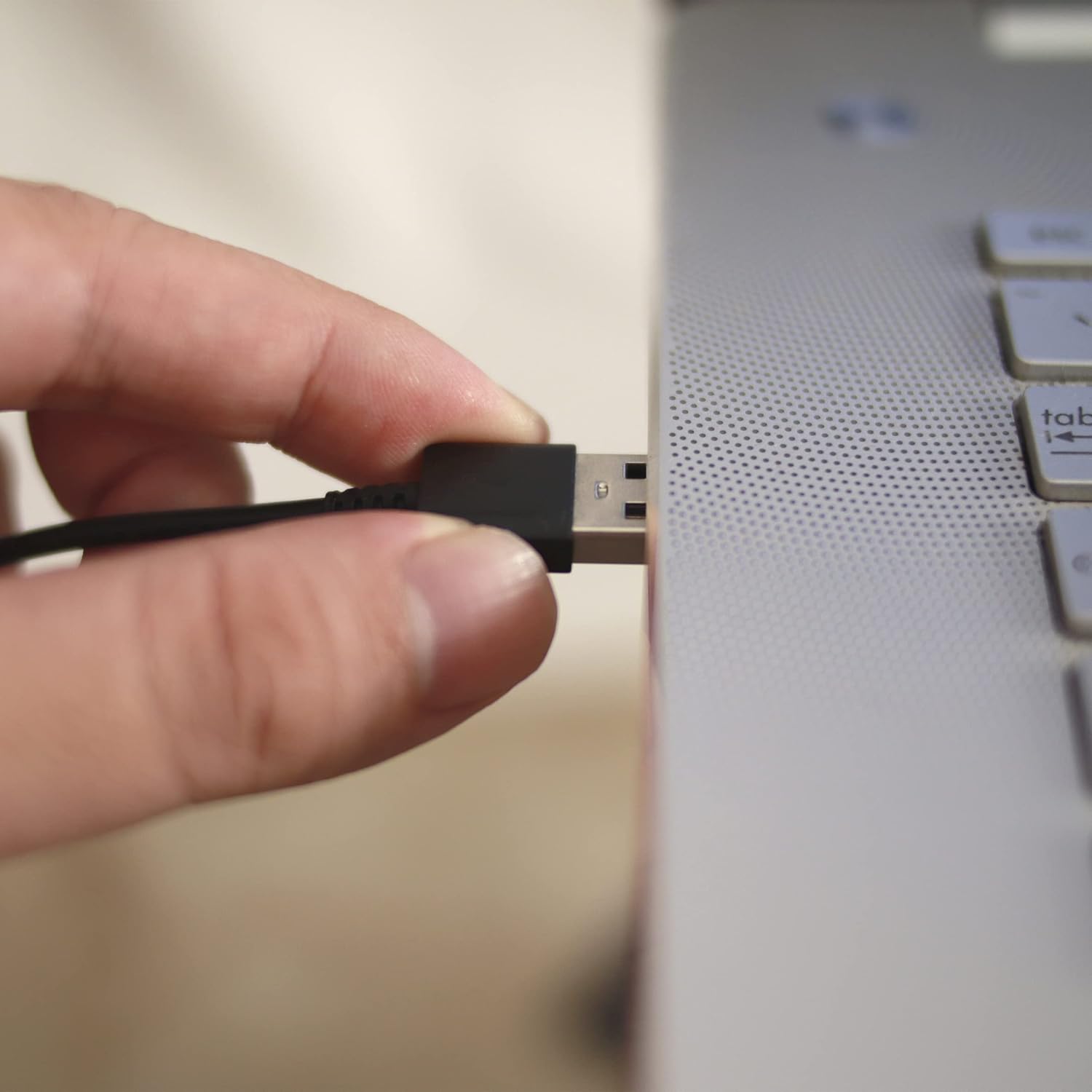
Image: A hand plugging the USB cable of the webcam into a laptop's USB port.
డ్రైవర్ ఇన్స్టాలేషన్:
The APM 571075 webcam is a plug-and-play device. It does not require manual driver installation on most modern operating systems (e.g., Windows 10/11, macOS). Your system should automatically detect and install the necessary drivers upon connection.
4. ఆపరేటింగ్
Using the Privacy Cover:
ది webcam features an integrated sliding privacy cover. To use it:
- To cover the lens: Gently slide the cover over the webగోప్యతను నిర్ధారించడానికి ఉపయోగంలో లేనప్పుడు కామ్ లెన్స్.
- To uncover the lens: Slide the cover away from the lens when you need to use the webకామ్.
చిత్రం: క్లోజప్ ఆఫ్ ది webcam lens with the integrated privacy cover.
Video Conferencing and Streaming:
Once connected and recognized by your system, the webcam can be used with various video conferencing and streaming applications. Select the APM 571075 as your preferred camera and microphone input within the application settings.

Image: A screen displaying multiple participants in a video conference call, demonstrating the webcam's use.
ఆటోమేటిక్ సర్దుబాట్లు:
ది webcam automatically adjusts various image parameters, including saturation, contrast, sharpness, white balance, and exposure, to optimize video quality in different lighting conditions.
5. నిర్వహణ
- లెన్స్ శుభ్రపరచడం: ఆప్టిక్స్ కోసం ప్రత్యేకంగా రూపొందించిన మృదువైన, మెత్తటి బట్టను ఉపయోగించి శాంతముగా తుడవండి. webకామ్ లెన్స్. రాపిడి పదార్థాలు లేదా కఠినమైన రసాయనాలను నివారించండి.
- శరీరాన్ని శుభ్రపరచడం: తుడవడం webcam's body with a soft, dry cloth.
- నిల్వ: ఉపయోగంలో లేనప్పుడు, నిల్వ చేయండి webcam in a clean, dry place, preferably with the privacy cover engaged to protect the lens from dust and scratches.
- తేమను నివారించండి: This device is not waterproof. Keep it away from liquids and high humidity.
6. ట్రబుల్షూటింగ్
| సమస్య | సాధ్యమైన పరిష్కారం |
|---|---|
| Webకంప్యూటర్ ద్వారా కామ్ గుర్తించబడలేదు. |
|
| Video image is frozen or choppy. |
|
| No audio from the integrated microphone. |
|
| Image quality is poor or colors are off. |
|
7. స్పెసిఫికేషన్లు
| ఫీచర్ | వివరాలు |
|---|---|
| బ్రాండ్ | APM |
| మోడల్ | 571075 |
| రంగు | నలుపు |
| ఉత్పత్తి రకం | కాంపాక్ట్ Webకెమెరా |
| ప్రత్యేక లక్షణాలు | Integrated privacy cover |
| ఫోకల్ లెంగ్త్ | 1 మిల్లీమీటర్ |
| కనెక్టివిటీ టెక్నాలజీ | USB |
| వీడియో రిజల్యూషన్ | 1080p (1920x1080 px) |
| అనుకూల పరికరాలు | Personal Computer, Laptop, Tablet |
| ప్యాకేజీ కొలతలు (L x W x H) | 14.8 x 7.7 x 6.2 సెంటీమీటర్లు |
| చిత్రం స్థిరీకరణ | నం |
| చేర్చబడిన భాగాలు | 1 webకెమెరా |
| నీటి నిరోధక స్థాయి | జలనిరోధిత కాదు |
| ఫోకస్ రకం | ఆటోమేటిక్ ఫోకస్ |
| ఎఫెక్టివ్ స్టిల్ రిజల్యూషన్ | 2.07 మెగాపిక్సెల్స్ |
| వీడియో క్యాప్చర్ ఫార్మాట్ | MP4 |
| మద్దతు ఉన్న ఆడియో ఫార్మాట్ | PCM |
8. వారంటీ సమాచారం
The APM 571075 Webకామ్ తో వస్తుంది a 2 సంవత్సరాల వారంటీ from the date of purchase. This warranty covers manufacturing defects and ensures the product meets quality standards. Please retain your proof of purchase for warranty claims.
9. కస్టమర్ మద్దతు
If you encounter any issues or have questions not covered in this manual, please contact APM customer support. Refer to the contact information provided with your product packaging or visit the official APM webసహాయం కోసం సైట్.