
పరిచయం
The One For All Slate R18200 Universal Remote Control is specifically designed for hospitality and medical applications. It provides simple yet effective control of entertainment systems in guest rooms, ensuring reliable performance and integrity. The Slate remote is fully cleanable, allowing it to be disinfected with common cleaning agents or wipes for the hospitality sector before each new guest stay, promoting hygiene and safety.
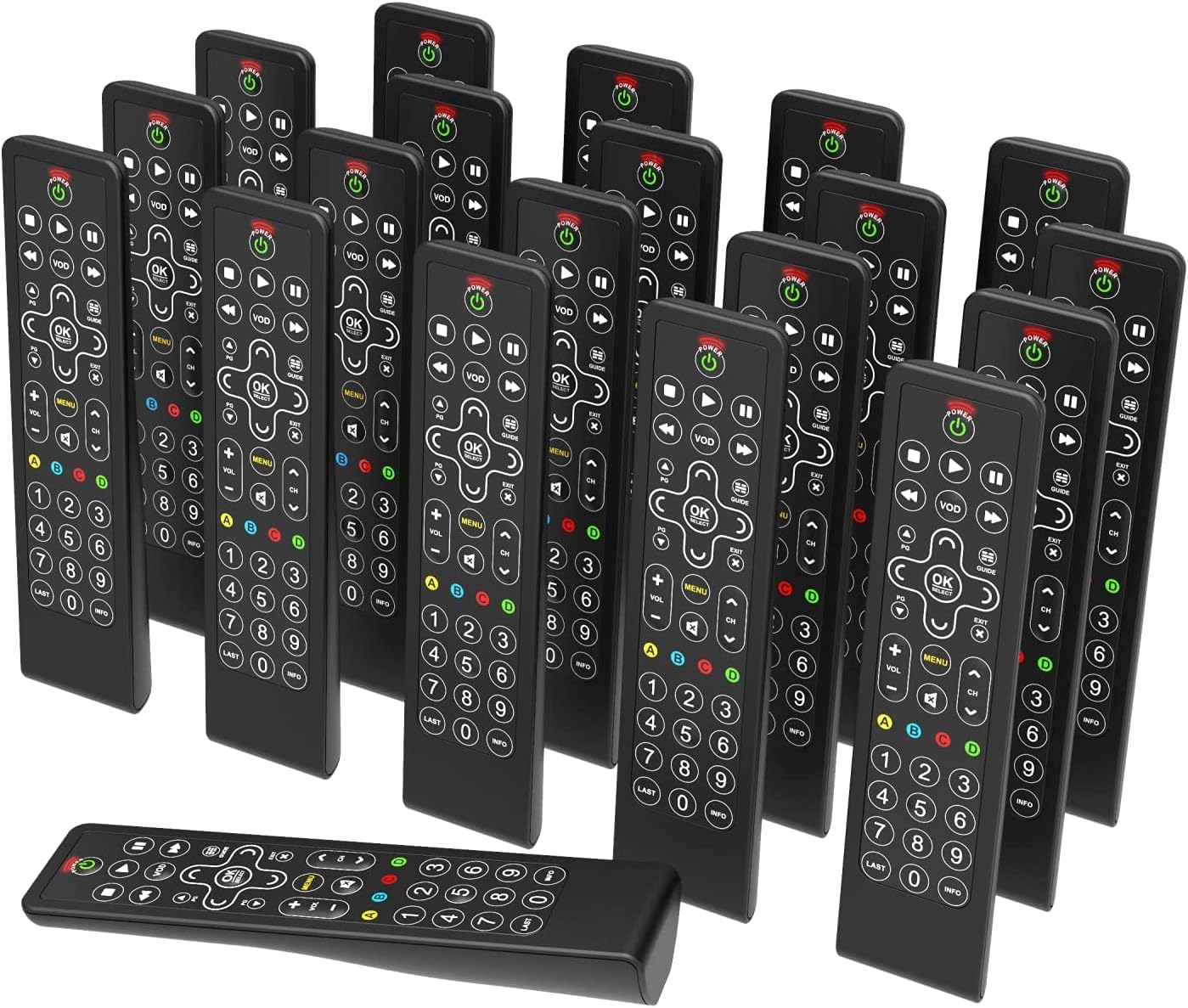
Image: A collection of One For All Slate R18200 universal remote controls, highlighting their availability in bulk for commercial use.
కీ ఫీచర్లు
- Fully Cleanable Design: Engineered to be entirely cleanable, suitable for hospitality and medical environments.
- Disinfectant Resistant: Withstands daily cleaning with common disinfectants and wipes.
- Anti-Theft Battery Compartment: Features a secure battery compartment that does not require tools for access, deterring theft.
- Fully Backlit Keys: All keys are backlit for easy visibility and operation in low-light conditions.
- వాణిజ్య ఉపయోగం మాత్రమే: Designed and packaged specifically for commercial applications, available in convenient multi-packs (e.g., 20 remotes).

చిత్రం: వివరణాత్మక view of the remote control's buttons, illuminated by backlighting, demonstrating the fully backlit key feature.
సెటప్
1. బ్యాటరీ ఇన్స్టాలేషన్
- రిమోట్ కంట్రోల్ వెనుక బ్యాటరీ కంపార్ట్మెంట్ను గుర్తించండి.
- Open the anti-theft battery cover. This compartment is designed to be secure but accessible without tools.
- Insert two AAA alkaline batteries, ensuring correct polarity (+/-).
- బ్యాటరీ కవర్ సరిగ్గా అమర్చబడే వరకు దాన్ని సురక్షితంగా మూసివేయండి.

Image: The rear side of the remote control, illustrating the design of the anti-theft battery compartment.
2. Initial Programming (if required)
The Slate R18200 remote is pre-programmed for common hospitality TV systems. If your specific TV or entertainment system requires programming, refer to the detailed programming instructions provided with your bulk purchase or consult the One For All support website for specific codes and setup procedures. Typically, this involves a simple code entry or auto-search function.
ఆపరేటింగ్ సూచనలు
The Slate R18200 remote control features a simplified layout for intuitive use in hospitality settings.
- పవర్ బటన్ (శక్తి): టీవీ లేదా కనెక్ట్ చేయబడిన పరికరాన్ని ఆన్ లేదా ఆఫ్ చేయడానికి నొక్కండి.
- Volume Control (VOL +/-): Adjusts the audio volume up or down.
- Channel Control (CH +/-): టీవీ ఛానెల్ని పైకి లేదా క్రిందికి మారుస్తుంది.
- Navigation Pad (బాణాలు & సరే/ఎంచుకోండి): Use the arrow keys to navigate menus and the OK/SELECT button to confirm selections.
- మెను (మెనూ): టీవీ ప్రధాన మెనూను యాక్సెస్ చేస్తుంది.
- VOD (VOD): Direct access to Video On Demand services (if supported by the TV system).
- Guide (గైడ్): ఎలక్ట్రానిక్ ప్రోగ్రామ్ గైడ్ను ప్రదర్శిస్తుంది.
- Playback Controls (PLAY, PAUSE, STOP, REW, FF): మీడియా ప్లేబ్యాక్ను నియంత్రిస్తుంది.
- సంఖ్యా కీప్యాడ్ (0-9): నేరుగా ఛానెల్ నంబర్లను నమోదు చేయండి.
- బ్యాక్లిట్ కీలు: The entire keypad illuminates when a button is pressed, making it easy to use in dimly lit rooms.

చిత్రం: స్పష్టమైన ముందు భాగం view of the remote control, detailing the layout and function of each button.
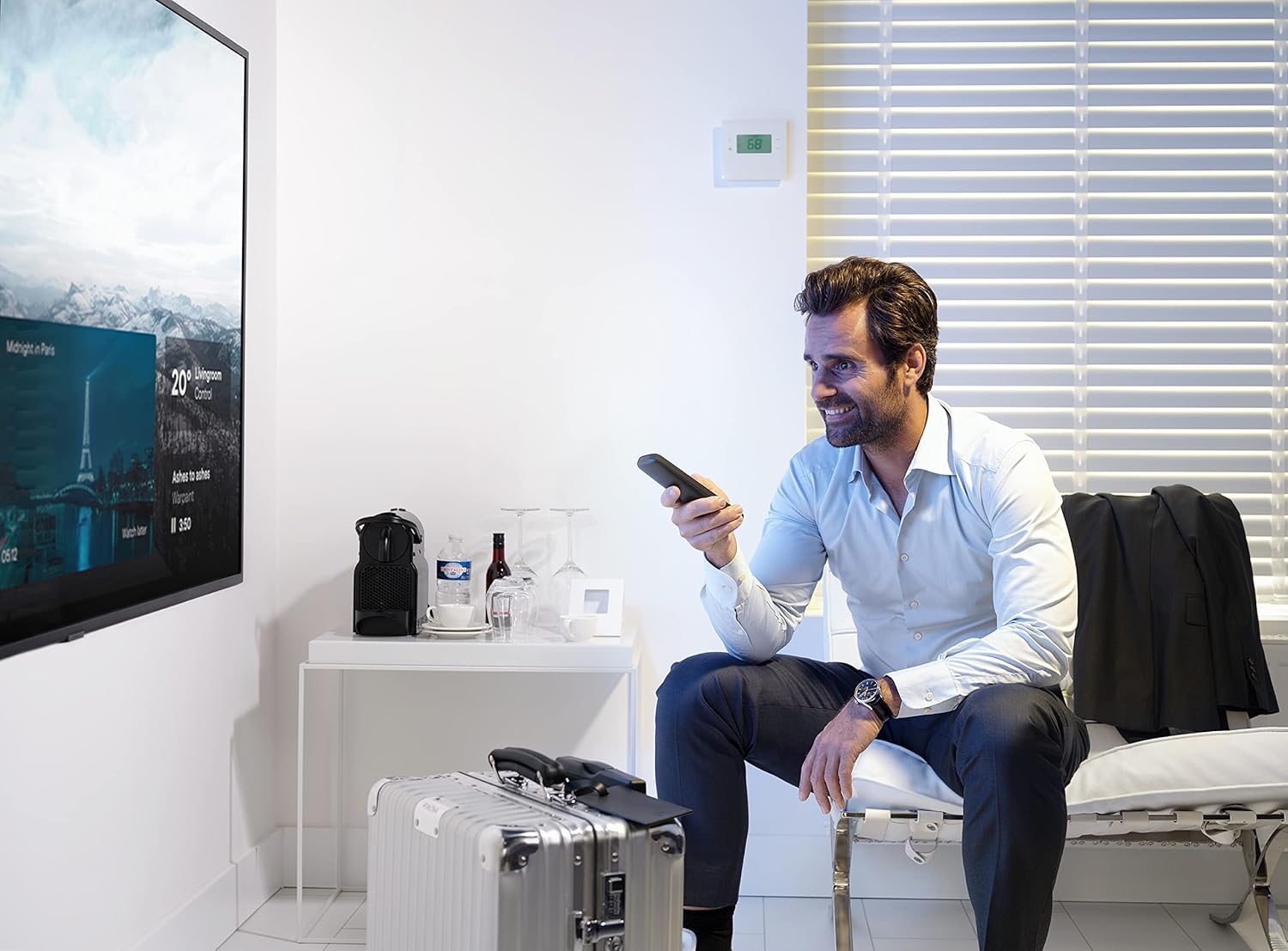
Image: An individual operating the remote control in a hotel room, demonstrating typical usage.
నిర్వహణ
రిమోట్ కంట్రోల్ క్లీనింగ్
The Slate R18200 is designed for easy and thorough cleaning, crucial for hospitality environments.
- Ensure the remote control is powered off (if applicable) or remove batteries before cleaning for safety.
- మెత్తటి గుడ్డ ఉపయోగించండి డిampened with common disinfectants or pre-moistened disinfectant wipes.
- Wipe down all surfaces of the remote control, paying attention to the buttons and crevices.
- Allow the remote to air dry completely before reinserting batteries or using.
- Do not submerge the remote control in liquid. Avoid harsh abrasive cleaners.

Image: The remote control positioned in a hotel room setting, emphasizing its cleanable nature and readiness for guest use.
బ్యాటరీ భర్తీ
Replace batteries when the remote's performance degrades or the backlit keys no longer illuminate brightly. Follow the battery installation steps outlined in the "Setup" section.
ట్రబుల్షూటింగ్
| సమస్య | సాధ్యమైన కారణం | పరిష్కారం |
|---|---|---|
| రిమోట్ స్పందించడం లేదు. | డెడ్ లేదా తప్పుగా చొప్పించిన బ్యాటరీలు. | బ్యాటరీ ధ్రువణతను తనిఖీ చేయండి. అవసరమైతే బ్యాటరీలను మార్చండి. |
| Remote not controlling the TV. | Remote not programmed correctly for the TV. | Refer to programming instructions or One For All support for correct setup. Ensure line of sight to the TV's IR receiver. |
| బటన్లు జిగురుగా లేదా స్పందించడం లేదు. | Dirt or residue under buttons. | Clean the remote thoroughly as per maintenance instructions. |
| బ్యాక్లైట్ పనిచేయడం లేదు. | తక్కువ బ్యాటరీ శక్తి. | బ్యాటరీలను భర్తీ చేయండి. |
స్పెసిఫికేషన్లు
- బ్రాండ్: అందరికీ ఒకటి
- మోడల్ సంఖ్య: R18200
- రంగు: నలుపు
- కనెక్టివిటీ టెక్నాలజీ: ఇన్ఫ్రారెడ్ (IR)
- ప్రత్యేక లక్షణాలు: Backlit Keys, Universal, Cleanable Design
- అనుకూల పరికరాలు: Televisions (designed for hospitality TV systems)
- బ్యాటరీ కూర్పు: ఆల్కలీన్
- శక్తి మూలం: Battery Powered (2x AAA, not included)
- గరిష్ట పరిధి: Approximately 10 Meters (33 feet)
- వస్తువు బరువు: Approximately 3.43 Kilograms (for a pack of 20 remotes)
- తయారీదారు: యూనివర్సల్ ఎలక్ట్రానిక్స్
- మూలం దేశం: చైనా
వారంటీ మరియు మద్దతు
Warranty information for the One For All Slate R18200 remote controls is typically provided at the point of purchase or with the bulk packaging. For detailed warranty terms, technical support, or programming assistance, please visit the official One For All website or contact your commercial distributor.
Please note that information regarding spare parts availability and guaranteed software updates is not publicly available for this product.
మరింత సహాయం కోసం, దయచేసి సందర్శించండి: www.oneforall.com