
Finlux FLU5535ANDROID
Finlux FLU5535ANDROID 55-inch 4K Ultra HD Android Smart TV
వినియోగదారు మాన్యువల్
1. పరిచయం
ధన్యవాదాలు, ధన్యవాదాలు.asing the Finlux FLU5535ANDROID 55-inch 4K Ultra HD Android Smart TV. This manual provides essential information for setting up, operating, and maintaining your new television. Please read this manual thoroughly before using the product and keep it for future reference.
ముఖ్యమైన భద్రతా సమాచారం
Always follow basic safety precautions when using this television to reduce the risk of fire, electric shock, and injury to persons. Do not expose the TV to rain or moisture. Do not open the cabinet. Refer all servicing to qualified personnel.
- టీవీ చుట్టూ సరైన వెంటిలేషన్ ఉండేలా చూసుకోండి.
- Do not block ventilation openings with items such as newspapers, table-cloths, or curtains.
- టీవీని అస్థిరమైన కార్ట్, స్టాండ్, త్రిపాద, బ్రాకెట్ లేదా టేబుల్పై ఉంచవద్దు.
- మెరుపు తుఫానుల సమయంలో లేదా ఎక్కువసేపు ఉపయోగించనప్పుడు టీవీని అన్ప్లగ్ చేయండి.
- చిన్న భాగాలు మరియు బ్యాటరీలను పిల్లలకు అందుబాటులో లేకుండా ఉంచండి.
2. పెట్టెలో ఏముంది
Upon unpacking your Finlux FLU5535ANDROID TV, please ensure all the following items are present:
- Finlux FLU5535ANDROID 55-inch 4K Ultra HD Android Smart TV
- బ్యాటరీలతో రిమోట్ కంట్రోల్
- పవర్ కేబుల్
- Stand (if applicable, for tabletop placement)
- వినియోగదారు మాన్యువల్ (ఈ పత్రం)
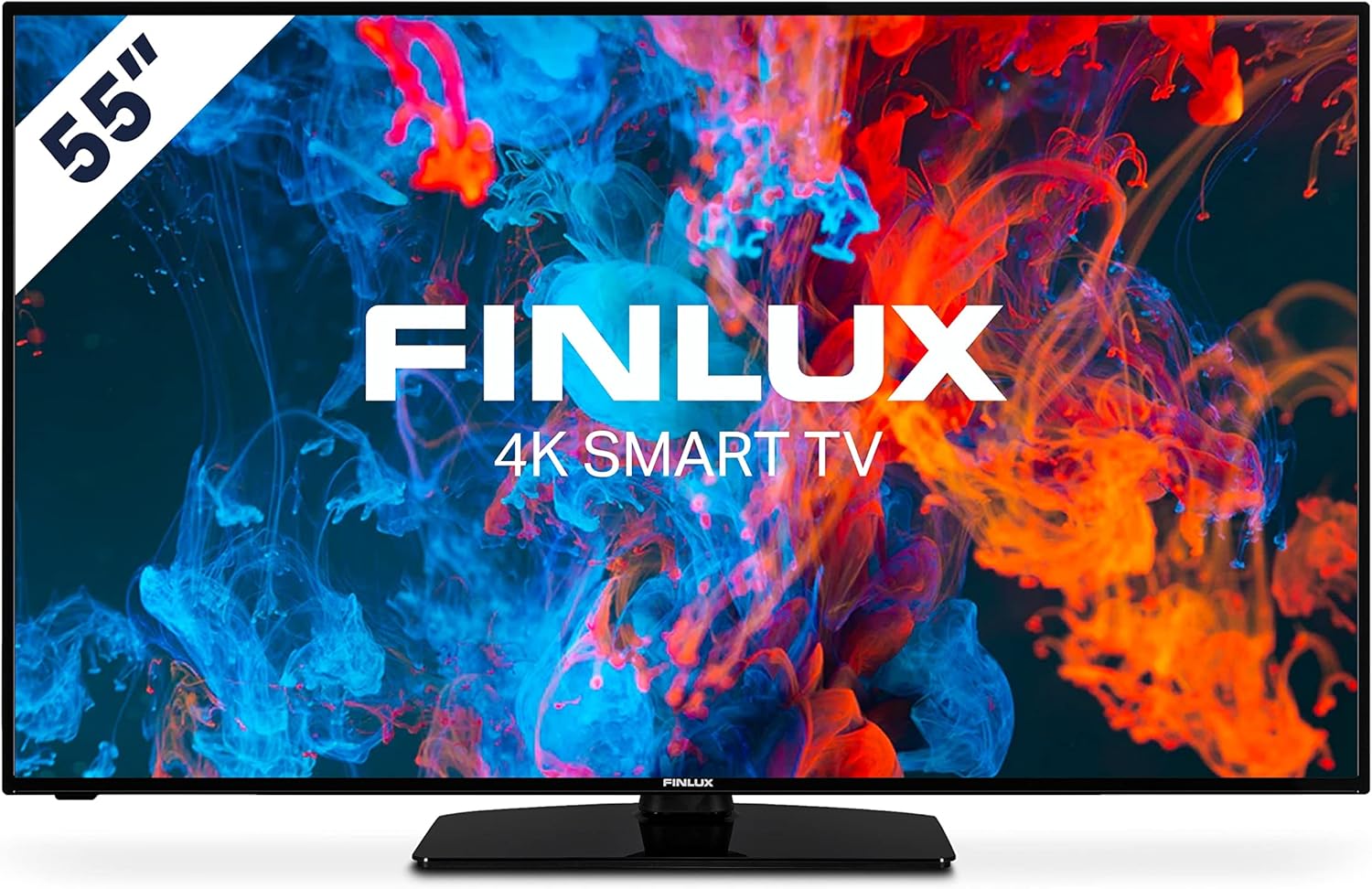
చిత్రం: ముందు భాగం view of the Finlux FLU5535ANDROID 55-inch 4K Ultra HD Android Smart TV, showcasing its slim bezel and central stand.
3. సెటప్
3.1 భౌతిక నియామకం
The Finlux FLU5535ANDROID TV features a practical size and a slim screen, making it easy to place in various rooms. Its flat back and thin screen design allow for easy wall mounting or placement against a wall.
- టాబ్లెట్ ప్లేస్మెంట్: Attach the provided stand securely to the TV following the instructions in the separate quick start guide. Place the TV on a stable, level surface.
- వాల్ మౌంటు: If you plan to wall mount the TV, ensure you use a VESA-compatible wall mount (not included) and follow the wall mount manufacturer's instructions.
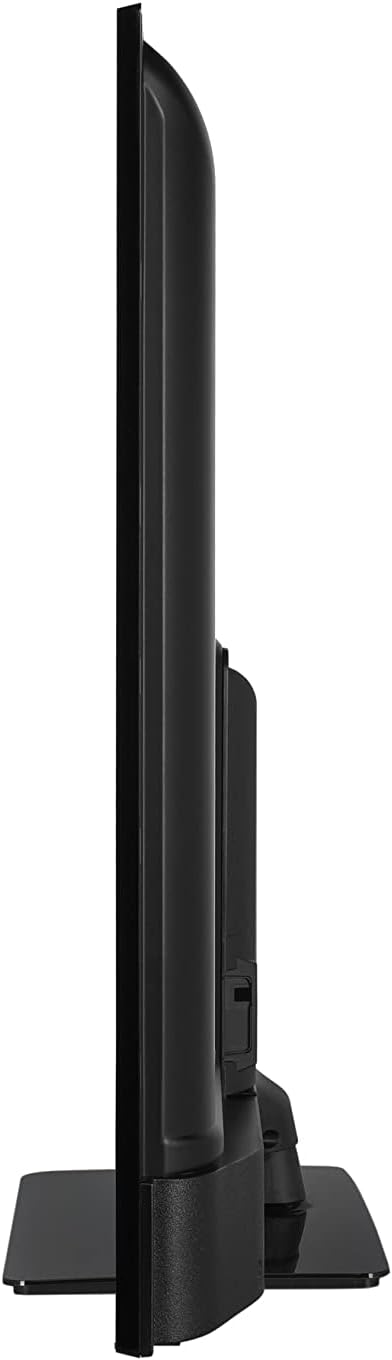
చిత్రం: సైడ్ ప్రోfile view of the Finlux FLU5535ANDROID TV, highlighting its slim design.
3.2 కనెక్ట్ కేబుల్స్
Connect the power cable to the TV's power input and then to a wall outlet. Connect your external devices such as set-top boxes, gaming consoles, or Blu-ray players to the appropriate ports on the TV.

చిత్రం: వెనుక view of the Finlux FLU5535ANDROID TV, displaying the arrangement of its input ports including HDMI and USB.
- HDMI: Connect high-definition devices using HDMI cables. This TV features 4 HDMI ports.
- USB: Connect USB storage devices for media playback or PVR functionality. This TV has 2 USB ports.
- యాంటెన్నా/కేబుల్: ప్రసార ఛానెల్ల కోసం మీ యాంటెన్నా లేదా కేబుల్ టీవీ ఇన్పుట్ను కనెక్ట్ చేయండి.
- ఈథర్నెట్: స్థిరమైన వైర్డు ఇంటర్నెట్ కనెక్షన్ కోసం.
3.3 ప్రారంభ పవర్ ఆన్ మరియు సెటప్ విజార్డ్
After connecting all necessary cables, plug the TV into a power outlet and press the power button on the remote control or the TV itself. The TV will guide you through the initial setup process, including language selection, network connection, and channel scanning.
4. మీ టీవీని ఆపరేట్ చేయడం
4.1 రిమోట్ కంట్రోల్ ఓవర్view
The provided remote control allows you to navigate the TV's features and menus. Insert the included batteries into the remote control before use.

Image: The Finlux TV remote control, featuring dedicated buttons for quick access to popular streaming services like Netflix and YouTube, along with standard navigation and number keys.
- పవర్ బటన్: టీవీని ఆన్ లేదా ఆఫ్ చేస్తుంది.
- సంఖ్య బటన్లు: ప్రత్యక్ష ఛానెల్ ఎంపిక కోసం.
- నావిగేషన్ ప్యాడ్ (పైకి/క్రిందికి/ఎడమ/కుడి/సరే): To navigate menus and confirm selections.
- వాల్యూమ్ అప్/డౌన్: వాల్యూమ్ స్థాయిని సర్దుబాటు చేస్తుంది.
- ఛానల్ పైకి/క్రిందికి: టీవీ ఛానళ్లు మారుస్తాడు.
- నెట్ఫ్లిక్స్/యూట్యూబ్ బటన్లు: ఈ స్ట్రీమింగ్ అప్లికేషన్లకు ప్రత్యక్ష ప్రాప్యత.
- మెనూ బటన్: ప్రధాన సెట్టింగ్ల మెనుని తెరుస్తుంది.
- నిష్క్రమణ బటన్: ప్రస్తుత మెను లేదా అప్లికేషన్ నుండి నిష్క్రమిస్తుంది.
4.2 Android Smart TV Features
This TV runs on the Android operating system, providing access to a wide range of applications and smart features. Popular applications like Netflix, YouTube, and Prime Video are pre-configured for your convenience.
- స్ట్రీమింగ్ సేవలు: Enjoy movies and series in high quality from Netflix, YouTube, Prime Video, and Spotify.
- Google Play Store: Download additional apps, games, and content from the Google Play Store.
- Chromecast అంతర్నిర్మిత: Easily cast content from your smartphone or other compatible devices directly to your TV.
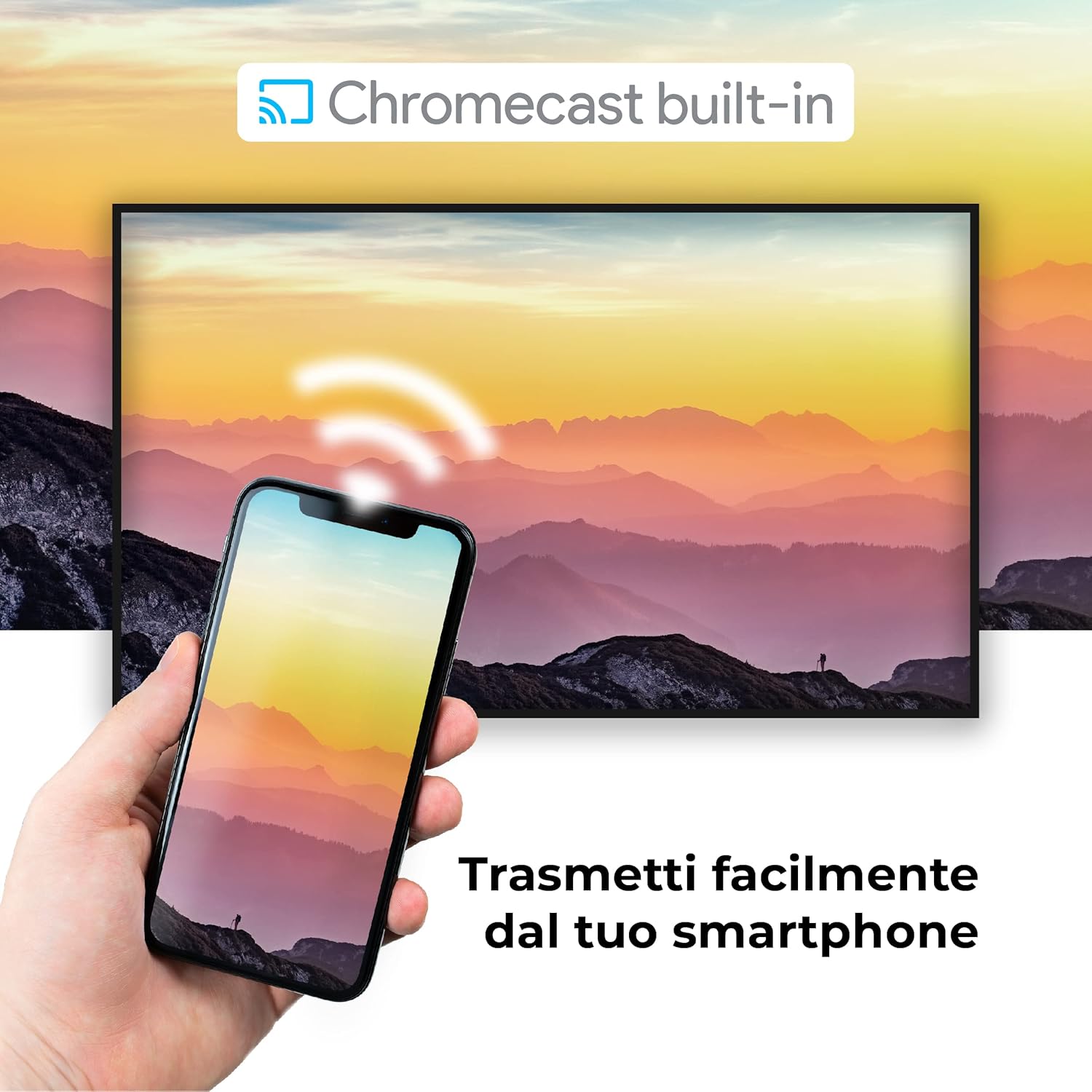
Image: A visual representation of the Chromecast built-in feature, demonstrating how content can be easily streamed from a smartphone to the Finlux TV.
4.3 USB Media Player and PVR
The TV supports USB multimedia playback, allowing you to view photos, play music, or watch videos directly from a USB storage device. It also features PVR (Personal Video Recorder) readiness, enabling you to record TV programs to a connected USB drive.
5. కనెక్షన్లు
Your Finlux TV offers a variety of connection options for external devices:
- HDMI పోర్ట్లు (x4): For connecting high-definition devices such as Blu-ray players, game consoles, and set-top boxes.
- USB పోర్ట్లు (x2): For connecting USB storage devices (e.g., flash drives, external hard drives) for media playback or PVR functionality.
- బ్లూటూత్: హెడ్ఫోన్లు లేదా సౌండ్బార్లు వంటి అనుకూల ఆడియో పరికరాలకు వైర్లెస్ కనెక్షన్ కోసం.
- Wi-Fi: Built-in Wi-Fi for wireless internet access and Smart TV features.
- ఈథర్నెట్ (LAN): స్థిరమైన వైర్డు ఇంటర్నెట్ కనెక్షన్ కోసం.
- యాంటెన్నా ఇన్పుట్: For connecting an aerial for digital terrestrial television (DVB-T, DVB-T2).
- ఉపగ్రహ ఇన్పుట్: For connecting a satellite dish (DVB-S, DVB-S2).
- ఆప్టికల్ డిజిటల్ ఆడియో అవుట్పుట్: For connecting to a soundbar or home theater system for high-quality audio.
6. నిర్వహణ
6.1 టీవీని శుభ్రపరచడం
To ensure the longevity and optimal performance of your TV, regular cleaning is recommended:
- స్క్రీన్: మెత్తటి, మెత్తటి బట్టతో స్క్రీన్ను సున్నితంగా తుడవండి. మొండి మరకల కోసం, dampనీటితో లేదా ప్రత్యేకమైన స్క్రీన్ క్లీనర్తో గుడ్డను కొద్దిగా రుద్దండి. క్లీనర్ను ఎప్పుడూ స్క్రీన్పై నేరుగా పిచికారీ చేయవద్దు.
- కేబినెట్: టీవీ క్యాబినెట్ను తుడవడానికి మృదువైన, పొడి వస్త్రాన్ని ఉపయోగించండి. రాపిడి క్లీనర్లు లేదా ద్రావకాలను ఉపయోగించడం మానుకోండి.
- శుభ్రపరిచే ముందు: శుభ్రపరిచే ముందు టీవీని ఎల్లప్పుడూ పవర్ అవుట్లెట్ నుండి అన్ప్లగ్ చేయండి.
6.2 సాధారణ సంరక్షణ
- టీవీని ప్రత్యక్ష సూర్యకాంతిలో లేదా ఉష్ణ వనరుల దగ్గర ఉంచకుండా ఉండండి.
- Do not expose the TV to extreme temperatures or humidity.
- Protect the TV from dust by regularly dusting its surface.
- టీవీ పైన బరువైన వస్తువులను ఉంచవద్దు.
7. ట్రబుల్షూటింగ్
If you encounter issues with your TV, refer to the following common problems and solutions before contacting support:
| సమస్య | సాధ్యమైన కారణం / పరిష్కారం |
|---|---|
| పవర్ లేదు | Ensure the power cable is securely plugged into the TV and the wall outlet. Check if the power outlet is working. Try pressing the power button on the TV itself. |
| చిత్రం లేదు / శబ్దం లేదు | Check the input source (HDMI, AV, TV) is correctly selected. Ensure external devices are powered on and connected properly. For sound, check volume levels and mute settings. |
| పేలవమైన చిత్ర నాణ్యత | Check antenna/cable connection. Adjust picture settings (brightness, contrast, sharpness) in the TV menu. Ensure the source content is high quality. |
| రిమోట్ కంట్రోల్ పనిచేయడం లేదు | బ్యాటరీలను తనిఖీ చేసి, భర్తీ చేయండి. రిమోట్ మరియు టీవీ యొక్క IR సెన్సార్ మధ్య ఎటువంటి అడ్డంకులు లేవని నిర్ధారించుకోండి. |
| Wi-Fi కి కనెక్ట్ చేయడం సాధ్యం కాలేదు | Ensure Wi-Fi is enabled on the TV. Check your router is working and within range. Re-enter the Wi-Fi password. Try restarting both the TV and the router. |
| స్మార్ట్ టీవీ యాప్లు లోడ్ కావడం లేదు | Check your internet connection. Try restarting the TV. Ensure the app is updated to the latest version. Clear app cache if available in settings. |
8. స్పెసిఫికేషన్లు
Below are the key technical specifications for the Finlux FLU5535ANDROID TV:
| ఫీచర్ | వివరాలు |
|---|---|
| బ్రాండ్ | ఫిన్లక్స్ |
| మోడల్ సంఖ్య | FLU5535ANDROID |
| స్క్రీన్ పరిమాణం | 55 అంగుళాలు (140 సెం.మీ.) |
| ప్రదర్శన సాంకేతికత | LED |
| రిజల్యూషన్ | 4K అల్ట్రా HD (3840 x 2160) |
| రిఫ్రెష్ రేట్ | 100 Hz (with integrated technology, base 50 Hz) |
| ఆపరేటింగ్ సిస్టమ్ | ఆండ్రాయిడ్ |
| కనెక్టివిటీ | Bluetooth, HDMI, USB, Wi-Fi, Ethernet |
| HDMI పోర్ట్లు | 4 |
| USB పోర్ట్లు | 2 |
| ప్రత్యేక లక్షణాలు | Flat Design, Android Smart TV, Chromecast Built-in, PVR Ready |
| మద్దతు ఉన్న ఇంటర్నెట్ సేవలు | Netflix, YouTube, Prime Video, Spotify |
| చేర్చబడిన భాగాలు | Power cable, Standard, TV |

Image: EU Energy Label for the Finlux FLU5535ANDROID TV, indicating its energy efficiency class G and power consumption details. For more details, visit the official EPREL database: EPREL ఉత్పత్తి సమాచారం
9. వారంటీ మరియు మద్దతు
Finlux products are designed for reliability and performance. This product comes with a standard manufacturer's warranty. Please refer to the warranty card included with your product for specific terms and conditions.
For technical support, troubleshooting assistance beyond this manual, or warranty claims, please contact Finlux customer service. Contact information can typically be found on the manufacturer's official webసైట్ లేదా ఉత్పత్తి ప్యాకేజింగ్లో.
Note: Information regarding spare parts availability is not provided. Software updates are not guaranteed beyond a certain period.
Ask a question about this manual
Ask about setup, troubleshooting, compatibility, parts, safety, or missing instructions. Manuals+ will review the question and use this page’s manual context to help answer it.