
1. స్వాగతం
Welcome to the BYYBUO SmartPad T10 user manual. This guide provides detailed instructions on setting up, operating, maintaining, and troubleshooting your new Android 12 tablet. Please read this manual thoroughly to ensure optimal performance and longevity of your device.
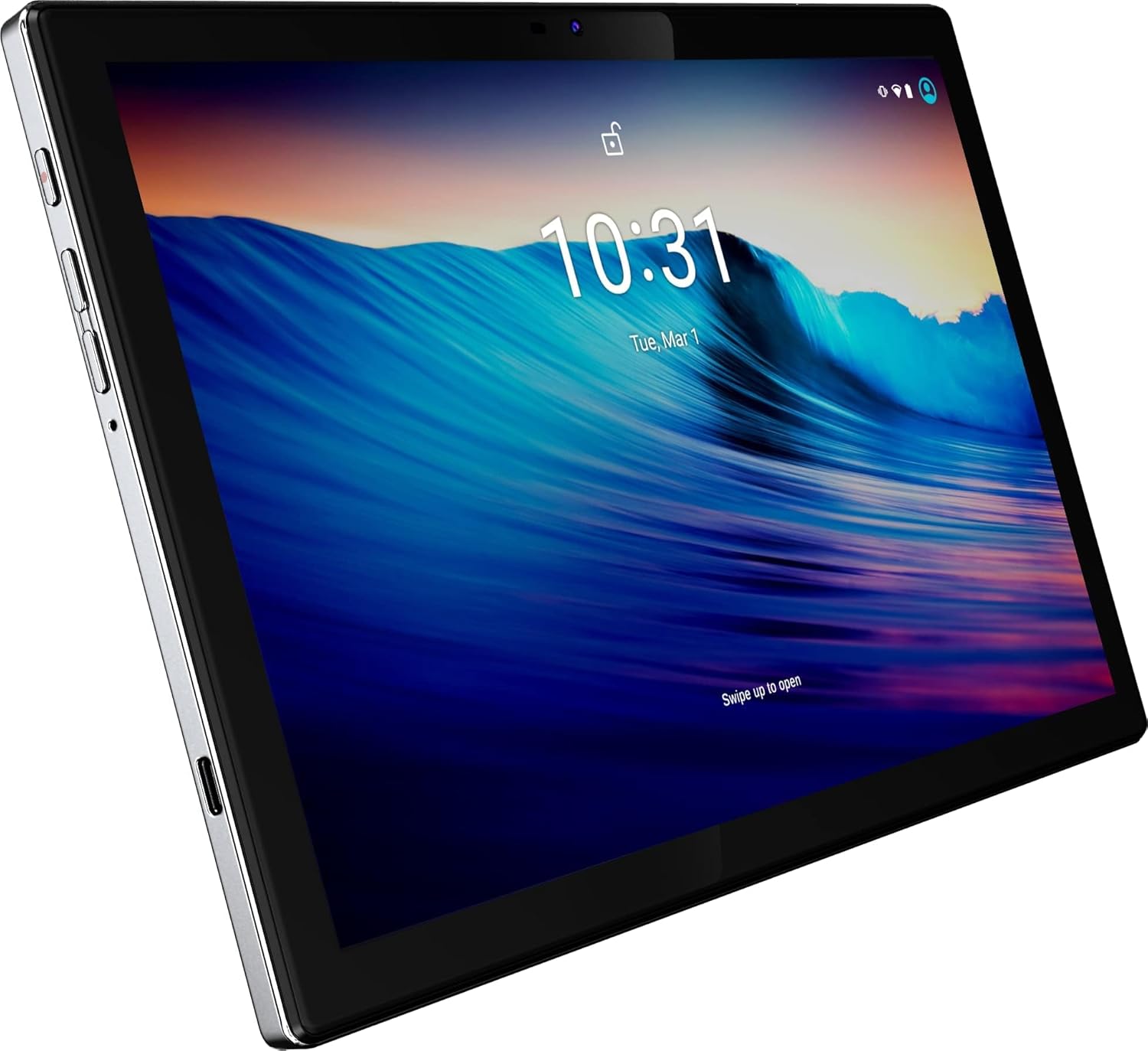
మూర్తి 1: ముందు view of the BYYBUO SmartPad T10 Tablet.
2. ఉత్పత్తి ముగిసిందిview
2.1 భాగాలు
- 10.1-అంగుళాల పూర్తి HD IPS డిస్ప్లే: High-resolution touchscreen for clear visuals.
- ముందు కెమెరా: వీడియో కాల్స్ మరియు సెల్ఫీల కోసం.
- వెనుక కెమెరా: ఫోటోలు మరియు వీడియోలను సంగ్రహించడానికి.
- పవర్ బటన్: పరికరాన్ని ఆన్/ఆఫ్ చేయడానికి లేదా నిద్రపోయేలా చేయడానికి.
- వాల్యూమ్ బటన్లు: ఆడియో స్థాయిలను సర్దుబాటు చేయడానికి.
- USB-C పోర్ట్: ఛార్జింగ్ మరియు డేటా బదిలీ కోసం.
- 3.5mm హెడ్ఫోన్ జాక్: ఆడియో అవుట్పుట్ కోసం.
- మైక్రో SD/TF కార్డ్ స్లాట్: విస్తరించదగిన నిల్వ కోసం.
- ద్వంద్వ స్పీకర్లు: For enhanced audio experience.

మూర్తి 2: వైపు view highlighting ports and buttons.
2.2 ముఖ్య లక్షణాలు
- High-Performance Octa-Core Processor: Ensures smooth operation and efficient multitasking.
- ఆండ్రాయిడ్ 12 ఆపరేటింగ్ సిస్టమ్: Provides a user-friendly interface and access to the latest apps.
- 7000mAh బ్యాటరీ కెపాసిటీ: Offers extended usage time for entertainment and productivity.
- 64GB Internal Storage (Expandable to 512GB): Ampయాప్లు, ఫోటోలు మరియు వీడియోల కోసం స్థలం.
- 1920x1200 IPS Display: Delivers vibrant colors and sharp details for an immersive viewing అనుభవం.
- Dual-band Wi-Fi (2.4G+5G): For fast and stable internet connectivity.
- బ్లూటూత్ 4.2: వైర్లెస్ ఉపకరణాలను కనెక్ట్ చేయడానికి.
- అంతర్నిర్మిత GPS: For navigation and location-based services.
- Dual Cameras (5MP Front, 13MP Rear): For capturing memories and video calls.
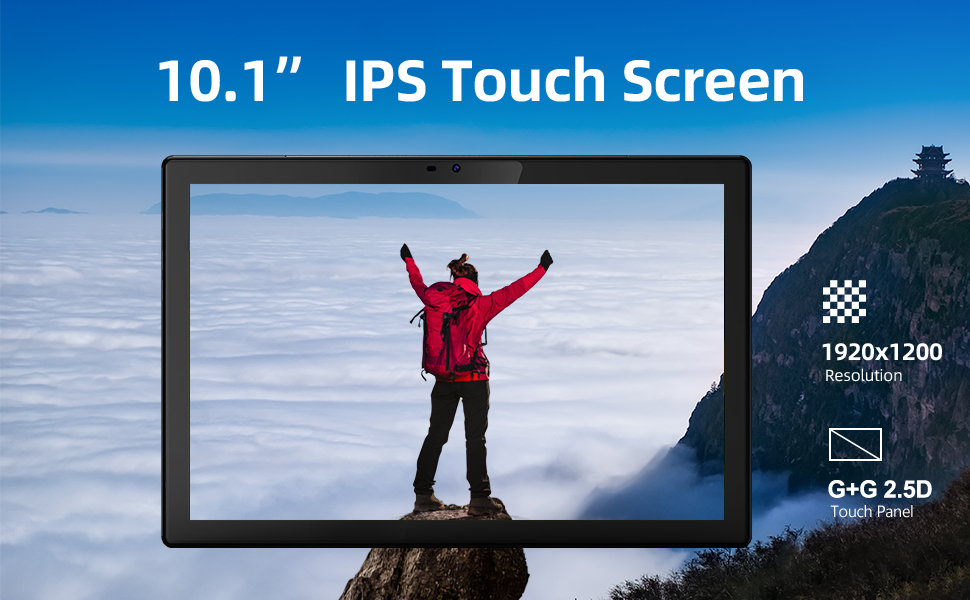
Figure 3: Visual representation of key features.
3. సెటప్ గైడ్
3.1 ప్రారంభ ఛార్జ్
Before first use, fully charge your SmartPad T10 using the provided USB-C cable and charger. The battery indicator on the screen will show charging progress.

Figure 4: The tablet's large battery capacity ensures long usage.
3.2 పవర్ ఆన్/ఆఫ్
- పవర్ ఆన్ చేయడానికి: Press and hold the Power button on the side of the tablet until the BYYBUO logo appears.
- పవర్ ఆఫ్ చేయడానికి: మెనూ కనిపించే వరకు పవర్ బటన్ను నొక్కి పట్టుకోండి. 'పవర్ ఆఫ్' ఎంచుకుని నిర్ధారించండి.
- నిద్రించడానికి/మేల్కొలపడానికి: పవర్ బటన్ని క్లుప్తంగా నొక్కండి.
3.3 Wi-Fi కనెక్షన్
- 'సెట్టింగ్లు' > 'నెట్వర్క్ & ఇంటర్నెట్' > 'వై-ఫై' కి వెళ్లండి.
- Wi-Fiని 'ఆన్'కి టోగుల్ చేయండి.
- జాబితా నుండి మీకు కావలసిన Wi-Fi నెట్వర్క్ను ఎంచుకోండి.
- ప్రాంప్ట్ చేయబడితే పాస్వర్డ్ను నమోదు చేసి, 'కనెక్ట్' నొక్కండి.
3.4 Google ఖాతా సెటప్
Upon first power-on or after a factory reset, you will be guided through the initial setup process, including connecting to Wi-Fi and signing in with your Google account. A Google account is required to download apps from the Google Play Store.
3.5 నిల్వ విస్తరణ
The SmartPad T10 supports MicroSD/TF cards up to 512GB for expanded storage. Locate the card slot on the side of the tablet. Use the provided tool to open the tray, insert the card, and close the tray securely.

Figure 5: Expandable storage for more content.
4. Operating Your SmartPad
4.1 నావిగేషన్
The SmartPad T10 features a highly responsive touchscreen. Use standard Android gestures such as tap, swipe, pinch-to-zoom, and long-press to navigate the interface and interact with apps.

Figure 6: The Android 12 interface on the SmartPad T10.
4.2 యాప్ నిర్వహణ
- యాప్లను డౌన్లోడ్ చేస్తోంది: Open the 'Play Store' app, search for your desired app, and tap 'Install'.
- యాప్లను అన్ఇన్స్టాల్ చేయడం: Long-press the app icon on the home screen or app drawer, then drag it to 'Uninstall' or select 'Uninstall' from the pop-up menu. Alternatively, go to 'Settings' > 'Apps' > select the app > 'Uninstall'.
4.3 కెమెరా వినియోగం
Access the camera app from the home screen or app drawer. You can switch between the front (5MP) and rear (13MP) cameras. Tap the shutter button to take photos or switch to video mode to record.
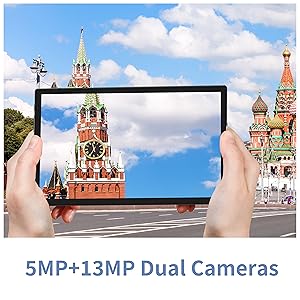
Figure 7: The tablet features dual cameras for versatile photography.
4.4 మీడియా ప్లేబ్యాక్
Enjoy videos and music on your SmartPad T10. The 1920x1200 IPS display provides a clear viewing experience, and dual speakers offer quality audio. You can download streaming apps like Netflix and YouTube from the Play Store.

Figure 8: The Full HD display is ideal for media consumption.
వీడియో 1: అధికారిక ఉత్పత్తి వీడియో ప్రదర్శనasing the BYYBUO SmartPad T10's features and usage scenarios.
4.5 బ్లూటూత్ జత చేయడం
- 'సెట్టింగ్లు' > 'కనెక్ట్ చేయబడిన పరికరాలు' > 'బ్లూటూత్' కు వెళ్లండి.
- బ్లూటూత్ 'ఆన్' టోగుల్ చేయండి.
- మీ బ్లూటూత్ పరికరం జత చేసే మోడ్లో ఉందని నిర్ధారించుకోండి.
- Select the device from the 'Available devices' list and follow on-screen prompts to pair.
4.6 GPS పనితనం
The built-in GPS allows for accurate location tracking and navigation. Use pre-installed map applications or download your preferred navigation apps from the Google Play Store.
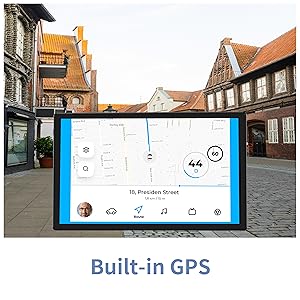
Figure 9: Built-in GPS for reliable navigation.
5. నిర్వహణ మరియు సంరక్షణ
5.1 శుభ్రపరచడం
టాబ్లెట్ స్క్రీన్ మరియు బాడీని శుభ్రం చేయడానికి మృదువైన, మెత్తటి బట్టను ఉపయోగించండి. ఉపరితలాన్ని దెబ్బతీసే కఠినమైన రసాయనాలు లేదా రాపిడి పదార్థాలను ఉపయోగించకుండా ఉండండి.
5.2 బ్యాటరీ సంరక్షణ
- అధిక ఉష్ణోగ్రతలను నివారించండి, ఎందుకంటే అవి బ్యాటరీ జీవితకాలాన్ని క్షీణింపజేస్తాయి.
- బ్యాటరీ తరచుగా పూర్తిగా ఖాళీ అవ్వనివ్వకండి.
- అందించిన ఛార్జర్ లేదా ధృవీకరించబడిన అనుకూల ఛార్జర్ను మాత్రమే ఉపయోగించండి.
5.3 సాఫ్ట్వేర్ నవీకరణలు
మీ టాబ్లెట్ తాజా ఫీచర్లు మరియు భద్రతా ప్యాచ్లను కలిగి ఉందని నిర్ధారించుకోవడానికి సిస్టమ్ నవీకరణల కోసం కాలానుగుణంగా తనిఖీ చేయండి. 'సెట్టింగ్లు' > 'సిస్టమ్' > 'సిస్టమ్ నవీకరణ' కు వెళ్లండి.
5.4 నిల్వ నిర్వహణ
అనవసరమైన వాటిని క్రమం తప్పకుండా క్లియర్ చేయండి files, cache data, and uninstall unused apps to free up storage space and maintain optimal performance. You can manage storage in 'Settings' > 'Storage'.
6. సాధారణ సమస్యలను పరిష్కరించడం
| సమస్య | సాధ్యమైన పరిష్కారం |
|---|---|
| Device won't power on | బ్యాటరీ ఛార్జ్ అయ్యిందని నిర్ధారించుకోండి. ఛార్జర్ను కనెక్ట్ చేసి, మళ్లీ పవర్ ఆన్ చేయడానికి ప్రయత్నించే ముందు కొన్ని నిమిషాలు వేచి ఉండండి. |
| Wi-Fi కనెక్షన్ సమస్యలు | Restart the tablet and your Wi-Fi router. Check Wi-Fi settings to ensure correct network and password. Try forgetting and re-connecting to the network. |
| యాప్లు క్రాష్ అవుతున్నాయి లేదా స్తంభించిపోతున్నాయి | Clear the app's cache and data (Settings > Apps > [App Name] > Storage). If the issue persists, uninstall and reinstall the app. Ensure sufficient free storage space. |
| నెమ్మదిగా పనితీరు | ఉపయోగించని నేపథ్య యాప్లను మూసివేయండి. కాష్ను క్లియర్ చేయండి మరియు తాత్కాలికంగా files. Consider a factory reset if performance issues persist after other troubleshooting steps. |
| బ్యాటరీ త్వరగా అయిపోతుంది | Reduce screen brightness. Disable unused features like Bluetooth or GPS. Close background apps. Check for apps consuming excessive battery in Settings > Battery. |
7. సాంకేతిక లక్షణాలు
| ఫీచర్ | స్పెసిఫికేషన్ |
|---|---|
| బ్రాండ్ | BYYBUO |
| మోడల్ పేరు | T10 |
| స్క్రీన్ పరిమాణం | 10.1 అంగుళాలు |
| స్క్రీన్ రిజల్యూషన్ | 1920 x 1200 పిక్సెల్స్ (పూర్తి HD IPS) |
| ప్రాసెసర్ | Octa-Core 2.0 GHz (MediaTek) |
| RAM | 4 GB |
| అంతర్గత నిల్వ | 64 GB |
| విస్తరించదగిన నిల్వ | Up to 512 GB (MicroSD/TF) |
| ఆపరేటింగ్ సిస్టమ్ | ఆండ్రాయిడ్ 12 |
| బ్యాటరీ కెపాసిటీ | 7000mAh (లిథియం పాలిమర్) |
| సగటు బ్యాటరీ జీవితం | 12 గంటలు |
| వైర్లెస్ రకం | 802.11b/g/ac (2.4G+5G WiFi) |
| బ్లూటూత్ | బ్లూటూత్ 4.2 |
| కెమెరాలు | Rear: 13 MP, Front: 5 MP |
| వస్తువు బరువు | 1.23 పౌండ్లు |
| కొలతలు (LxWxH) | 0.01 x 0.31 x 0.01 అంగుళాలు |
8. వారంటీ మరియు మద్దతు
8.1 వారంటీ సమాచారం
For specific warranty details, please refer to the warranty card included in your product packaging or contact BYYBUO customer support directly. Keep your proof of purchase for warranty claims.
8.2 కస్టమర్ మద్దతు
If you encounter any issues or have questions not covered in this manual, please contact BYYBUO customer support. You can find contact information on the official BYYBUO website or through your purchase platform. BYYBUO offers 24-hour online support.
Visit the official BYYBUO Store: BYYBUO Amazon Store
For community support and updates, you may also check the BYYBUO Facebook page: BYYBUO Facebook