
పరిచయం
This manual provides essential information for setting up, operating, maintaining, and troubleshooting your CUPEISI 7-inch Android 14 Tablet. Please read this guide thoroughly to ensure proper use and to maximize your tablet's performance and longevity.
పెట్టెలో ఏముంది
అన్బాక్సింగ్ సమయంలో అన్ని వస్తువులు ఉన్నాయని నిర్ధారించుకోండి:
- CUPEISI 7-inch Android 14 Tablet
- టైప్-సి కేబుల్
- వినియోగదారు మాన్యువల్ (ఈ పత్రం)
ఉత్పత్తి ముగిసిందిview
The CUPEISI Q2S tablet features a 7-inch HD IPS display, powered by a 1.6GHz Quad-core processor and running Android 14. It includes 8GB RAM (4GB physical + 4GB virtual) and 32GB internal storage, expandable up to 1TB via microSD card. The tablet is equipped with dual cameras and supports Wi-Fi and Bluetooth connectivity.
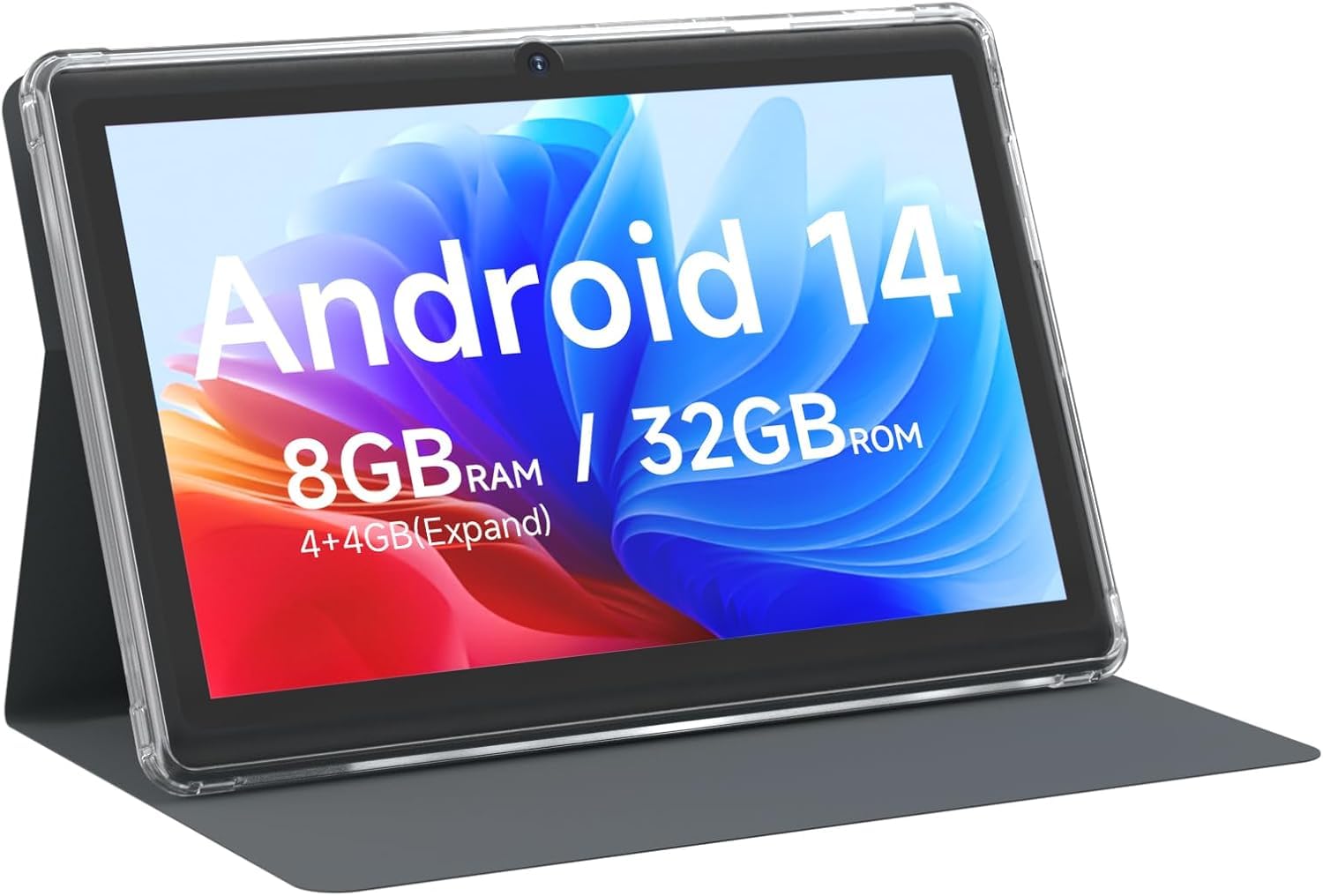
CUPEISI 7-inch Android 14 Tablet, front view.

పైగాview of CUPEISI 7-inch Android 14 Tablet features including OS, CPU, RAM, ROM, Screen, Camera, Battery, and WiFi.
సెటప్
1. టాబ్లెట్ను ఛార్జ్ చేయడం
Before first use, fully charge the tablet. Connect the provided Type-C cable to the tablet's charging port and the other end to a compatible USB power adapter (not included) or a computer's USB port. The battery indicator on the screen will show charging status.
2. పవర్ ఆన్ మరియు ప్రారంభ సెటప్
- స్క్రీన్ వెలిగే వరకు పవర్ బటన్ను నొక్కి ఉంచండి.
- మీ భాష, ప్రాంతం మరియు ఇతర ప్రారంభ సెట్టింగ్లను ఎంచుకోవడానికి ఆన్-స్క్రీన్ ప్రాంప్ట్లను అనుసరించండి.
3. Wi-Fiకి కనెక్ట్ చేస్తోంది
- వెళ్ళండి సెట్టింగ్లు > నెట్వర్క్ & ఇంటర్నెట్ > Wi-Fi.
- Wi-Fiని టోగుల్ చేయి On.
- జాబితా నుండి మీకు కావలసిన Wi-Fi నెట్వర్క్ను ఎంచుకోండి.
- ప్రాంప్ట్ చేయబడితే నెట్వర్క్ పాస్వర్డ్ను నమోదు చేయండి, ఆపై నొక్కండి కనెక్ట్ చేయండి.
4. Google Account Setup
A Google account is required to download apps from Google Play Store and access Google services. You can sign in with an existing account or create a new one during the initial setup or later via సెట్టింగ్లు > ఖాతాలు.
మీ టాబ్లెట్ను ఆపరేట్ చేస్తోంది
1. Basic Navigation and Gestures
- నొక్కండి: ఒక అంశాన్ని ఎంచుకోండి లేదా యాప్ను తెరవండి.
- స్వైప్: స్క్రీన్లు లేదా జాబితాల ద్వారా స్క్రోల్ చేయండి.
- చిటికెడు: చిత్రాలను జూమ్ ఇన్ లేదా అవుట్ చేయండి మరియు web పేజీలు.
- లాంగ్ ప్రెస్: సందర్భోచిత మెనూలను యాక్సెస్ చేయండి లేదా చిహ్నాలను తరలించండి.
2. Managing Applications

Tablet screen showing various application icons, illustrating the 8GB RAM and 32GB ROM storage capacity.
- యాప్లను ఇన్స్టాల్ చేయండి: Open the Google Play Store app, search for your desired app, and tap ఇన్స్టాల్ చేయండి.
- యాప్లను అన్ఇన్స్టాల్ చేయండి: Long-press an app icon on the home screen or app drawer, then drag it to the అన్ఇన్స్టాల్ చేయండి ఎంపిక, లేదా వెళ్ళండి సెట్టింగ్లు > యాప్లు > select the app > అన్ఇన్స్టాల్ చేయండి.
3. నిల్వ నిర్వహణ
The tablet has 32GB of internal storage. You can expand this by inserting a microSD card (up to 1TB) into the designated slot. To manage storage, go to సెట్టింగ్లు > నిల్వ.
4. కెమెరాను ఉపయోగించడం
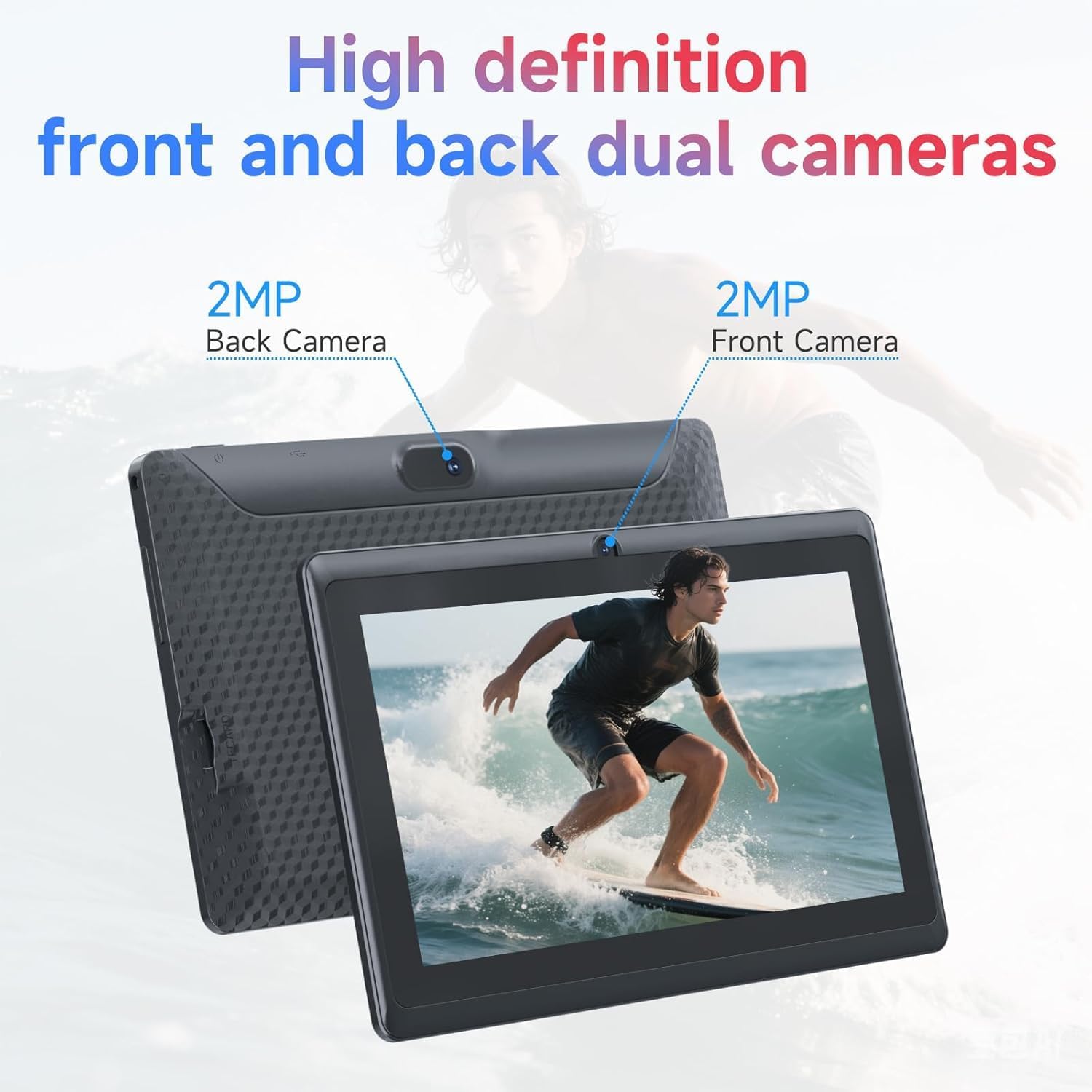
Illustration of the tablet's dual cameras, featuring a 5MP front camera and an 8MP rear camera.
The tablet features a 5MP front camera and an 8MP rear camera. Open the కెమెరా app to take photos or record videos. Tap the camera icon to switch between front and rear cameras.
5. Connectivity (Bluetooth)
బ్లూటూత్ పరికరాలను కనెక్ట్ చేయడానికి:
- వెళ్ళండి సెట్టింగ్లు > కనెక్ట్ చేయబడిన పరికరాలు > బ్లూటూత్.
- బ్లూటూత్ను టోగుల్ చేయండి On.
- ఎంచుకోండి కొత్త పరికరాన్ని జత చేయండి and choose your device from the list.
6. Eye Protection Mode

The 7-inch IPS HD screen of the tablet displaying a colorful image, highlighting its 1024x600 resolution.
The tablet's display is designed to reduce blue light emission for eye comfort. You can enable or adjust eye protection settings in సెట్టింగ్లు > ప్రదర్శించు.

A user engaged in a video conference on the tablet, demonstrating its suitability for work and study.
నిర్వహణ
1. శుభ్రపరచడం మరియు సంరక్షణ
- టాబ్లెట్ స్క్రీన్ మరియు బాడీని శుభ్రం చేయడానికి మృదువైన, మెత్తటి బట్టను ఉపయోగించండి.
- కఠినమైన రసాయనాలు లేదా రాపిడి పదార్థాలను ఉపయోగించడం మానుకోండి.
- Keep the tablet away from extreme temperatures, direct sunlight, and moisture.

An image depicting the tablet's drop protection feature, showing it withstands impacts.
2. సాఫ్ట్వేర్ నవీకరణలు
సరైన పనితీరు మరియు భద్రతను నిర్ధారించుకోవడానికి సాఫ్ట్వేర్ నవీకరణలను క్రమం తప్పకుండా తనిఖీ చేసి, ఇన్స్టాల్ చేయండి. వెళ్ళండి సెట్టింగ్లు > వ్యవస్థ > సిస్టమ్ నవీకరణ.
3. బ్యాటరీ ఆప్టిమైజేషన్
- To prolong battery life, reduce screen brightness, disable Wi-Fi/Bluetooth when not in use, and close background apps.
- బ్యాటరీని తరచుగా పూర్తిగా డిశ్చార్జ్ చేయడాన్ని నివారించండి.
ట్రబుల్షూటింగ్
| సమస్య | సాధ్యమైన పరిష్కారం |
|---|---|
| టాబ్లెట్ ఆన్ అవ్వడం లేదు | Ensure the tablet is charged. Connect to a power source and wait a few minutes before attempting to power on again. |
| Wi-Fi కనెక్షన్ సమస్యలు | Check if Wi-Fi is enabled in settings. Restart your router and the tablet. Ensure you have entered the correct password. |
| నెమ్మదిగా పనితీరు | Close unnecessary background applications. Clear cache from apps in Settings > Apps. Consider performing a factory reset if issues persist (back up data first). |
| యాప్లు క్రాష్ అవుతున్నాయి లేదా స్తంభించిపోతున్నాయి | Update the app to the latest version. Clear the app's cache and data in Settings > Apps. Reinstall the app. |
స్పెసిఫికేషన్లు
| బ్రాండ్ | CUPEISI |
| మోడల్ సంఖ్య | Q2S |
| ఆపరేటింగ్ సిస్టమ్ | ఆండ్రాయిడ్ 14 |
| ప్రాసెసర్ | 1.6 GHz Quad-core (ARM Cortex) |
| RAM | 8 GB (4GB fixed + 4GB virtual) |
| అంతర్గత నిల్వ | 32 GB |
| విస్తరించదగిన నిల్వ | మైక్రో SD కార్డ్ ద్వారా 1 TB వరకు |
| స్క్రీన్ పరిమాణం | 7 అంగుళాలు |
| డిస్ప్లే రిజల్యూషన్ | 1024 x 600 Pixels IPS HD |
| ఫ్రంట్ కెమెరా | 5 ఎంపీ |
| వెనుక కెమెరా | 8 ఎంపీ |
| బ్యాటరీ కెపాసిటీ | 3000 mAh |
| సగటు బ్యాటరీ జీవితం | 6 గంటలు |
| కనెక్టివిటీ | Wi-Fi (802.11g), Bluetooth |
| ఇంటర్ఫేస్ | USB టైప్-C |
| కొలతలు (L x W x Th) | 7.5" x 4.3" x 0.3" |
| వస్తువు బరువు | 0.38 కిలోలు |
వారంటీ సమాచారం
The CUPEISI Q2S Tablet comes with a 1-year limited warranty from the date of purchase. This warranty covers manufacturing defects and workmanship under normal use. It does not cover damage caused by misuse, accidents, unauthorized modifications, or external factors. Please retain your proof of purchase for warranty claims.
కస్టమర్ మద్దతు
For further assistance, technical support, or warranty inquiries, please refer to the contact information provided with your product packaging or visit the official CUPEISI website. When contacting support, please have your tablet model number (Q2S) and proof of purchase ready.