
పరిచయం
Welcome to the user manual for your Homatics Box R 4K Plus Android TV Media Player. This guide provides essential information for setting up, operating, maintaining, and troubleshooting your device.
The Homatics Box R 4K Plus is designed to deliver a high-quality streaming experience with its Android 11 operating system, 4K Ultra HD resolution, and HDR10+ support. It features a powerful Amlogic S905X4-K processor, 4GB RAM, 32GB flash storage, Dual-WiFi 6, Bluetooth 5.0, and Gigabit Ethernet.
ప్యాకేజీ విషయాలు
దయచేసి మీ ప్యాకేజీలో అన్ని అంశాలు ఉన్నాయని ధృవీకరించండి:
- Homatics Box R 4K Plus Device
- వాయిస్ రిమోట్ కంట్రోల్
- 12V/1A పవర్ అడాప్టర్
- HDMI కేబుల్
- 2 x AAA బ్యాటరీలు
- వినియోగదారు మాన్యువల్ (ఈ పత్రం)

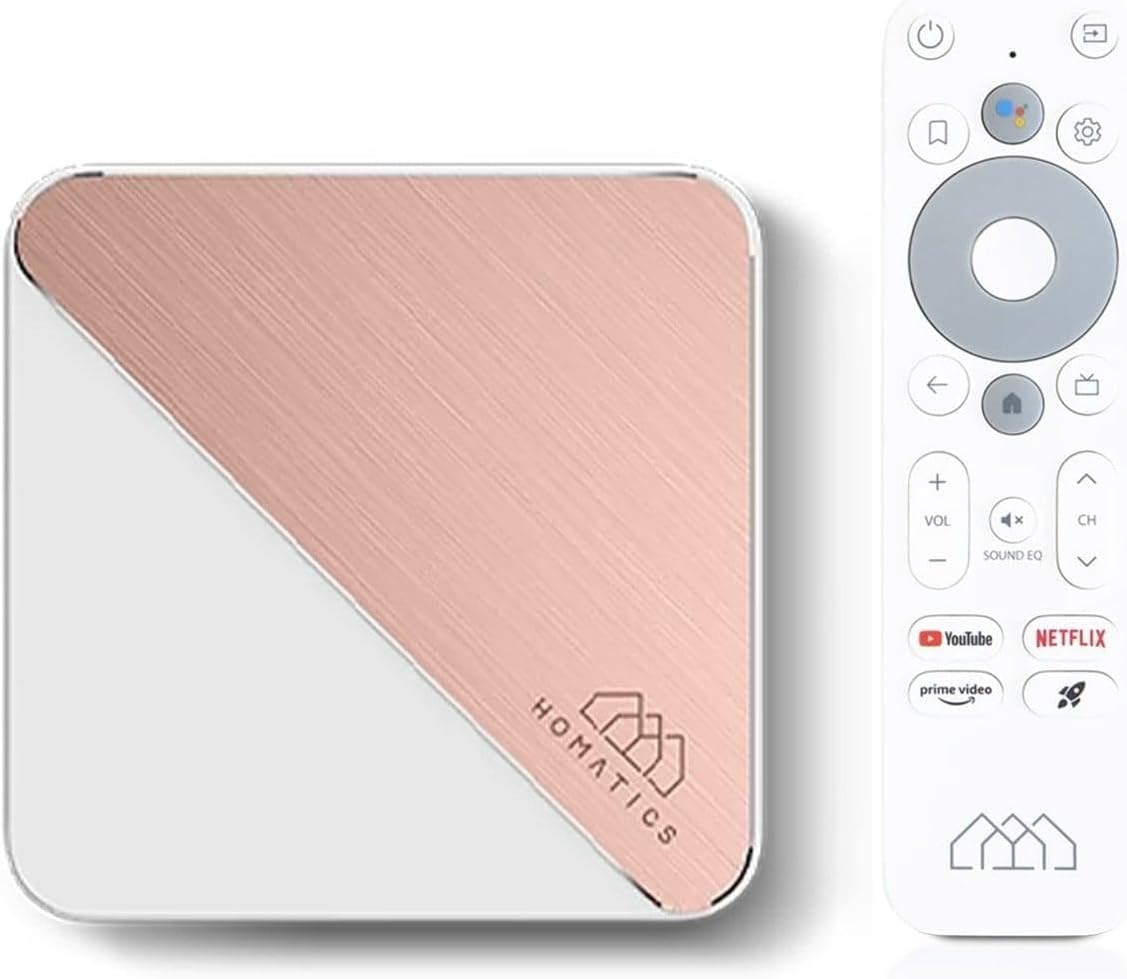
Image: The Homatics Box R 4K Plus device, its voice remote control, and an HDMI cable, illustrating the main components included in the package.
పరికరం ముగిసిందిview
Familiarize yourself with the ports and indicators on your Homatics Box R 4K Plus.
ముందు మరియు వైపు View

Image: A front and side view of the Homatics Box R 4K Plus, highlighting the USB ports for connecting external devices.
వెనుక View
చిత్రం: వెనుక భాగం view of the Homatics Box R 4K Plus, displaying the power input (DC12V), LAN port, HDMI port, Optical audio output, and a USB-C port.
సెటప్
పరికరాన్ని కనెక్ట్ చేస్తోంది
- Connect the HDMI cable from the Homatics Box R 4K Plus to an HDMI input on your TV.
- Connect the power adapter to the DC12V port on the device and plug it into a power outlet.
- (Optional) For a wired internet connection, connect an Ethernet cable from your router to the LAN port on the device.
- Insert the two AAA batteries into the voice remote control, ensuring correct polarity.
ప్రారంభ పవర్ ఆన్ మరియు సెటప్ విజార్డ్
- మీ టీవీని ఆన్ చేసి సరైన HDMI ఇన్పుట్ను ఎంచుకోండి.
- The Homatics Box R 4K Plus will power on automatically.
- ప్రారంభ సెటప్ను పూర్తి చేయడానికి స్క్రీన్పై సూచనలను అనుసరించండి, ఇందులో ఇవి ఉంటాయి:
- భాష ఎంపిక.
- Connecting to Wi-Fi (if not using Ethernet).
- Signing in with your Google Account.
- Pairing the voice remote control via Bluetooth.
- Once setup is complete, you will be directed to the Android TV home screen.
ఆపరేటింగ్ సూచనలు
వాయిస్ రిమోట్ కంట్రోల్ ఉపయోగించడం
The voice remote control allows for easy navigation and voice commands.

Image: The Homatics Box R 4K Plus device alongside its voice remote control, illustrating the compact design of both components.
- పవర్ బటన్: పరికరాన్ని ఆన్ లేదా ఆఫ్ చేస్తుంది.
- గూగుల్ అసిస్టెంట్ బటన్: Activates voice commands. Press and hold to speak your command.
- Navigation Pad (Directional Buttons and OK): మెనూలను నావిగేట్ చేయండి మరియు అంశాలను ఎంచుకోండి.
- వెనుక బటన్: మునుపటి స్క్రీన్కి తిరిగి వస్తుంది.
- హోమ్ బటన్: ఆండ్రాయిడ్ టీవీ హోమ్ స్క్రీన్కు తిరిగి వస్తుంది.
- వాల్యూమ్ బటన్లు: టీవీ వాల్యూమ్ను సర్దుబాటు చేయండి.
- ఛానెల్ బటన్లు: Navigate channels (if applicable for certain apps).
- అంకితమైన యాప్ బటన్లు: Quick access to Google Play, Prime Video, and Netflix.
యాప్లు మరియు కంటెంట్ని యాక్సెస్ చేస్తోంది
The Homatics Box R 4K Plus provides access to a wide range of applications through the Google Play Store.
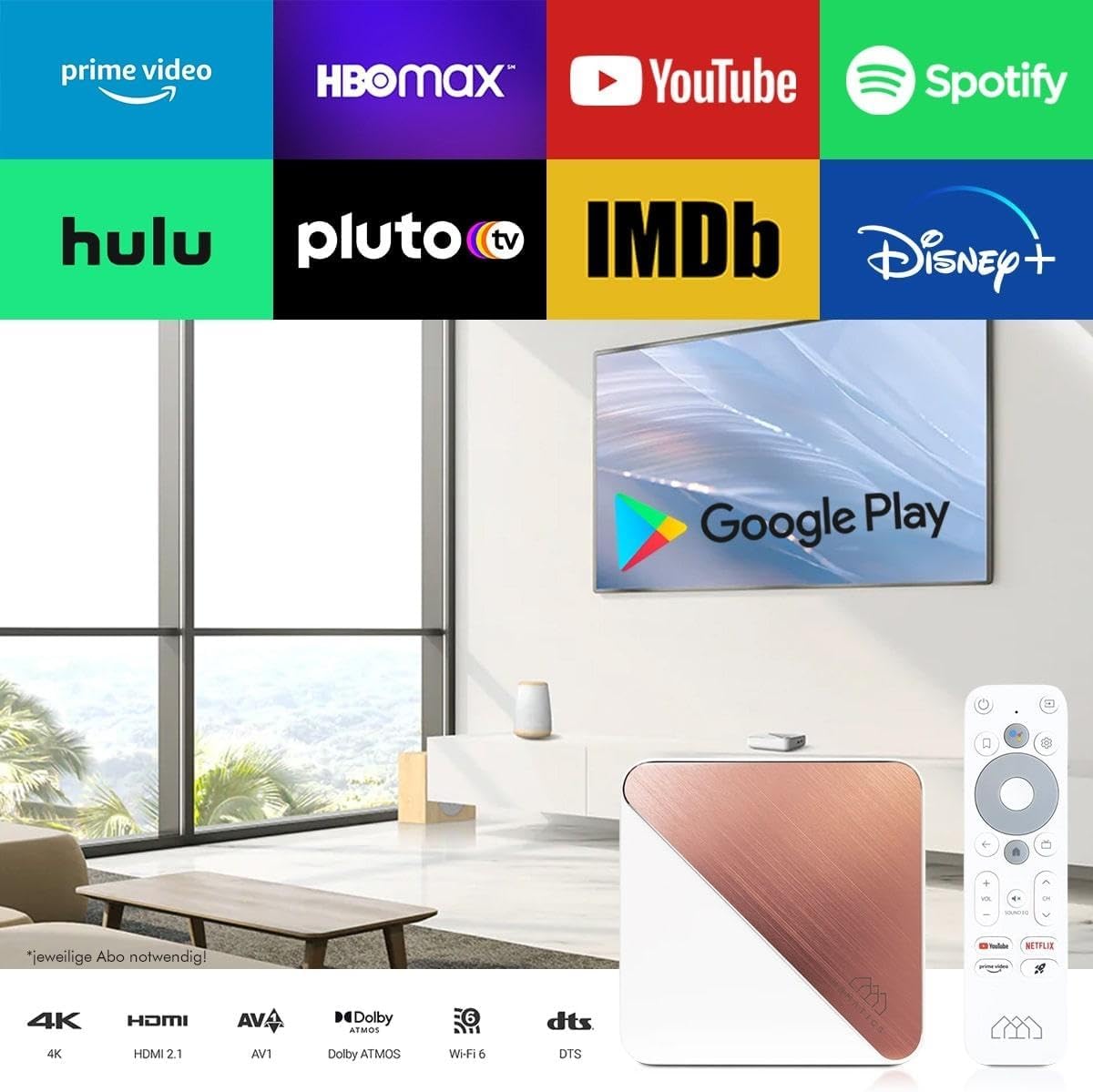
Image: A television screen displaying logos of popular streaming services like Prime Video, HBO Max, YouTube, Spotify, Hulu, Pluto TV, IMDb, Disney+, and the Google Play Store logo, indicating the wide range of available content.
- From the home screen, navigate to the "Apps" section.
- Select the Google Play Store icon to browse and download new applications.
- Popular streaming services like Netflix, Prime Video, and Disney+ are readily available.
Note: Subscriptions may be required for certain streaming services and are not included with the device.
Chromecast అంతర్నిర్మిత
The device features built-in Chromecast functionality, allowing you to cast content from your smartphone, tablet, or computer directly to your TV.

Image: A smartphone displaying an image of a cat, with the same image being mirrored onto a large television screen, demonstrating the Chromecast built-in feature for screen mirroring.
- Ensure your Homatics Box R 4K Plus and your mobile device are connected to the same Wi-Fi network.
- Open a Chromecast-enabled app (e.g., YouTube, Netflix, Google Photos) on your mobile device.
- ప్రసారం చిహ్నాన్ని నొక్కండి 🖥 అనువర్తనం లోపల.
- Select your Homatics Box R 4K Plus from the list of available devices.
- The content will begin playing on your TV.
గేమింగ్ మరియు కనెక్టివిటీ
The powerful processor and connectivity options support smooth gaming experiences.

Image: A person playing a video game on a large television screen, with the Homatics Box R 4K Plus visible on a shelf below the TV. This illustrates the device's capability for smooth gameplay and rendering graphics, especially when paired with a Bluetooth gamepad.
You can pair Bluetooth gamepads for an enhanced gaming experience. The device's hardware ensures smooth gameplay and fast graphics rendering.
నిర్వహణ
క్లీనింగ్
To clean the device, use a soft, dry cloth. Do not use liquid cleaners or aerosol sprays.
సాఫ్ట్వేర్ నవీకరణలు
The Homatics Box R 4K Plus receives software updates to improve performance and add new features.
- Go to "Settings" on the Android TV home screen.
- Select "Device Preferences" or "About".
- Choose "System update" to check for and install available updates.
Note: Ensure a stable internet connection during updates. Do not power off the device during an update.
నిల్వ నిర్వహణ
The device comes with 32GB of eMMC flash memory. You can expand storage using the Micro SD card slot (if available, though not explicitly listed in ports, the feature bullet mentions "internal memory expandable thanks to the Micro SD card port").
To manage storage:
- Go to "Settings" on the Android TV home screen.
- Select "Device Preferences" or "Storage".
- View storage usage and manage installed applications.
ట్రబుల్షూటింగ్
| సమస్య | సాధ్యమైన కారణం | పరిష్కారం |
|---|---|---|
| శక్తి లేదు | పవర్ అడాప్టర్ కనెక్ట్ కాలేదు లేదా అవుట్లెట్ తప్పుగా ఉంది. | పవర్ అడాప్టర్ పరికరానికి మరియు పనిచేసే పవర్ అవుట్లెట్కు సురక్షితంగా కనెక్ట్ చేయబడిందని నిర్ధారించుకోండి. |
| టీవీలో చిత్రం లేదు | Incorrect HDMI input selected on TV; loose HDMI cable. | Select the correct HDMI input on your TV. Check HDMI cable connections at both ends. |
| రిమోట్ కంట్రోల్ స్పందించడం లేదు | బ్యాటరీలు తక్కువగా ఉన్నాయి; రిమోట్ జత చేయబడలేదు. | Replace AAA batteries. Re-pair the remote control in Bluetooth settings if necessary. |
| Wi-Fiకి కనెక్ట్ చేయడం సాధ్యపడదు | Incorrect password; router issues; device too far from router. | Verify Wi-Fi password. Restart your router. Move the device closer to the router or use a wired Ethernet connection. |
| 4K/HDR content not displaying correctly | TV or media not compatible; HDMI cable limitations. | Ensure your TV supports 4K/HDR and the content is 4K/HDR. Use a high-speed HDMI cable. |
If the problem persists, please contact Homatics customer support.
స్పెసిఫికేషన్లు
| ఫీచర్ | వివరాలు |
|---|---|
| మోడల్ పేరు | Box R |
| మోడల్ సంఖ్య | 8588003477170 |
| ఆపరేటింగ్ సిస్టమ్ | ఆండ్రాయిడ్ టీవీ 11.0 |
| రిజల్యూషన్ | 4K Ultra HD (3840 x 2160) @ 60 fps, HDR10+ |
| ప్రాసెసర్ | Amlogic S905X4-K (Quad Core Cortex-A55 CPU) |
| RAM | 4GB LPDDR4 |
| అంతర్గత నిల్వ | 32GB eMMC Flash (expandable via Micro SD card port) |
| కనెక్టివిటీ | Dual-WiFi 6 (2.4 & 5GHz), Bluetooth 5.0, Ethernet (1000 Mbit/s) |
| ఓడరేవులు | HDMI, USB, Optical, DC12V, LAN |
| ప్రత్యేక లక్షణాలు | Chromecast Built-in, Google Assistant, Google Play Store access |
| రంగు | తెలుపు |
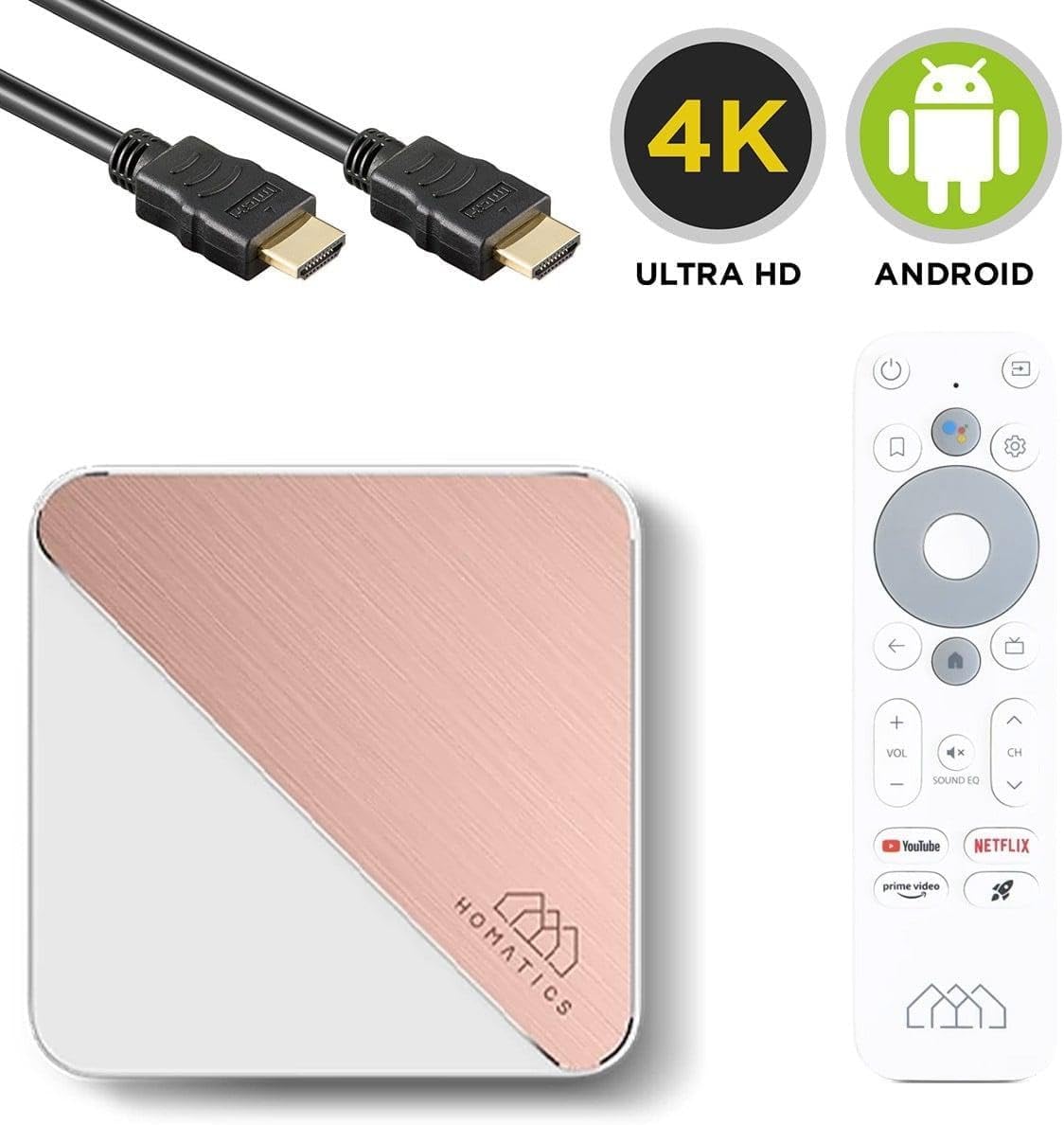
Image: The Homatics Box R 4K Plus device, remote, and HDMI cable, accompanied by "4K Ultra HD" and "Android" logos, emphasizing its core capabilities.
వారంటీ మరియు మద్దతు
వారంటీ సమాచారం
This product comes with a standard manufacturer's warranty. Please refer to the warranty card included in your package for specific terms and conditions. Keep your proof of purchase for warranty claims.
కస్టమర్ మద్దతు
For technical assistance, troubleshooting beyond this manual, or warranty inquiries, please contact Homatics customer support.
సంప్రదింపు సమాచారం: (Please refer to the official Homatics website or product packaging for the most current contact details.)
ఆన్లైన్ వనరులు: Visit the Homatics official webతరచుగా అడిగే ప్రశ్నలు, సాఫ్ట్వేర్ నవీకరణలు మరియు అదనపు మద్దతు వనరుల కోసం సైట్.