
పరిచయం
The Xiaomi Mi Band 8 is a versatile smart bracelet designed to enhance your daily life through comprehensive health and fitness tracking, smart notifications, and convenient features. This manual provides detailed instructions to help you set up, operate, and maintain your device for optimal performance.
పెట్టెలో ఏముంది
- Xiaomi Mi Band 8 Device
- Black Silicone Strap (pre-attached)
- మాగ్నెటిక్ ఛార్జింగ్ కేబుల్
- వినియోగదారు మాన్యువల్
సెటప్
1. పరికరాన్ని ఛార్జ్ చేస్తోంది
Before first use, fully charge your Mi Band 8. Connect the magnetic charging cable to the charging contacts on the back of the device. A full charge typically takes about 1 hour.
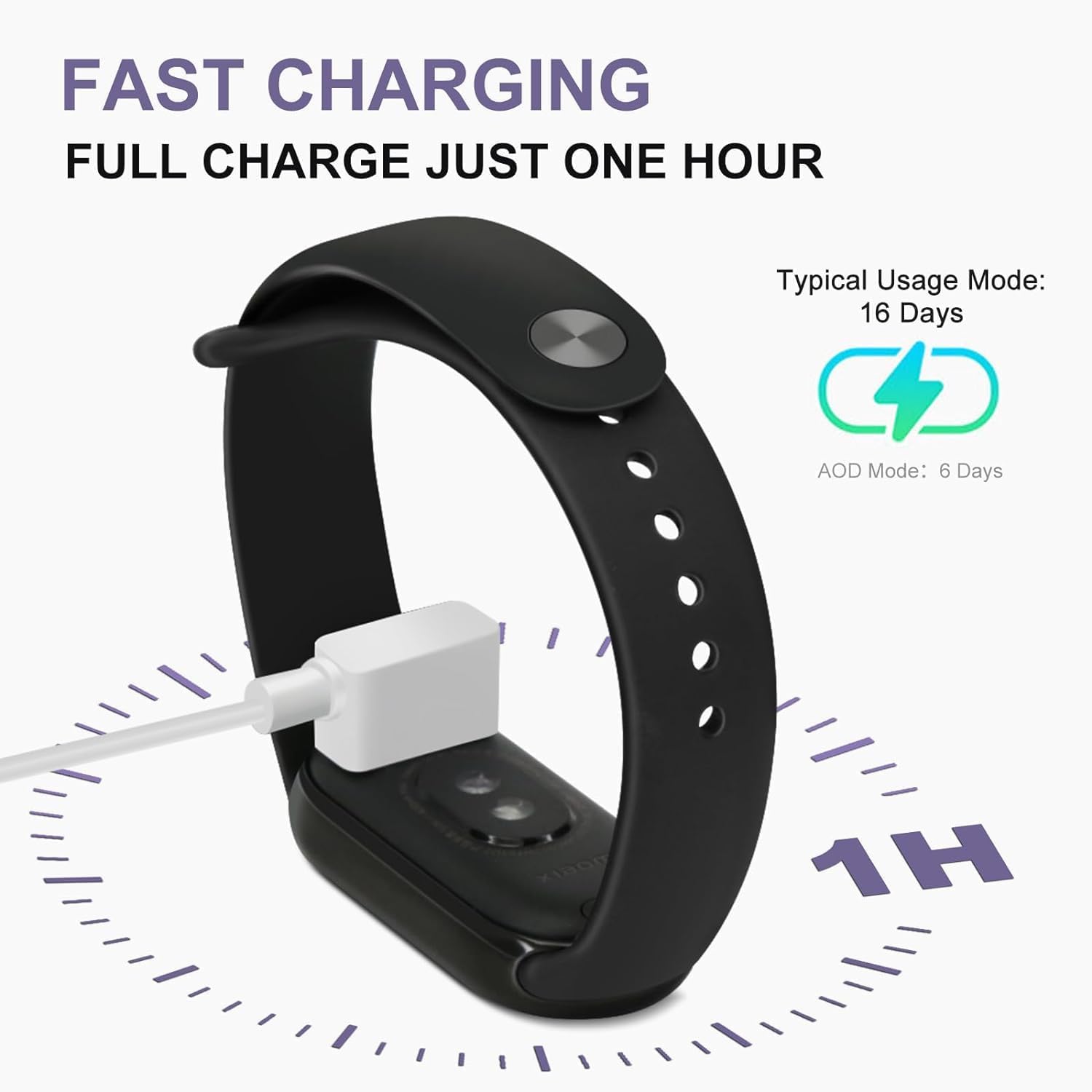
The Mi Band 8 charging via its magnetic cable, illustrating the fast charging capability.
2. పట్టీని అటాచ్ చేయడం
The Mi Band 8 features a new quick-release structure for easy strap replacement. Align the strap ends with the slots on the device body and push until they click into place. Ensure both ends are securely attached.

The Mi Band 8 showcasing its removable strap design, allowing for various stylish options.
3. యాప్ డౌన్లోడ్ మరియు జత చేయడం
Download the Zepp Life app (or Mi Fitness app) from your smartphone's app store. Create an account and follow the in-app instructions to pair your Mi Band 8 via Bluetooth. This step is crucial for data synchronization and accessing all smart features.
ఆపరేటింగ్ సూచనలు
ప్రదర్శన మరియు నావిగేషన్
The Mi Band 8 features a 1.62-inch AMOLED touchscreen with a 60Hz refresh rate for smooth navigation. Swipe up/down to scroll through menus and left/right to access quick widgets. Tap to select an option.

The main product image of the Xiaomi Mi Band 8, highlighting its vibrant AMOLED display.
వాచ్ ముఖాలు
Customize your device with over 100 watch faces available through the companion app. You can also create custom watch faces using your own photos.

The Mi Band 8 displaying various fun and multifunctional watch faces, along with intelligent brightness adjustment.
ఆరోగ్య పర్యవేక్షణ
- హృదయ స్పందన రేటు: నిరంతర హృదయ స్పందన పర్యవేక్షణ.
- రక్త ఆక్సిజన్ (SpO2): మీ రక్త ఆక్సిజన్ స్థాయిలను పర్యవేక్షించండి.
- నిద్ర ట్రాకింగ్: నిద్రను ట్రాక్ చేస్తుందిtages (deep, light, REM) and naps automatically.
- ఒత్తిడి పర్యవేక్షణ: మీ ఒత్తిడి స్థాయిల గురించి అంతర్దృష్టులను అందిస్తుంది.
- Vitality Score: A comprehensive score reflecting your overall activity and health.
ఫిట్నెస్ ట్రాకింగ్
The Mi Band 8 supports over 150 sports modes. It features a newly upgraded running mode that can be enhanced with an optional shoe attachment for more accurate data.

The Mi Band 8 highlighting its extensive range of 150+ fitness modes, including cycling, gymnastics, and swimming.

The Mi Band 8 showcasing its newly upgraded running mode, which can be used with a specialized shoe clip for enhanced tracking.
స్మార్ట్ ఫీచర్లు
- నోటిఫికేషన్లు: Receive app notifications, calls, and messages directly on your wrist.
- ఫోన్ను కనుగొనండి: Use your band to locate your paired smartphone.
- అలారాలు: Set vibrating alarms.
- టైమర్ & స్టాప్వాచ్: అంతర్నిర్మిత సమయ విధులు.
- ప్రపంచ గడియారం: View times in different cities.
- కెమెరా రిమోట్: మీ ఫోన్ కెమెరాను రిమోట్గా నియంత్రించండి.
- ఫ్లాష్లైట్: Turn the display white for a temporary light source.
- శ్వాస వ్యాయామాలు: విశ్రాంతి కోసం గైడెడ్ శ్వాస సెషన్లు.
Interactive Courses and Games
The Mi Band 8 offers interactive fitness courses and mini-games that can be accessed via the companion app, providing an engaging way to stay active.
అధికారిక ఉత్పత్తి వీడియో ప్రదర్శనasing the Xiaomi Smart Band 8's features, including its stylish design, various straps, and fitness tracking capabilities.
నిర్వహణ
నీటి నిరోధకత
The Mi Band 8 has a 5 ATM water resistance rating, meaning it can withstand pressures equivalent to a depth of 50 meters. It is suitable for swimming and showering, but not for diving or high-pressure water activities.

The Mi Band 8 submerged in water, illustrating its 50-meter waterproof capability.
క్లీనింగ్
Regularly clean your Mi Band 8 and its strap with a soft, damp వస్త్రం. కఠినమైన రసాయనాలు లేదా రాపిడి పదార్థాలను ఉపయోగించడం మానుకోండి.
బ్యాటరీ సంరక్షణ
To prolong battery life, avoid exposing the device to extreme temperatures. Charge the device fully when prompted by low battery notifications.
ట్రబుల్షూటింగ్
కనెక్టివిటీ సమస్యలు
If your Mi Band 8 fails to connect to the app, ensure Bluetooth is enabled on your phone and the band is within range. Restarting both the band and the phone may resolve the issue.
సరికాని రీడింగ్లు
For accurate heart rate and SpO2 readings, ensure the band is worn snugly on your wrist. For running data, consider using the dedicated shoe attachment.
Missing Features
The Xiaomi Mi Band 8 does not include a built-in microphone or speaker, meaning it cannot make phone calls or support voice assistants directly. It also lacks built-in GPS, relying on your smartphone's GPS for location tracking during workouts.
స్పెసిఫికేషన్లు
| ఉత్పత్తి కొలతలు | 1.89 x 0.89 x 0.43 అంగుళాలు |
| వస్తువు బరువు | 0.952 ఔన్సులు (27 గ్రాములు) |
| ప్రదర్శించు | 1.62 Inches AMOLED, 60Hz Refresh Rate, 600 Nits Peak Brightness |
| బ్యాటరీ | 1 CR123A (included), 190 mAh, Up to 16 days typical usage |
| నీటి నిరోధకత | 5 ATM (50 మీటర్లు) |
| కనెక్టివిటీ టెక్నాలజీ | బ్లూటూత్ |
| ప్రత్యేక ఫీచర్ | Heart Rate Monitor, Blood Oxygen Monitor, Sleep Tracking, Stress Monitoring |
| అంశం మోడల్ సంఖ్య | M2239B1 |
వారంటీ మరియు మద్దతు
వారంటీ సమాచారం మరియు కస్టమర్ మద్దతు కోసం, దయచేసి అధికారిక Xiaomi వెబ్సైట్ను చూడండి. webమీ స్థానిక రిటైలర్ను సైట్లో సంప్రదించండి లేదా సంప్రదించండి. వారంటీ క్లెయిమ్ల కోసం మీ కొనుగోలు రసీదును ఉంచండి.