
Baseus NGTW340001
Baseus Bowie MZ10 TWS Earphones User Manual
Model: NGTW340001 | Brand: Baseus
పరిచయం
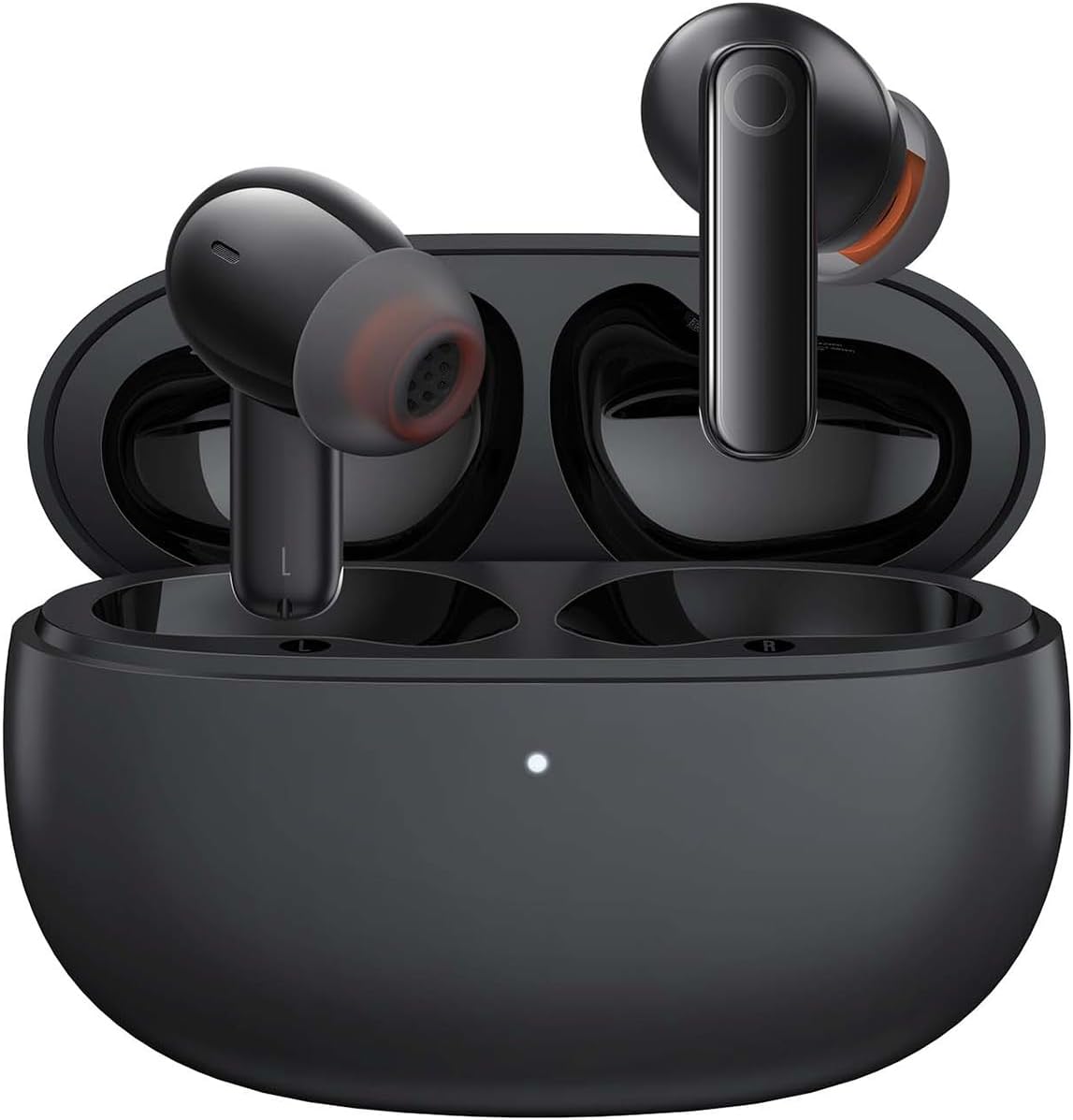
Image: The Baseus Bowie MZ10 True Wireless Stereo Earphones, shown in their open charging case, ready for use.
This manual provides detailed instructions for the operation, maintenance, and troubleshooting of your Baseus Bowie MZ10 TWS Earphones. Please read this manual thoroughly before using the product to ensure proper function and longevity.
పెట్టెలో ఏముంది
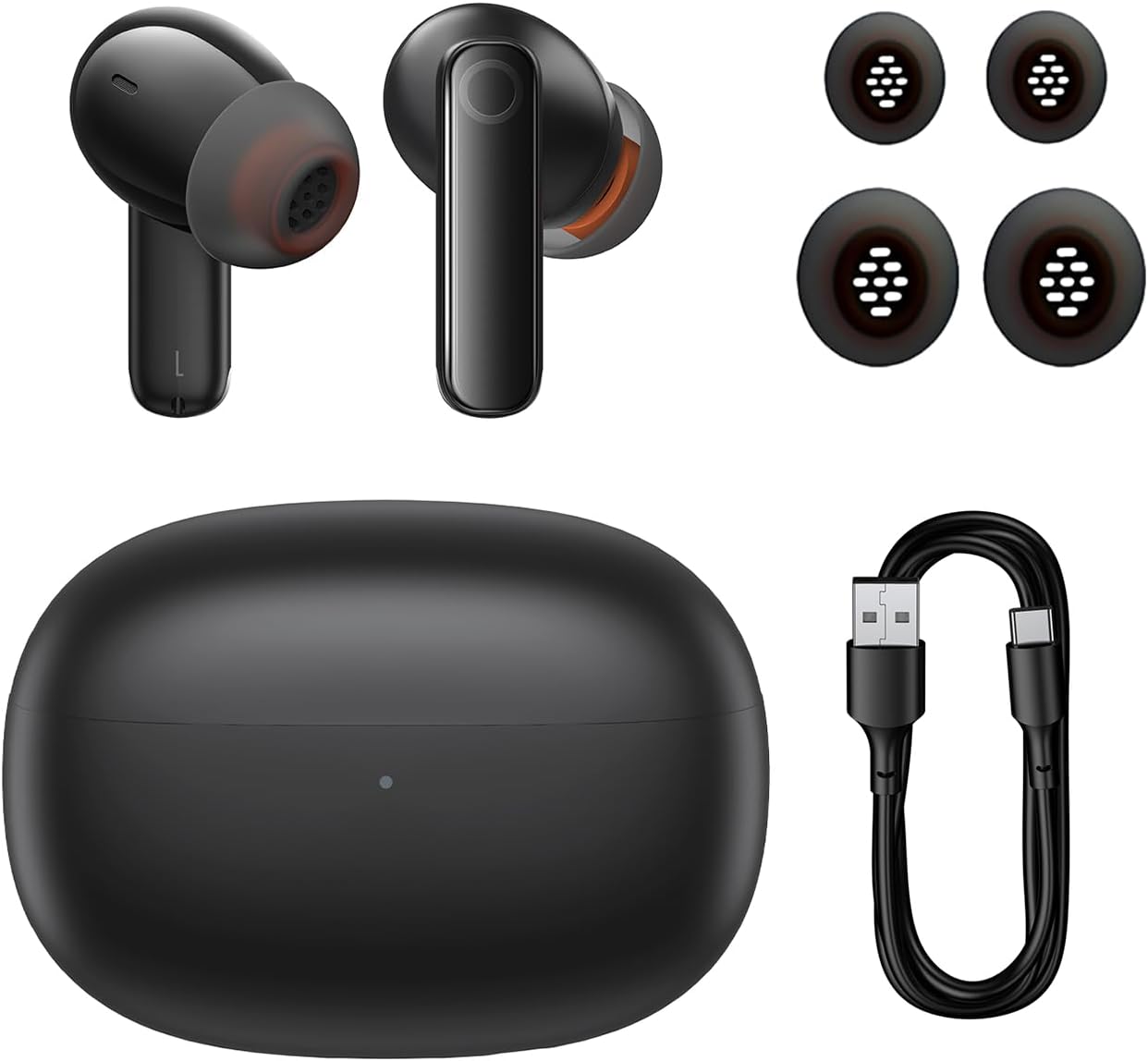
Image: The package contents of the Baseus Bowie MZ10 TWS Earphones, showing the two earbuds, the charging case, multiple sizes of ear tips, and a USB-C charging cable.
- Baseus Bowie MZ10 TWS Earbuds (Left and Right)
- ఛార్జింగ్ కేసు
- USB-C ఛార్జింగ్ కేబుల్
- సిలికాన్ చెవి చిట్కాలు (వివిధ పరిమాణాలు)
- వినియోగదారు మాన్యువల్ (ఈ పత్రం)
సెటప్
1. ఇయర్ఫోన్లు మరియు కేస్ను ఛార్జ్ చేయడం
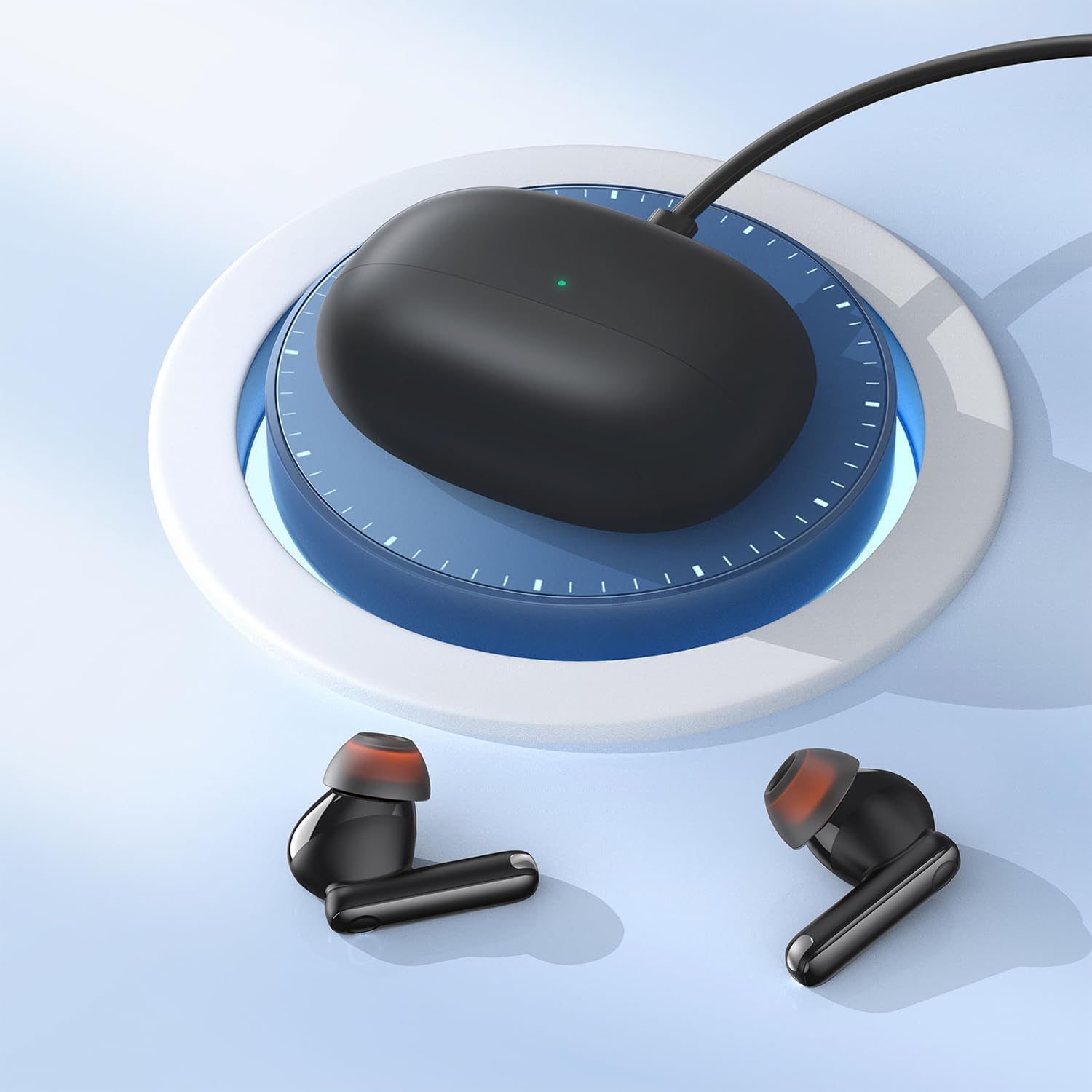
Image: The Baseus Bowie MZ10 charging case being charged via a USB-C cable, indicated by a green light on the case.
- మొదటిసారి ఉపయోగించే ముందు, ఛార్జింగ్ కేస్ మరియు ఇయర్బడ్లను పూర్తిగా ఛార్జ్ చేయండి.
- USB-C ఛార్జింగ్ కేబుల్ను కేస్లోని ఛార్జింగ్ పోర్ట్కు మరియు పవర్ సోర్స్కు కనెక్ట్ చేయండి.
- The indicator light on the case will show charging status. A full charge is indicated when the light remains solid.
- Place the earbuds into the charging case to charge them. The earbuds will automatically charge when placed correctly in the case.
2. బ్లూటూత్ పెయిరింగ్
- Open the charging case. The earbuds will automatically enter pairing mode, and the indicator light on the case will flash.
- మీ పరికరంలో (స్మార్ట్ఫోన్, టాబ్లెట్, మొదలైనవి), బ్లూటూత్ను ప్రారంభించండి.
- కోసం వెతకండి "Baseus Bowie MZ10" in the list of available Bluetooth devices.
- Select "Baseus Bowie MZ10" to connect. Once connected, the indicator light on the case will turn off or show a steady light.
- జత చేయడం విఫలమైతే, కేస్ను మూసివేసి, కొన్ని సెకన్లు వేచి ఉండి, దశలను పునరావృతం చేయండి.
ఆపరేటింగ్ సూచనలు
టచ్ కంట్రోల్స్
The Baseus Bowie MZ10 earphones feature touch-sensitive controls on each earbud. The specific functions may vary slightly depending on your device and application.
| చర్య | ఫంక్షన్ |
|---|---|
| సింగిల్ ట్యాప్ (ఎడమ/కుడి) | సంగీతాన్ని ప్లే చేయండి/పాజ్ చేయండి, సమాధానం ఇవ్వండి/కాల్ని ముగించండి |
| రెండుసార్లు నొక్కండి (కుడివైపు) | తదుపరి ట్రాక్ |
| రెండుసార్లు నొక్కండి (ఎడమవైపు) | మునుపటి ట్రాక్ |
| ఎక్కువసేపు నొక్కి ఉంచండి (ఎడమ/కుడి) | Switch between ANC/Transparency Mode (if applicable) |
| ట్రిపుల్ ట్యాప్ (ఎడమ/కుడి) | వాయిస్ అసిస్టెంట్ని యాక్టివేట్ చేయండి |
యాక్టివ్ నాయిస్ క్యాన్సిలేషన్ (ANC)
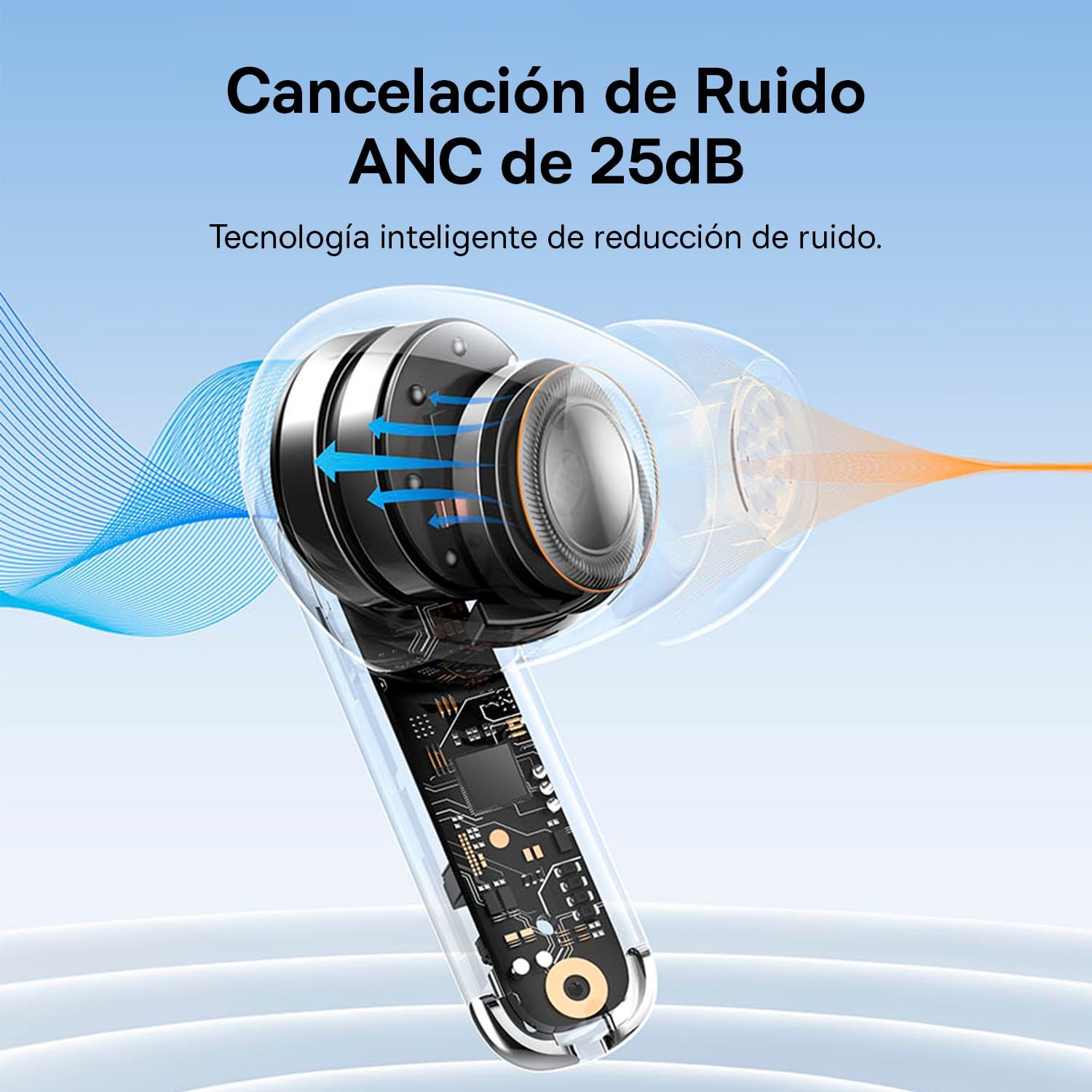
Image: A diagram showing how Active Noise Cancellation (ANC) works within the earbud, with sound waves being cancelled out.
The Baseus Bowie MZ10 earphones feature Active Noise Cancellation to reduce ambient noise. To activate or deactivate ANC, perform a long press on the touch area of either earbud. You may hear an audible prompt indicating the mode change.
కాల్స్ కోసం పర్యావరణ శబ్ద రద్దు (ENC).
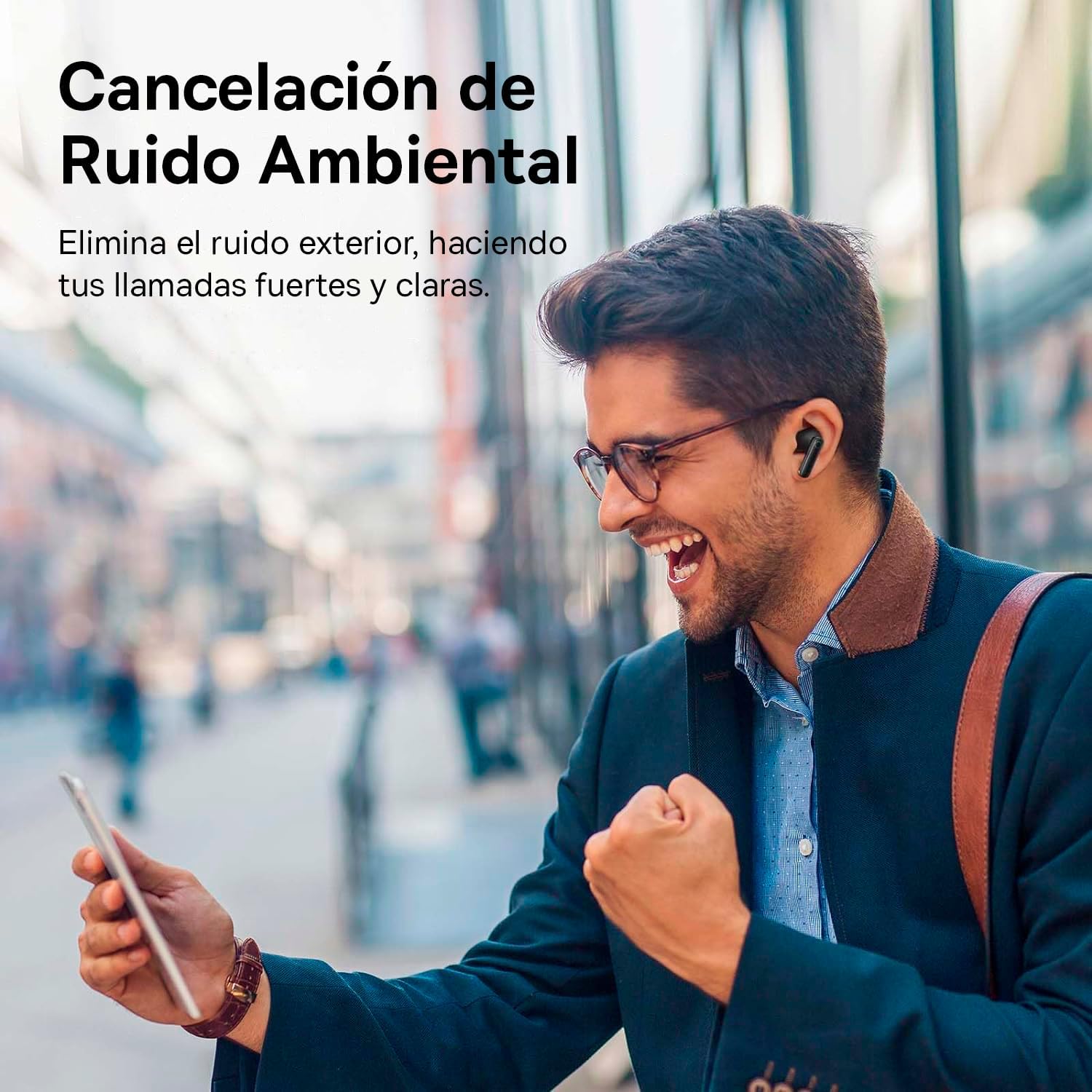
Image: A person smiling while using the Baseus Bowie MZ10 earphones in an outdoor setting, suggesting clear call quality despite ambient noise.
The earphones are equipped with Environmental Noise Cancellation (ENC) technology, which helps to suppress background noise during phone calls, ensuring your voice is transmitted clearly to the other party.
Low Latency Mode for Gaming
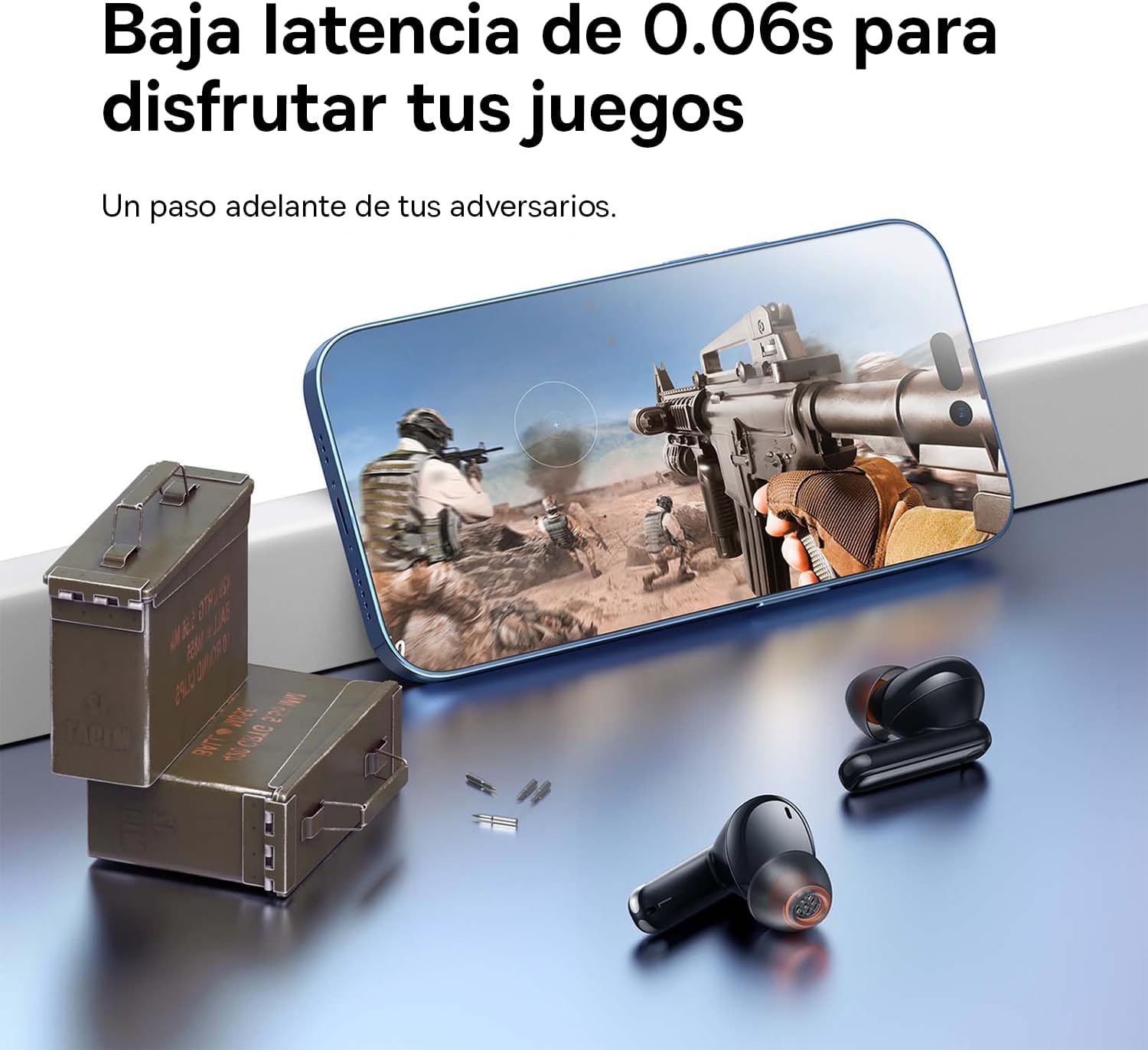
Image: The Baseus Bowie MZ10 earphones positioned near a smartphone displaying a video game, highlighting their low latency feature for an enhanced gaming experience.
For an optimized gaming experience, the Baseus Bowie MZ10 earphones offer a low latency mode. This mode reduces audio delay, ensuring that sound effects and dialogue are synchronized with on-screen actions. Refer to the Baseus app or specific earbud gestures (if available) to activate this mode.
నిర్వహణ
- శుభ్రపరచడం: Regularly clean the earbuds and charging case with a soft, dry, lint-free cloth. Do not use abrasive cleaners or immerse the product in water.
- చెవి చిట్కాలు: చెవుల చివరలను క్రమానుగతంగా తీసివేసి, ప్రకటనతో శుభ్రం చేయండి.amp గుడ్డ. తిరిగి అతికించే ముందు అవి పూర్తిగా పొడిగా ఉన్నాయని నిర్ధారించుకోండి.
- నిల్వ: When not in use, store the earphones in their charging case to protect them and keep them charged. Store in a cool, dry place away from direct sunlight and extreme temperatures.
- బ్యాటరీ సంరక్షణ: To preserve battery life, avoid fully discharging the battery frequently. Charge the earphones regularly, even if not in constant use.
ట్రబుల్షూటింగ్
| సమస్య | సాధ్యమైన పరిష్కారం |
|---|---|
| ఇయర్బడ్లు పరికరంతో జత కావడం లేదు |
|
| ఒకే ఒక ఇయర్బడ్ శబ్దం ప్లే అవుతోంది |
|
| తక్కువ వాల్యూమ్ లేదా పేలవమైన ధ్వని నాణ్యత |
|
| ఛార్జింగ్ కేసు ఛార్జింగ్ కాదు |
|
స్పెసిఫికేషన్లు
- బ్రాండ్: బేసియస్
- మోడల్ సంఖ్య: NGTW340001
- ఉత్పత్తి రకం: True Wireless Stereo (TWS) Earphones
- రంగు: నలుపు
- బ్యాటరీ: లిథియం-అయాన్ (పునర్వినియోగపరచదగినది)
- ఫీచర్లు: Active Noise Cancellation (ANC), Environmental Noise Cancellation (ENC), Low Latency Mode
- కనెక్టివిటీ: Bluetooth (version not specified, but typically 5.0 or higher for TWS)
- ఛార్జింగ్ ఇంటర్ఫేస్: USB-C
వారంటీ మరియు మద్దతు
Baseus products are designed and manufactured to the highest quality standards. For information regarding warranty coverage, technical support, or service, please refer to the warranty card included with your purchase or visit the official Baseus webవారంటీ క్లెయిమ్ల కోసం మీ కొనుగోలు రుజువును ఉంచండి.
For further assistance, you may contact Baseus customer support through their official channels.
Ask a question about this manual
Ask about setup, troubleshooting, compatibility, parts, safety, or missing instructions. Manuals+ will review the question and use this page’s manual context to help answer it.