
XIAOMI Redmi Pad SE
Xiaomi Redmi Pad SE యూజర్ మాన్యువల్
Model: Redmi Pad SE | Brand: XIAOMI
1. పరిచయం
Welcome to the user manual for your new Xiaomi Redmi Pad SE. This guide provides detailed instructions on how to set up, operate, maintain, and troubleshoot your device, ensuring you get the most out of its features.
The Redmi Pad SE is an 11-inch tablet designed for immersive entertainment and efficient productivity. It features a vibrant FHD+ display with a smooth 90Hz refresh rate, powered by a Snapdragon 680 processor, and equipped with a long-lasting 8000 mAh battery.
పెట్టెలో ఏముంది
- Xiaomi Redmi Pad SE టాబ్లెట్
- USB టైప్-సి కేబుల్
- పవర్ అడాప్టర్ (10W)
- త్వరిత ప్రారంభ గైడ్
- వారంటీ కార్డ్
- Earphones (if included with your specific model variant)

Image: The Xiaomi Redmi Pad SE tablet shown alongside a pair of wired earphones, highlighting the product and a potential accessory.
2. సెటప్
2.1 ప్రారంభ ఛార్జింగ్
Before first use, it is recommended to fully charge your Redmi Pad SE. Connect the provided USB Type-C cable to the tablet's charging port and the other end to the power adapter. Plug the adapter into a wall outlet. The charging indicator will show the charging status. A full charge of the 8000 mAh battery may take several hours.
2.2 పవర్ చేయడం ఆన్/ఆఫ్
- పవర్ ఆన్ చేయడానికి: Press and hold the Power button (usually located on the side or top edge) until the Xiaomi logo appears on the screen.
- పవర్ ఆఫ్ చేయడానికి: పవర్ ఆప్షన్స్ మెనూ కనిపించే వరకు పవర్ బటన్ను నొక్కి పట్టుకోండి. మెనూ నుండి "పవర్ ఆఫ్" ఎంచుకోండి.
- పునఃప్రారంభించడానికి: పవర్ ఆప్షన్స్ మెను నుండి, "పునఃప్రారంభించు" ఎంచుకోండి.
2.3 ప్రారంభ సెటప్ విజార్డ్
మొదటిసారి పవర్-ఆన్ చేసినప్పుడు, టాబ్లెట్ మీకు ప్రారంభ సెటప్ విజార్డ్ ద్వారా మార్గనిర్దేశం చేస్తుంది. స్క్రీన్పై ఉన్న ప్రాంప్ట్లను అనుసరించండి:
- మీ భాష మరియు ప్రాంతాన్ని ఎంచుకోండి.
- Wi-Fi నెట్వర్క్కి కనెక్ట్ చేయండి.
- నిబంధనలు మరియు షరతులను అంగీకరించండి.
- మీ Google ఖాతాతో సైన్ ఇన్ చేయండి లేదా కొత్తదాన్ని సృష్టించండి.
- స్క్రీన్ లాక్ (పిన్, నమూనా, పాస్వర్డ్) సెటప్ చేయండి.
- Configure other settings like date and time.
3. Operating Your Redmi Pad SE
3.1 డిస్ప్లే మరియు నావిగేషన్
The Redmi Pad SE features an 11-inch FHD+ display with a resolution of 1920 x 1080 pixels and a 90Hz refresh rate for smooth visuals. It also includes TÜV Low Blue Light certification for eye comfort during extended use.
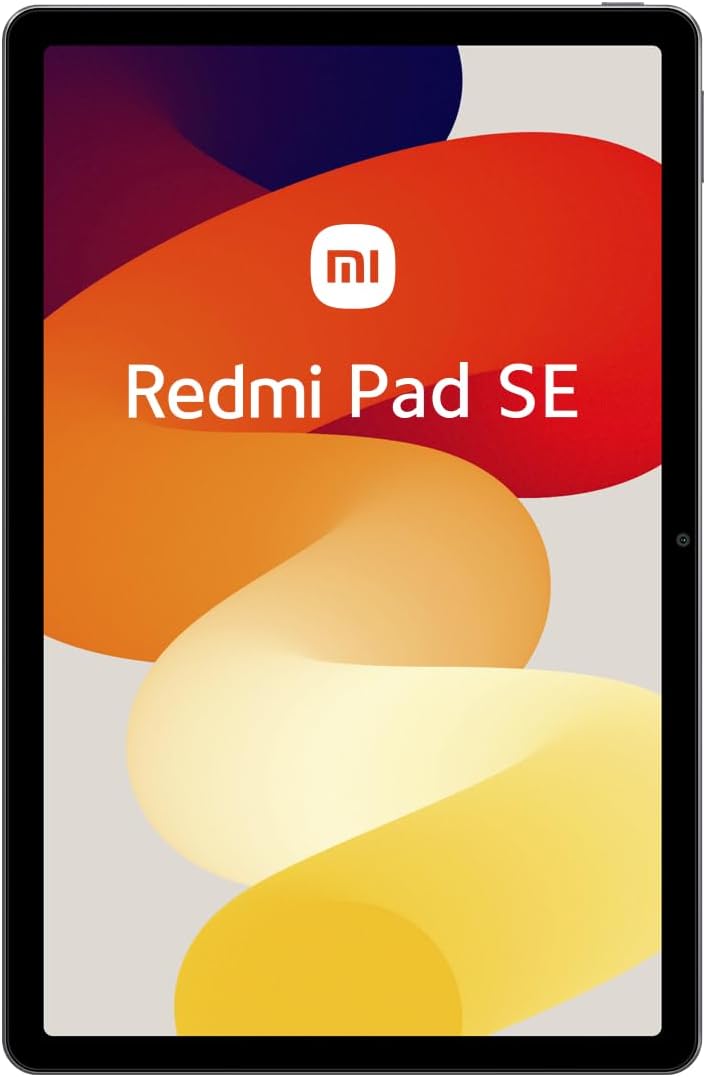
చిత్రం: స్పష్టమైన ముందు భాగం view of the Xiaomi Redmi Pad SE, showcasing its large 11-inch display.
Navigation is primarily touch-based. Swipe, tap, and pinch gestures are used to interact with the MIUI 14 operating system.
3.2 పనితీరు మరియు నిల్వ
Powered by the Snapdragon 680 mobile platform (6nm process), the Redmi Pad SE delivers efficient performance for daily tasks, browsing, and light gaming. It comes with 4GB of RAM and 128GB of internal storage, which can be expanded via a microSD card (not included).
3.3 కెమెరాలు
The tablet is equipped with an 8MP rear camera for capturing photos and videos, and a 5MP front camera, ideal for video calls and selfies.

Image: The rear side of the Xiaomi Redmi Pad SE, featuring the 8MP main camera module in the upper left corner.
3.4 ఆడియో
Experience rich audio with the Redmi Pad SE's quad speakers, enhanced with Dolby Atmos® technology for an immersive sound experience.
3.5 కనెక్టివిటీ
- Wi-Fi: Supports 2.4 GHz and 5 GHz Wi-Fi for fast internet access.
- బ్లూటూత్: Features Bluetooth 5.2 for connecting wireless accessories like headphones and keyboards.
- USB టైప్-C: Used for charging, data transfer, and connecting compatible peripherals.
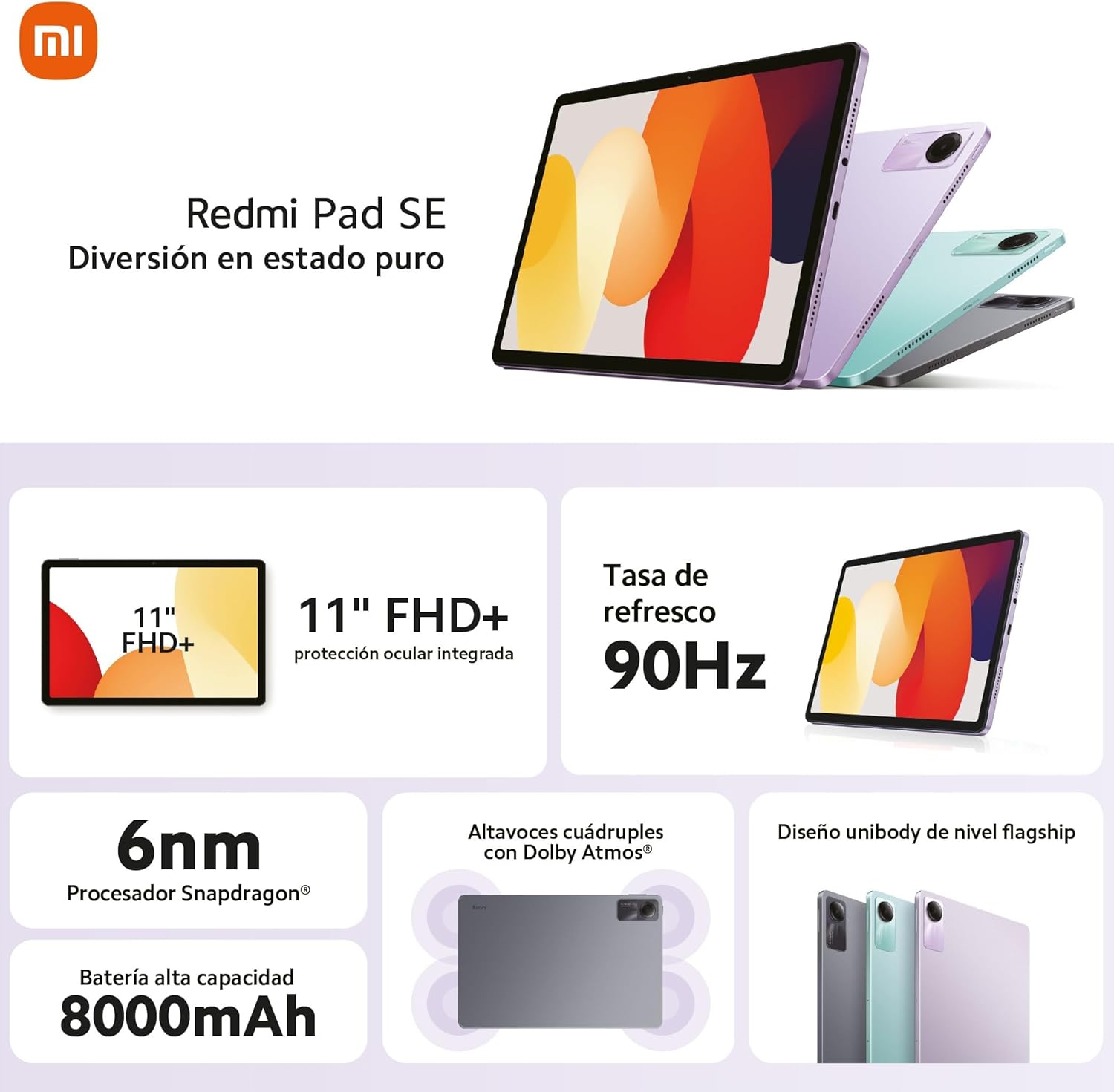
Image: An infographic detailing the key features of the Redmi Pad SE, including its 11-inch FHD+ display, 90Hz refresh rate, Snapdragon 6nm processor, 8000mAh battery, quad speakers with Dolby Atmos, and unibody design.
4. నిర్వహణ
4.1 మీ టాబ్లెట్ను శుభ్రపరచడం
To clean the screen, use a soft, lint-free cloth specifically designed for electronics. For the body, a slightly damp cloth can be used. Avoid using harsh chemicals, abrasive materials, or excessive moisture.
4.2 బ్యాటరీ సంరక్షణ
- అధిక ఉష్ణోగ్రతలను నివారించండి, ఎందుకంటే అవి బ్యాటరీ జీవితకాలాన్ని క్షీణింపజేస్తాయి.
- బ్యాటరీ తరచుగా పూర్తిగా ఖాళీ అవ్వనివ్వకండి.
- ఒరిజినల్ లేదా సర్టిఫైడ్ అనుకూల ఛార్జర్ను మాత్రమే ఉపయోగించండి.
4.3 సాఫ్ట్వేర్ నవీకరణలు
Regularly check for and install system updates to ensure your tablet has the latest features, security patches, and performance improvements. You can usually find this option in the tablet's Settings menu under "About tablet" or "System update."
5. ట్రబుల్షూటింగ్
This section addresses common issues you might encounter with your Redmi Pad SE.
5.1 టాబ్లెట్ ఆన్ కావడం లేదు
- బ్యాటరీ ఛార్జ్ అయ్యిందని నిర్ధారించుకోండి. ఛార్జర్ను కనెక్ట్ చేసి, పవర్ ఆన్ చేయడానికి ప్రయత్నించే ముందు కొన్ని నిమిషాలు వేచి ఉండండి.
- రీస్టార్ట్ చేయమని బలవంతం చేయడానికి పవర్ బటన్ను కనీసం 10-15 సెకన్ల పాటు నొక్కి పట్టుకోండి.
5.2 Wi-Fi కనెక్టివిటీ సమస్యలు
- సెట్టింగ్లలో Wi-Fi ప్రారంభించబడిందని నిర్ధారించుకోండి.
- మీ Wi-Fi రూటర్ను పునఃప్రారంభించండి.
- Forget the network in your tablet's Wi-Fi settings and reconnect.
- మీరు Wi-Fi సిగ్నల్ పరిధిలో ఉన్నారని నిర్ధారించుకోండి.
5.3 నెమ్మది పనితీరు
- నేపథ్యంలో నడుస్తున్న ఉపయోగించని అప్లికేషన్లను మూసివేయండి.
- Clear cache and data for frequently used apps.
- మీకు తగినంత ఉచిత నిల్వ స్థలం ఉందని నిర్ధారించుకోండి.
- టాబ్లెట్ను క్రమానుగతంగా పునఃప్రారంభించండి.
5.4 స్క్రీన్ స్పందించడం లేదు
- Restart the tablet by holding down the Power button.
- If the screen is physically damaged, contact customer support.
మరింత క్లిష్టమైన సమస్యల కోసం, అధికారిక Xiaomi మద్దతును చూడండి. webసైట్ లేదా వారి కస్టమర్ సేవను సంప్రదించండి.
6. స్పెసిఫికేషన్లు
| ఫీచర్ | వివరాలు |
|---|---|
| మోడల్ పేరు | రెడ్మీ ప్యాడ్ SE |
| ప్రదర్శించు | 11-inch FHD+ (1920 x 1080 pixels), 90Hz Refresh Rate |
| ప్రాసెసర్ | Qualcomm Snapdragon 680 (6nm) |
| RAM | 4 GB |
| అంతర్గత నిల్వ | 128 GB (Expandable) |
| ఆపరేటింగ్ సిస్టమ్ | MIUI 14 |
| వెనుక కెమెరా | 8 ఎంపీ |
| ఫ్రంట్ కెమెరా | 5 ఎంపీ |
| బ్యాటరీ కెపాసిటీ | 8000 mAh |
| ఛార్జింగ్ | 10W ఫాస్ట్ ఛార్జింగ్ |
| కనెక్టివిటీ | Wi-Fi (2.4GHz/5GHz), Bluetooth 5.2, USB Type-C |
| కొలతలు (L x W x H) | 256 x 168 x 7.65 మిమీ |
| బరువు | 478 గ్రా |
7. వారంటీ మరియు మద్దతు
Your Xiaomi Redmi Pad SE comes with a standard manufacturer's warranty. Please refer to the warranty card included in your product packaging for specific terms, conditions, and duration. Keep your proof of purchase for warranty claims.
సాంకేతిక మద్దతు, సేవ లేదా తదుపరి విచారణల కోసం, దయచేసి అధికారిక Xiaomi మద్దతును సందర్శించండి. website or contact their authorized service centers in your region. You can find contact information and FAQs on their official webసైట్:
Ask a question about this manual
Ask about setup, troubleshooting, compatibility, parts, safety, or missing instructions. Manuals+ will review the question and use this page’s manual context to help answer it.