
Rettru Rettru M8
Rettru M8 Doorbell Camera User Manual
Model: Rettru M8 | Brand: Rettru
1. పరిచయం
This manual provides comprehensive instructions for the installation, operation, and maintenance of your Rettru M8 Smart Doorbell Camera. Designed for convenience and security, this wireless video doorbell offers features such as night vision, two-way audio, and local/cloud storage to keep your home or classroom safe and connected.
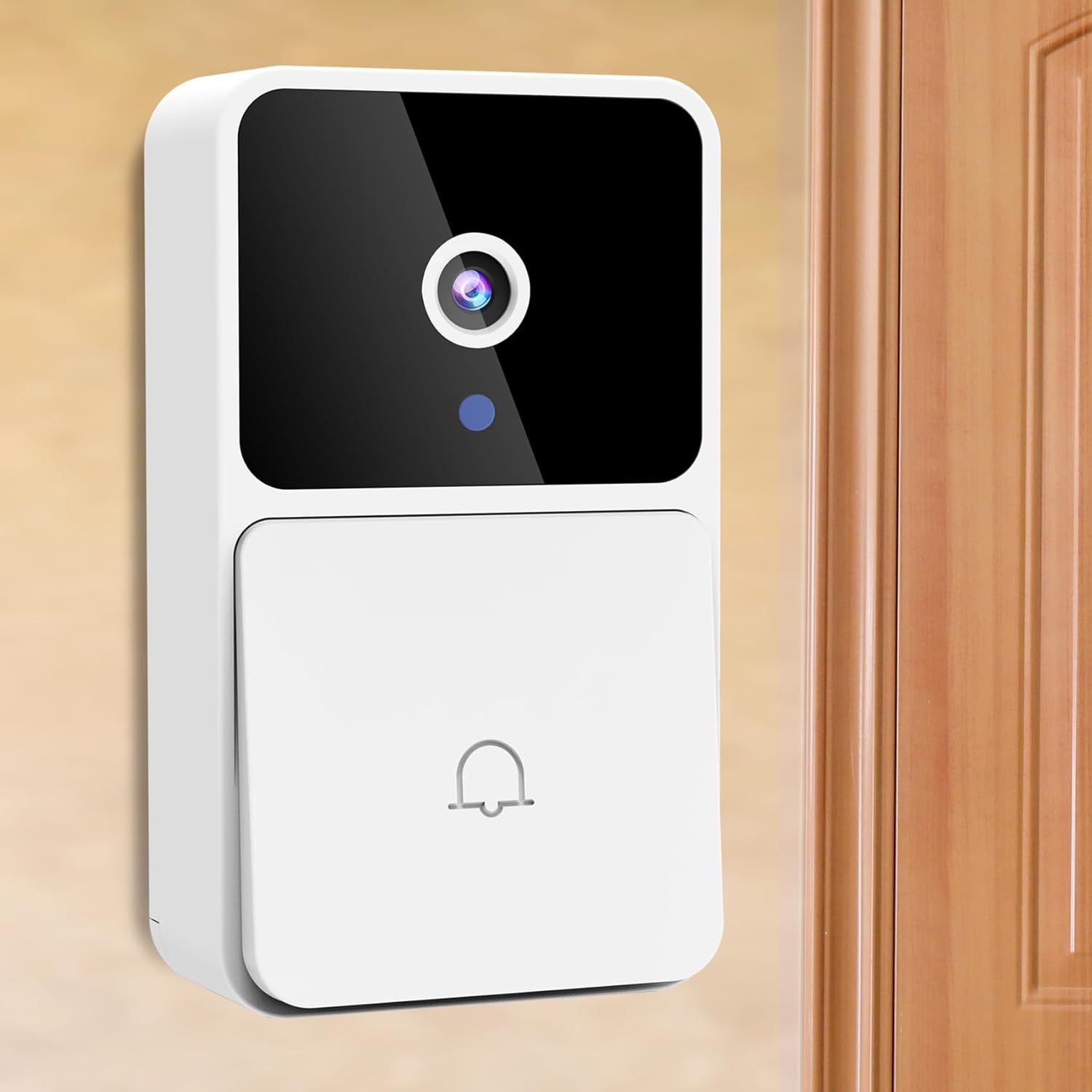
Image: The Rettru M8 Smart Doorbell Camera, a white rectangular device with a black camera lens and a doorbell button, mounted on a light-colored wall next to a wooden door.
2. పెట్టెలో ఏముంది
క్రింద జాబితా చేయబడిన అన్ని భాగాలు మీ ప్యాకేజీలో చేర్చబడ్డాయని దయచేసి ధృవీకరించండి:
- 1 x Rettru M8 Wireless Doorbell Camera
- 1 x Doorbell Chime (Plug-in)
- 1 x స్క్రూ డ్రైవర్
- 1 x వినియోగదారు మాన్యువల్
- 1 x Power Cord (for charging doorbell)
- 1 x 3M Sticker (for mounting)
- 2 x Screws and Wall Plugs (for mounting)

Image: A clear layout of all items included in the Rettru M8 Doorbell Camera package: the video doorbell unit, the plug-in chime, a screwdriver, two screws with two wall plugs, and a power cord.
3. ఉత్పత్తి లక్షణాలు
The Rettru M8 Doorbell Camera is equipped with several advanced features to enhance your security and convenience:
- 100% వైర్-రహిత డిజైన్: Easy installation without complex wiring, powered by an internal battery.
- HD వీడియో & నైట్ విజన్: Capture clear video footage day and night with integrated night vision capabilities.
- రెండు-మార్గం ఆడియో: Communicate directly with visitors at your door using the built-in microphone and speaker.
- చలన గుర్తింపు: Receive instant alerts on your smartphone when motion is detected near your doorbell.
- స్థానిక & క్లౌడ్ నిల్వ: Supports 64GB local storage (included) and optional cloud storage for video history.
- వైర్లెస్ చైమ్: Includes an indoor plug-in chime with 38 classical ringtones and 4 volume levels.
- వెడల్పు Viewకోణం: 150-డిగ్రీల viewing angle ensures comprehensive coverage of your doorstep.
Visual Clarity Day and Night

Image: A split image showing the doorbell camera's view in two conditions: on the left, a clear color image in bright daylight, and on the right, a clear black and white image in low light or darkness, demonstrating its night vision capability.
సౌకర్యవంతమైన నిల్వ ఎంపికలు
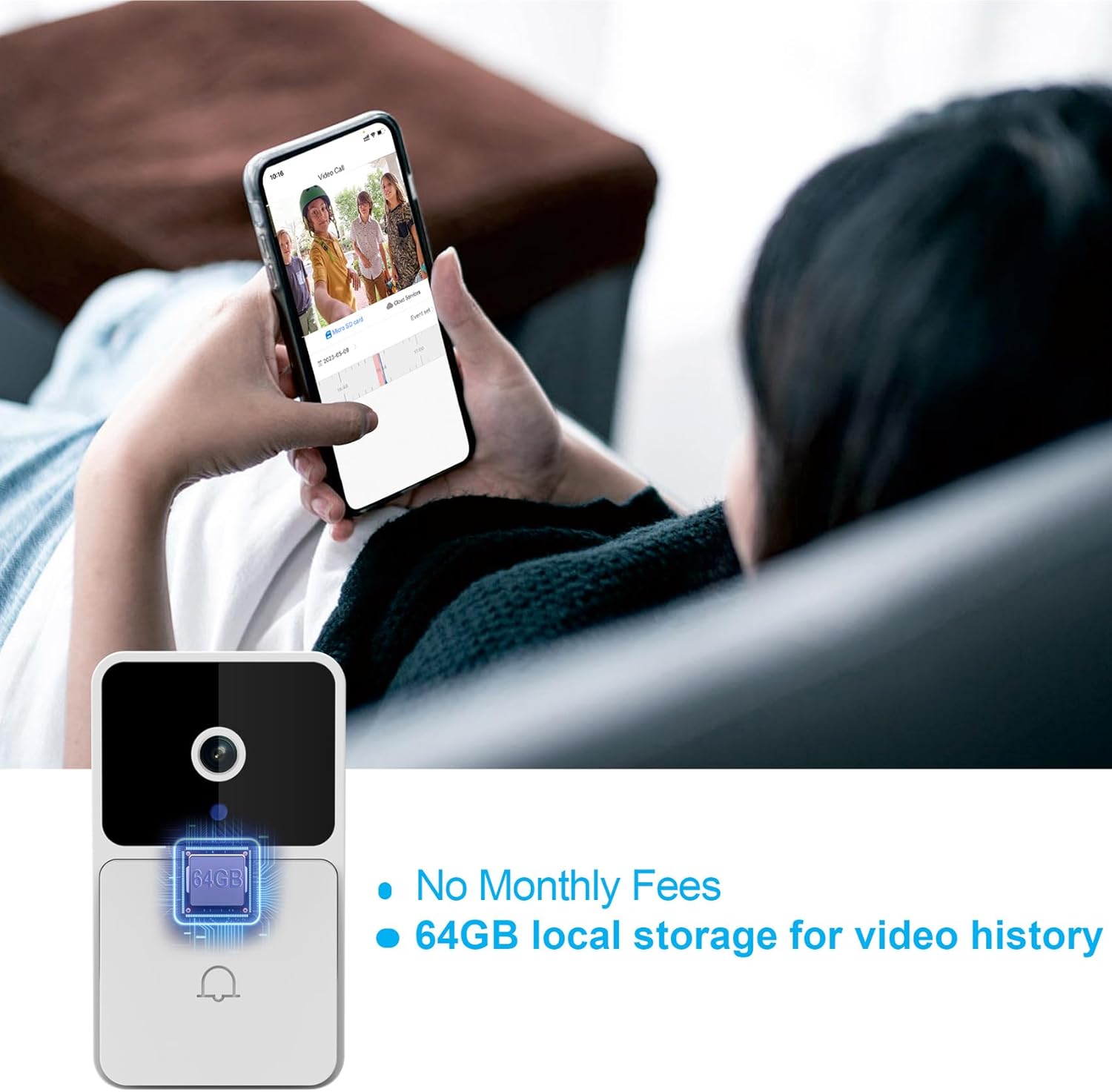
Image: The Rettru M8 Doorbell Camera with an overlay highlighting "64GB local storage for video history" and "No Monthly Fees," indicating its built-in storage capacity.
4. సెటప్ మరియు ఇన్స్టాలేషన్
The Rettru M8 Doorbell Camera is designed for easy, wire-free installation. Follow these steps to set up your device:
- Charge the Doorbell: Before installation, ensure the doorbell camera is fully charged using the provided power cord.
- ఇన్స్టాలేషన్ స్థానాన్ని ఎంచుకోండి: Select a suitable location near your door or wall that provides a clear view మరియు మంచి Wi-Fi సిగ్నల్.
- మౌంటు ఎంపికలు:
- For Smooth Surfaces (Glass/Door): Use the included 3M adhesive sticker. Clean the surface thoroughly before applying.
- For Brick or Wooden Walls: Use the included screws and wall plugs. Drill pilot holes if necessary, insert wall plugs, and then secure the doorbell bracket with screws.
- డోర్బెల్ను బ్రాకెట్కు అటాచ్ చేయండి: Once the bracket is securely mounted, slide the doorbell camera onto the bracket until it clicks into place.
- Plug in the Chime: Insert the doorbell chime into a standard power outlet inside your home.
- Download App & Connect: Download the V380 Pro app on your smartphone. Follow the in-app instructions to connect your doorbell camera to your home Wi-Fi network.

Image: A visual guide demonstrating two installation methods for the Rettru M8 Doorbell Camera: using 3M stickers for glass or doors, and using screws and wall plugs for brick or wooden walls, showing the detachable backplate.
5. ఆపరేటింగ్ సూచనలు
Once installed, operate your Rettru M8 Doorbell Camera using the V380 Pro app and the physical chime.
5.1. Using the V380 Pro App
- ప్రత్యక్షం View: యాప్ని తెరవండి view a live feed from your doorbell camera at any time.
- టూ-వే కమ్యూనికేషన్: When a visitor presses the doorbell or motion is detected, you will receive a notification. Tap the notification to answer and engage in two-way audio communication.
- వీడియో రికార్డింగ్ & ప్లేబ్యాక్: The doorbell automatically records events triggered by motion or doorbell presses. Access recorded videos from the app's history or cloud storage.
- మోషన్ డిటెక్షన్ సెట్టింగ్లు: Adjust sensitivity and notification preferences for motion detection within the app settings.

Image: A person holding a smartphone displaying a live video call from the Rettru M8 Doorbell Camera, communicating with a delivery driver at the door, illustrating the two-way audio feature.
5.2. Doorbell Chime Operation
- When the doorbell button is pressed, the indoor chime will sound, alerting you to a visitor.
- The chime offers 38 different ringtones. Refer to the chime's specific instructions (if separate) or the V380 Pro app for changing ringtones and adjusting volume levels.
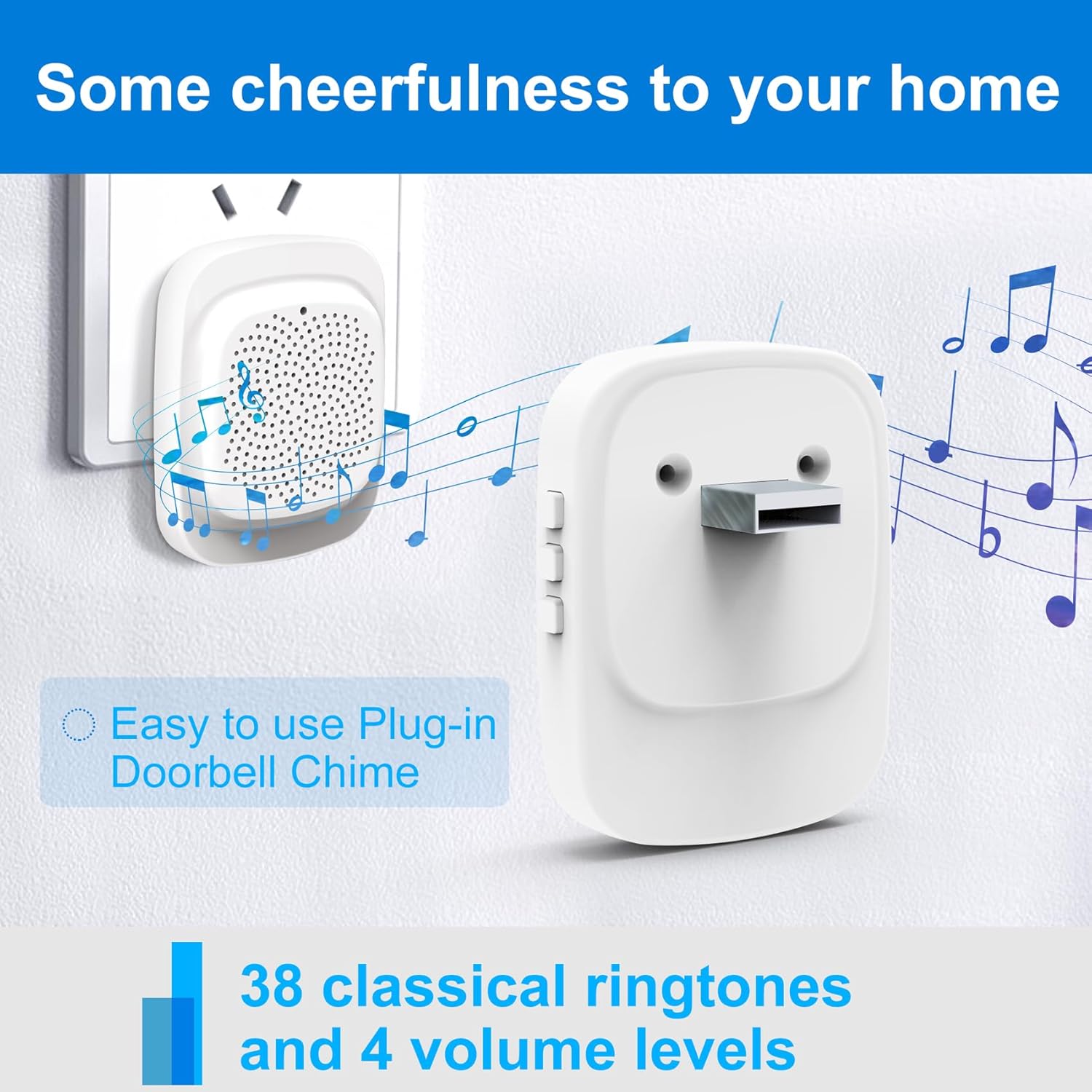
Image: The Rettru plug-in doorbell chime, a white rectangular device, plugged into a wall outlet, surrounded by musical notes, indicating its function and ease of use.
6. నిర్వహణ
To ensure optimal performance and longevity of your Rettru M8 Doorbell Camera, follow these maintenance guidelines:
- శుభ్రపరచడం: కెమెరా లెన్స్ మరియు డోర్బెల్ ఉపరితలాన్ని మృదువైన, d తో సున్నితంగా తుడవండిamp వస్త్రం. రాపిడి క్లీనర్లు లేదా ద్రావకాలను నివారించండి.
- బ్యాటరీ లైఫ్: The doorbell is battery-powered. Monitor the battery level via the V380 Pro app and recharge as needed using the provided power cord. Battery life varies based on usage and environmental factors.
- ఫర్మ్వేర్ నవీకరణలు: Periodically check the V380 Pro app for available firmware updates. Keeping your device updated ensures the latest features and security enhancements.
- పర్యావరణ పరిస్థితులు: While designed for outdoor use, extreme weather conditions (e.g., heavy rain, direct prolonged sunlight, extreme temperatures) may affect performance. Ensure the doorbell is installed in a reasonably protected location.
7. ట్రబుల్షూటింగ్
If you encounter issues with your Rettru M8 Doorbell Camera, try the following troubleshooting steps:
| సమస్య | సాధ్యమైన పరిష్కారం |
|---|---|
| Doorbell not connecting to Wi-Fi. |
|
| మోషన్ డిటెక్షన్ హెచ్చరికలు లేవు. |
|
| రెండు-మార్గాల ఆడియో పనిచేయడం లేదు. |
|
| Chime not sounding. |
|
8. స్పెసిఫికేషన్లు
| ఫీచర్ | వివరాలు |
|---|---|
| మోడల్ పేరు | Rettru M8 |
| బ్రాండ్ | Rettru |
| మౌంటు రకం | వాల్ మౌంట్ |
| వీడియో క్యాప్చర్ రిజల్యూషన్ | 720p |
| వైర్లెస్ కమ్యూనికేషన్ | Wi-Fi (2.4GHz) |
| Viewing యాంగిల్ | 150 డిగ్రీలు |
| ఫ్రేమ్ రేట్ | 30 fps |
| ప్రత్యేక లక్షణాలు | మోషన్ సెన్సార్, నైట్ విజన్ |
| శక్తి మూలం | బ్యాటరీ ఆధారితం (లిథియం అయాన్) |
| స్థానిక నిల్వ | 64GB (included) |
| అనుకూల పరికరాలు | Smartphone, Tablet (Android controller type mentioned) |
| ప్యాకేజీ కొలతలు | 14.8 x 9.8 x 3.6 సెం.మీ; 120 గ్రా |
9. వారంటీ మరియు కస్టమర్ మద్దతు
Rettru provides friendly customer service for the M8 Smart Doorbell Camera. For any questions, technical assistance, or warranty claims, please refer to the contact information provided in your product packaging or visit the official Rettru support webసైట్.
దయచేసి వారంటీ ప్రయోజనాల కోసం మీ కొనుగోలు రుజువును ఉంచుకోండి.
Ask a question about this manual
Ask about setup, troubleshooting, compatibility, parts, safety, or missing instructions. Manuals+ will review the question and use this page’s manual context to help answer it.