
పరిచయం
Thank you for choosing the Verilux Wireless Mouse M103. This manual provides detailed instructions for setting up, operating, and maintaining your new mouse. Please read this manual carefully before use to ensure optimal performance and longevity of your device.
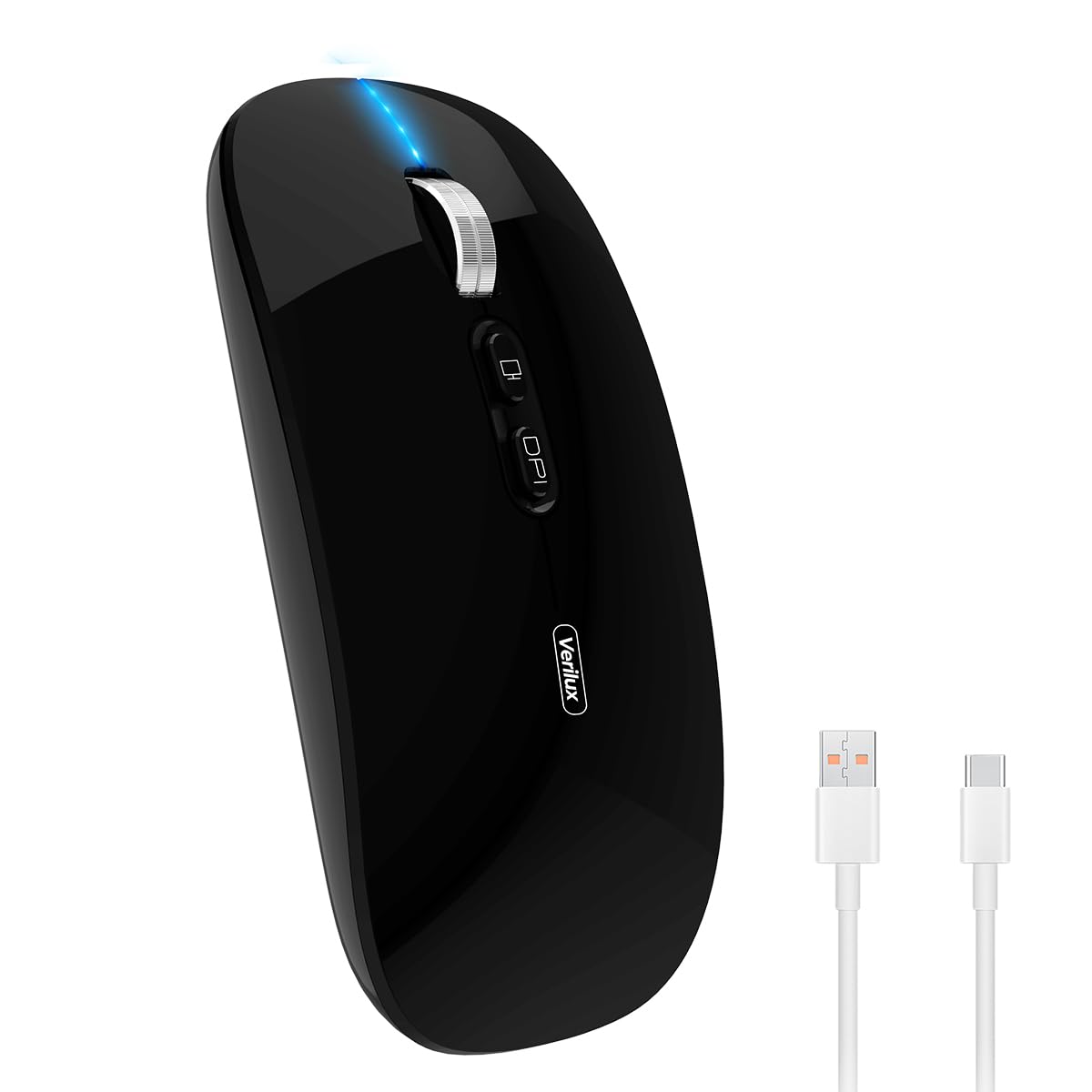
Image: Verilux Wireless Mouse M103 in black.
ఉత్పత్తి ముగిసిందిview
The Verilux M103 is a versatile wireless mouse offering dual-mode connectivity (2.4G USB and Bluetooth 5.1), a rechargeable battery, and an ergonomic, silent design. It is compatible with a wide range of devices and operating systems.

Image: The Verilux M103 mouse demonstrating its dual Bluetooth connectivity with a laptop and tablet.
ముఖ్య లక్షణాలు:
- డ్యూయల్ మోడ్ కనెక్టివిటీ: Seamlessly switch between 2.4G USB and Bluetooth 5.1.
- పునర్వినియోగపరచదగిన బ్యాటరీ: Built-in 500mAh battery with 4-level power indicator.
- Ergonomic & Silent Design: Comfortable grip with silent clicks for a quiet working environment.
- యూనివర్సల్ అనుకూలత: Supports Android, Windows, MacOS, iOS 12 and above, PC, laptops, and tablets.
- సర్దుబాటు చేయగల DPI: Customize mouse sensitivity for precise control.
సెటప్
1. 2.4G Mode Setup:
- మౌస్ దిగువన ఉన్న కంపార్ట్మెంట్లో నిల్వ చేయబడిన USB రిసీవర్ను గుర్తించండి.
- Plug the USB receiver into an available USB port on your device (laptop, PC).
- దిగువన ఉన్న ఆన్/ఆఫ్ స్విచ్ని ఉపయోగించి మౌస్ను ఆన్ చేయండి.
- మౌస్ మీ పరికరానికి స్వయంచాలకంగా కనెక్ట్ అవ్వాలి.
Video: Demonstrates unboxing, identifying the USB receiver, and connecting the mouse via 2.4G USB to a laptop.
2. Bluetooth Mode Setup:
The mouse supports two Bluetooth channels: Bluetooth 3.0 and Bluetooth 5.1.
- దిగువన ఉన్న ఆన్/ఆఫ్ స్విచ్ ఉపయోగించి మౌస్ను ఆన్ చేయండి.
- Switch the mode selector on the bottom of the mouse to either BT3.0 (center blue light) or BT5.1 (right blue light).
- Activate Bluetooth on your device (laptop, PC, iPad, phone).
- కోసం వెతకండి available Bluetooth devices and select 'BT5.1 Mouse' to connect.
- If the indicator light blinks and the connection is unsuccessful, restart both your device and the mouse, then try again.
ఆపరేటింగ్ సూచనలు
మౌస్ బటన్లు:
- ఎడమ క్లిక్ చేయండి: Standard selection.
- కుడి క్లిక్ చేయండి: సందర్భ మెను.
- Scroll Wheel (Middle Button/Roller): Scroll up/down, click for middle-click functions.
- DPI బటన్: మౌస్ సెన్సిటివిటీ (DPI)ని సర్దుబాటు చేస్తుంది.
- One-Click Desktop Button: డెస్క్టాప్ను చూపించడానికి అన్ని తెరిచి ఉన్న విండోలను త్వరగా కనిష్టీకరిస్తుంది.

Image: Close-up of the Verilux M103 mouse, highlighting the scroll wheel, DPI button, and one-click desktop button.
DPI సర్దుబాటు:
Press the DPI button (located behind the scroll wheel) to cycle through different sensitivity levels (e.g., 800, 1200, 1600 DPI). Choose the setting that best suits your preference and task.
ఛార్జింగ్ మరియు బ్యాటరీ
The Verilux M103 mouse features a built-in 500mAh rechargeable battery. It is equipped with 4-level power indicator lights to show the remaining battery life.
ఛార్జింగ్ సూచనలు:
- Connect the mouse to a power source using the provided USB-C charging cable. The charging port is located at the front of the mouse.
- A flashing light on the mouse indicates normal charging.
- Charge the mouse using a 5V 1A, 5V 2A, or an adapter with no more than 10W of power. It can also be charged by connecting it to a computer's USB port.
- మౌస్ను ఛార్జింగ్ చేస్తున్నప్పుడు ఉపయోగించవచ్చు.
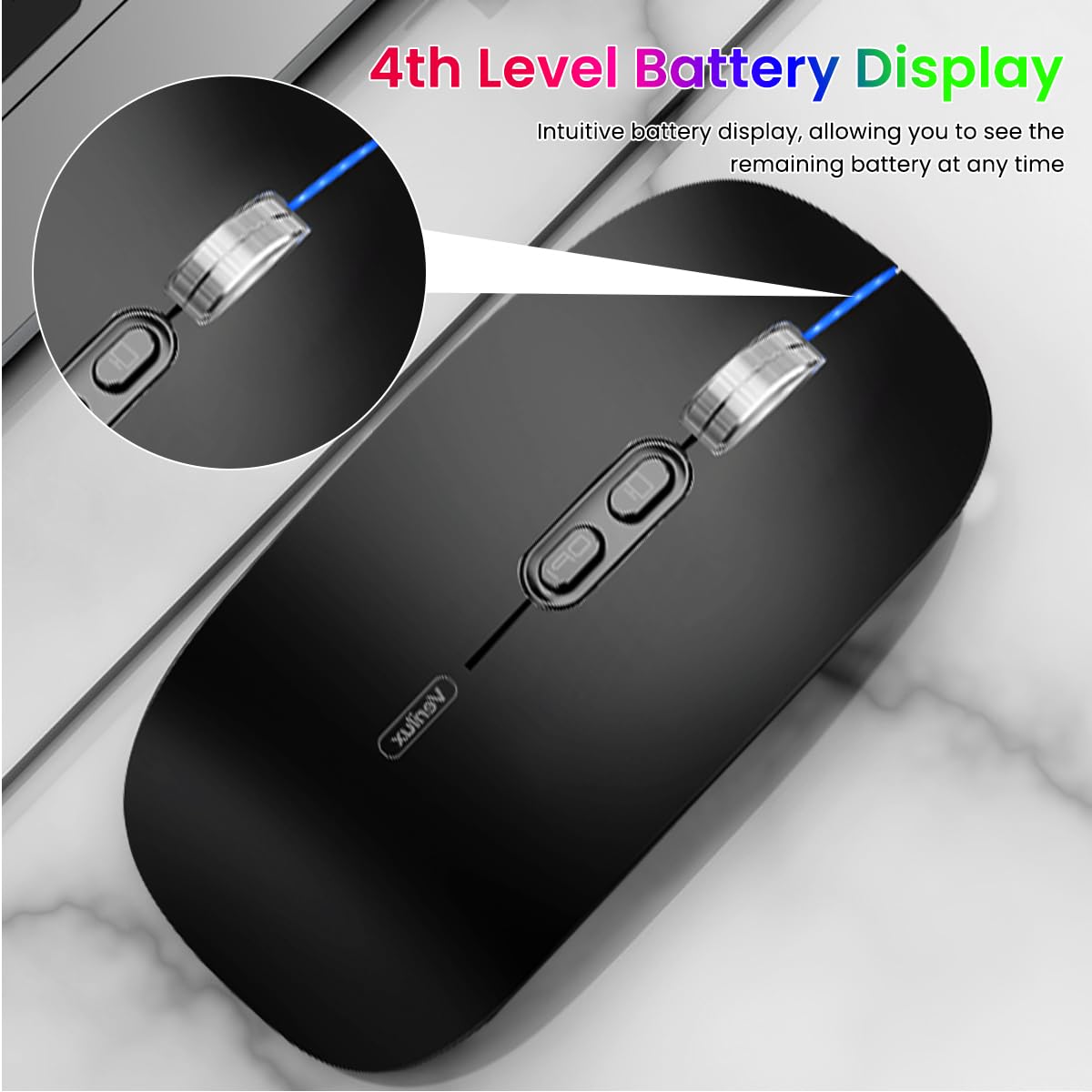
Image: The Verilux M103 mouse displaying its 4-level battery indicator lights.

Image: The Verilux M103 mouse connected to a laptop for charging via its USB-C port.
అనుకూలత
The Verilux M103 Wireless Mouse offers broad compatibility with various devices and operating systems:
- ఆపరేటింగ్ సిస్టమ్స్: Android, Windows (7, XP, 8, 10), MacOS, iOS 12 and above, Linux.
- పరికరాలు: Laptops, Personal Computers, Tablets, iPads, MacBooks.

Image: The Verilux M103 mouse shown with a laptop, desktop monitor, iPad, and smartphone, illustrating its wide compatibility.
నిర్వహణ
To ensure the longevity and optimal performance of your Verilux Wireless Mouse M103, follow these maintenance guidelines:
- శుభ్రపరచడం: మౌస్ను శుభ్రం చేయడానికి మృదువైన, పొడి వస్త్రాన్ని ఉపయోగించండి. మొండి ధూళి కోసం, కొద్దిగా dampen గుడ్డను నీటితో లేదా తేలికపాటి శుభ్రపరిచే ద్రావణంతో తుడవండి. కఠినమైన రసాయనాలు లేదా రాపిడి పదార్థాలను నివారించండి.
- నిల్వ: When not in use, especially during travel, store the USB receiver in its designated compartment at the bottom of the mouse to prevent loss.
- బ్యాటరీ సంరక్షణ: Avoid fully discharging the battery frequently. Charge the mouse when the power indicator shows low battery. Do not expose the mouse to extreme temperatures.
- పర్యావరణ పరిస్థితులు: Keep the mouse away from excessive dust, moisture, and direct sunlight.
ట్రబుల్షూటింగ్
If you encounter issues with your Verilux Wireless Mouse M103, please refer to the following common solutions:
| సమస్య | పరిష్కారం |
|---|---|
| Mouse not connecting (2.4G Mode) |
|
| Mouse not connecting (Bluetooth Mode) |
|
| Mouse cursor lagging or erratic movement |
|
| మౌస్ ఛార్జ్ కావడం లేదు |
|
స్పెసిఫికేషన్లు
| ఫీచర్ | వివరాలు |
|---|---|
| బ్రాండ్ | వెరిలక్స్ |
| మోడల్ సంఖ్య | M103 (AZEM4-0K5FZ5C) |
| కనెక్టివిటీ టెక్నాలజీ | Bluetooth (3.0 & 5.1), 2.4G Wireless |
| మూవ్మెంట్ డిటెక్షన్ టెక్నాలజీ | ఆప్టికల్ |
| DPI సెట్టింగులు | 1600 DPI వరకు (సర్దుబాటు) |
| బ్యాటరీ | 500mAh పునర్వినియోగపరచదగినది |
| శక్తి మూలం | బ్యాటరీ పవర్డ్ (USB-C ఛార్జింగ్) |
| బటన్లు | 4 (Left, Right, Scroll Wheel/Middle, DPI, One-Click Desktop) |
| చేతి ధోరణి | సవ్యసాచి |
| వస్తువు బరువు | 119 గ్రాములు |
| అంశం కొలతలు (L x W) | 12L x 7W సెంటీమీటర్లు |
| రంగు | Black (Standard Black variant) |
వారంటీ మరియు మద్దతు
For warranty information and customer support, please refer to the documentation included with your product packaging or visit the official Verilux webసైట్. సహాయం కోసం మీరు విక్రేతను నేరుగా కూడా సంప్రదించవచ్చు.
తయారీదారు: Verilux, Yiwu Kaiming Industrial Co., Ltd.
దిగుమతిదారు/ప్యాకర్: వెరిలక్స్
మరిన్ని వివరాలకు, మీరు సందర్శించవచ్చు Verilux Store on Amazon.