
1. పరిచయం
The Xiaomi A27i 27-inch monitor (Model: P27FBA-RAGL) is designed to provide a clear and natural viewing experience with its Full HD (1920 × 1080) IPS hard screen. Featuring a 100Hz high refresh rate and a 7.5mm ultra-slim body with narrow bezels on three sides, it enhances both work efficiency and daily entertainment. This manual provides essential information for setting up, operating, maintaining, and troubleshooting your new monitor.
2. ప్యాకేజీ విషయాలు
క్రింద జాబితా చేయబడిన అన్ని వస్తువులు మీ ప్యాకేజీలో చేర్చబడ్డాయని దయచేసి ధృవీకరించండి:
- మానిటర్ × 1
- బేస్ × 1
- బ్రాకెట్ × 1
- HDMI కేబుల్ × 1
- స్క్రూడ్రైవర్ × 1
- మరలు × 2
- పవర్ అడాప్టర్ × 1
- వినియోగదారు మాన్యువల్ × 1
- వారంటీ కార్డ్ × 1
3. సెటప్ గైడ్
3.1 భౌతిక అసెంబ్లీ
- స్టాండ్ను సమీకరించండి: Attach the bracket to the base using the provided screws and screwdriver. Ensure it is securely fastened.
- Attach Stand to Monitor: Carefully align the assembled stand with the mounting slot on the back of the monitor. Gently push until it clicks into place.
- పవర్ కనెక్ట్ చేయండి: Plug the power adapter into the DC IN port on the monitor and then into a power outlet.
- వీడియో కేబుల్ని కనెక్ట్ చేయండి: Connect one end of the HDMI cable (or DisplayPort cable, if using) to the corresponding port on the monitor and the other end to your computer's video output port.

చిత్రం 3.1: వెనుక view of the Xiaomi A27i monitor with input ports.
3.2 ప్రారంభ కాన్ఫిగరేషన్
After connecting your monitor, power on your computer. The monitor should automatically detect the signal. If not, you may need to adjust display settings on your computer:
- విండోస్: Right-click on the desktop, select 'Display settings'. Under 'Multiple displays', choose 'Extend these displays' or 'Duplicate these displays' as needed.
- MacOS: Go to System Settings > Displays.
4. ఆపరేటింగ్ సూచనలు
The Xiaomi A27i monitor features an intuitive On-Screen Display (OSD) menu for adjusting various settings. The control button is located on the back of the monitor, typically near the power input.
4.1 OSD మెనూ నావిగేషన్
| బటన్ ఆపరేషన్ | ఫంక్షన్ |
|---|---|
| కుడివైపుకి చిన్నగా నొక్కండి | Enter the main menu (when no menu displayed) / Enter/Select (when main menu displayed) |
| Short press to up/down | Open brightness settings / Switch Menu adjusting values |
| Short press to left | Open signal source switching list / Return |
| Short press the middle | Turn the monitor on / Open the shortcut menu / Enter/Select |
| 3 సెకన్ల పాటు నొక్కి పట్టుకోండి | షట్డౌన్ |
4.2 కీ సెట్టింగ్లు
- చిత్ర మోడ్: Select from various preset modes (e.g., Standard, Movie, Energy Saver) or customize your own.
- ప్రకాశం & కాంట్రాస్ట్: Adjust these to your preferred levels for optimal viewing.
- రంగు ఉష్ణోగ్రత: Choose between Warm, Cool, or Custom settings to fine-tune the color balance.
- HDR: Enable or disable High Dynamic Range for enhanced contrast and color.
- ఇన్పుట్: Manually select the input source (HDMI or DP) if auto-detection fails.
- రిఫ్రెష్ రేట్: Ensure your computer's display settings match the monitor's 100Hz refresh rate for the smoothest experience.
5. ఉత్పత్తి లక్షణాలు
The Xiaomi A27i monitor is equipped with several advanced features to enhance your visual experience:
- FHD Resolution: Clear and Natural Picture Quality
The IPS hard screen with a 178° visual angle and 1920 × 1080 resolution ensures high-definition picture quality and a vivid viewing experience, whether you're viewing tables and documents, or watching videos. - 16.7 Million Colors for Vivid and Natural Images
16.7 million colors, up to 8-bit* high color depth, and a 99% sRGB color gamut, create high-quality vivid pictures, and more natural and bright photographs and videos. - ΔE<2* Screen Calibration: Accurately Restore True Colors
Every Xiaomi Monitor A27i has been strictly inspected for correct color calibration before leaving the factory, effectively reducing display color issues. A professional display for those with professional demands! - 100Hz High Refresh Rate: Ultra-Smooth Working Experience
With a refresh rate of up to 100Hz, it can effectively reduce lag and freezing when browsing web pages and tables, not only improving working efficiency but also providing a better dynamic picture display for daily entertainment. Say goodbye to ghosting and lagging, and get more enjoyment from your work and entertainment. - Comfortable Low Blue Light: Clear and Protect Your Eyes
With TÜV Low Blue Light Certification, the low blue light mode can filter short-wave blue light, ensuring comfort even after working long hours. DC dimming can effectively reduce display flicker to protect your eyes even more. - Ultra-Slim Body and Narrow Bezels
The 7.5mm ultra-slim body and unique narrow bezel design on three sides greatly improve viewing angles and offer an enhanced, more immersive experience. When multiple displays are used together, the viewing experience is even more impressive.
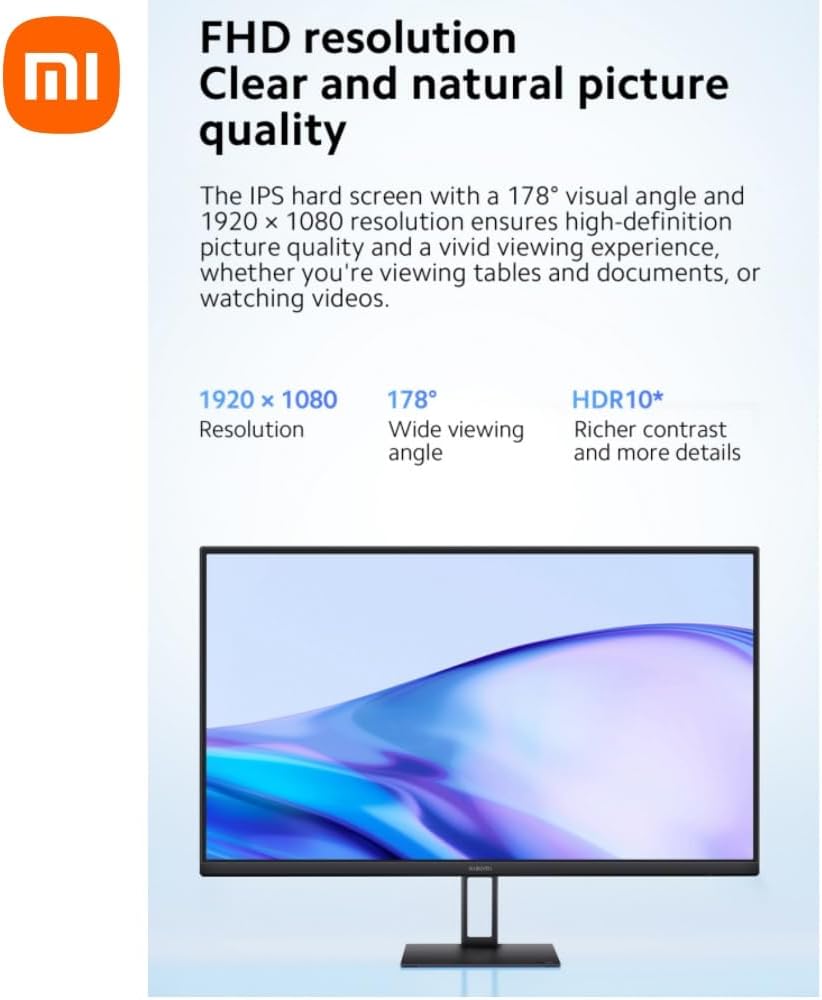
Figure 5.1: FHD Resolution and Wide Viewing కోణం.
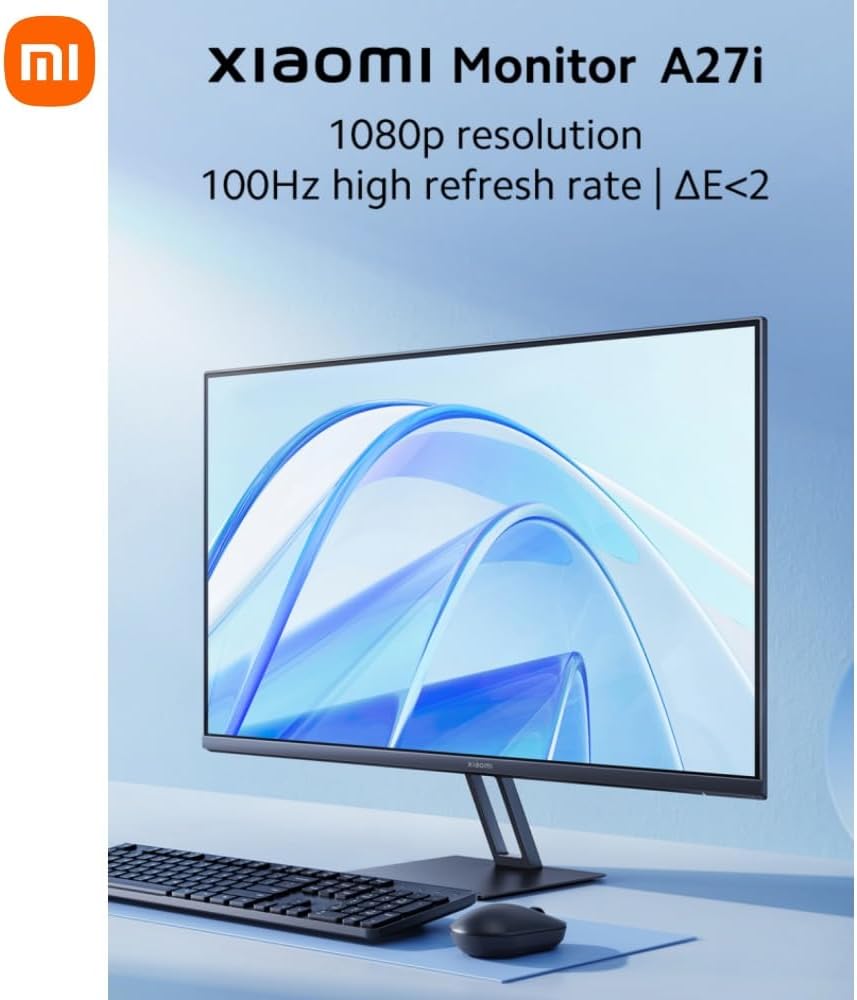
Figure 5.2: Rich Color Depth and sRGB Gamut.
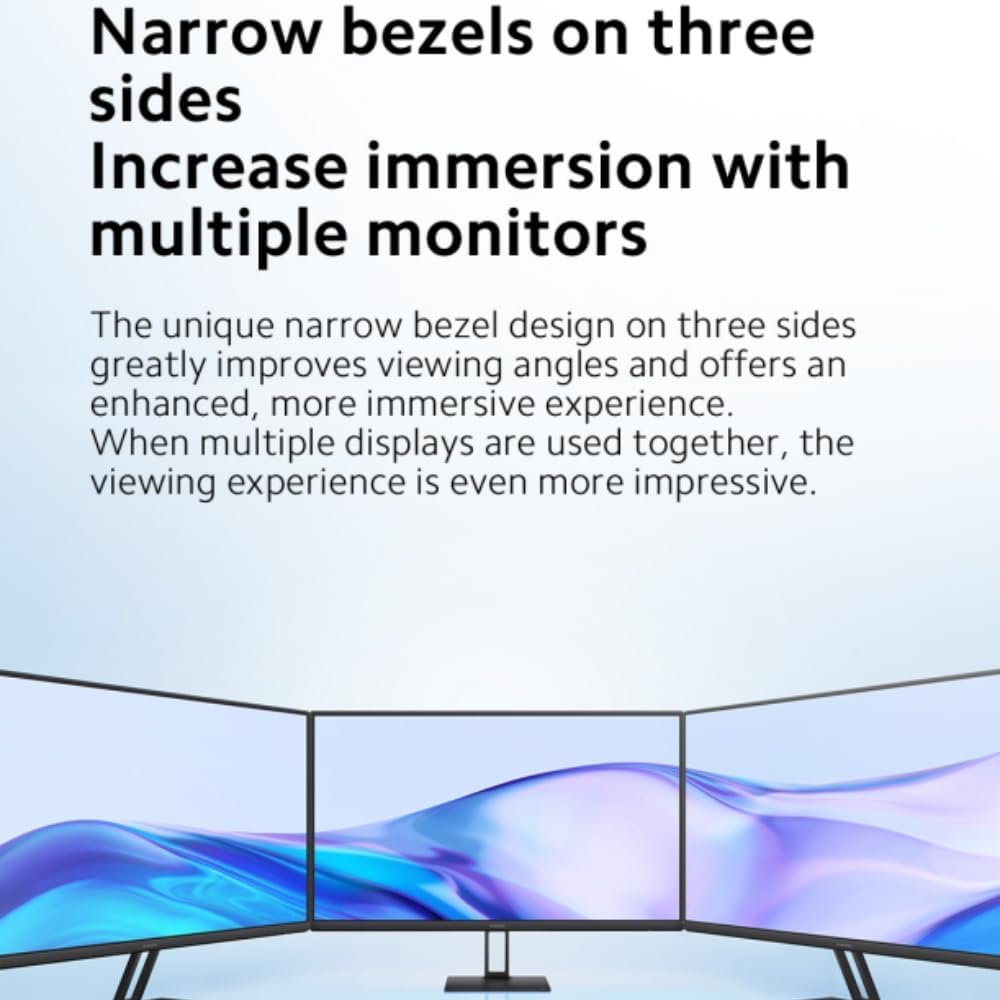
Figure 5.3: Factory Color Calibration for Accuracy.
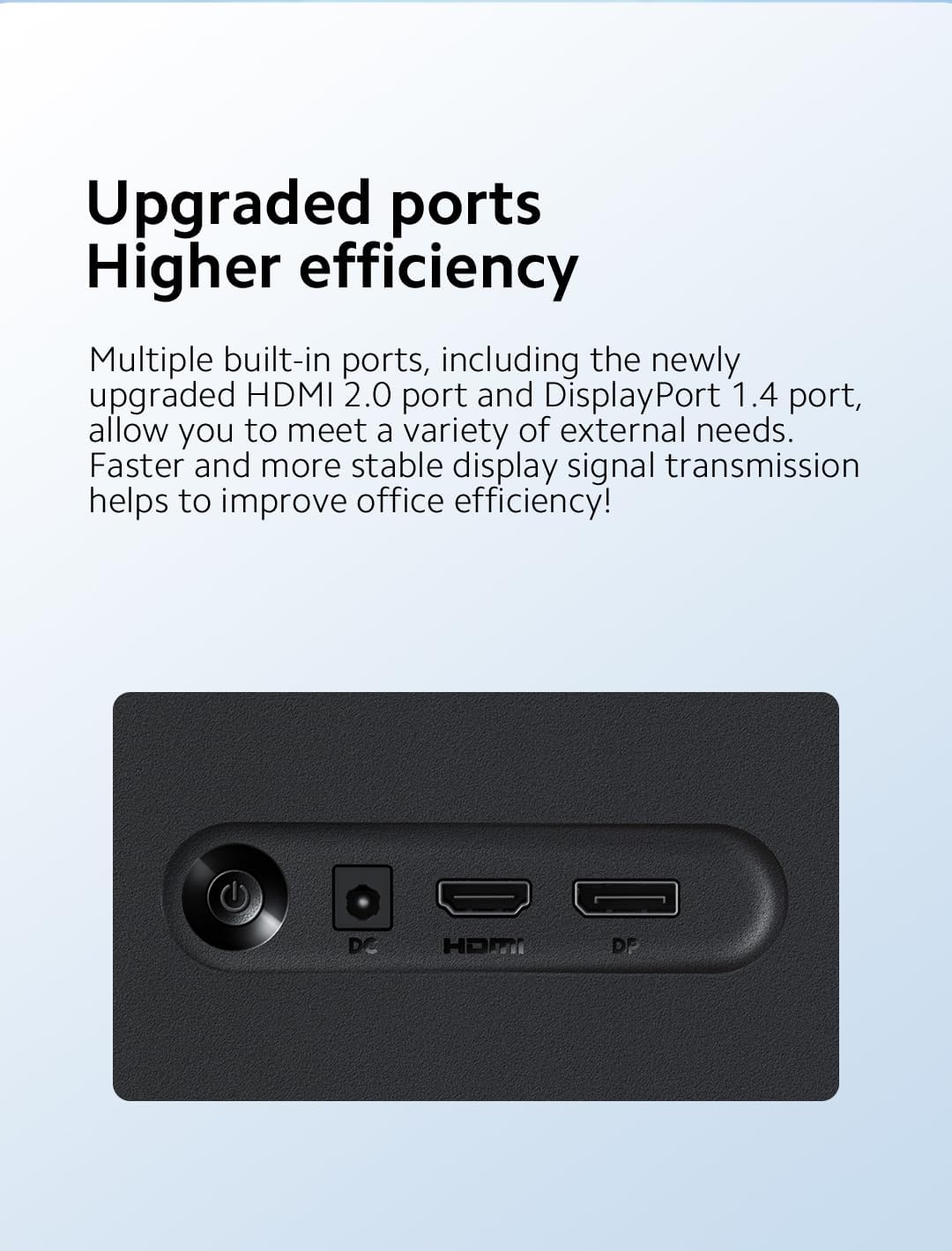
Figure 5.4: High Refresh Rate for Smooth Visuals.

Figure 5.5: Narrow Bezels for Increased Immersion.
6. నిర్వహణ
Proper maintenance ensures the longevity and optimal performance of your Xiaomi A27i monitor.
- స్క్రీన్ క్లీనింగ్: ఎలక్ట్రానిక్స్ కోసం ప్రత్యేకంగా రూపొందించిన మృదువైన, మెత్తటి రహిత వస్త్రాన్ని ఉపయోగించండి. మొండి మరకల కోసం, తేలికగా dampen the cloth with water or a screen-cleaning solution. Never spray liquid directly onto the screen.
- సి ని శుభ్రపరచడంasing: మానిటర్ యొక్క c ని తుడవండిasing with a soft, dry cloth. Avoid using abrasive cleaners, waxes, or solvents as they can damage the finish.
- వెంటిలేషన్: మానిటర్లోని వెంటిలేషన్ ఓపెనింగ్లు వేడెక్కకుండా నిరోధించడానికి మూసుకుపోకుండా చూసుకోండి.
- నిల్వ: ఎక్కువసేపు ఉపయోగంలో లేనప్పుడు, మానిటర్ను చల్లని, పొడి ప్రదేశంలో, ప్రత్యక్ష సూర్యకాంతి మరియు తీవ్రమైన ఉష్ణోగ్రతలకు దూరంగా నిల్వ చేయండి.
7. ట్రబుల్షూటింగ్
మీ మానిటర్తో మీకు సమస్యలు ఎదురైతే, సాధారణ సమస్యలు మరియు పరిష్కారాల కోసం క్రింది పట్టికను చూడండి:
| సమస్య | సాధ్యమైన కారణం | పరిష్కారాలు |
|---|---|---|
| ఆన్ చేయడం సాధ్యం కాలేదు | శక్తి లేదు | పవర్ అడాప్టర్ సరిగ్గా ప్లగిన్ చేయబడిందని నిర్ధారించుకోండి. |
| చిత్రం చీకటిగా ఉంది | Brightness/Contrast not adjusted properly | ప్రకాశం మరియు కాంట్రాస్ట్ని సర్దుబాటు చేయండి. |
| చిత్రం చికాకుగా ఉంది లేదా అలలు ఉన్నాయి | జోక్యం | విద్యుత్ జోక్యాన్ని కలిగించే ఎలక్ట్రానిక్ పరికరాల నుండి మానిటర్ను దూరంగా ఉంచండి. |
| తెరపై చిత్రం లేదు | సిగ్నల్ లేదు, స్లీప్ మోడ్లోకి ప్రవేశిస్తోంది | Turn on the computer. Make sure the computer's graphics card is working properly. Make sure the cable is plugged in properly. |
| ప్రస్తుత రిజల్యూషన్కు మద్దతు లేదని మానిటర్ ప్రదర్శిస్తుంది | రిజల్యూషన్ తప్పు | పేర్కొన్న సిఫార్సు చేసిన రిజల్యూషన్ సెట్టింగ్లను ఉపయోగించండి. |
8. స్పెసిఫికేషన్లు
| ఫీచర్ | స్పెసిఫికేషన్ |
|---|---|
| ఉత్పత్తి మోడల్ | P27FBA-RAGL |
| పవర్ ఇన్పుట్ | 12V⎓2.0A |
| రేట్ చేయబడిన శక్తి | 24W |
| స్క్రీన్ పరిమాణం | 27 అంగుళాలు |
| Viewing యాంగిల్ | 178° (H) / 178° (V) |
| ప్రకాశం | 250 నిట్స్ (రకం) |
| కాంట్రాస్ట్ రేషియో | 1000:1 |
| రంగు లోతు | 16.7M |
| కారక నిష్పత్తి | 16:9 |
| రిజల్యూషన్ | 1920 × 1080 (FHD) |
| Panel Refresh Rate (max.) | 100Hz |
| G to G Response Time | 6ms (రకం) |
| కొలతలు (బేస్తో సహా) | 612.3 (ఎల్) × 170 (డబ్ల్యూ) × 451.7 (హెచ్) మిమీ |
| Weight (including base) | 3.6 కిలోలు |
| వాల్ మౌంట్ సైజు | VESA 75mm × 75mm |
| Tilt (angle) | -5° ± 2 ~+ 15° ± 2 |
| DP పోర్ట్ | × 1 |
| HDMI 2.0 పోర్ట్ | × 1 |
| DC IN Cable Port | × 1 |
9. వారంటీ మరియు మద్దతు
For warranty information and support, please refer to the Warranty Card included in your package. You can also visit the official Xiaomi webమరింత సహాయం కోసం వారి సైట్ లేదా కస్టమర్ సేవను సంప్రదించండి.
అధికారిక Xiaomi Webసైట్: www.mi.com