
1. పరిచయం
Thank you for choosing the innioasis G1 MP3 Player. This device is designed to provide a versatile portable audio and video experience, featuring Bluetooth, Wi-Fi connectivity, and a 4.0-inch touch screen. It comes pre-installed with popular streaming applications and offers robust parental control options, making it suitable for various users.
2. పెట్టెలో ఏముంది
అన్ని అంశాలు ఉన్నాయని నిర్ధారించుకోవడానికి దయచేసి ప్యాకేజీలోని విషయాలను తనిఖీ చేయండి:
- 1 x innioasis G1 MP3 Player
- 1 x USB-C ఛార్జింగ్ కేబుల్
- 1 x వైర్డ్ హెడ్ఫోన్లు
- 1 x 64GB SD కార్డ్ (ముందే ఇన్స్టాల్ చేయబడింది లేదా వేరుగా ఉంటుంది)
- 1 x వినియోగదారు మాన్యువల్
3. ఉత్పత్తి ముగిసిందిview
3.1 పరికర లేఅవుట్
The innioasis G1 MP3 Player features a compact design with essential controls and ports.
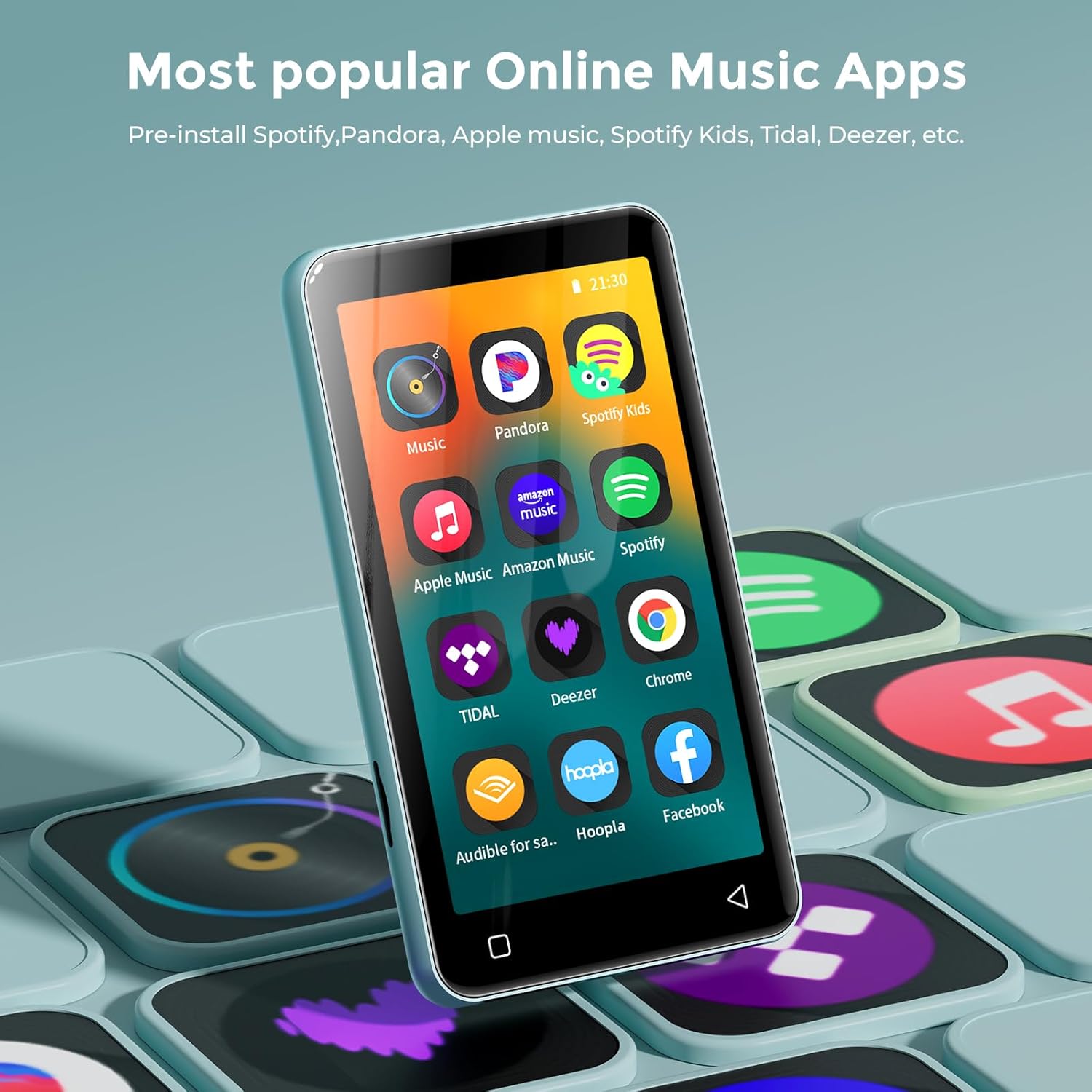
మూర్తి 1: ముందు view of the innioasis G1 MP3 Player, displaying the 4.0-inch touch screen with various application icons.
మూర్తి 2: వెనుకకు view of the innioasis G1 MP3 Player, featuring the brand logo and regulatory information.
3.2 బటన్లు మరియు పోర్ట్లు
- పవర్ బటన్: పక్కన ఉంచి, పవర్ ఆన్/ఆఫ్ చేయడానికి నొక్కి పట్టుకోండి లేదా స్క్రీన్ను లాక్/అన్లాక్ చేయడానికి షార్ట్ ప్రెస్ చేయండి.
- వాల్యూమ్ బటన్లు: ప్రక్కన ఉన్నది, ఆడియో వాల్యూమ్ సర్దుబాటు చేయడానికి ఉపయోగించండి.
- USB-C పోర్ట్: దిగువన ఉంది, ఛార్జింగ్ మరియు డేటా బదిలీ కోసం ఉపయోగించబడుతుంది.
- 3.5mm హెడ్ఫోన్ జాక్: Located at the bottom, for wired headphone connection.
- మైక్రో SD కార్డ్ స్లాట్: Located on the side, for expandable storage up to 1TB.
- అంతర్నిర్మిత స్పీకర్: Located at the bottom, for audio playback without headphones.
4. సెటప్
4.1 పరికరాన్ని ఛార్జ్ చేస్తోంది
Before first use, fully charge the MP3 player. Connect the provided USB-C cable to the device and a compatible USB power adapter (not included). A full charge takes approximately 2 hours.
4.2 మైక్రో SD కార్డ్ని చొప్పించడం
The device supports MicroSD cards up to 1TB for expanded storage. Locate the MicroSD card slot on the side of the device. Gently insert the 64GB MicroSD card (included) or your own compatible card until it clicks into place. Ensure the device is powered off before inserting or removing the card.
4.3 Initial Power-On and Wi-Fi Connection
- స్క్రీన్ ఆన్ అయ్యే వరకు పవర్ బటన్ను నొక్కి పట్టుకోండి.
- మీ భాష మరియు ప్రాంతాన్ని ఎంచుకోవడానికి స్క్రీన్పై కనిపించే ప్రాంప్ట్లను అనుసరించండి.
- To connect to Wi-Fi, navigate to సెట్టింగ్లు > నెట్వర్క్ & ఇంటర్నెట్ > Wi-Fi.
- మీకు కావలసిన Wi-Fi నెట్వర్క్ను ఎంచుకుని, ప్రాంప్ట్ చేయబడితే పాస్వర్డ్ను నమోదు చేయండి.

Figure 3: The device's screen showing Wi-Fi and Bluetooth connection status, highlighting its strong network capabilities.
4.4 బ్లూటూత్ జత చేయడం
- నావిగేట్ చేయండి సెట్టింగ్లు > కనెక్ట్ చేయబడిన పరికరాలు > బ్లూటూత్.
- Turn on Bluetooth. The device will scan for available Bluetooth devices.
- Select your Bluetooth headphones, speakers, or car audio system from the list to pair.
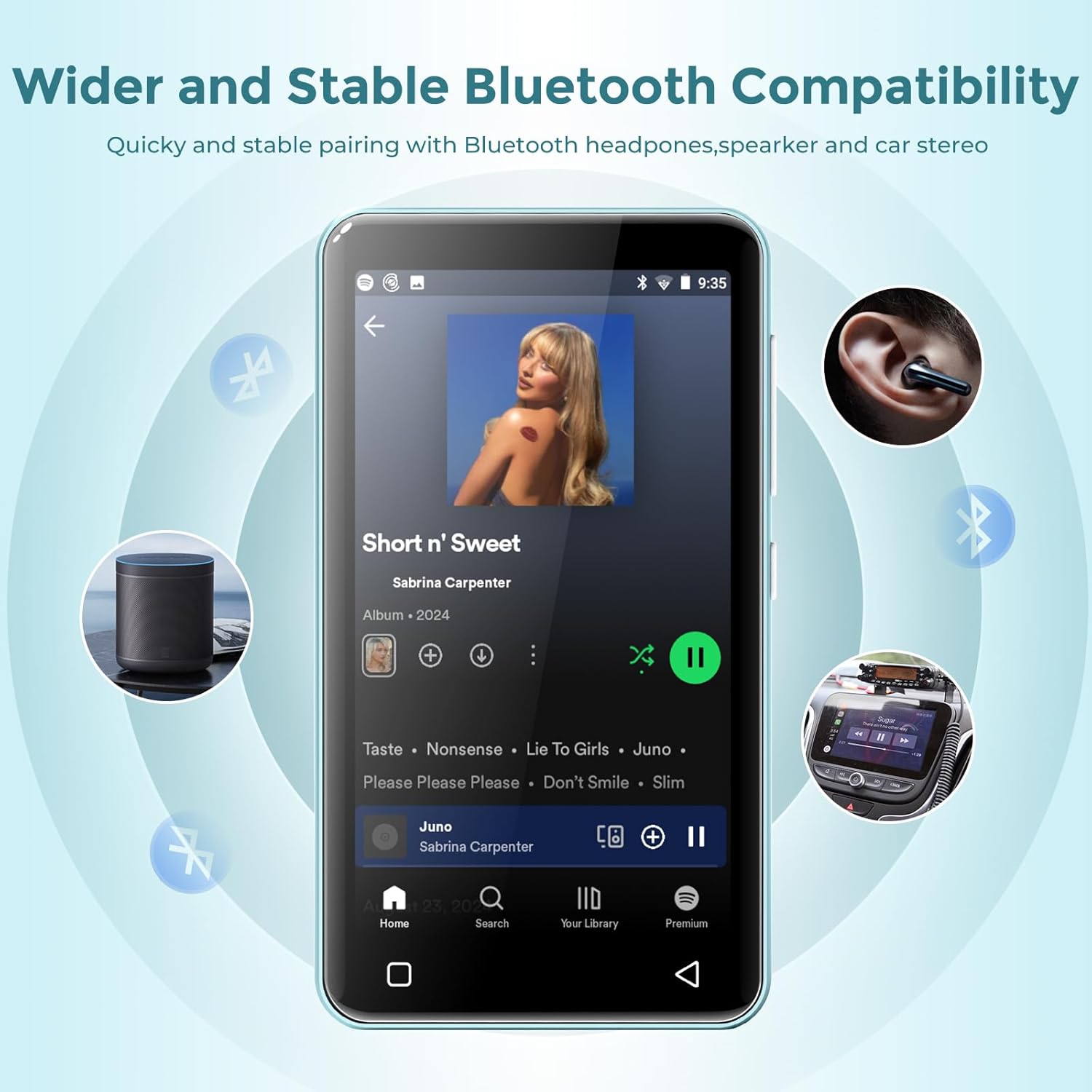
Figure 4: The MP3 player connected via Bluetooth to various audio devices, illustrating its wide compatibility.
5. ఆపరేటింగ్ సూచనలు
5.1 నావిగేషన్
The innioasis G1 features a 4.0-inch IPS full touch LCD screen for intuitive navigation. Swipe left/right to browse app pages, tap icons to open applications, and use the physical buttons for power and volume control. Swipe down from the top of the screen to access quick settings and notifications.

Figure 5: A user interacting with the touch screen, highlighting the ease of use for navigating applications.
5.2 మ్యూజిక్ ప్లేబ్యాక్
The device supports multiple audio formats including MP3, WAV, FLAC, AAC, APE, OGG, M4A, WMA, and MP2. Use the pre-installed Music app to manage and play your audio files.
- తెరవండి సంగీతం అనువర్తనం.
- Browse by title, folder, album, or genre.
- Use the music scan feature to load songs from folders with one click.
- Create unlimited playlists and easily find songs using the search function.
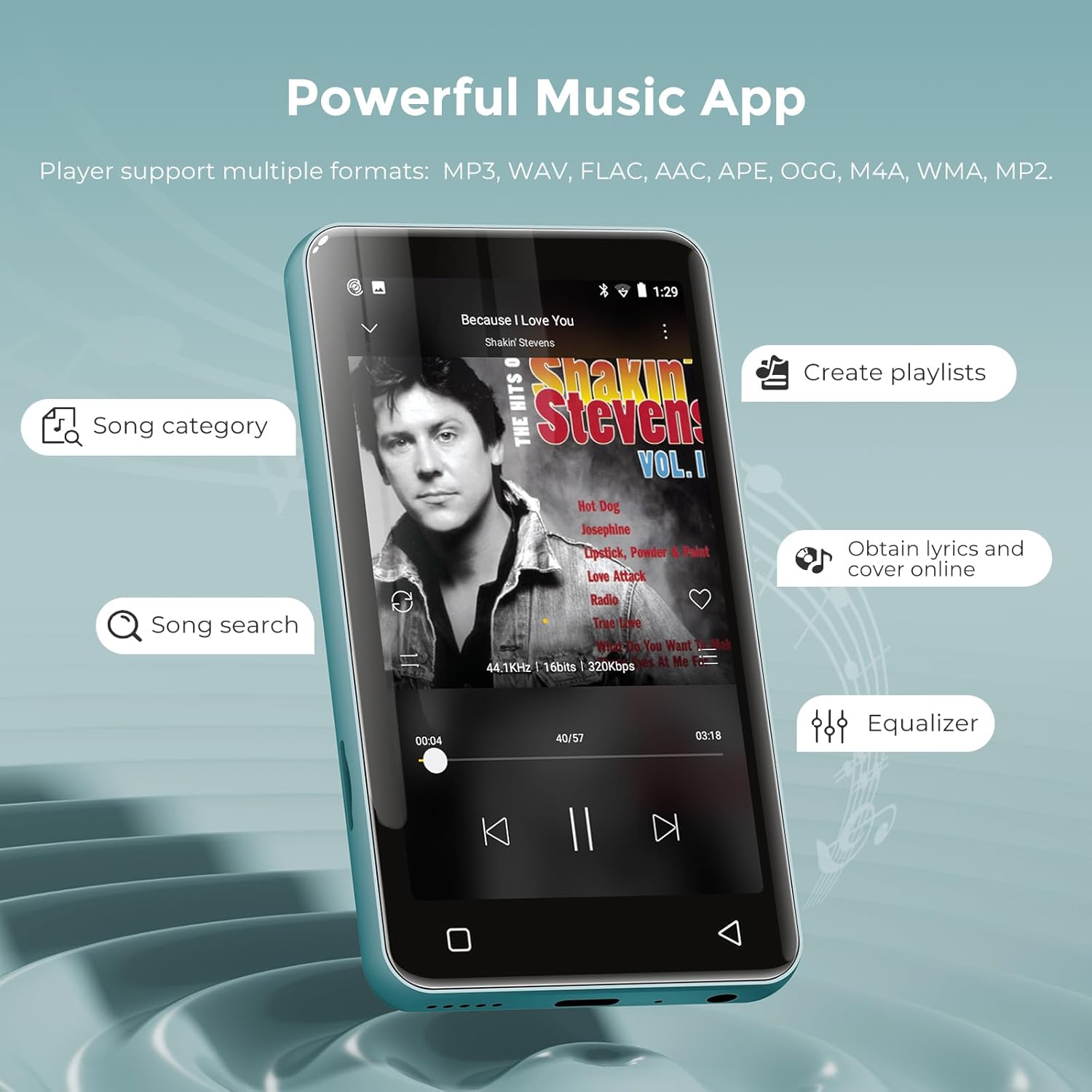
Figure 6: The music application interface, showing various features for organizing and playing music.
5.3 వీడియో ప్లేబ్యాక్
The innioasis G1 also functions as an MP4 player with a 4-inch IPS screen supporting 480x800 pixel HD video playback. Compatible video formats include RM, AVI, RMVB, FLV, MP4, DAT, MKV, MPG, MOV, TS, and 3GP.
- తెరవండి వీడియోలు అనువర్తనం.
- ఒక వీడియోను ఎంచుకోండి file ఆడటానికి.
- Enjoy features like loop/random playback, variable speed, and gesture zoom/expansion.
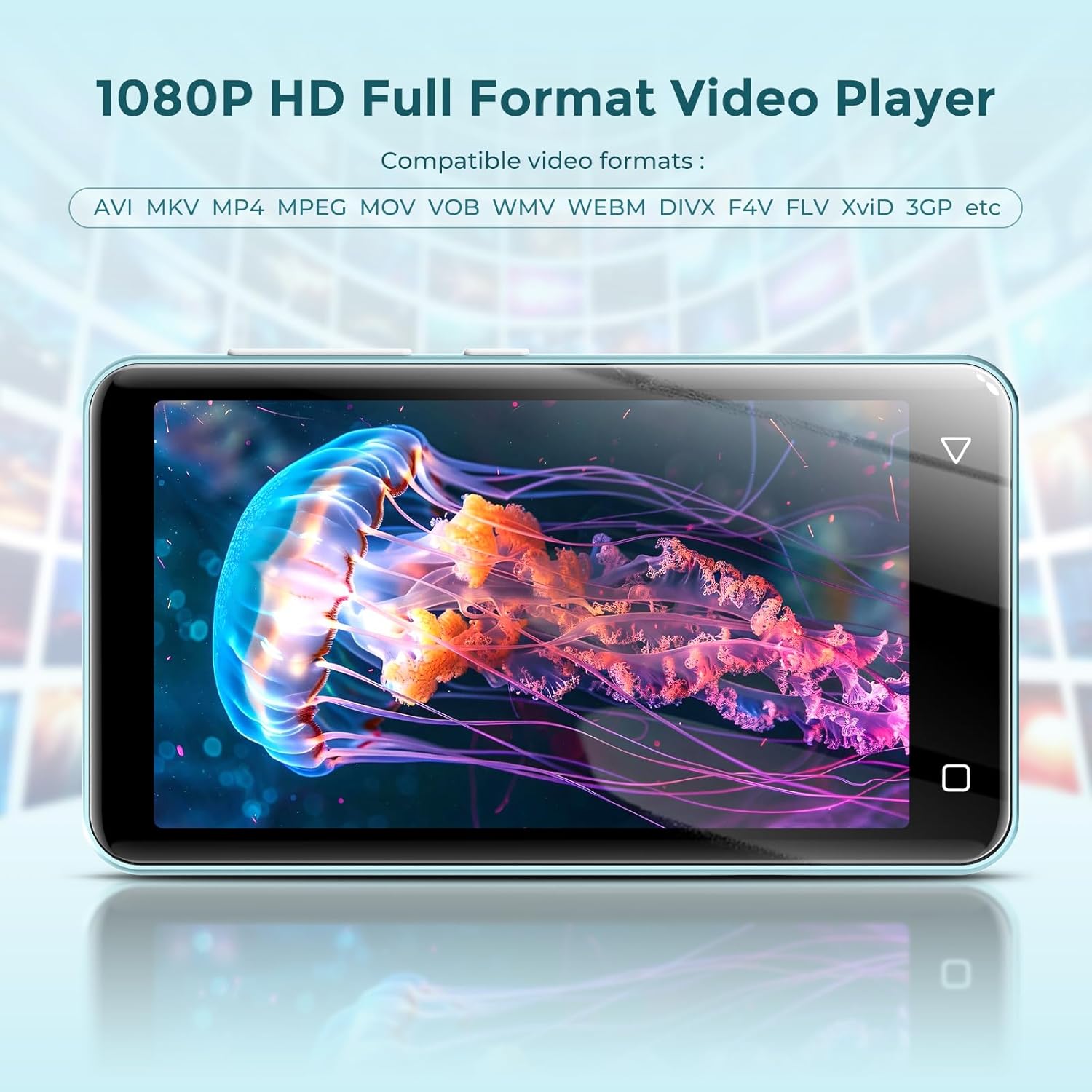
Figure 7: The MP3 player displaying a video, demonstrating its MP4 playback functionality.
5.4 Online Streaming
The device comes pre-installed with popular streaming apps like Spotify, Spotify Kids, Amazon Music, Pandora, Audible, Tidal, and Deezer. Connect to Wi-Fi to access these services.

Figure 8: The home screen of the MP3 player, highlighting the pre-installed online music streaming applications.
5.5 FM రేడియో
The device includes a recordable FM radio. To use this feature, connect wired headphones as they act as the antenna.
- Plug in your wired headphones into the 3.5mm jack.
- తెరవండి FM రేడియో అనువర్తనం.
- Scan for available stations or manually tune to your desired frequency.

Figure 9: The FM Radio interface, allowing users to access news, sports, and music stations.
5.6 File బదిలీ చేయండి
You can transfer music and video files to your innioasis G1 MP3 Player using several methods:
- USB కేబుల్ ద్వారా: Connect the device to your computer using the provided USB-C cable. The device will appear as a removable storage drive, allowing you to drag and drop files.
- Via Wi-Fi (File Transfer App): ముందే ఇన్స్టాల్ చేసిన వాటిని ఉపయోగించండి File Transfer app to wirelessly transfer files from your smartphone or computer when both devices are connected to the same Wi-Fi network.
- Via MicroSD Card: Directly load files onto the MicroSD card using a card reader on your computer, then insert the card into the device.
6. తల్లిదండ్రుల నియంత్రణలు
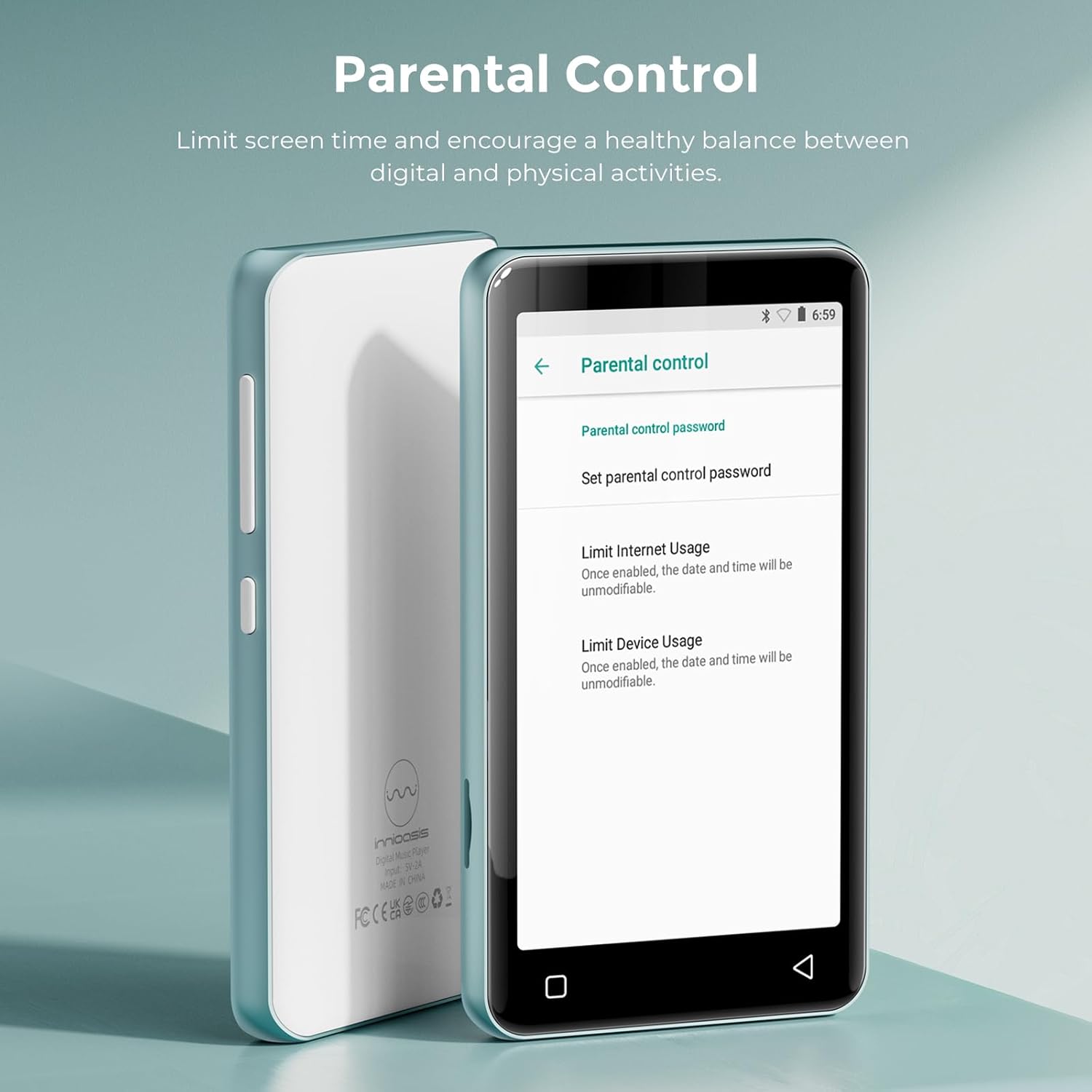
The innioasis G1 MP3 Player offers comprehensive parental control features to ensure a safe digital environment for children.

Figure 10: The Parental Control interface, detailing options for managing device access and content.
- యాప్ నిర్వహణ: The player does not allow the installation of additional apps, preventing access to unapproved content. You can also uninstall any pre-installed apps you do not wish for your child to use.
- రీసెట్ లాక్: Set a reset lock to prevent the device from being restored to factory settings without permission.
- వినియోగ పరిమితులు: Limit the duration of both internet and overall player usage to promote a healthy balance between digital and physical activities.
వీడియో 1: ఒక ఓవర్view of the innioasis MP3 Player's features, including its Bluetooth, Wi-Fi, and touchscreen capabilities, provided by the seller.
Video 2: Demonstrates how kids can stream music and how parents can remove unwanted applications, provided by the seller.
Video 3: Instructions on setting up parental controls to manage content access for children, provided by the seller.
7. నిర్వహణ
7.1 బ్యాటరీ సంరక్షణ
The device is equipped with a 1500mAh lithium battery. To maximize battery life:
- బ్యాటరీని తరచుగా పూర్తిగా డిశ్చార్జ్ చేయడాన్ని నివారించండి.
- Use a standard charger (5V/1A or 5V/2A) for optimal charging. Fast chargers may cause issues if the battery is completely drained.
- ఎక్కువ కాలం ఉపయోగంలో లేనప్పుడు పరికరాన్ని చల్లని, పొడి ప్రదేశంలో నిల్వ చేయండి.
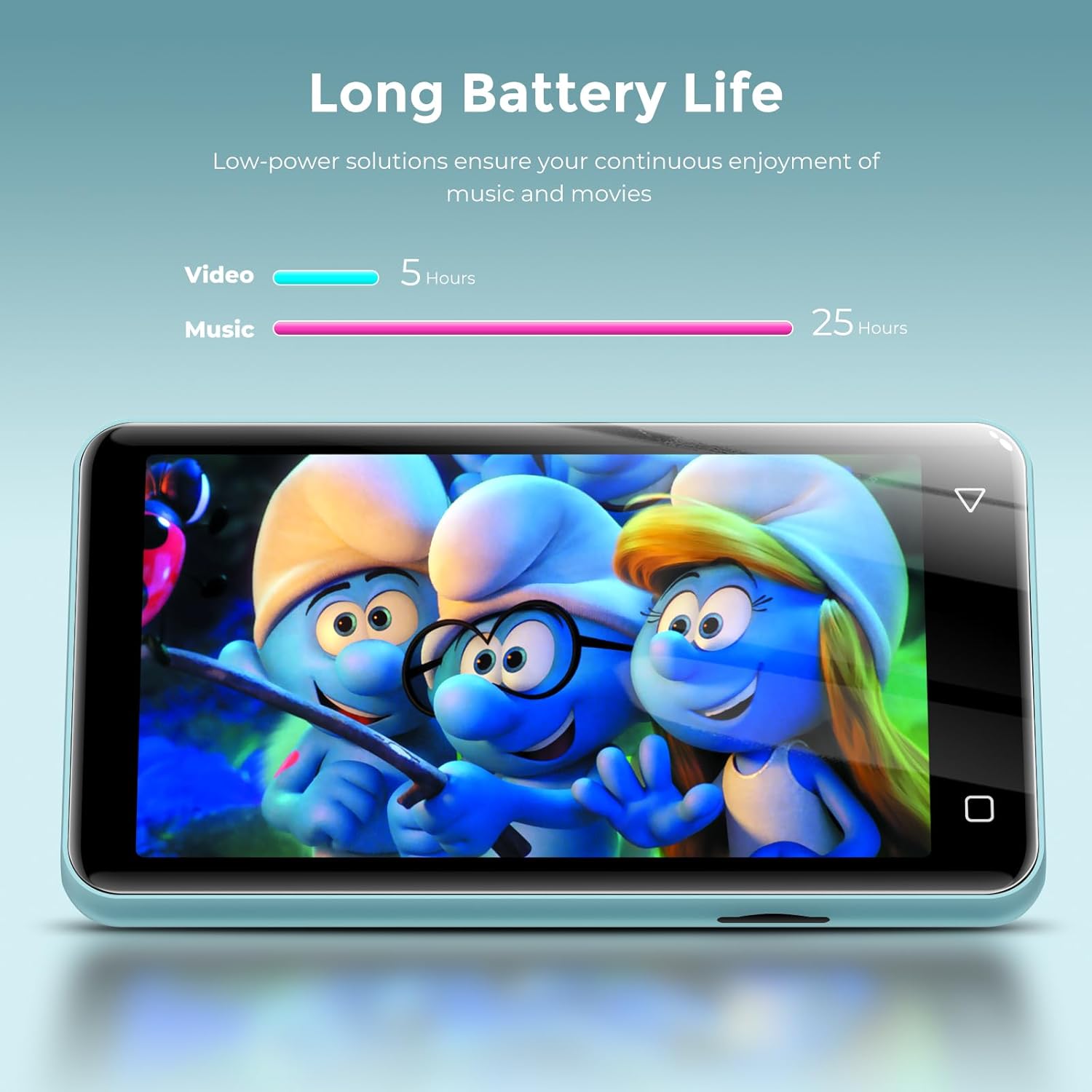
Figure 11: Battery life performance, indicating up to 25 hours for music and 5 hours for video playback.
7.2 శుభ్రపరచడం
Wipe the device with a soft, dry cloth. Avoid using harsh chemicals or abrasive materials that could damage the screen or casing.
8. ట్రబుల్షూటింగ్
- Device will not power on after full discharge: If the device does not turn on after being fully discharged, try using a lower amperage charger (e.g., a standard 5V/1A charger) for a few minutes before attempting to power it on again.
- Music skipping or inconsistent audio: Ensure the device's software is up to date. If playing from an SD card, try reformatting the card or using a different one.
- Wi-Fi/బ్లూటూత్కి కనెక్ట్ చేయడం సాధ్యం కాలేదు: Verify that Wi-Fi/Bluetooth is enabled in settings. Ensure you are within range of the network/device and that the password is correct.
- సరిగ్గా పనిచేయని యాప్లు: Try clearing the app's cache or data in Settings > Apps & Notifications > [App Name] > Storage. If issues persist, consider uninstalling and reinstalling the app (if applicable) or performing a factory reset (note: this will erase all data).
9. స్పెసిఫికేషన్లు
| ఫీచర్ | వివరణ |
|---|---|
| మోడల్ పేరు | G1 |
| ఉత్పత్తి కొలతలు | 0.39 x 2.36 x 4.33 అంగుళాలు |
| వస్తువు బరువు | 5.9 ఔన్సులు |
| మెమరీ స్టోరేజ్ కెపాసిటీ | 80 GB (16GB ఇంటర్నల్ + 64GB SD కార్డ్) |
| విస్తరించదగిన నిల్వ | మైక్రో SD కార్డ్ ద్వారా 1TB వరకు |
| స్క్రీన్ పరిమాణం | 4 Inches IPS Full Touch LCD |
| స్క్రీన్ రిజల్యూషన్ | 480x800 పిక్సెల్స్ |
| కనెక్టివిటీ టెక్నాలజీ | Bluetooth (two-way sending/receiving), USB, Wi-Fi (2.4GHz & 5GHz) |
| ప్రత్యేక లక్షణాలు | Built-In Speaker, Equalizer, FM Radio, Video Playback, Voice Recorder, Parental Controls |
| అనుకూల పరికరాలు | Headphones, Bluetooth Speakers, Car Audio Systems |
| మద్దతు ఉన్న ఆడియో ఫార్మాట్లు | MP3, WAV, FLAC, AAC, APE, OGG, M4A, WMA, MP2 |
| మద్దతు ఉన్న వీడియో ఫార్మాట్లు | RM, AVI, RMVB, FLV, MP4, DAT, MKV, MPG, MOV, TS, 3GP |
| బ్యాటరీ లైఫ్ | Up to 25 hours (music with wired earbuds), 5 hours (video) |
| ఛార్జింగ్ సమయం | Approx. 2 hours (Type-C port) |
10. వారంటీ మరియు మద్దతు
For warranty information and customer support, please refer to the documentation included with your purchase or visit the official innioasis webసైట్. ఏవైనా వారంటీ క్లెయిమ్ల కోసం మీ కొనుగోలు రుజువును ఉంచుకోండి.