
1. పరిచయం
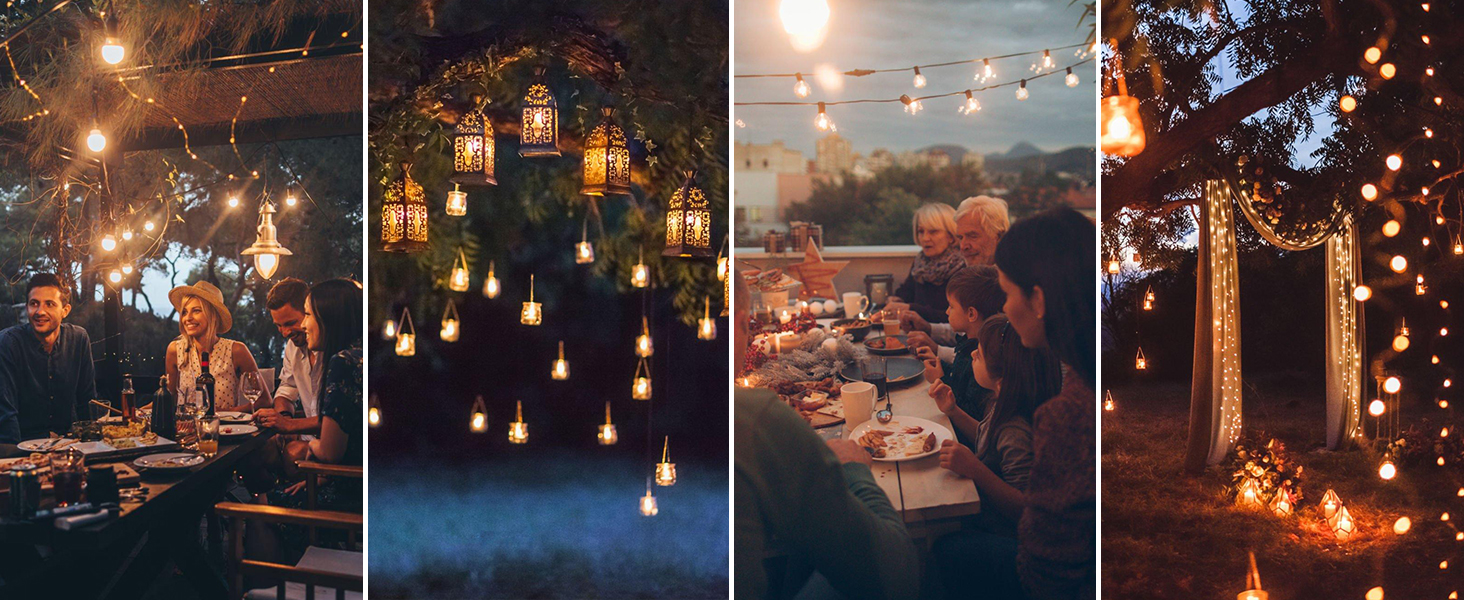
The meross MPD100 Outdoor Smart Dimmer Plug is designed to provide smart control over your outdoor lighting and appliances. It features dimming capabilities from 1% to 100% and can be controlled via the Meross app, Apple HomeKit, Amazon Alexa, and Google Home. Its IP44 weatherproof housing ensures durability for outdoor use, making it suitable for various applications such as string lights, patio lights, and holiday decorations.

2. సెటప్ సూచనలు
- పవర్ ఆన్: Plug the meross MPD100 Outdoor Smart Dimmer Plug into a standard outdoor electrical outlet. Ensure the outlet is protected from direct water exposure.
- మెరోస్ యాప్ డౌన్లోడ్ చేసుకోండి: Download the latest version of the Meross app from the Apple App Store or Google Play Store.
- పరికరాన్ని జోడించండి: Open the Meross app, sign in or create an account, and tap the '+' icon to add a new device. Follow the on-screen instructions to connect the smart plug to your 2.4 GHz Wi-Fi network.
- స్మార్ట్ హోమ్ ఇంటిగ్రేషన్: For integration with Apple HomeKit, Amazon Alexa, or Google Home, follow the respective setup guides within the Meross app or your preferred smart home application. For Apple HomeKit setup, refer to Apple HomeKit మద్దతు.

3. ఆపరేటింగ్ సూచనలు
3.1. మసకబారిన కార్యాచరణ
The meross MPD100 allows for precise brightness adjustment from 1% to 100%. This can be controlled through the Meross app or the Home app (for HomeKit users). The physical button on the device also offers quick dimming settings at 10%, 20%, 30%, 50%, and 100%.

3.2. వాయిస్ నియంత్రణ
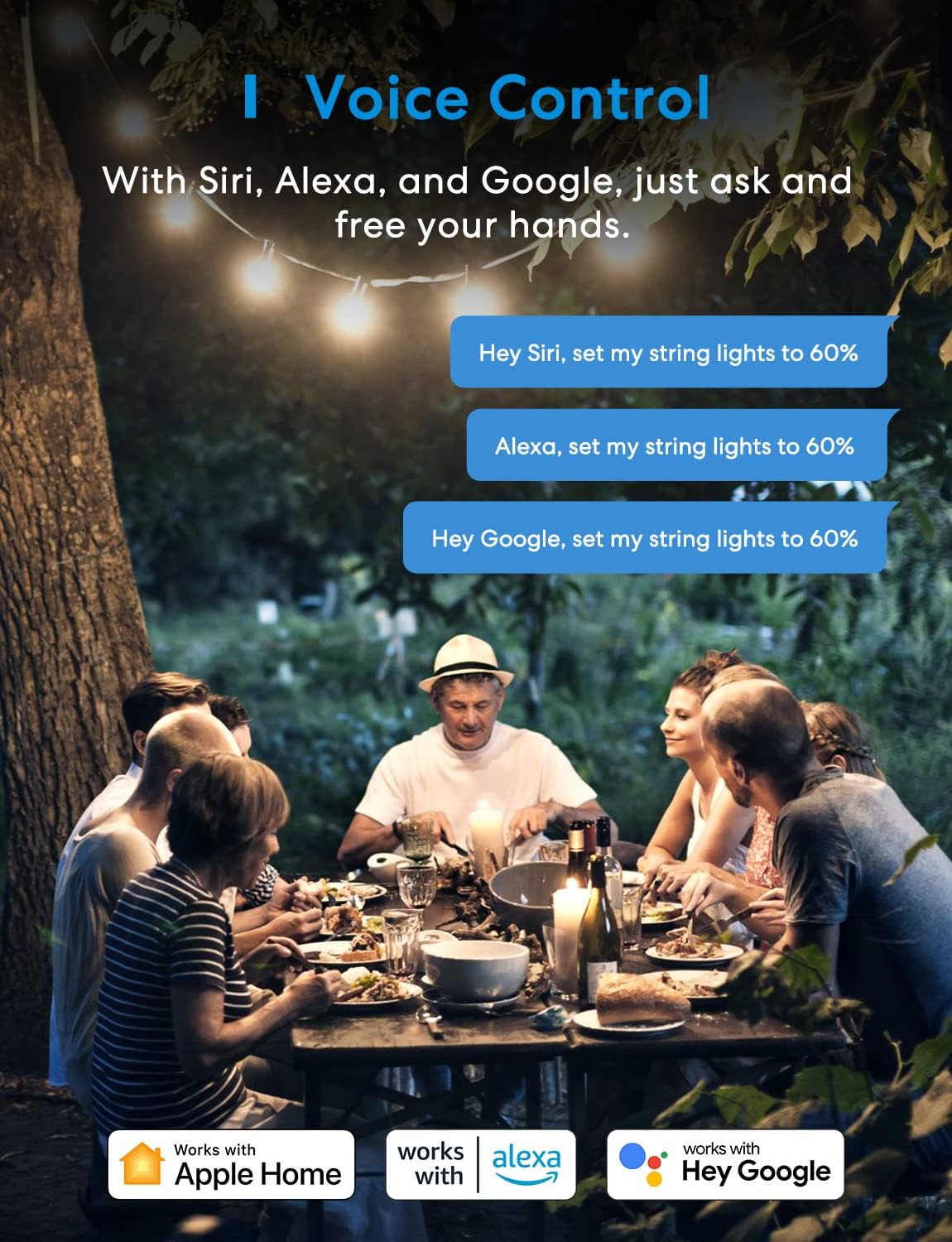
Control your outdoor lights with simple voice commands using Apple HomeKit (Siri), Amazon Alexa, or Google Home. For example, say “Hey Siri, set my yard lights to 50%” to adjust brightness.
3.3. యాప్ రిమోట్ కంట్రోల్
Manage your devices remotely from anywhere with a 2.4 GHz Wi-Fi connection using the Meross app. You can turn devices on/off or adjust dimming settings even when you are away from home.

3.4. స్థానిక నియంత్రణ
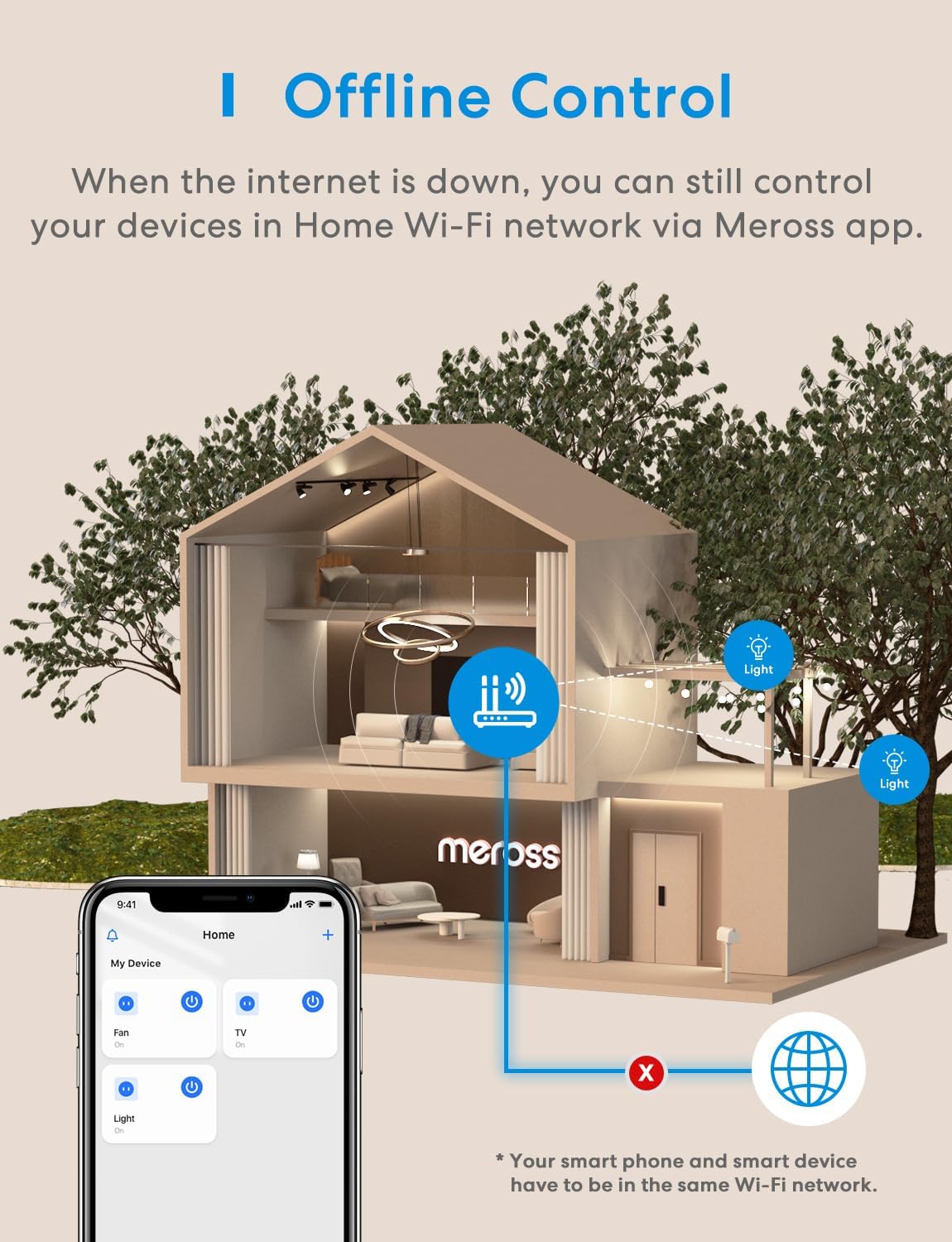
When you are at home and connected to the same Wi-Fi network, enjoy ultra-fast, reliable local control with millisecond response times and no drop-offs. No internet hub is required for local control.

3.5. Scheduling and Offline Routine Execution
Create customized schedules, including sunrise and sunset options, based on your daily routines. These schedules will continue to run even if the internet connection is temporarily unavailable, offering convenience and energy savings.

4. నిర్వహణ
The meross MPD100 features an IP44 weatherproof housing and socket covers to protect it from water splashes and dust. To ensure optimal performance and longevity:
- సరైన సంస్థాపన: When plugging in the device, ensure it is oriented downwards to allow any water to shed off, preventing ingress into the outlets.
- సాధారణ తనిఖీ: Periodically check the device and its connections for any signs of wear, damage, or debris accumulation.
- శుభ్రపరచడం: If necessary, gently wipe the exterior of the device with a dry cloth. Do not use harsh chemicals or immerse the device in water.

5. ట్రబుల్షూటింగ్
If you encounter issues with your meross MPD100 Outdoor Smart Dimmer Plug, consider the following troubleshooting steps:
- కనెక్టివిటీ సమస్యలు:
- Ensure your smart device has a stable 2.4 GHz Wi-Fi and internet connection.
- Access your router settings and assign a static IP address to the smart device.
- Change and set a fixed 2.4GHz WiFi channel (preferably 1, 6, or 11) on your router to avoid congestion and interference.
- If your router has too many connected devices, connect some to another router or reduce the number of active devices.
- Disable “Fast Roaming” on your router’s setting page if applicable.
- Dimmable Function Not Working: Ensure that the lights connected to the dimmer plug are explicitly dimmable. Non-dimmable lights will not function correctly with the dimming feature.
- ఓవర్లోడ్ రక్షణ: Do not exceed the maximum power ratings for connected devices: 150W for LED & CFL bulbs, and 400W for INC (incandescent) bulbs. Overloading can damage the device or cause a fire.
6. స్పెసిఫికేషన్లు
| మోడల్ సంఖ్య | MPD100 |
| వస్తువు బరువు | 7.4 ఔన్సులు |
| ఉత్పత్తి కొలతలు | 2.36 x 3.15 x 1.58 అంగుళాలు |
| వాల్యూమ్tage | 120 వోల్ట్లు (AC) |
| మెటీరియల్ | యాక్రిలోనిట్రైల్ బుటాడిన్ స్టైరీన్ (ABS) |
| IP రేటింగ్ | IP44 వెదర్ ప్రూఫ్ |
| Max Power (LED & CFL) | 150W |
| Max Power (INC) | 400W |
| వైర్లెస్ కనెక్టివిటీ | 2.4 GHz వై-ఫై |
| అనుకూలత | Apple HomeKit, Amazon Alexa, Google Home |
| ధృవపత్రాలు | FCC సర్టిఫికేట్ |
7. వారంటీ మరియు మద్దతు
The meross MPD100 Outdoor Smart Dimmer Plug comes with a 1-సంవత్సరం తయారీదారు వారంటీ కొనుగోలు తేదీ నుండి, సాధారణ ఉపయోగంలో పదార్థాలు మరియు పనితనంలో లోపాలను కవర్ చేస్తుంది.
For technical assistance, troubleshooting, or warranty claims, please contact Meross Customer Support. You can typically find contact information on the official Meross webసైట్ లేదా మెరోస్ యాప్లో.