
Jectse Jectsega4vnm10yk-12
Jectse 80mm Thermal Receipt Printer User Manual
Model: Jectsega4vnm10yk-12
పరిచయం
This manual provides comprehensive instructions for the setup, operation, and maintenance of your Jectse 80mm Thermal Receipt Printer. Please read this manual carefully before using the device to ensure proper functionality and longevity.
ప్యాకేజీ విషయాలు
ప్యాకేజీలో అన్ని అంశాలు ఉన్నాయని నిర్ధారించుకోండి:
- Jectse 80mm Thermal Receipt Printer
- USB కేబుల్
- Thermal Paper Roll (may be pre-installed or separate)
- వినియోగదారు మాన్యువల్ (ఈ పత్రం)

Image: The Jectse 80mm Thermal Receipt Printer (Orange White) shown alongside its included USB charging cable.
సెటప్
1. థర్మల్ పేపర్ను లోడ్ చేస్తోంది
- Open the printer cover by gently lifting the orange transparent lid.
- Insert the thermal paper roll with the printing surface facing upwards. Ensure the roll is seated correctly in the paper compartment.
- Pull a small amount of paper out past the toothed blade.
- ప్రింటర్ కవర్ సరిగ్గా అమర్చబడే వరకు దాన్ని గట్టిగా మూసివేయండి.

చిత్రం: పైన view of the Jectse 80mm Thermal Receipt Printer with the orange transparent lid closed, indicating paper is loaded.
2. పవర్ ఆన్ మరియు ఛార్జింగ్
- Connect the USB cable to the printer's charging port and the other end to a suitable USB power adapter or computer.
- Press and hold the power button (marked with a circle and vertical line) to turn the printer on. The power indicator light will illuminate.
- The battery indicator lights will show the current charge level. Charge the printer fully before first use.
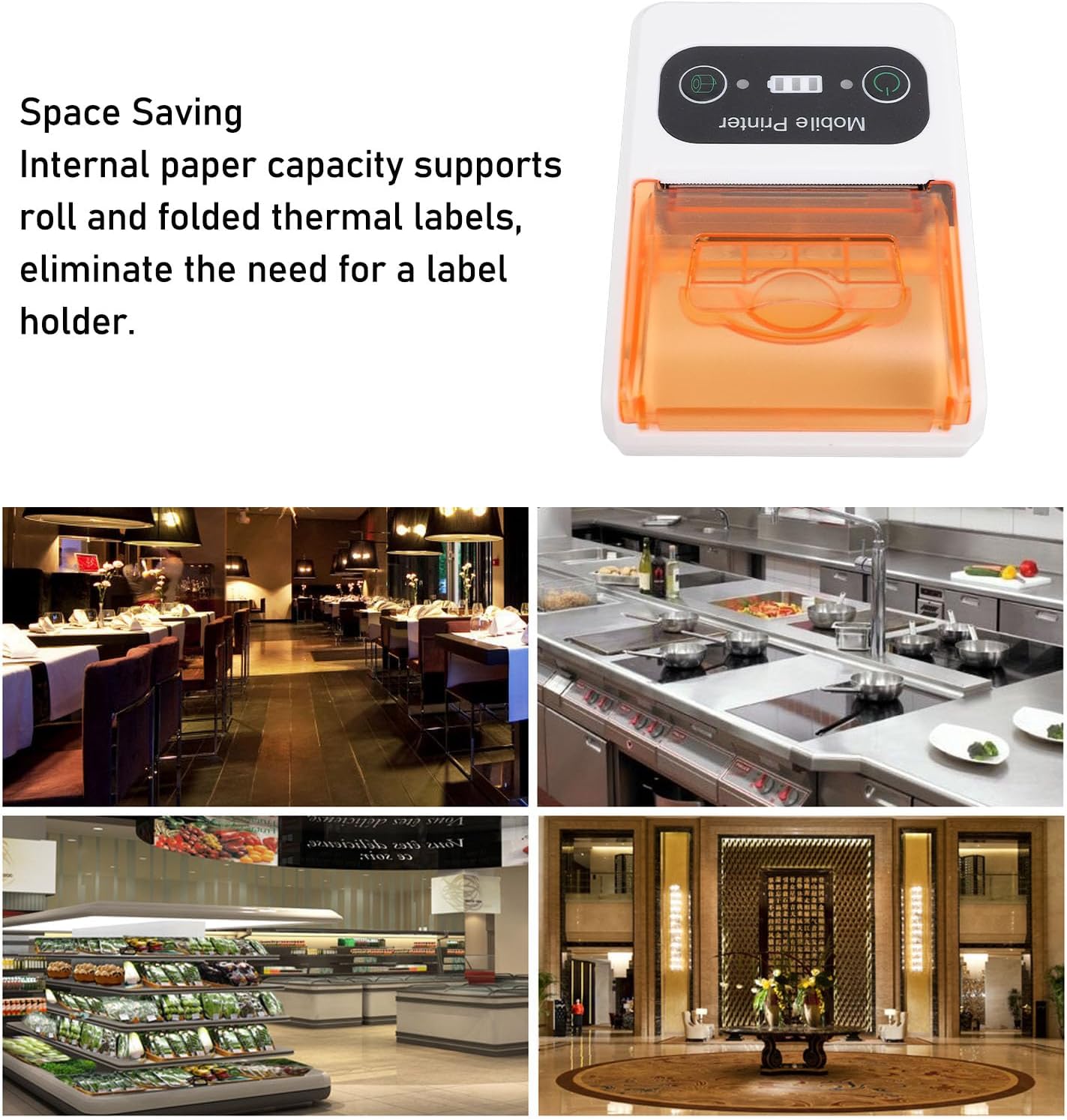
Image: A close-up of the printer's control panel, showing the power button, battery indicator, and paper feed button.
3 కనెక్టివిటీ
The printer supports Ethernet connectivity. For mobile use, it is designed to connect wirelessly to devices such as smartphones.
- ఈథర్నెట్ కనెక్షన్: Connect an Ethernet cable to the printer's Ethernet port and to your network router or switch.
- Wireless Connection (e.g., Bluetooth): Refer to your device's operating system or application instructions for pairing with a mobile printer. Typically, this involves enabling Bluetooth on your mobile device, searching for the printer, and pairing.
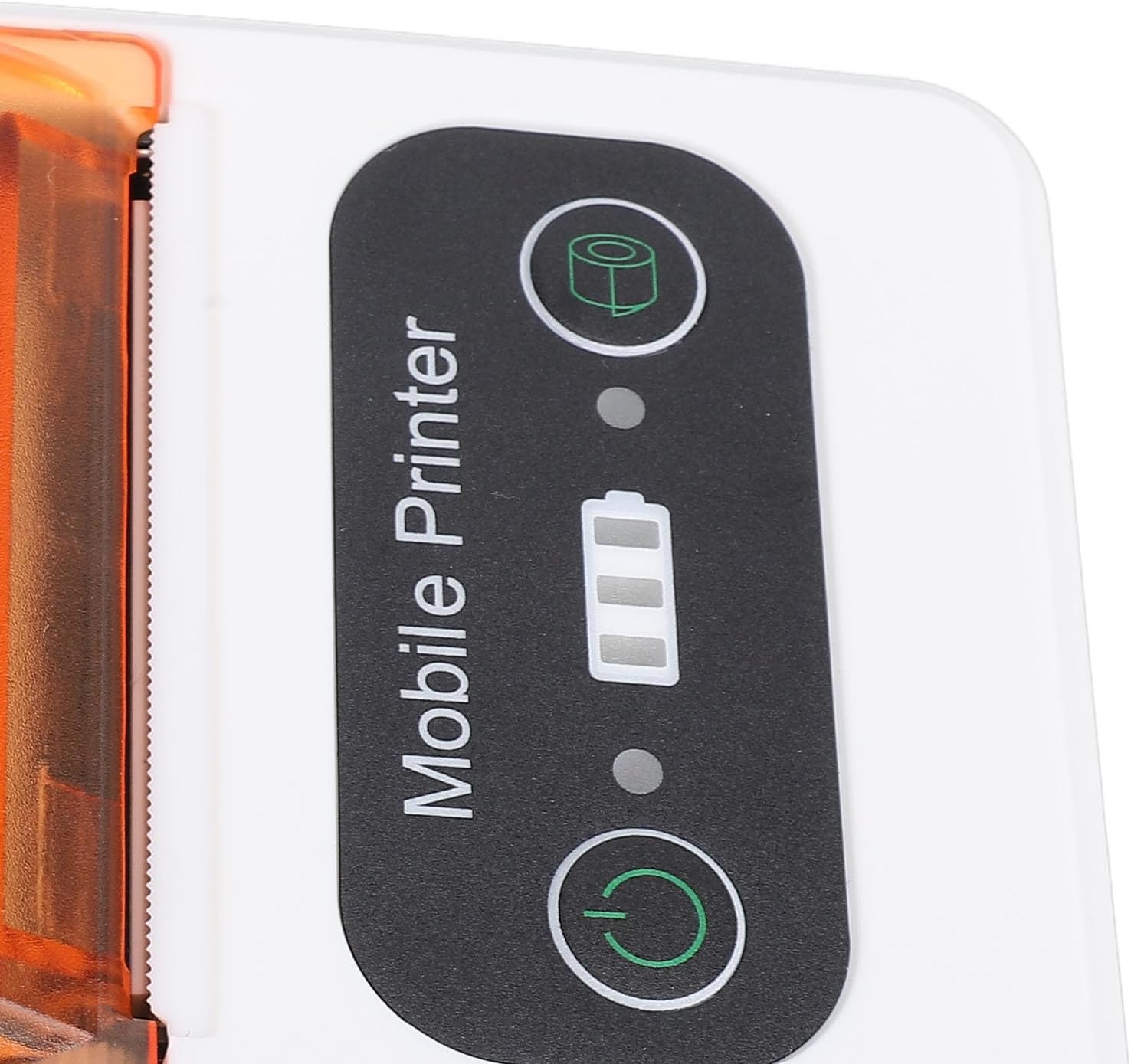
Image: The Jectse 80mm Thermal Receipt Printer shown next to a smartphone with a wireless signal icon, illustrating mobile connectivity.
ఆపరేటింగ్ సూచనలు
Printing a Receipt/Label
- Ensure the printer is powered on and connected to your device (via Ethernet or wirelessly).
- Open the application or software from which you wish to print.
- Select the print option within your application. Choose the Jectse 80mm Thermal Receipt Printer from the list of available printers.
- Confirm print settings (e.g., paper size, orientation) if prompted.
- Initiate the print job. The printer will begin printing.
- Once printing is complete, use the integrated toothed blade to cleanly tear off the receipt or label.

చిత్రం: కోణీయ view of the printer, highlighting its compact design and the paper output slot with the toothed blade.
నిర్వహణ
ప్రింటర్ను శుభ్రపరచడం
- Ensure the printer is powered off and disconnected from power before cleaning.
- మెత్తని, మెత్తని బట్టను తేలికగా ఉపయోగించండి డిampened with isopropyl alcohol to clean the print head and the paper path.
- Do not use abrasive cleaners or spray liquids directly into the printer.
- Allow all components to dry completely before powering on the printer.
Replacing Thermal Paper
Follow the steps outlined in the "Loading Thermal Paper" section under Setup when the paper roll is depleted.
ట్రబుల్షూటింగ్
| సమస్య | సాధ్యమైన కారణం | పరిష్కారం |
|---|---|---|
| ప్రింటర్ పవర్ ఆన్ అవ్వదు. | Low battery or power connection issue. | అందించిన USB కేబుల్ ఉపయోగించి ప్రింటర్ను ఛార్జ్ చేయండి. పవర్ అడాప్టర్ పనిచేస్తుందని నిర్ధారించుకోండి. |
| ప్రింట్ అవుట్పుట్ లేదు. | Paper loaded incorrectly, out of paper, or connectivity issue. | Check paper loading and ensure paper is not depleted. Verify network/wireless connection. Restart printer and device. |
| ప్రింట్ నాణ్యత తక్కువగా ఉంది. | Dirty print head or low battery. | Clean the print head as described in the Maintenance section. Ensure the printer is fully charged. |
| వైర్లెస్గా కనెక్ట్ చేయడం సాధ్యం కాదు. | Bluetooth/network not enabled or printer not discoverable. | Ensure Bluetooth is enabled on your mobile device. Check printer's network settings. Try restarting both devices. |
స్పెసిఫికేషన్లు
- మోడల్: Jectsega4vnm10yk-12
- ఉత్పత్తి కొలతలు: 5.91 x 3.94 x 2.36 అంగుళాలు (15.01 x 10.01 x 5.99 సెం.మీ.)
- వస్తువు బరువు: 9.1 ఔన్సులు (257.98 గ్రాములు)
- కనెక్టివిటీ టెక్నాలజీ: Ethernet (and implied wireless for mobile use)
- ప్రింటింగ్ టెక్నాలజీ: డైరెక్ట్ థర్మల్
- ప్రింటర్ అవుట్పుట్: మోనోక్రోమ్
- గరిష్ట ప్రింట్ స్పీడ్ మోనోక్రోమ్: సెకనుకు 80 మి.మీ
- ప్రత్యేక ఫీచర్: Adjustable (likely referring to paper width or settings)
- రంగు: ఆరెంజ్ వైట్
- తయారీదారు: జెక్ట్సే
- మొదటి తేదీ అందుబాటులో ఉంది: ఫిబ్రవరి 18, 2025
వారంటీ మరియు మద్దతు
For warranty information and technical support, please refer to the official Jectse webసైట్ లేదా వారి కస్టమర్ సర్వీస్ను నేరుగా సంప్రదించండి. వారంటీ క్లెయిమ్ల కోసం మీ కొనుగోలు రసీదును ఉంచండి.
Jectse Store Link: Visit the Jectse Store on Amazon
Ask a question about this manual
Ask about setup, troubleshooting, compatibility, parts, safety, or missing instructions. Manuals+ will review the question and use this page’s manual context to help answer it.