
Lovskoo M200
Lovskoo Mini Projector M200 User Manual
మోడల్: M200
1. పరిచయం
ధన్యవాదాలు, ధన్యవాదాలు.asing the Lovskoo Mini Projector M200. This portable projector is designed for home entertainment and educational purposes, offering a clear viewing experience with versatile connectivity options. This manual provides essential information for setting up, operating, and maintaining your projector.
The M200 features LED diffuse reflection imaging, supporting 1080p HD decoding and on-screen connection. It is compatible with various devices and offers a long service life.

చిత్రం 1.1: ముందు view of the Lovskoo Mini Projector M200, showcasing దాని కాంపాక్ట్ డిజైన్ మరియు లెన్స్.
2. ప్యాకేజీ విషయాలు
దయచేసి అన్ని అంశాలు ప్యాకేజీలో ఉన్నాయని ధృవీకరించండి:
- 1 x Lovskoo Mini Projector M200
- 1 x USB పవర్ కేబుల్
- 1 x రిమోట్ కంట్రోల్
- 1 x ఇన్స్ట్రక్షన్ మాన్యువల్ (ఈ డాక్యుమెంట్)
3. ఉత్పత్తి ముగిసిందిview
3.1. కొలతలు
The projector features a compact design for portability.

Image 3.1: Diagram illustrating the dimensions of the Lovskoo Mini Projector M200 (approximately 4.96 x 3.35 x 1.85 inches).
3.2 ఇంటర్ఫేస్లు
The projector is equipped with multiple input interfaces for broad compatibility.
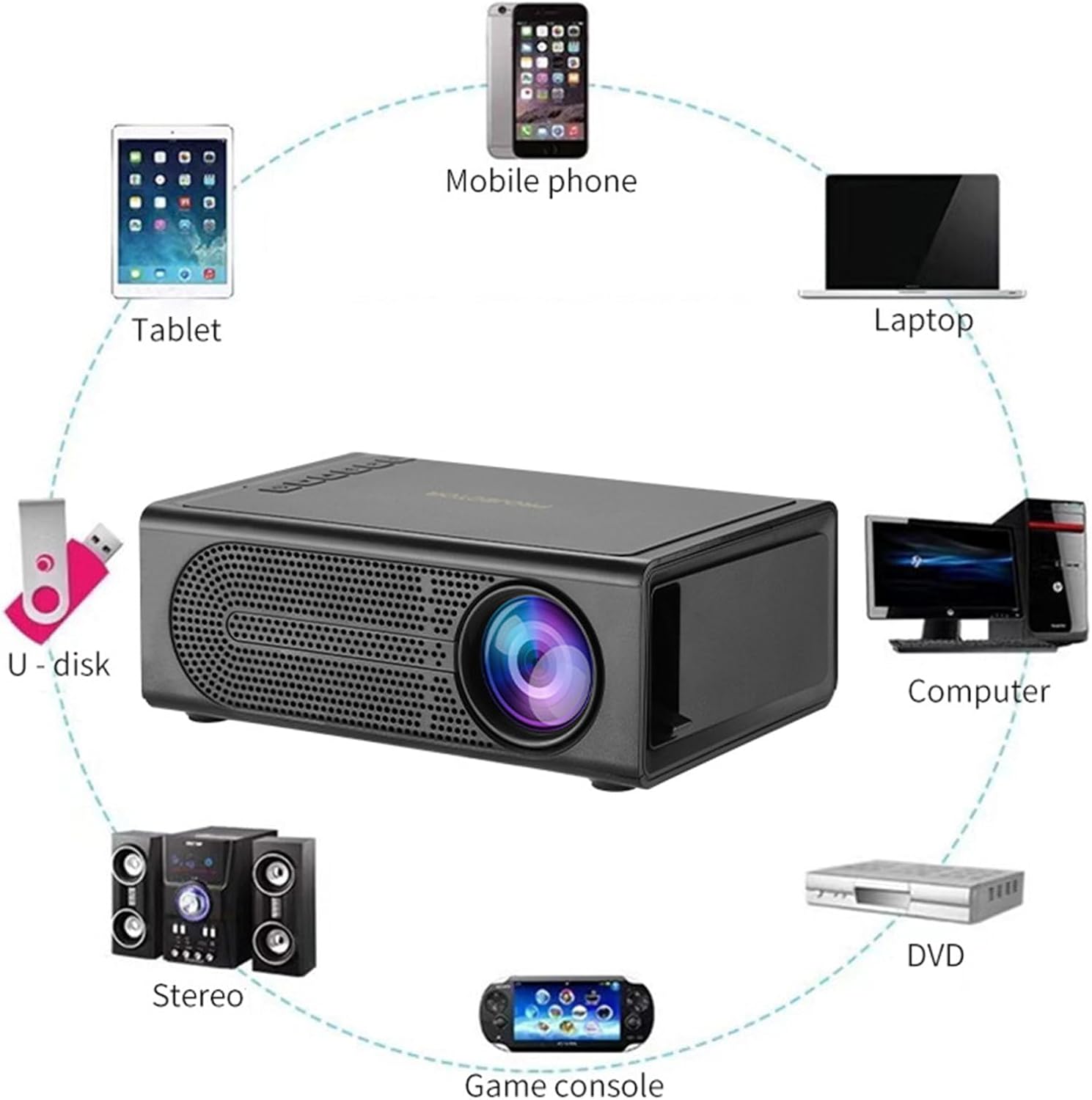
Image 3.2: Diagram showing various devices that can connect to the projector, including mobile phones, tablets, laptops, computers, DVDs, game consoles, U-disks, and stereo systems. The projector features HDMI, USB, AV, and memory card input ports.
4. సెటప్
4.1. పవర్ కనెక్షన్
- Connect the provided USB power cable to the projector's 5V-2A USB power input port.
- Plug the other end of the USB power cable into a compatible 5V-2A USB power adapter (not included) or a power bank.
- Ensure the power source provides sufficient current (5V-2A) for optimal performance.
4.2. ప్లేస్మెంట్
Place the projector on a stable, flat surface. For best results, position the projector directly in front of the projection screen or wall. The optimal projection distance ranges from 39 to 79 inches, yielding a viewing size of approximately 60 inches.
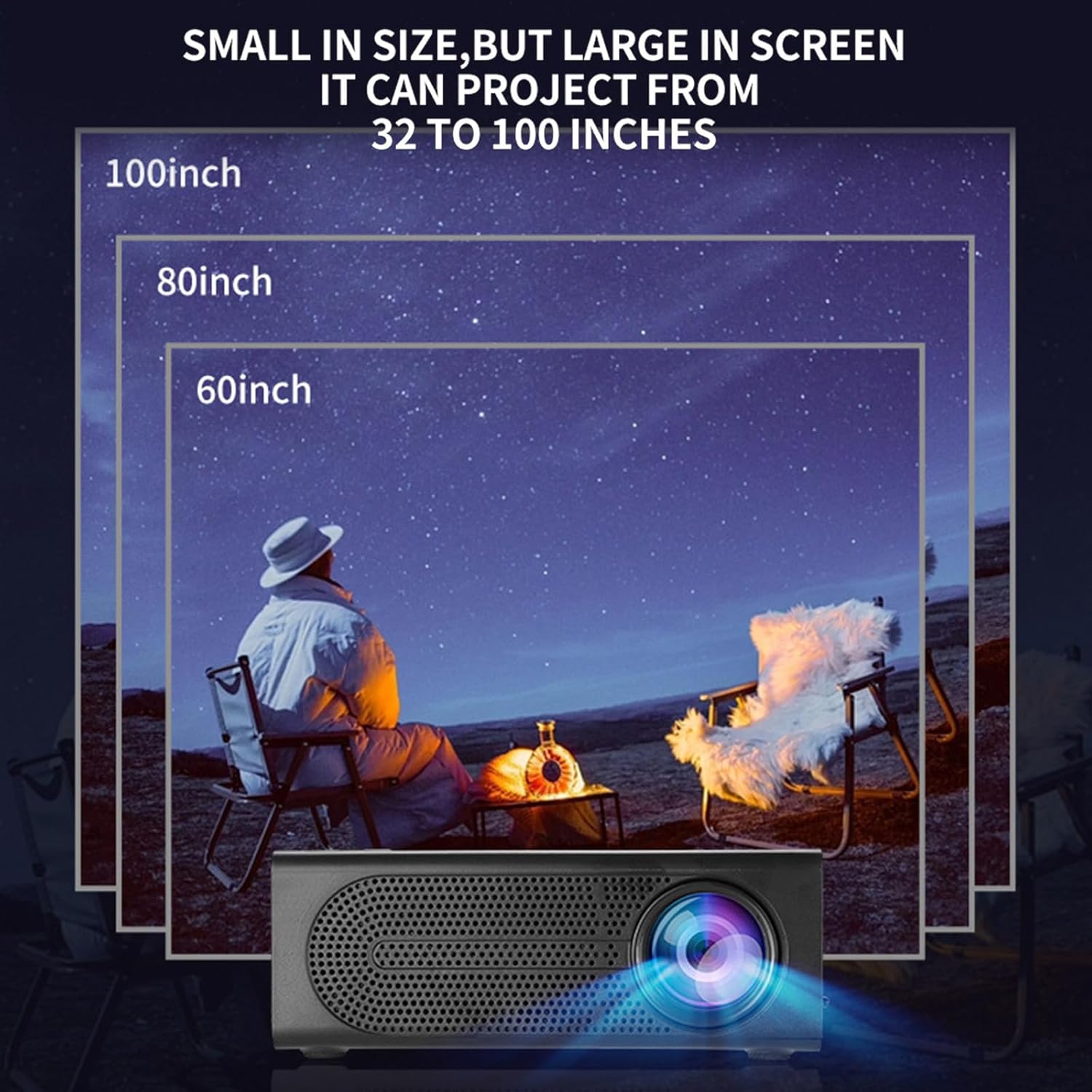
Image 4.1: Illustration demonstrating various projection sizes (60, 80, 100 inches) achievable with the Lovskoo Mini Projector M200 at different distances.
5. ఆపరేటింగ్ సూచనలు
5.1. పవర్ ఆన్/ఆఫ్
- పవర్ ఆన్ చేయడానికి, ప్రొజెక్టర్ లేదా రిమోట్ కంట్రోల్లోని పవర్ బటన్ను నొక్కండి.
- పవర్ ఆఫ్ చేయడానికి, పవర్ బటన్ను మళ్లీ నొక్కండి.
5.2. పరికరాలను కనెక్ట్ చేస్తోంది
ప్రొజెక్టర్ వివిధ ఇన్పుట్ వనరులకు మద్దతు ఇస్తుంది:
- HDMI: Connect a laptop, DVD player, game console, or set-top box using an HDMI cable.
- USB: Insert a USB flash drive for direct media playback.
- యొక్క: Use an AV cable to connect older devices.
- మెమరీ కార్డ్: Insert a TransFlash (TF) card for media playback.
- On-Screen Connection: Supports wired phone same-screen playback. Refer to your phone's specific instructions for wired screen mirroring.
5.3. దృష్టి సర్దుబాటు
To achieve a clear image, adjust the focus ring located on the projector lens.
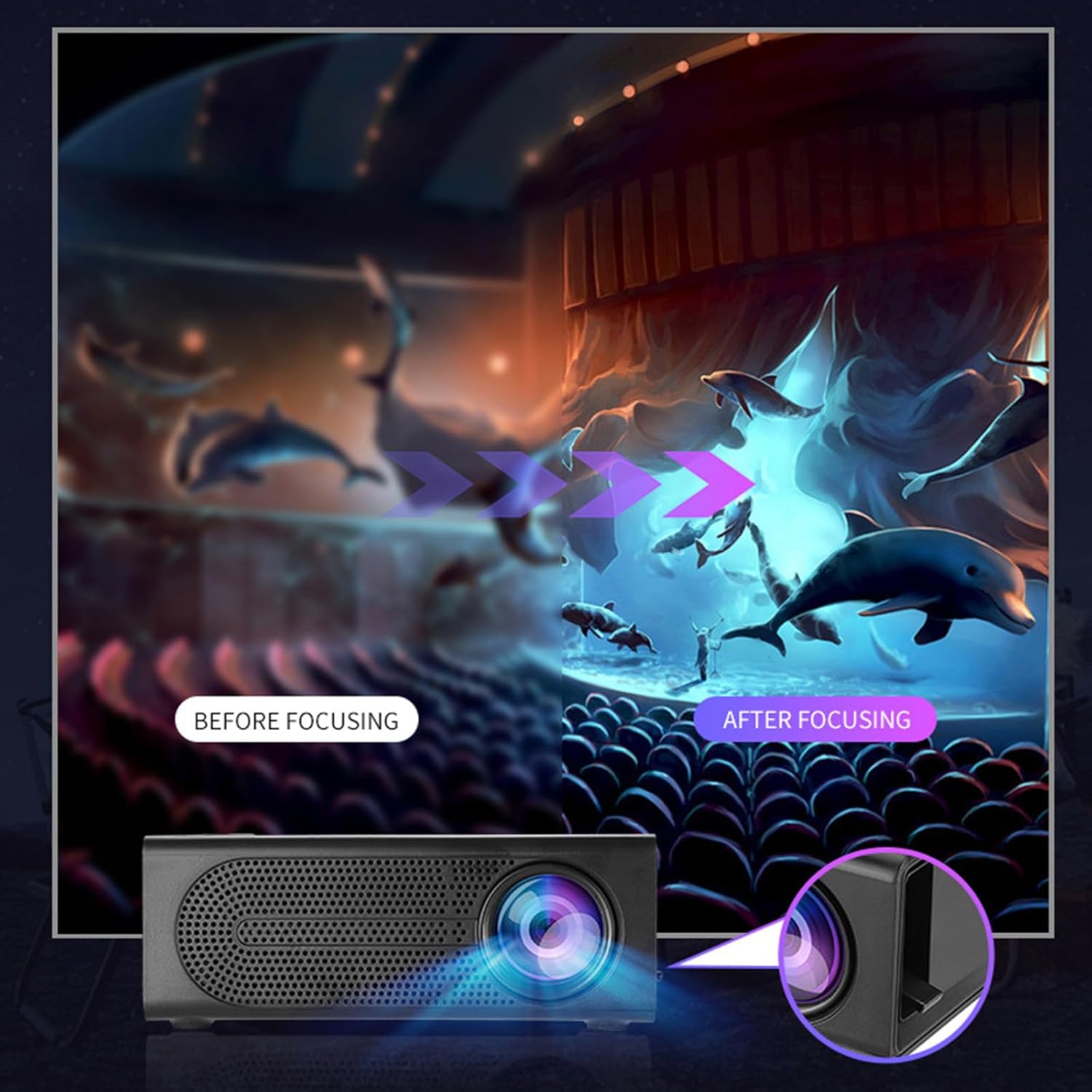
Image 5.1: Depiction of the focus adjustment process on the Lovskoo Mini Projector M200, showing a blurry image becoming sharp after adjustment.
5.4. మూలం ఎంపిక
After connecting a device, use the remote control or the projector's buttons to select the correct input source (HDMI, USB, AV, Memory Card) from the on-screen menu.
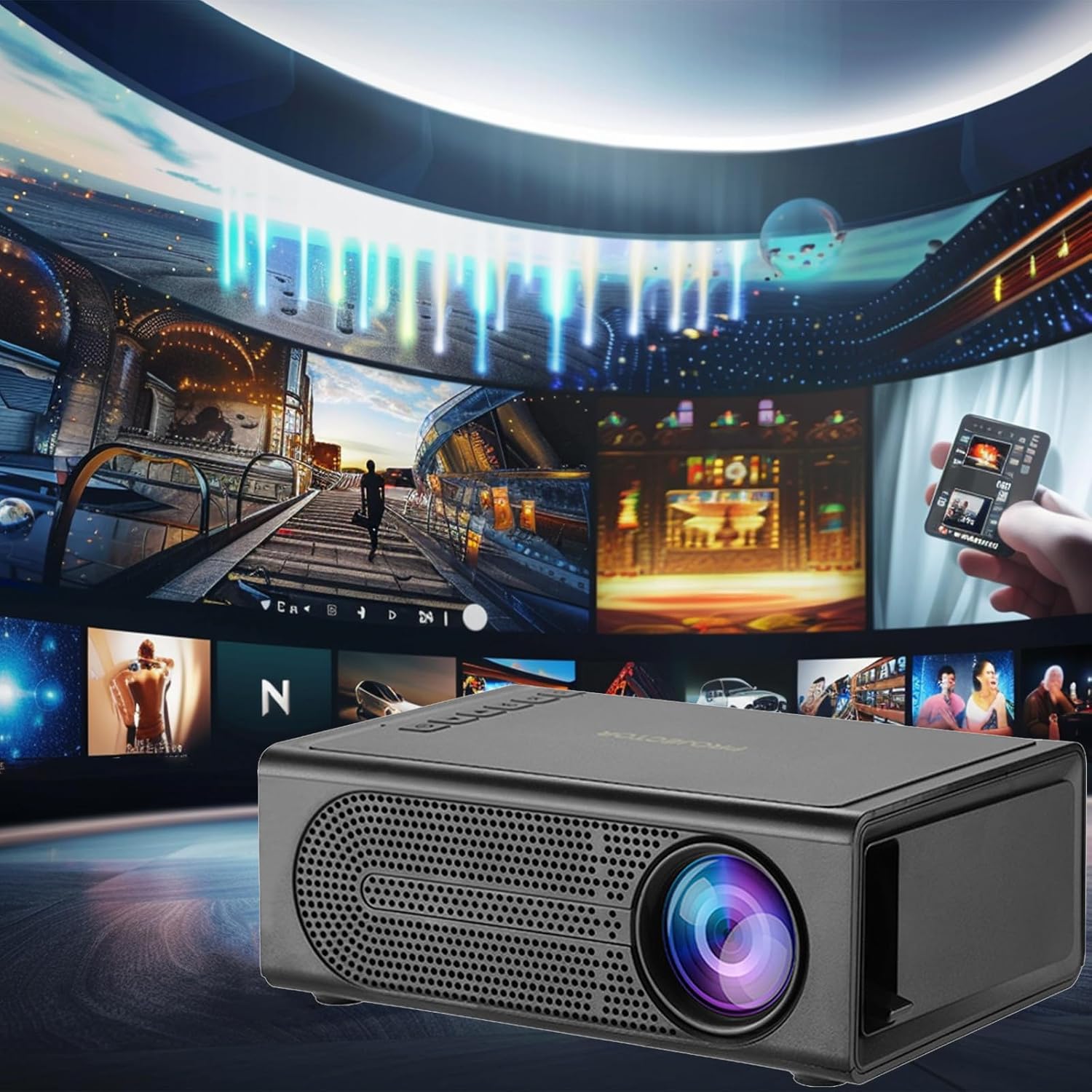
Image 5.2: The Lovskoo Mini Projector M200 displaying various media content, indicating its multi-source playback capability.
6. నిర్వహణ
6.1. లెన్స్ శుభ్రపరచడం
Use a soft, lint-free cloth or lens cleaning paper to gently wipe the projector lens. Avoid using abrasive materials or harsh chemicals.
6.2. ప్రొజెక్టర్ బాడీని శుభ్రపరచడం
ప్రొజెక్టర్ బయటి భాగాన్ని మృదువైన, పొడి గుడ్డతో తుడవండి. లిక్విడ్ క్లీనర్లను నేరుగా పరికరంపై ఉపయోగించవద్దు.
6.3 వెంటిలేషన్
Ensure the projector's ventilation openings are not blocked to prevent overheating. The built-in constant temperature fan is designed to maintain stable system operation and keep noise levels below 30 dB.
6.4. నిల్వ
ఉపయోగంలో లేనప్పుడు, ప్రొజెక్టర్ను చల్లని, పొడి ప్రదేశంలో, ప్రత్యక్ష సూర్యకాంతి మరియు అధిక దుమ్ము నుండి దూరంగా నిల్వ చేయండి.
7. ట్రబుల్షూటింగ్
| సమస్య | సాధ్యమైన కారణం | పరిష్కారం |
|---|---|---|
| తెరపై చిత్రం లేదు |
|
|
| చిత్రం అస్పష్టంగా ఉంది |
|
|
| శబ్దం లేదు |
|
|
| రిమోట్ కంట్రోల్ పనిచేయడం లేదు |
|
|
8. స్పెసిఫికేషన్లు
| ఫీచర్ | వివరాలు |
|---|---|
| మోడల్ | M200 |
| రిజల్యూషన్ | 600*480P / 320*240p (Supports 1920*1080p decoding) |
| వాల్యూమ్tage | USB interface 5V2A |
| ప్రొజెక్షన్ పరిమాణం | 20-80 inches (Optimal viewing size: 60 inches) |
| ఇన్పుట్ ఇంటర్ఫేస్ | USB / U disk / HDMI / AV / Memory Card (TF Card) |
| ప్రొజెక్షన్ దూరం | 39-79 అంగుళాలు |
| సేవా జీవితం | 30,000+ గంటలు |
| శక్తి | 24W |
| ఉత్పత్తి కొలతలు | 12.6 x 8.5 x 4.7 సెం.మీ (4.96 x 3.35 x 1.85 అంగుళాలు) |
| వస్తువు బరువు | 425 గ్రా (15 ఔన్సులు) |
| శబ్దం స్థాయి | 30 dB కంటే తక్కువ |
| ప్రత్యేక లక్షణాలు | Portable, HDR high trends display technology, Built-in speaker, Multi-language support |
9. వారంటీ మరియు మద్దతు
For warranty information or technical support, please refer to the contact details provided at the point of purchase or visit the official Lovskoo webవారంటీ క్లెయిమ్ల కోసం కొనుగోలు రుజువుగా మీ కొనుగోలు రసీదును ఉంచండి.
Ask a question about this manual
Ask about setup, troubleshooting, compatibility, parts, safety, or missing instructions. Manuals+ will review the question and use this page’s manual context to help answer it.