
పరిచయం
This manual provides instructions for the proper use and maintenance of your KODAK MicroSD Card 256GB UHS-II U3 V60. This high-performance memory card is designed for demanding applications such as 4K and 8K video recording, high-resolution photography, and rapid data transfer.
The KODAK MicroSD Card offers a storage capacity of 256GB and features UHS-II interface with U3 and V60 speed ratings, ensuring fast read and write speeds for efficient workflow.
ఉత్పత్తి ముగిసిందిview

చిత్రం: ముందు భాగం view of a Kodak MicroSD card. Note: The image displays a 128GB card, but this product is the 256GB version.
The KODAK MicroSD Card is a compact, high-capacity storage solution. It is designed for use in a wide range of compatible devices, including digital cameras, drones, smartphones, and other devices requiring high-speed data storage.
ముఖ్య లక్షణాలు ఉన్నాయి:
- Ultra-Fast Performance: Up to 300MB/s read speed and 160MB/s write speed.
- Optimized for 4K/8K Video: Supports continuous recording of ultra-high-definition video.
- అధిక సామర్థ్యం: 256GB storage for extensive photo and video libraries.
- UHS-II Interface: Provides advanced speed capabilities.
- మన్నిక: Designed to be drop-proof and temperature-proof.
- SD Adapter Included: For compatibility with devices that use standard SD card slots.
సెటప్
1. మైక్రో SD కార్డ్ని చొప్పించడం
- Identify the MicroSD Card Slot: Locate the microSD card slot on your compatible device (e.g., camera, drone, smartphone). Refer to your device's manual for exact location and orientation.
- కార్డును చొప్పించండి: Gently push the KODAK MicroSD card into the slot with the gold contacts facing the correct direction, as indicated by your device. A click sound usually confirms proper insertion. Do not force the card.
2. Using the SD Adapter

Image: Packaging of a Kodak MicroSD card, illustrating the included SD adapter. Note: The image displays a 128GB card, but this product is the 256GB version.
The included SD adapter allows the microSD card to be used in devices that accept standard SD cards.
- Insert MicroSD into Adapter: Slide the KODAK MicroSD card into the designated slot on the SD adapter until it clicks into place.
- పరికరంలోకి అడాప్టర్ను చొప్పించండి: Insert the SD adapter (with the microSD card inside) into the SD card slot of your device.
3. Formatting the Card
For optimal performance and compatibility, it is recommended to format the microSD card using your device's formatting function before first use. Formatting erases all data on the card, so ensure no important fileలు ఉన్నాయి.
- Access your device's settings or menu.
- Locate the storage or memory card options.
- Select the option to "Format" or "Erase" the card.
- చర్యను నిర్ధారించండి.
ఆపరేటింగ్ సూచనలు
1. Recording 4K/8K Video and High-Resolution Photos
The KODAK MicroSD Card's V60 speed rating supports sustained write speeds necessary for recording high-bitrate 4K and 8K video, as well as capturing rapid-fire high-resolution photos.
- Ensure your device is set to the desired resolution and frame rate.
- Begin recording or capturing as per your device's instructions.
- The card's performance minimizes dropped frames and ensures smooth capture.
2. బదిలీ చేయడం Files
బదిలీ చేయడానికి files to or from the microSD card:
- Remove Card Safely: Always safely eject the card from your device before physical removal to prevent data corruption.
- కార్డ్ రీడర్లో చొప్పించండి: Insert the microSD card (or the SD adapter with the microSD card) into a compatible card reader connected to a computer. For optimal speeds, use a UHS-II compatible card reader.
- యాక్సెస్ Files: The card will appear as a removable drive on your computer. You can then drag and drop fileఅవసరం మేరకు లు.

Image: A Kodak MicroSD card with icons indicating compatibility with various devices such as laptops, cameras, drones, and smartphones. Note: The image displays a 128GB card, but this product is the 256GB version.
నిర్వహణ
1. Safe Handling and Storage
- సురక్షితంగా బయటకు తీయండి: Always use the "Safely Remove Hardware" option on your computer or the eject function on your device before physically removing the card.
- పరిచయాలను రక్షించండి: Avoid touching the gold contacts on the card to prevent damage or data corruption.
- సరిగ్గా నిల్వ చేయండి: When not in use, store the microSD card in its protective case or a secure compartment to prevent physical damage, dust, and static electricity.
2. మన్నిక లక్షణాలు
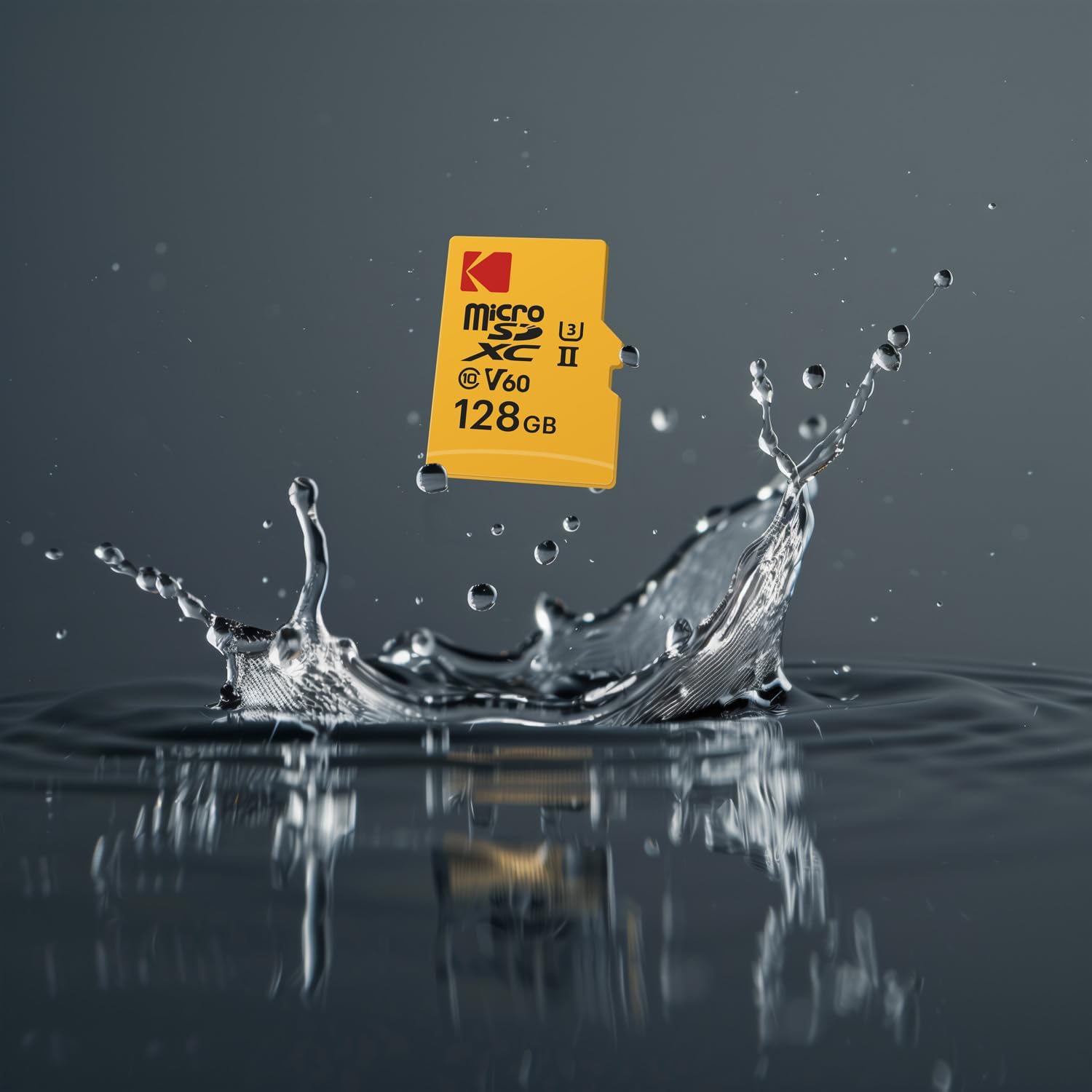
Image: A Kodak MicroSD card splashing into water, illustrating its robust design. Note: The image displays a 128GB card, but this product is the 256GB version.
The KODAK MicroSD Card is designed with enhanced durability:
- డ్రాప్ ప్రూఫ్: Resists damage from accidental drops.
- ఉష్ణోగ్రత రుజువు: Operates reliably in a wide range of temperatures.
While durable, avoid exposing the card to extreme conditions beyond its specified operating range, strong magnetic fields, or harsh chemicals.
3. డేటా బ్యాకప్
Regularly back up important data from your microSD card to another storage device (e.g., computer hard drive, cloud storage) to prevent data loss.
ట్రబుల్షూటింగ్
| సమస్య | సాధ్యమైన కారణం | పరిష్కారం |
|---|---|---|
| పరికరం ద్వారా కార్డ్ గుర్తించబడలేదు. |
|
|
| నెమ్మదిగా చదవడం/వ్రాయడం వేగం. |
|
|
| Errors during recording or transfer. |
|
|
| Card difficult to insert/remove. |
|
|
స్పెసిఫికేషన్లు
| బ్రాండ్ | కొడాక్ |
| మోడల్ సంఖ్య | EKMSDM256GUHS2V1K |
| మెమరీ స్టోరేజ్ కెపాసిటీ | 256 GB |
| ఫ్లాష్ మెమరీ రకం | మైక్రో SDXC |
| హార్డ్వేర్ ఇంటర్ఫేస్ | microSDXC |
| చదువు వేగం | 300 MB/s వరకు |
| వేగం వ్రాయండి | 160 MB/s వరకు |
| స్పీడ్ క్లాస్ | UHS-II, U3, V60 |
| ప్రత్యేక లక్షణాలు | Drop Proof, Lightweight, Temperature Proof |
| వస్తువు బరువు | 3 గ్రాములు (సుమారు 0.106 ఔన్సులు) |
| అనుకూల పరికరాలు | Cameras, Drones, Smartphones, and other devices supporting microSDXC |
వారంటీ మరియు మద్దతు
పరిమిత వారంటీ
This KODAK MicroSD Card comes with a Limited Warranty. Please refer to the warranty information provided with your product packaging or visit the official KODAK webవారంటీ కవరేజ్, వ్యవధి మరియు క్లెయిమ్ల విధానాలకు సంబంధించిన వివరణాత్మక నిబంధనలు మరియు షరతుల కోసం సైట్ను చూడండి.
కస్టమర్ మద్దతు
For technical assistance, troubleshooting beyond this manual, or warranty inquiries, please contact KODAK customer support. Contact information can typically be found on the product packaging or the official KODAK webసైట్.