
1. పరిచయం
This manual provides comprehensive instructions for the Xiaomi Mi Smart Band 10 (2025) Global Version. It covers device setup, operational procedures, maintenance guidelines, troubleshooting common issues, and detailed product specifications. Please read this manual thoroughly to ensure proper use and optimal performance of your smart band.

Image 1.1: Xiaomi Mi Smart Band 10 (2025) Global Version. This image shows the smart band in Mystic Rose, displaying the current time, step count, weather information, and battery status on its vibrant AMOLED screen.
2. పెట్టెలో ఏముంది
ఉత్పత్తి ప్యాకేజింగ్లో అన్ని అంశాలు ఉన్నాయని నిర్ధారించుకోండి:
- Xiaomi స్మార్ట్ బ్యాండ్ 10
- ఛార్జింగ్ కేబుల్
- వినియోగదారు మాన్యువల్
3. సెటప్
3.1 పరికరాన్ని ఛార్జ్ చేస్తోంది
Before initial use, fully charge your Xiaomi Mi Smart Band 10. Connect the provided charging cable to the charging contacts on the back of the band and to a USB power source. A full charge typically takes approximately one hour.

చిత్రం 3.1: వెనుక view of the Xiaomi Mi Smart Band 10, highlighting the magnetic charging contacts. Ensure these contacts align with the charging cable for proper power delivery.
The band offers an exceptional battery life of up to 21 days on a single charge, depending on usage patterns.

Image 3.2: This image demonstrates the Xiaomi Mi Smart Band 10 being worn, emphasizing its long battery life of up to 21 days and the clear 1.72-inch AMOLED display. The text on the image indicates "Up to 21 days of battery to accompany you without interruptions" and "1.72" AMOLED Screen".
3.2 మీ స్మార్ట్ఫోన్తో జత చేయడం
- డౌన్లోడ్ చేయండి మి ఫిట్నెస్ మీ స్మార్ట్ఫోన్ యాప్ స్టోర్ నుండి అప్లికేషన్ (Android కోసం Google Play Store లేదా iOS కోసం Apple App Store).
- Mi ఫిట్నెస్ యాప్ తెరిచి లాగిన్ అవ్వండి లేదా Xiaomi ఖాతాను సృష్టించండి.
- మీ స్మార్ట్ఫోన్లో బ్లూటూత్ ప్రారంభించబడిందని నిర్ధారించుకోండి.
- In the Mi Fitness app, navigate to "Devices" and select "Add device".
- Follow the on-screen instructions to find and pair with your Xiaomi Mi Smart Band 10. Confirm the pairing request on both your smartphone and the smart band.
3.3 ప్రారంభ కాన్ఫిగరేషన్
After successful pairing, the Mi Fitness app will guide you through initial settings such as personal profile information (age, height, weight), notification preferences, and desired units of measurement. It is recommended to complete these settings for accurate tracking.
4. మీ స్మార్ట్ బ్యాండ్ను ఆపరేట్ చేయడం
4.1 డిస్ప్లే మరియు నావిగేషన్
The Xiaomi Mi Smart Band 10 features a 1.72-inch AMOLED touchscreen display. Navigation is primarily gesture-based:
- పైకి/క్రిందికి స్వైప్ చేయండి: మెనూలు మరియు నోటిఫికేషన్ల ద్వారా స్క్రోల్ చేయండి.
- ఎడమ/కుడి స్వైప్ చేయండి: Access quick functions or widgets (e.g., weather, music control).
- నొక్కండి: ఒక అంశాన్ని ఎంచుకోండి లేదా చర్యను నిర్ధారించండి.
- నొక్కి పట్టుకోండి: వాచ్ ఫేస్లను అనుకూలీకరించండి (హోమ్ స్క్రీన్ నుండి).
The display offers 1500 nits HBM brightness, ensuring readability even in direct sunlight.
4.2 ప్రధాన లక్షణాలు
- కార్యాచరణ ట్రాకింగ్: The band automatically tracks daily steps, distance covered, and calories burned. View your progress directly on the band or in the Mi Fitness app.
- హృదయ స్పందన పర్యవేక్షణ: Continuous heart rate monitoring provides insights into your cardiovascular health. You can set alerts for high or low heart rates through the app.
- స్లీప్ మానిటరింగ్: The band monitors your sleep stages (light, deep, REM) and provides a sleep score. Comprehensive analysis is available in the Mi Fitness app to help optimize your well-being.
- బహుళ-క్రీడా మోడ్లు: The Mi Smart Band 10 supports over 150 sports modes, including a new high-precision electronic compass for swimming direction tracking. Select your activity from the band's menu to record specific workout data.
- నోటిఫికేషన్లు: కాల్, సందేశం మరియు యాప్ నోటిఫికేషన్లను నేరుగా మీ మణికట్టుపై స్వీకరించండి. Mi ఫిట్నెస్ యాప్ ద్వారా నోటిఫికేషన్ సెట్టింగ్లను నిర్వహించండి.
- సంగీత నియంత్రణ: Control music playback on your connected smartphone directly from the smart band.
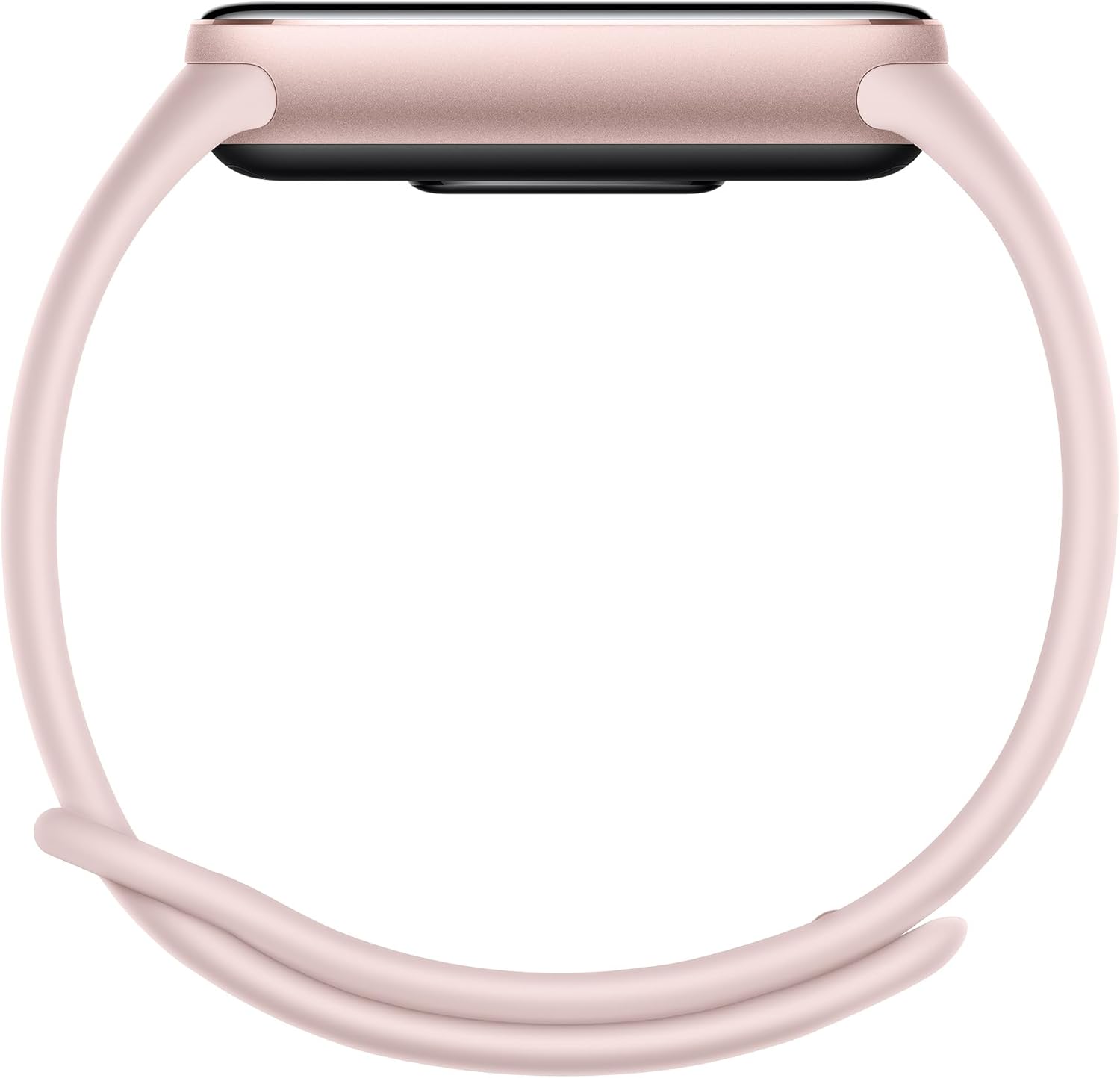
Image 4.1: This image illustrates the optimized sleep management feature of the Xiaomi Mi Smart Band 10, displaying sleep data on the band's screen while a person sleeps in the background. The text on the image indicates "Optimized sleep management with personalized guide".

Image 4.2: A person is shown swimming while wearing the Xiaomi Mi Smart Band 10, demonstrating its capability to track over 150 sports modes, including swimming. The text on the image indicates "More than 150 sports modes and heart rate transmission".
4.3 అనుకూలీకరణ
Personalize your smart band with various watch faces available through the Mi Fitness app. You can also change the physical strap to match your style.

Image 4.3: This image displays the Xiaomi Mi Smart Band 10 alongside various colorful frames and accessories, highlighting the customization options available to complement personal style. The text on the image indicates "Colorful frames and accessories of different materials that complement your style".
5. నిర్వహణ
5.1 మీ స్మార్ట్ బ్యాండ్ను శుభ్రపరచడం
చర్మపు చికాకును నివారించడానికి మరియు పరికర కార్యాచరణను నిర్వహించడానికి మీ స్మార్ట్ బ్యాండ్ మరియు పట్టీని క్రమం తప్పకుండా శుభ్రం చేయండి. మృదువైన, d ని ఉపయోగించండిamp cloth to wipe the screen and strap. Avoid using harsh chemicals or abrasive materials.
5.2 స్ట్రాప్ కేర్
If your strap is removable, detach it periodically and clean the area underneath. Ensure the strap is dry before reattaching it to the device. Avoid prolonged exposure to direct sunlight or extreme temperatures, which can damage the strap material.
5.3 నీటి నిరోధకత
The Xiaomi Mi Smart Band 10 is designed to be water-resistant, making it suitable for swimming and showering. However, it is not recommended for diving or high-pressure water activities. After exposure to water, especially saltwater, rinse the band with fresh water and dry it thoroughly to prevent corrosion.
6. ట్రబుల్షూటింగ్
| సమస్య | సాధ్యమైన పరిష్కారం |
|---|---|
| బ్యాండ్ ఆన్ కావడం లేదు | బ్యాండ్ పూర్తిగా ఛార్జ్ అయ్యిందని నిర్ధారించుకోండి. కనీసం 10 నిమిషాలు దానిని ఛార్జర్కు కనెక్ట్ చేయండి. |
| స్మార్ట్ఫోన్తో జత చేయడం సాధ్యం కాలేదు |
|
| సరికాని కార్యాచరణ ట్రాకింగ్ |
|
| నోటిఫికేషన్లు కనిపించడం లేదు |
|
| తక్కువ బ్యాటరీ జీవితం |
|
7. స్పెసిఫికేషన్లు
| బ్రాండ్ | XIAOMI |
| మోడల్ సంఖ్య | BHR9999GL |
| స్క్రీన్ పరిమాణం | 1.72 అంగుళాలు AMOLED |
| ఆపరేటింగ్ సిస్టమ్ | హైపర్ OS |
| కనెక్టివిటీ టెక్నాలజీ | బ్లూటూత్ 5.4 |
| బ్యాటరీ కెపాసిటీ | 200 మిల్లీamp గంటలు |
| బ్యాటరీ లైఫ్ | 21 రోజుల వరకు (సాధారణ వినియోగం) |
| ఛార్జింగ్ సమయం | సుమారు 1 గంట |
| వస్తువు బరువు | 0.03 కిలోగ్రాములు (0.95 ఔన్సులు) |
| ప్రత్యేక లక్షణాలు | Activity Tracker, Alarm Clock, Camera Control, Touchscreen, Heart Rate Monitor, Sleep Monitor, Multi-Sport Modes |
| GPS | No GPS (uses connected phone's GPS) |
| నీటి నిరోధకత | Suitable for swimming (specific ATM rating not provided, but implied by swimming features) |
8. వారంటీ మరియు మద్దతు
వారంటీ సమాచారం కోసం, దయచేసి మీ ఉత్పత్తితో చేర్చబడిన వారంటీ కార్డును చూడండి లేదా అధికారిక Xiaomi వెబ్సైట్ను సందర్శించండి. website. For technical support, product registration, or to access frequently asked questions, please visit the Xiaomi గ్లోబల్ సపోర్ట్ webసైట్.