
1. పరిచయం
Thank you for choosing the truke Crystal Dyno True Wireless Earbuds. These earbuds are designed to provide an immersive audio experience with advanced features such as Spatial Audio, long battery life, and clear call quality. This manual will guide you through the setup, operation, and maintenance of your new earbuds.

Image: truke Crystal Dyno True Wireless Earbuds in Oak Brown with their charging case.
2. పెట్టెలో ఏముంది
Upon unboxing your truke Crystal Dyno Earbuds, please ensure all the following items are present:
- truke Crystal Dyno True Wireless Earbuds
- వైర్లెస్ ఛార్జింగ్ కేస్
- USB ఛార్జింగ్ కేబుల్
- చెవిపోగులు (వివిధ పరిమాణాలు)
- వినియోగదారు మాన్యువల్ (ఈ పత్రం)

Image: The truke Crystal Dyno Earbuds, charging case, and accessories included in the package.
3. సెటప్ మరియు మొదటి ఉపయోగం
3.1 ఇయర్బడ్లు మరియు కేస్ను ఛార్జ్ చేయడం
Before first use, fully charge the earbuds and the charging case. Connect the provided USB charging cable to the charging port on the case and a power source. The LED indicator on the case will show charging status. Once fully charged, the indicator will change or turn off.
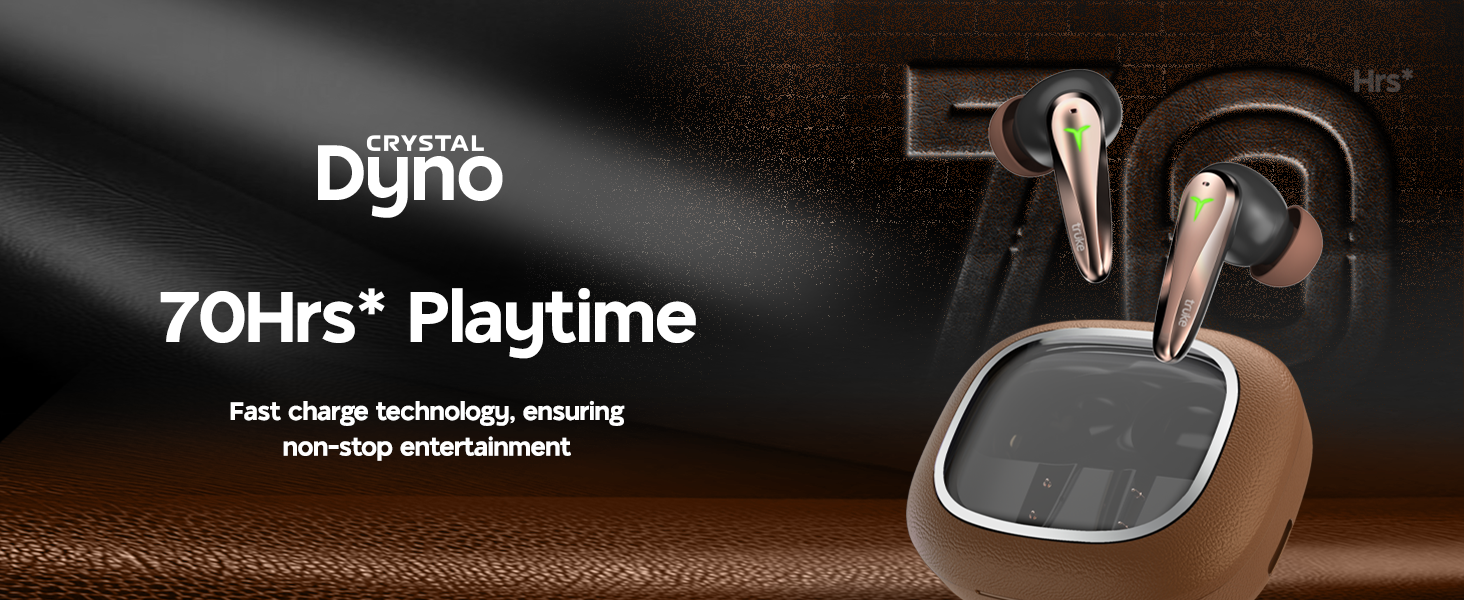
Image: The truke Crystal Dyno Earbuds in their charging case, illustrating the 70 hours of playtime and rapid charge feature.
3.2 మీ పరికరంతో జత చేయడం
- Open the charging case. The earbuds will automatically enter pairing mode, indicated by flashing LED lights on the earbuds.
- మీ స్మార్ట్ఫోన్ లేదా ఇతర బ్లూటూత్-ప్రారంభించబడిన పరికరంలో, బ్లూటూత్ సెట్టింగ్లకు వెళ్లండి.
- కోసం వెతకండి available devices and select "truke Crystal Dyno" from the list.
- కనెక్ట్ అయిన తర్వాత, ఇయర్బడ్లపై LED సూచికలు ఫ్లాషింగ్ ఆగిపోతాయి మరియు మీరు నిర్ధారణ టోన్ను వింటారు.
The earbuds will automatically reconnect to the last paired device when taken out of the case, provided Bluetooth is enabled on your device.
4. ఆపరేటింగ్ సూచనలు
4.1 టచ్ నియంత్రణలు
The truke Crystal Dyno Earbuds feature intuitive touch controls on each earbud. Refer to the table below for common functions:
| చర్య | ఫంక్షన్ |
|---|---|
| సింగిల్ ట్యాప్ (ఎడమ/కుడి) | సంగీతాన్ని ప్లే చేయండి/పాజ్ చేయండి, కాల్కు సమాధానం ఇవ్వండి/ముగించండి |
| రెండుసార్లు నొక్కండి (కుడివైపు) | తదుపరి ట్రాక్ |
| రెండుసార్లు నొక్కండి (ఎడమవైపు) | మునుపటి ట్రాక్ |
| ట్రిపుల్ ట్యాప్ (కుడి) | వాల్యూమ్ అప్ |
| ట్రిపుల్ ట్యాప్ (ఎడమ) | వాల్యూమ్ డౌన్ |
| (2సె) (ఎడమ/కుడి) ఎక్కువసేపు నొక్కి ఉంచండి | వాయిస్ అసిస్టెంట్ని యాక్టివేట్ చేయండి, కాల్ తిరస్కరించండి |
| Quad Tap (Left/Right) | Toggle Gaming Mode (40ms Ultra Low Latency) |
4.2 స్పేషియల్ ఆడియో
The earbuds feature 360° Spatial Audio for an immersive listening experience. This feature is automatically enabled when supported content is played. Ensure your device's audio settings are configured to utilize spatial audio if available.
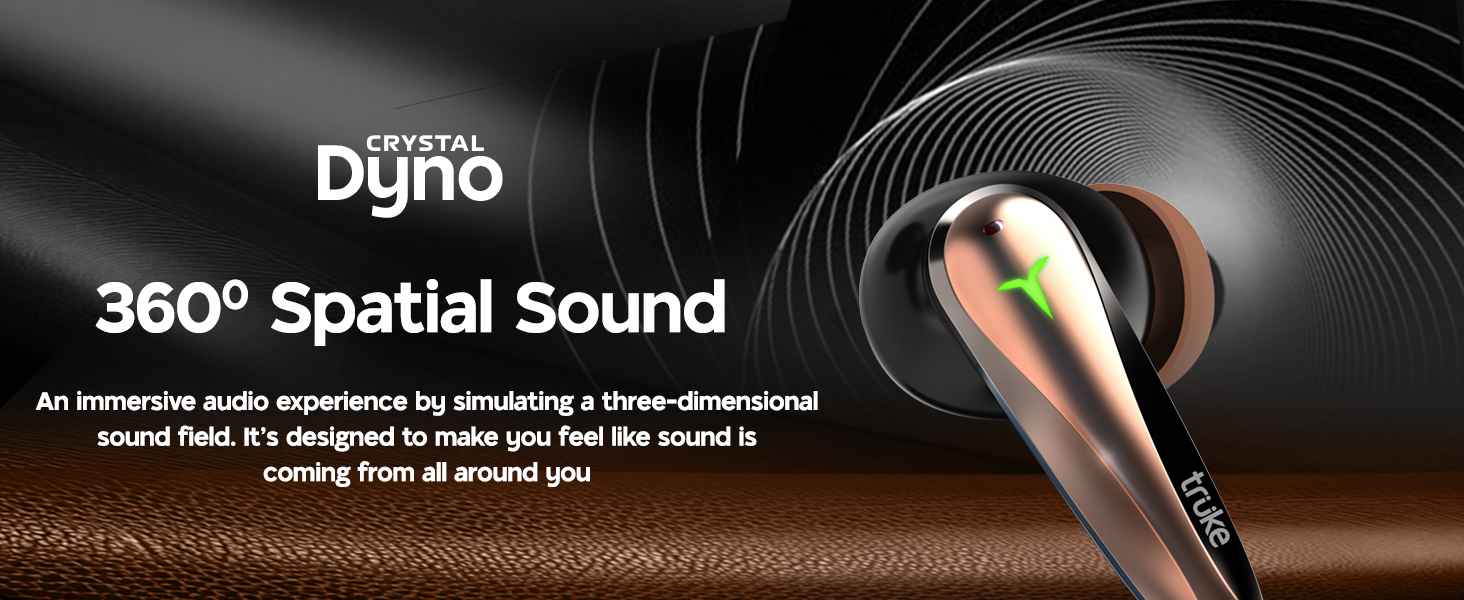
Image: A person enjoying music with the truke Crystal Dyno Earbuds, illustrating the 360° Spatial Sound feature.
5. నిర్వహణ
To ensure the longevity and optimal performance of your truke Crystal Dyno Earbuds, follow these maintenance guidelines:
- శుభ్రపరచడం: ఇయర్బడ్లు మరియు ఛార్జింగ్ కేసును మృదువైన, పొడి, మెత్తటి బట్టతో క్రమం తప్పకుండా శుభ్రం చేయండి. కఠినమైన రసాయనాలు లేదా రాపిడి పదార్థాలను ఉపయోగించవద్దు.
- ఇర్టిప్స్: Remove eartips periodically and clean them with water and mild soap. Ensure they are completely dry before reattaching.
- నిల్వ: ఉపయోగంలో లేనప్పుడు, ఇయర్బడ్లను దుమ్ము మరియు నష్టం నుండి రక్షించడానికి వాటి ఛార్జింగ్ కేసులో నిల్వ చేయండి.
- నీటి నిరోధకత: The earbuds are IPX5 water resistant, meaning they can withstand splashes and sweat. Do not submerge them in water or expose them to heavy rain.
6. ట్రబుల్షూటింగ్
If you encounter any issues with your truke Crystal Dyno Earbuds, please refer to the following common solutions:
| సమస్య | పరిష్కారం |
|---|---|
| ఇయర్బడ్లు జత చేయడం లేదు | ఇయర్బడ్లు ఛార్జ్ అయ్యాయని నిర్ధారించుకోండి. మీ పరికరంలో బ్లూటూత్ను ఆఫ్ చేసి ఆన్ చేయండి. బ్లూటూత్ సెట్టింగ్లలో పరికరాన్ని మర్చిపోయి తిరిగి జత చేయండి. |
| ఒక ఇయర్బడ్ మాత్రమే పని చేస్తోంది | Place both earbuds back in the case, close it, then open again. Ensure both earbuds are charged. |
| ధ్వని లేదా తక్కువ వాల్యూమ్ లేదు | Check device volume and earbud volume. Ensure earbuds are properly seated in your ears. Clean any debris from the earbud grilles. |
| ఛార్జింగ్ సమస్యలు | ఛార్జింగ్ కేబుల్ సురక్షితంగా కనెక్ట్ చేయబడిందని నిర్ధారించుకోండి. వేరే USB పోర్ట్ లేదా పవర్ అడాప్టర్ని ప్రయత్నించండి. ఇయర్బడ్లు మరియు కేస్లో ఛార్జింగ్ కాంటాక్ట్లను శుభ్రం చేయండి. |
| పేలవమైన కాల్ నాణ్యత | Ensure microphones are not obstructed. Move to an area with less background noise. |
సమస్య కొనసాగితే, దయచేసి కస్టమర్ మద్దతును సంప్రదించండి.
7. స్పెసిఫికేషన్లు
| ఫీచర్ | వివరాలు |
|---|---|
| మోడల్ పేరు | truke Crystal Dyno |
| మోడల్ సంఖ్య | F221 |
| కనెక్టివిటీ టెక్నాలజీ | వైర్లెస్ (బ్లూటూత్) |
| బ్లూటూత్ వెర్షన్ | 5.4 |
| ఆడియో డ్రైవర్ రకం | 13mm Titanium Dynamic Driver |
| బ్యాటరీ లైఫ్ | 70 గంటల వరకు (ఛార్జింగ్ కేసుతో) |
| వేగవంతమైన ఛార్జ్ | 10 minutes charge = 150 minutes playback |
| తక్కువ జాప్యం | 40ms అల్ట్రా తక్కువ జాప్యం |
| మైక్రోఫోన్లు | Quad-mic PureVoice ENC (Environmental Noise Cancellation) |
| ప్రత్యేక లక్షణాలు | Spatial Audio, IPX5 Water Resistance |
| నియంత్రణ పద్ధతి | రిమోట్ (టచ్ కంట్రోల్స్) |
| చెవి ప్లేస్మెంట్ | చెవిలో |
| మెటీరియల్ | Plastic (with Leather Finish case) |
| వస్తువు బరువు | 41.1 గ్రా |
| ఉత్పత్తి కొలతలు | 5 x 5 x 2.6 సెం.మీ |
8. వారంటీ మరియు మద్దతు
Your truke Crystal Dyno Earbuds come with a 12-month warranty from the date of purchase, ensuring peace of mind and reliable service support. For any warranty claims, technical assistance, or product-related inquiries, please contact truke customer service.
For further information and support, you may also visit the official truke website or refer to your purchase platform's support section.
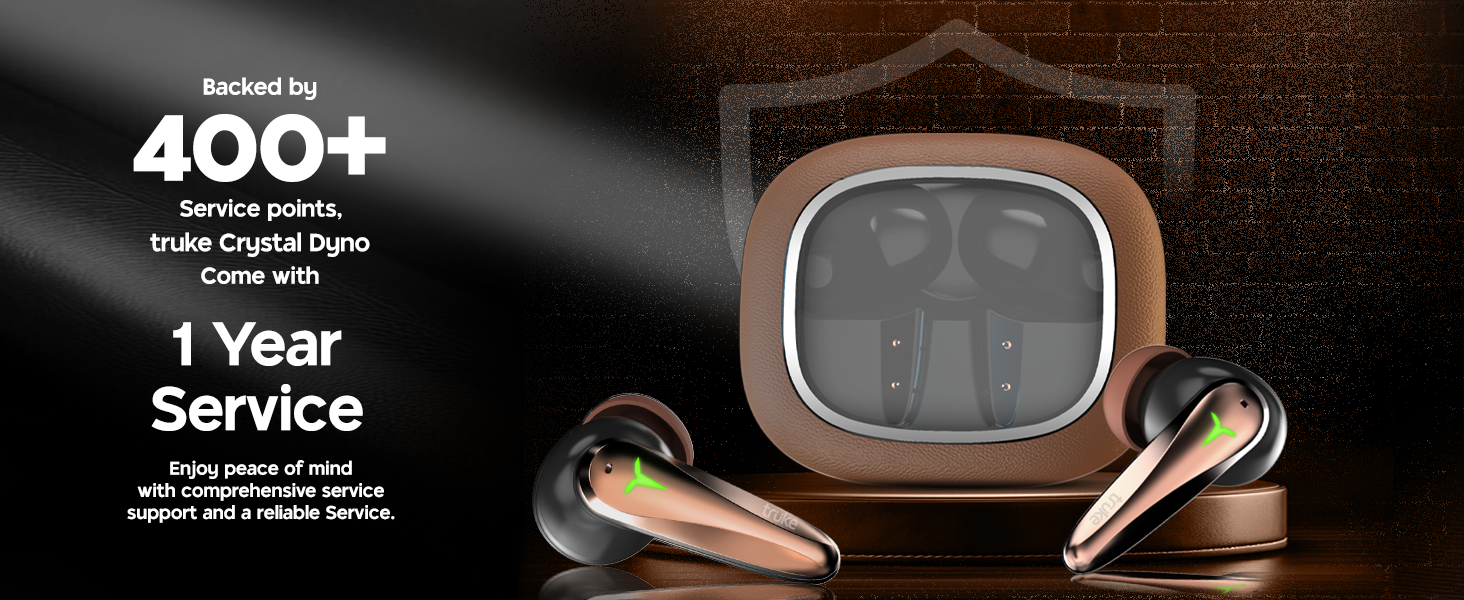
Image: truke Crystal Dyno Earbuds highlighting 1 year service and 400+ service points.