
1. పరిచయం
Thank you for choosing the Tibuta Android 13 Tablet. This manual provides essential information to help you set up, operate, and maintain your device. Please read this manual carefully before using your tablet to ensure optimal performance and longevity.
2. పెట్టెలో ఏముంది
అన్ప్యాక్ చేసిన తర్వాత, దయచేసి ఈ క్రింది అన్ని అంశాలు చేర్చబడ్డాయో లేదో ధృవీకరించండి:
- Tibuta Android 13 Tablet
- ఛార్జర్
- USB కేబుల్
- యూజర్ మాన్యువల్ (ఈ పత్రం)
- వారంటీ కార్డ్
3. ఉత్పత్తి ముగిసిందిview
Familiarize yourself with the physical components of your Tibuta tablet.

Figure 3.1: Tablet Components (Side View)
This image illustrates the location of the power button, Type-C port, volume controls, Micro SD card slot, camera, reset button, headphone jack, and speakers on the tablet's exterior.

Figure 3.2: Tablet Components (Front and Back View)
ఈ చిత్రం వివరణాత్మకమైన view of the tablet, highlighting the speaker, front camera, reset button, volume controls, power button, 3.5mm headphone jack, rear camera, SD card slot, and Type-C port. It also shows the included power adapter and Type-C cable.
4. సెటప్
4.1 ప్రారంభ ఛార్జింగ్
Before first use, fully charge your tablet using the provided charger and USB cable. Connect the Type-C cable to the tablet's Type-C port and the charger to a power outlet. The battery indicator on the screen will show charging progress.
4.2 పవర్ ఆన్/ఆఫ్
- పవర్ ఆన్ చేయడానికి: Press and hold the Power button (refer to Figure 3.1 or 3.2) until the screen lights up.
- పవర్ ఆఫ్ చేయడానికి: మెనూ కనిపించే వరకు పవర్ బటన్ను నొక్కి పట్టుకోండి. 'పవర్ ఆఫ్' ఎంచుకుని నిర్ధారించండి.
- పునఃప్రారంభించడానికి: From the same menu, select 'Restart'.
4.3 ప్రారంభ కాన్ఫిగరేషన్
Upon first power-on, follow the on-screen prompts to set up your tablet. This includes selecting your language, connecting to a Wi-Fi network, and signing in with your Google account. A Google account is required to download apps from the Google Play Store.
4.4 మైక్రో SD కార్డ్ని చొప్పించడం
To expand storage, insert a Micro SD card (up to 1TB, not included) into the Micro SD card slot (refer to Figure 3.1 or 3.2). Ensure the tablet is powered off before inserting or removing the card.
5. ఆపరేటింగ్ సూచనలు
5.1 ప్రాథమిక నావిగేషన్
The tablet features a sensitive touchscreen. Use standard Android gestures:
- నొక్కండి: ఒక అంశాన్ని ఎంచుకోండి లేదా యాప్ను తెరవండి.
- స్వైప్: పేజీలు లేదా జాబితాల ద్వారా స్క్రోల్ చేయండి.
- చిటికెడు: చిత్రాలను జూమ్ ఇన్ లేదా అవుట్ చేయండి మరియు web పేజీలు.
- లాంగ్ ప్రెస్: సందర్భోచిత మెనూలను యాక్సెస్ చేయండి లేదా చిహ్నాలను తరలించండి.
5.2 Wi-Fiకి కనెక్ట్ చేస్తోంది
వెళ్ళండి సెట్టింగ్లు > నెట్వర్క్ & ఇంటర్నెట్ > Wi-Fi. Turn on Wi-Fi, select your desired network, and enter the password if prompted. The tablet supports 2.4G and 5G Wi-Fi (802.11ac, 802.11b, 802.11g, 802.11n).
5.3 బ్లూటూత్ జత చేయడం
To connect Bluetooth devices (e.g., headphones, keyboard, mouse):
- వెళ్ళండి సెట్టింగ్లు> కనెక్ట్ చేయబడిన పరికరాలు> కనెక్షన్ ప్రాధాన్యతలు> బ్లూటూత్.
- బ్లూటూత్ ఆన్ చేయండి.
- మీ బ్లూటూత్ పరికరం జత చేసే మోడ్లో ఉందని నిర్ధారించుకోండి.
- Select your device from the list and follow any on-screen instructions to complete pairing.
5.4 కెమెరా వినియోగం
The tablet is equipped with a 5MP front camera and an 8MP rear camera. Open the Camera app to capture photos and videos. The rear camera features PDAF Phase Auto-focus and an LED flash.

Figure 5.1: Camera and Split-Screen Functionality
This image demonstrates the tablet's dual camera capabilities for capturing moments and its split-screen feature for multitasking, such as video calls while viewపత్రాలు.
5.5 స్ప్లిట్-స్క్రీన్ ఫంక్షన్
The Android 13 operating system supports split-screen mode, allowing you to use two applications simultaneously. To activate, open an app, then swipe up from the bottom of the screen to access recent apps. Long-press the app icon at the top of the window and select 'Split screen'. Choose a second app to open alongside it.
5.6 Customization and Personalization
Android 13 offers extensive customization options. You can personalize your tablet by changing wallpapers, adding widgets to your home screen, and organizing app icons to suit your preferences.
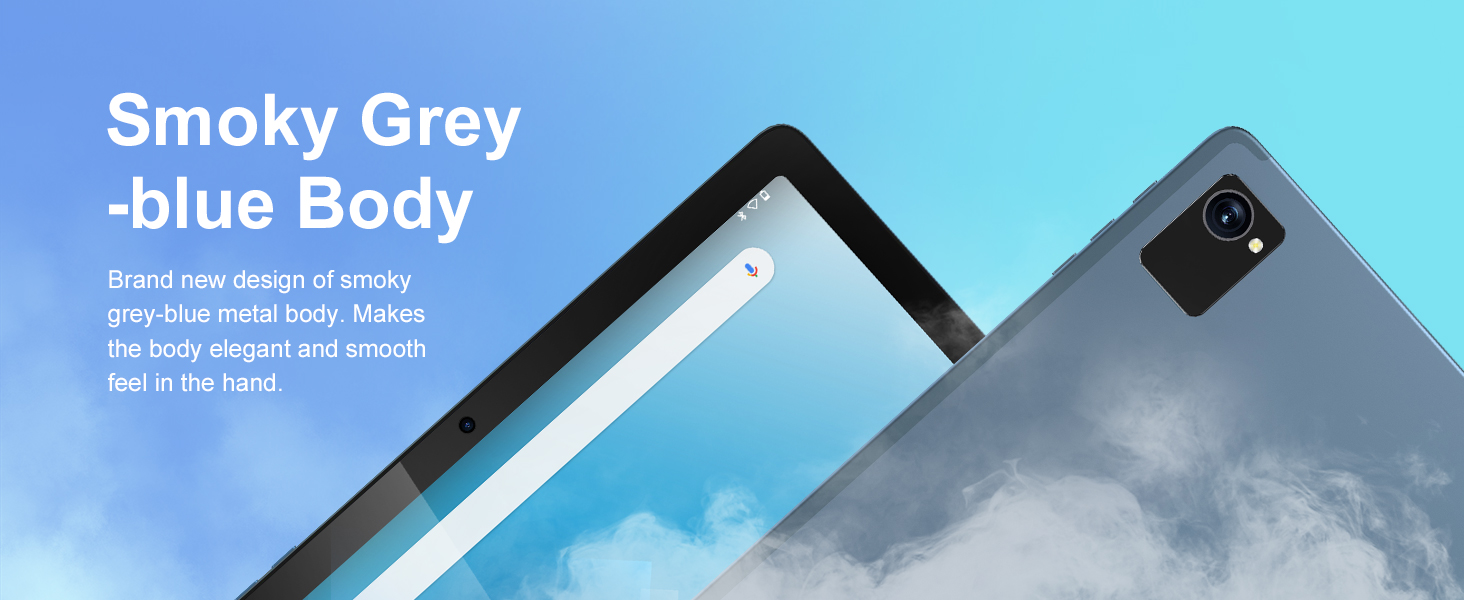
Figure 5.2: Customizable Interface
This image highlights the ability to customize widgets and change app icons, allowing users to personalize their tablet experience.
5.7 కంటి రక్షణ మోడ్
To reduce eye strain, especially during prolonged use, activate the eye protection mode. This feature reduces the amount of blue light emitted by the screen. You can usually find this option in the Quick Settings panel or under సెట్టింగ్లు > ప్రదర్శన.
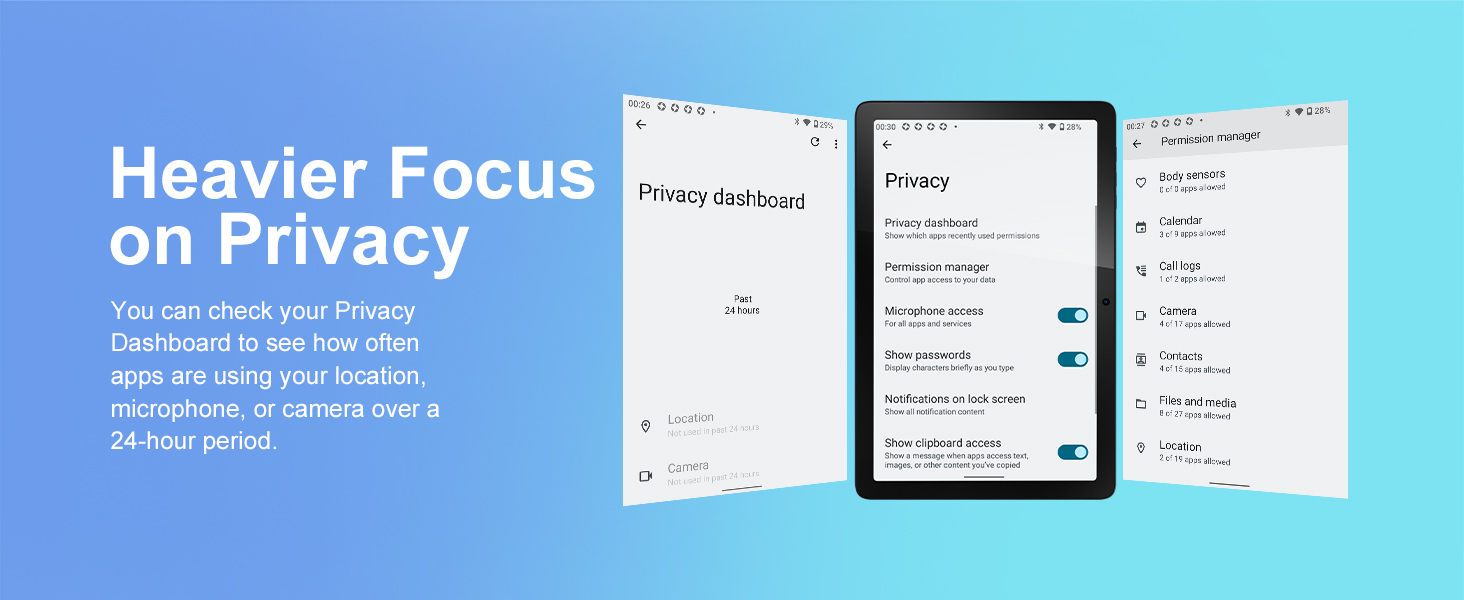
Figure 5.3: Eye Protection Feature
This image demonstrates the tablet's eye protection mode, which reduces blue light to prevent discomfort during extended viewing.
5.8 వైర్లెస్ ప్రొజెక్షన్
The tablet supports wireless projection, allowing you to cast your screen to compatible larger display devices such as smart TVs or projectors. This is ideal for presentations or sharing media with others.
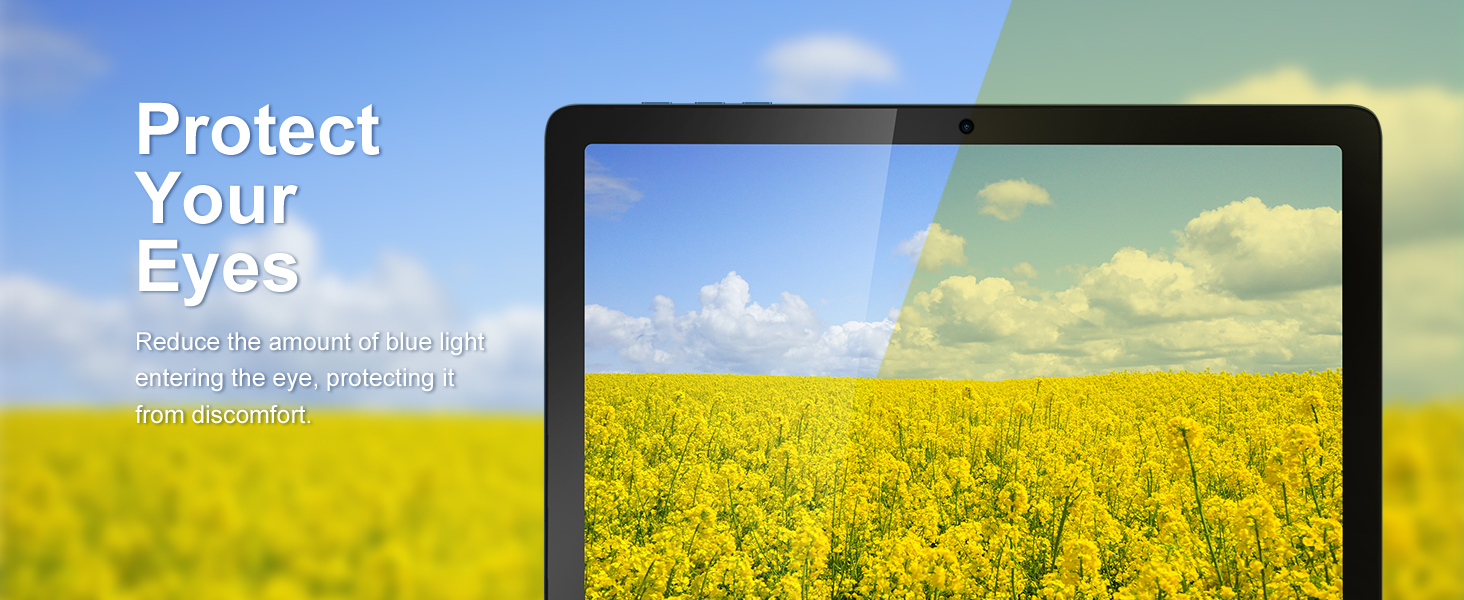
Figure 5.4: Wireless Projection in Use
This image depicts the tablet's wireless projection capability, enabling users to connect to larger screens for shared viewఅనుభవాలు.
5.9 GPS పనితనం
The tablet includes GPS for navigation and location-based services. Ensure location services are enabled in సెట్టింగులు> స్థానం for optimal performance with mapping applications.

చిత్రం 5.5: GPS నావిగేషన్
This image shows the tablet utilizing GPS for navigation, displaying a map with a highlighted route.
5.10 Media Consumption and Gaming
The 10.1-inch IPS HD display (1280x800 pixels) and Octa-Core processor provide a smooth experience for watching videos and playing games. The tablet supports Widevine L1 for high-definition streaming content. The Mali-G52 MC2 GPU enhances gaming performance.

Figure 5.6: Enhanced Gaming Experience
This image highlights the tablet's improved gaming performance, featuring gyroscope motion control and a Mali-G72 GPU for a responsive gaming experience.
6. నిర్వహణ
6.1 పరికరాన్ని శుభ్రపరచడం
Use a soft, lint-free cloth to clean the screen and body of the tablet. Avoid using harsh chemicals or abrasive materials that could damage the surfaces.
6.2 బ్యాటరీ సంరక్షణ
The tablet is equipped with a 7000mAh battery, providing approximately 8 hours of average use. To prolong battery life:
- తీవ్రమైన ఉష్ణోగ్రతలను నివారించండి.
- బ్యాటరీ తరచుగా పూర్తిగా ఖాళీ అవ్వనివ్వకండి.
- Use the provided charger.
- స్క్రీన్ ప్రకాశాన్ని సౌకర్యవంతమైన స్థాయికి సర్దుబాటు చేయండి.
6.3 సాఫ్ట్వేర్ నవీకరణలు
Your tablet runs on Android 13. Periodically check for system updates in సెట్టింగ్లు > సిస్టమ్ > సిస్టమ్ అప్డేట్ మీరు తాజా ఫీచర్లు మరియు భద్రతా ప్యాచ్లను కలిగి ఉన్నారని నిర్ధారించుకోవడానికి.
6.4 నిల్వ నిర్వహణ
The tablet comes with 64GB of internal storage (ROM) and 4GB of RAM. You can expand storage up to 1TB using a Micro SD card. Regularly manage your fileఉత్తమ పనితీరును నిర్వహించడానికి ఉపయోగించని అప్లికేషన్లను ఉపయోగించండి మరియు అన్ఇన్స్టాల్ చేయండి.
7. ట్రబుల్షూటింగ్
మీరు ఎదుర్కొనే సాధారణ సమస్యలకు పరిష్కారాలు ఇక్కడ ఉన్నాయి:
- పరికరం ఆన్ చేయడం లేదు: Ensure the battery is charged. If not, connect the charger and wait a few minutes before attempting to power on again.
- నెమ్మది పనితీరు: Close unused applications, clear cache, or restart the tablet. Consider freeing up storage space.
- Wi-Fi కనెక్టివిటీ సమస్యలు: Check if Wi-Fi is enabled. Restart your router and the tablet. Ensure you are within range of the Wi-Fi signal.
- క్రాష్ అవుతున్న యాప్లు: Ensure apps are updated to their latest versions. Clear the app's cache or data in సెట్టింగ్లు > యాప్లు. సమస్య అలాగే ఉంటే, యాప్ను అన్ఇన్స్టాల్ చేసి, మళ్లీ ఇన్స్టాల్ చేయండి.
- స్క్రీన్ స్పందించడం లేదు: పవర్ బటన్ను దాదాపు 10-15 సెకన్ల పాటు నొక్కి ఉంచడం ద్వారా బలవంతంగా రీస్టార్ట్ చేయండి.
8. స్పెసిఫికేషన్లు
Detailed technical specifications for the Tibuta Android 13 Tablet (Model A20 8GB+64GB):
| ఫీచర్ | స్పెసిఫికేషన్ |
|---|---|
| బ్రాండ్ | టిబుటా |
| మోడల్ పేరు | A20 |
| మోడల్ సంఖ్య | 8GB+64GB |
| ఆపరేటింగ్ సిస్టమ్ | ఆండ్రాయిడ్ 13 |
| ప్రాసెసర్ బ్రాండ్ | MediaTek Octa-Core |
| ప్రాసెసర్ వేగం | 1.3 GHz |
| స్క్రీన్ పరిమాణం | 10.1 అంగుళాలు |
| స్క్రీన్ రిజల్యూషన్ | 1280 x 800 Pixels (IPS HD) |
| RAM | 4 GB |
| నిల్వ సామర్థ్యం | 64 GB (Expandable up to 1TB via Micro SD) |
| గ్రాఫిక్స్ చిప్సెట్ బ్రాండ్ | పవర్ విఆర్ |
| GPU | మాలి-G52 MC2 |
| కనెక్టివిటీ | Bluetooth, Wi-Fi (802.11ac, 802.11b, 802.11g, 802.11n) |
| వైర్లెస్ టెక్నాలజీ | 2.4GHz + 5GHz Wi-Fi, Bluetooth 4.2 |
| కనెక్టర్ రకం | USB టైప్-C |
| బ్యాటరీ లైఫ్ (సగటు) | 8 గంటలు |
| అంశం కొలతలు (L x W x H) | 24.8 x 16.7 x 1.2 సెంటీమీటర్లు |
| వస్తువు బరువు | 538.8 గ్రాములు |
| ఫ్రంట్ కెమెరా | 5 ఎంపీ |
| వెనుక కెమెరా | 8 ఎంపీ |
9. వారంటీ మరియు మద్దతు
9.1 తయారీదారు వారంటీ
The Tibuta Android 13 Tablet comes with a 1-year manufacturer's warranty. Please refer to the included Warranty Card for detailed terms and conditions.
9.2 కస్టమర్ మద్దతు
If you encounter any issues not covered in this manual or require further assistance, please contact Tibuta customer support. Contact information can typically be found on the manufacturer's webసైట్ లేదా వారంటీ కార్డ్.