
పరిచయం
Thank you for choosing the TCL 65Q6C 65-inch 4K QD-Mini LED Google TV. This manual provides essential information for the safe and efficient use of your television. Please read it thoroughly before operating the device and retain it for future reference.
కీ ఫీచర్లు
- QD-Mini LED Technology: Enhances color accuracy and contrast, improving overall display quality. Precise dimming reaches 512 zones, with over a billion shades of perfect vivid colors.
- High Brightness HDR: Enjoy unparalleled brightness with high HDR technology, offering deep contrast and stunning highlights for an immersive viewing experience. See every detail come to life with amazing clarity and vibrant colors.
- QLED డిస్ప్లే: Features 93% DCI-P3 color gamut coverage, providing unparalleled color for stunning and vibrant visuals and enhanced color accuracy.
- 144Hz Native Refresh Rate: Experience ultra-smooth motion with a native 144Hz refresh rate, ideal for gaming and fast-paced scenes.
- Onkyo 2.1 Hi-Fi Audio System: Delivers rich and immersive sound for a complete home entertainment experience.

మూర్తి 1: ముందు view of the TCL 65Q6C 65-inch 4K QD-Mini LED Google TV.

Figure 2: Illustrates the advantages of QD-Mini LED technology over ordinary LED TVs, highlighting improvements in color, brightness, and contrast.

చిత్రం 3: ఒక ఓవర్view of the key technologies and design elements integrated into the TCL 65Q6C TV.
సెటప్
1. అన్ప్యాకింగ్ మరియు తనిఖీ
Carefully remove the TV from its packaging. Inspect for any damage. Ensure all accessories are present: remote control, power cable, stand components, and screws.
2. స్టాండ్ ఇన్స్టాలేషన్ (ఐచ్ఛికం)
If using the TV stand, place the TV face down on a soft, flat surface. Attach the stand bases to the TV using the provided screws, ensuring they are securely fastened.
3. వాల్ మౌంటింగ్ (ఐచ్ఛికం)
For wall mounting, refer to the VESA mounting standard: 600 x 400 mm. Use a compatible wall mount bracket (sold separately) and follow its instructions carefully. Professional installation is recommended for safety.

చిత్రం 4: సైడ్ ప్రోfile of the TV, illustrating its slim design and port locations.
4. పరికరాలను కనెక్ట్ చేస్తోంది
- శక్తి: పవర్ కేబుల్ను టీవీకి, ఆపై వాల్ అవుట్లెట్కు కనెక్ట్ చేయండి.
- HDMI పరికరాలు: Use HDMI cables to connect external devices like gaming consoles, Blu-ray players, or set-top boxes to the HDMI ports. This model supports HDMI connectivity.
- USB పరికరాలు: Connect USB drives for media playback or other compatible devices to the USB ports. This model includes USB 3.0 ports.
- ఆడియో సిస్టమ్స్: For external audio, connect via HDMI (ARC/eARC) or Bluetooth. The TV features an Onkyo 2.1 Hi-Fi audio system with Dolby Atmos support.

చిత్రం 5: వెనుక view of the TV, highlighting the VESA mounting points and various input/output connections.
5. ప్రారంభ పవర్-ఆన్ మరియు Google TV సెటప్
After connecting power, press the power button on the remote control. Follow the on-screen instructions to complete the initial setup, including network connection, Google account login, and channel scanning.
ఆపరేటింగ్
1. రిమోట్ కంట్రోల్ విధులు
The remote control allows you to navigate the Google TV interface, adjust volume, change channels, select inputs, and access smart features. Familiarize yourself with the button layout for optimal use.
2. గూగుల్ టీవీ ఇంటర్ఫేస్
Your TV runs on Google TV, providing a personalized home screen with content recommendations, access to streaming apps, and Google Assistant voice control. Use the directional pad on your remote to navigate menus and select items.
3. ఇన్పుట్ ఎంపిక
To switch between connected devices (e.g., HDMI 1, USB), press the 'Input' button on your remote and select the desired source from the on-screen menu.
4. వాయిస్ నియంత్రణ
Press the Google Assistant button on your remote and speak into the microphone to search for content, control smart home devices, get answers, and more.
5. గేమింగ్ ఫీచర్లు
The TCL 65Q6C is optimized for gaming with its 144Hz native refresh rate and Game Master mode. Ensure your gaming console is connected to an HDMI port that supports high refresh rates for the best experience.
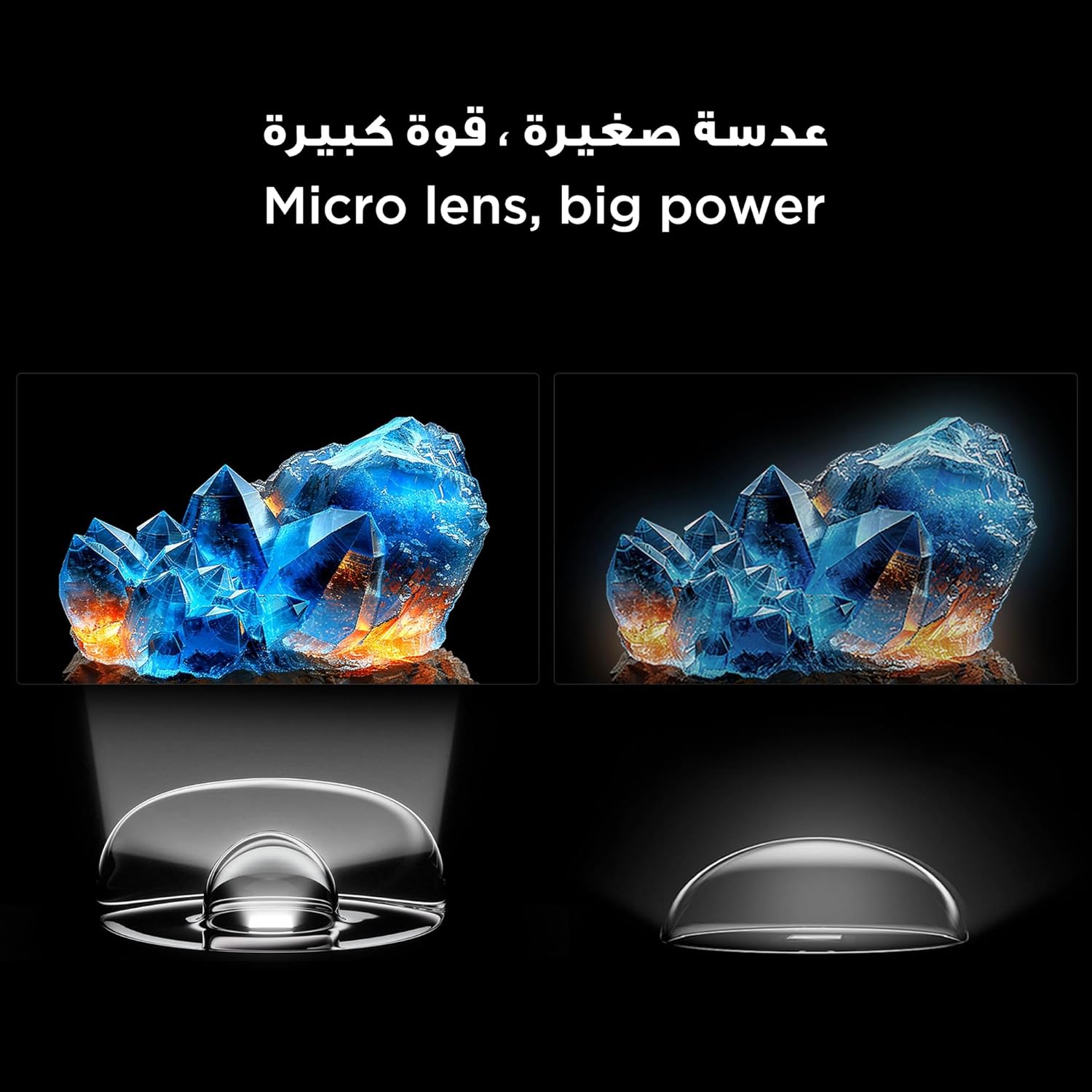
Figure 6: Demonstrates the smooth and clear motion provided by the 144Hz native refresh rate, ideal for fast-paced content and gaming.
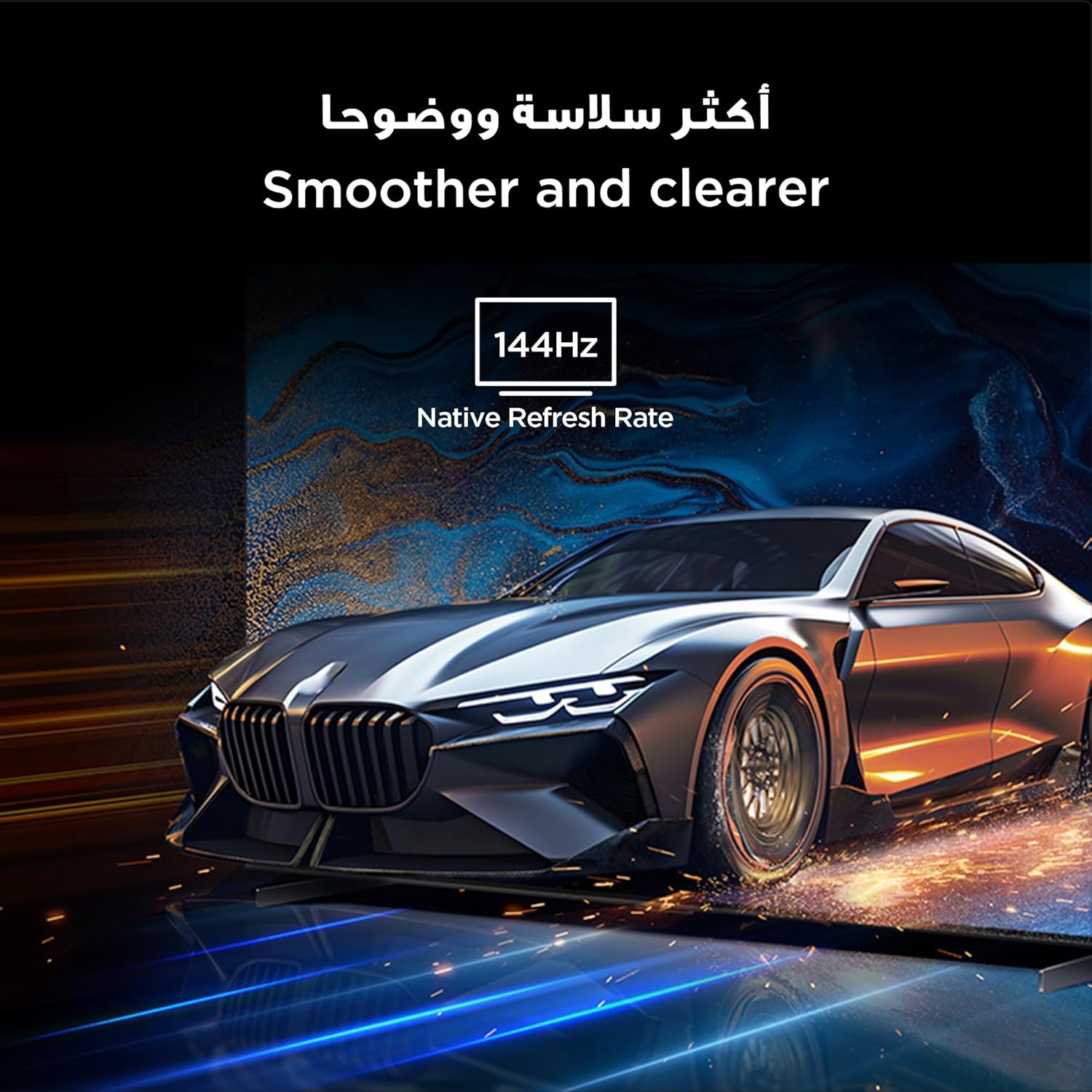
Figure 7: Highlights the immersive audio experience delivered by the integrated Onkyo 2.1 sound system, defining a new standard for home theater.
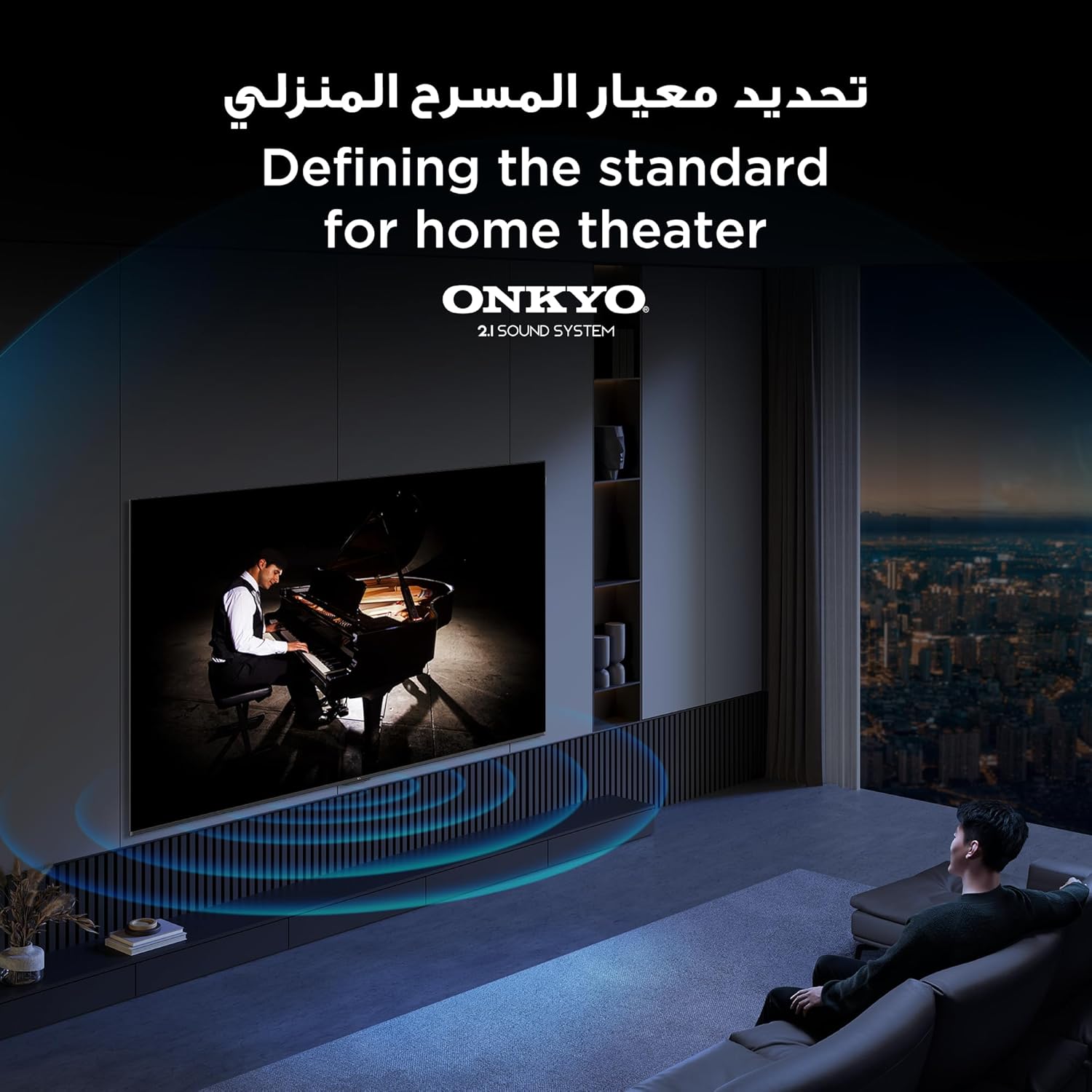
Figure 8: Visual representation of the AiPQ Pro Processor, which intelligently perceives, thinks, and produces optimized visuals and audio.

Figure 9: Illustrates the smart control capabilities of the TCL TV, allowing users to manage other TCL smart devices within their home.
నిర్వహణ
1. స్క్రీన్ను శుభ్రపరచడం
స్క్రీన్ను మృదువైన, మెత్తటి బట్టతో సున్నితంగా తుడవండి. మొండి మచ్చల కోసం, టీవీల కోసం ప్రత్యేకంగా రూపొందించిన స్క్రీన్-క్లీనింగ్ సొల్యూషన్ను ఉపయోగించండి, దీన్ని నేరుగా స్క్రీన్కు కాకుండా వస్త్రానికి వర్తించండి.
2. Cleaning the Frame
టీవీ ఫ్రేమ్ను తుడిచి, మెత్తటి, పొడి గుడ్డతో ఉంచండి. రాపిడి క్లీనర్లు లేదా ద్రావకాలను ఉపయోగించడం మానుకోండి.
3. సాఫ్ట్వేర్ నవీకరణలు
Ensure your TV is connected to the internet to receive automatic software updates. These updates improve performance and add new features. You can also manually check for updates in the TV's settings menu.
4. Safe Handling
Avoid placing heavy objects on the TV. Do not block ventilation openings. Disconnect the power cable during lightning storms or when the TV will be unused for extended periods.
ట్రబుల్షూటింగ్
This section addresses common issues you might encounter with your TCL 65Q6C TV.
పవర్ లేదు
- పవర్ కేబుల్ టీవీ మరియు వాల్ అవుట్లెట్ రెండింటికీ సురక్షితంగా కనెక్ట్ చేయబడిందో లేదో తనిఖీ చేయండి.
- మరొక పరికరాన్ని ప్లగ్ చేయడం ద్వారా వాల్ అవుట్లెట్ పనిచేస్తుందని నిర్ధారించుకోండి.
- రిమోట్ సమస్యను తోసిపుచ్చడానికి రిమోట్ను మాత్రమే కాకుండా టీవీలోని పవర్ బటన్ను నొక్కండి.
చిత్రం లేదు / వక్రీకరించిన చిత్రం
- సరైన ఇన్పుట్ సోర్స్ ఎంచుకోబడిందని ధృవీకరించండి (ఉదా., HDMI 1, HDMI 2).
- అన్ని కేబుల్ కనెక్షన్లు (HDMI, యాంటెన్నా) వదులుగా ఉన్నాయా లేదా దెబ్బతిన్నాయా అని తనిఖీ చేయండి.
- Try connecting a different device to the same HDMI port to see if the issue is with the source device.
- టీవీ మెనూలో చిత్ర సెట్టింగ్లను (ప్రకాశం, కాంట్రాస్ట్, రంగు) సర్దుబాటు చేయండి.
శబ్దం లేదు / వక్రీకరించిన శబ్దం
- వాల్యూమ్ మ్యూట్ చేయబడలేదని లేదా చాలా తక్కువగా సెట్ చేయబడలేదని నిర్ధారించుకోండి.
- Check audio output settings in the TV menu to ensure the correct output (e.g., TV speakers, external audio system) is selected.
- బాహ్య స్పీకర్లను ఉపయోగిస్తుంటే, వాటి పవర్ మరియు కనెక్షన్లను తనిఖీ చేయండి.
రిమోట్ కంట్రోల్ పనిచేయడం లేదు
- రిమోట్ కంట్రోల్లో బ్యాటరీలను భర్తీ చేయండి.
- రిమోట్ మరియు టీవీ యొక్క IR సెన్సార్ మధ్య ఎటువంటి అడ్డంకులు లేవని నిర్ధారించుకోండి.
- If it's a Bluetooth remote, try re-pairing it with the TV (refer to the TV's settings for pairing instructions).
నెట్వర్క్ కనెక్షన్ సమస్యలు
- మీ Wi-Fi రౌటర్ మరియు మోడెమ్ను పునఃప్రారంభించండి.
- వైర్లెస్గా కనెక్ట్ చేస్తుంటే Wi-Fi పాస్వర్డ్ను తనిఖీ చేయండి.
- If possible, try connecting the TV to the internet via an Ethernet cable.
- Go to the TV's network settings to diagnose the connection.
ఫ్యాక్టరీ రీసెట్
If problems persist, a factory reset may resolve them. Be aware that this will erase all your settings and installed apps. Navigate to Settings > System > About > Reset > Factory data reset.
స్పెసిఫికేషన్లు
| ఫీచర్ | వివరణ |
|---|---|
| బ్రాండ్ | TCL |
| మోడల్ పేరు | 65Q6C |
| మోడల్ సంఖ్య | 65Q6C |
| మోడల్ సిరీస్ | Q6C |
| తయారీ సంవత్సరం | 2025 |
| స్క్రీన్ పరిమాణం | 65 అంగుళాలు |
| ప్రదర్శన సాంకేతికత | Mini LED, LED |
| రిజల్యూషన్ | 4K |
| రిఫ్రెష్ రేట్ | 144 Hz |
| ఇమేజ్ కాంట్రాస్ట్ రేషియో | అధిక |
| HDR ఫార్మాట్ మద్దతు | HDR10+ |
| Motion Enhancement Technology | Native 144Hz Refresh Rate |
| Image Quality Enhancement Technology | QD-Mini LED, QLED, HDR 10+ |
| Screen Backlight Technology | మినీ LED |
| ఆపరేటింగ్ సిస్టమ్ | Google TV |
| మద్దతు ఉన్న ఇంటర్నెట్ సేవలు | Google TV for Gaming |
| కనెక్టివిటీ టెక్నాలజీ | HDMI, USB, బ్లూటూత్ |
| హార్డ్వేర్ ఇంటర్ఫేస్ | HDMI, USB, బ్లూటూత్ |
| మొత్తం HDMI పోర్ట్లు | 1 |
| మొత్తం USB పోర్ట్లు | 1 |
| Total USB 3.0 Ports | 1 |
| వైర్లెస్ కమ్యూనికేషన్ టెక్నాలజీ | బ్లూటూత్ |
| స్పీకర్ వివరణ | Onkyo 2.1 Channel Hi-Fi Speakers |
| సరౌండ్ సౌండ్ ఛానెల్ కాన్ఫిగరేషన్ | 2.1 |
| Built-in Surround Sound Format | డాల్బీ అట్మోస్ |
| నియంత్రణ పద్ధతి | రిమోట్ |
| మౌంటు రకం | వాల్ మౌంట్ |
| VESA మౌంటు స్టాండర్డ్ | 600 x 400 మి.మీ |
| వస్తువు బరువు | 24.2 కిలోగ్రాములు |
వారంటీ
This TCL television comes with a limited warranty. The specific terms and duration of the warranty may vary by region and retailer. Please refer to the warranty card included in your product packaging or visit the official TCL webవివరణాత్మక వారంటీ సమాచారం కోసం సైట్. ఏవైనా వారంటీ క్లెయిమ్లకు కొనుగోలు రుజువుగా మీ కొనుగోలు రసీదును ఉంచండి.
మద్దతు
మరిన్ని సహాయం, సాంకేతిక మద్దతు లేదా సేవా విచారణల కోసం, దయచేసి ఈ క్రింది వనరులను ఉపయోగించండి:
- TCL Official Webసైట్: సందర్శించండి www.tcl.com for product information, FAQs, and support contact details specific to your region.
- కస్టమర్ సేవ: Refer to the contact information provided in your warranty documentation or on the TCL website for direct customer support.
- ఆన్లైన్ వనరులు: Many common issues can be resolved by consulting the online support sections or user forums available on the TCL webసైట్.