
పరిచయం
Thank you for choosing the LeadsaiL Q9 Bluetooth Wireless Mouse. This manual provides detailed instructions for setting up, operating, and maintaining your mouse to ensure optimal performance and longevity. Please read this manual thoroughly before use.
ప్యాకేజీ విషయాలు
- 1 x LeadsaiL Q9 Wireless Mouse
- 1 x టైప్-సి ఛార్జింగ్ కేబుల్
- 1 x USB డాంగిల్ (2.4G రిసీవర్)
- 1 x వినియోగదారు మాన్యువల్
ఉత్పత్తి ముగిసిందిview
The LeadsaiL Q9 mouse offers dual-mode connectivity, ergonomic design, and adjustable DPI for versatile use across various devices and tasks.

చిత్రం: Underside of the LeadsaiL Q9 mouse, highlighting key components like the power switch, connectivity mode switch, breathing light switch, USB receiver storage, and optical sensor.
కీ ఫీచర్లు
- డ్యూయల్-మోడ్ కనెక్టివిటీ: Seamlessly switch between 2.4G wireless (via USB receiver) and Bluetooth 5.0/3.0 for connecting to two different devices.
- పునర్వినియోగపరచదగిన బ్యాటరీ: Built-in 800mAh battery provides extended usage, with auto-sleep function to conserve power.
- నిశ్శబ్ద క్లిక్లు: Designed for quiet operation, reducing noise in shared environments.
- ఎర్గోనామిక్ డిజైన్: Contoured shape with anti-fingerprint, skin-like coating and anti-slip scroll wheel for comfortable grip.
- సర్దుబాటు చేయగల DPI: Five DPI levels (800/1600/2400/3200/4000) for precise cursor control.
- సైడ్ బటన్లు: Convenient back/forward buttons for enhanced navigation (Note: Customization not supported on macOS).
సెటప్ మరియు కనెక్షన్
The LeadsaiL Q9 mouse supports two connection modes: 2.4G Wireless and Bluetooth. You can switch between these modes to connect to different devices.
2.4G Wireless Mode (USB Receiver)
- మౌస్ దిగువన ఉన్న కంపార్ట్మెంట్లో నిల్వ చేయబడిన USB రిసీవర్ను గుర్తించండి.
- మీ కంప్యూటర్లో అందుబాటులో ఉన్న USB పోర్ట్కి USB రిసీవర్ని ప్లగ్ చేయండి.
- దిగువన ఉన్న పవర్ స్విచ్ని ఉపయోగించి మౌస్ను ఆన్ చేయండి.
- Slide the connectivity switch on the bottom of the mouse to the "2.4G" position (indicated by a small icon).
- The mouse should automatically connect to your computer. No drivers are required.

చిత్రం: The LeadsaiL Q9 mouse demonstrating dual-mode connection, with the 2.4G USB receiver plugged into a laptop.
బ్లూటూత్ మోడ్
- దిగువన ఉన్న పవర్ స్విచ్ని ఉపయోగించి మౌస్ను ఆన్ చేయండి.
- Slide the connectivity switch on the bottom of the mouse to the "BT" (Bluetooth) position.
- On your device (computer, laptop, tablet), go to Bluetooth settings.
- కోసం వెతకండి new devices. The mouse should appear as "LeadsaiL Mouse" or similar.
- Select the mouse to pair. Once paired, the mouse is ready for use.
గమనిక: The 2.4G and Bluetooth modes cannot be used simultaneously on the same device. You can switch between modes to use the mouse with two different devices.
ఆపరేటింగ్ సూచనలు
DPI సర్దుబాటు
The mouse features 5 adjustable DPI levels (800/1600/2400/3200/4000) to customize cursor sensitivity. To change the DPI, press the DPI button located behind the scroll wheel. Each press cycles through the available DPI settings.

చిత్రం: Illustration of the LeadsaiL Q9 mouse with an overlay showing the 5 adjustable DPI settings.
సైడ్ బటన్లు
The two side buttons on the left of the mouse function as "Back" and "Forward" for web బ్రౌజింగ్ మరియు file navigation. These buttons are designed for quick access without altering your grip.
గమనిక: Side button customization is not supported on macOS.
మౌస్ ఛార్జింగ్
When the battery is low, the mouse's indicator light may flash. Connect the included Type-C charging cable to the charging port on the front of the mouse and plug the other end into a USB power source (e.g., computer USB port, USB wall adapter). A full charge typically takes 2-3 hours.
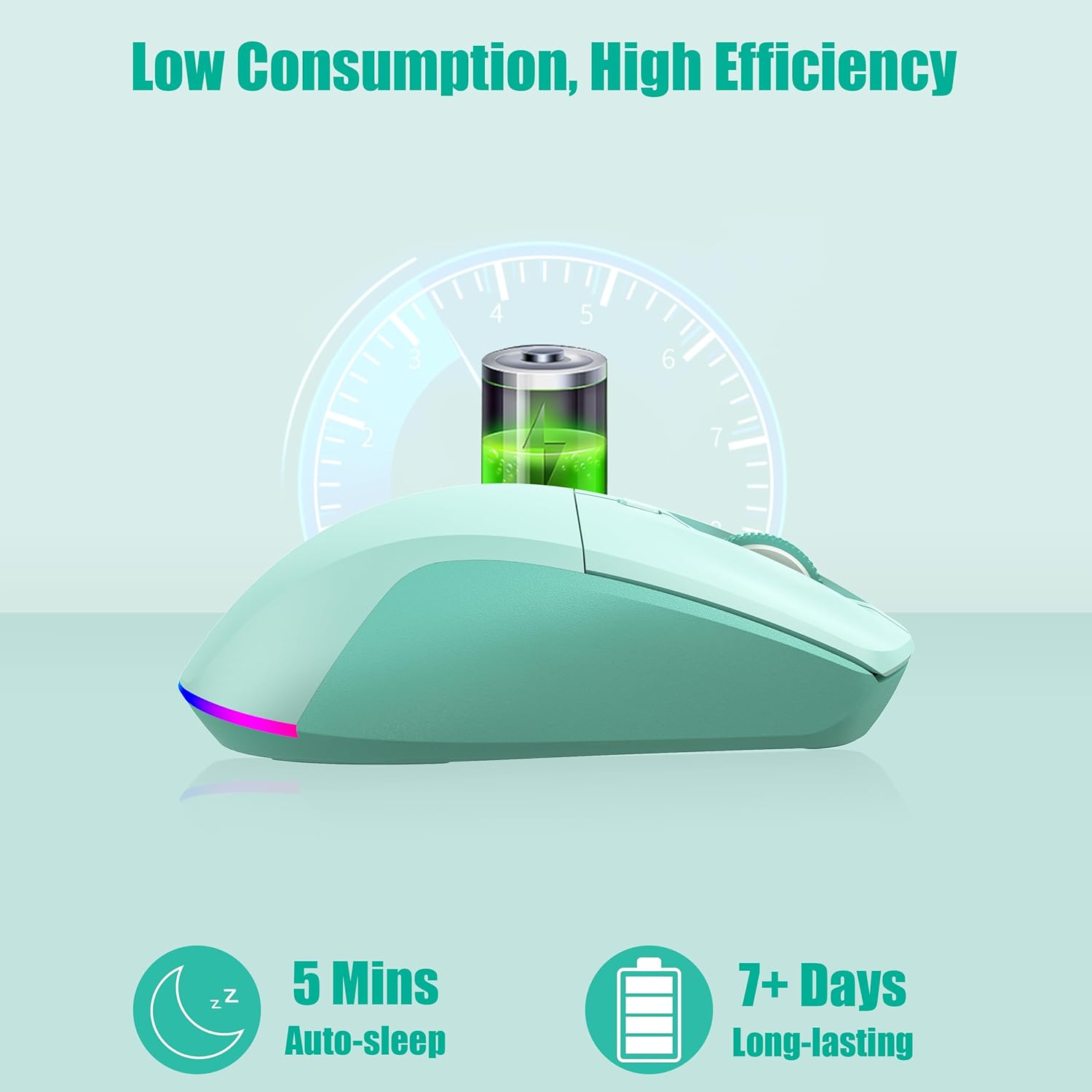
చిత్రం: The LeadsaiL Q9 mouse illustrating its low power consumption and long battery life, with an auto-sleep feature after 5 minutes of inactivity.
Power Management and RGB Lighting
The mouse features an auto-sleep function, entering sleep mode after 5 minutes of inactivity to conserve battery. Click any button to wake it up instantly.
The mouse also has an RGB breathing light. You can turn this light on or off using the dedicated switch on the underside of the mouse. Turning off the RGB light can significantly extend battery life.
నిర్వహణ
- శుభ్రపరచడం: మౌస్ను శుభ్రం చేయడానికి మృదువైన, పొడి వస్త్రాన్ని ఉపయోగించండి. మొండి ధూళి కోసం, కొద్దిగా డి.amp లోపలి భాగాలలోకి తేమ రాకుండా చూసుకోవడానికి వస్త్రాన్ని ఉపయోగించవచ్చు.
- బ్యాటరీ సంరక్షణ: To maximize battery lifespan, avoid fully discharging the mouse frequently. Charge it when the low battery indicator appears.
- నిల్వ: When not in use for extended periods, turn off the mouse to conserve battery. Store it in a cool, dry place.
- USB రిసీవర్: Keep the USB receiver stored in its designated slot on the mouse's underside when not in use to prevent loss.
ట్రబుల్షూటింగ్
- మౌస్ స్పందించడం లేదు:
- మౌస్ ఆన్ చేయబడిందని నిర్ధారించుకోండి.
- బ్యాటరీ స్థాయిని తనిఖీ చేయండి మరియు అవసరమైతే ఛార్జ్ చేయండి.
- For 2.4G mode, ensure the USB receiver is securely plugged in and the mouse is set to 2.4G mode.
- For Bluetooth mode, ensure Bluetooth is enabled on your device and the mouse is correctly paired and set to BT mode. Try re-pairing if necessary.
- పోర్ట్/డివైస్ సమస్యలను తోసిపుచ్చడానికి వేరే USB పోర్ట్ లేదా పరికరానికి కనెక్ట్ చేయడానికి ప్రయత్నించండి.
- వెనుకబడిన లేదా అస్థిరమైన కర్సర్ కదలిక:
- మౌస్ శుభ్రమైన, ప్రతిబింబించని ఉపరితలంపై ఉందని నిర్ధారించుకోండి.
- ఇతర వైర్లెస్ పరికరాల నుండి జోక్యం కోసం తనిఖీ చేయండి.
- Adjust DPI settings to a lower value if the cursor is too sensitive.
- బ్యాటరీ తగినంతగా ఛార్జ్ చేయబడిందని నిర్ధారించుకోండి.
- Side buttons not working on macOS:
- This is a known limitation. Side button customization is not supported on macOS.
స్పెసిఫికేషన్లు
| మోడల్ | Q9 |
| కనెక్టివిటీ టెక్నాలజీ | 2.4G Wireless, Bluetooth 5.0/3.0 |
| DPI స్థాయిలు | 800 / 1600 / 2400 / 3200 / 4000 |
| బ్యాటరీ కెపాసిటీ | 800mAh (రీఛార్జబుల్) |
| ఛార్జింగ్ పోర్ట్ | టైప్-సి |
| ఆపరేటింగ్ సిస్టమ్ అనుకూలత | Windows 7/10/11, macOS 10.12 Sierra (and above), Linux |
| వస్తువు బరువు | 3.32 ఔన్సులు |
| ఉత్పత్తి కొలతలు (LxWxH) | 4.52 x 2.55 x 0.1 అంగుళాలు |
| రంగు | మింట్ గ్రీన్ |
వారంటీ మరియు మద్దతు
LeadsaiL products are designed for reliability and performance. For warranty information or technical support, please refer to the contact details provided with your purchase or visit the official LeadsaiL webవారంటీ క్లెయిమ్ల కోసం కొనుగోలు రుజువుగా మీ కొనుగోలు రసీదును ఉంచండి.