
KOORUI S2721XO 27-Inch QD-OLED Gaming Monitor User Manual
మోడల్: S2721XO
1. పరిచయం
This manual provides instructions for the setup, operation, maintenance, and troubleshooting of your KOORUI S2721XO 27-inch QD-OLED Gaming Monitor. Please read this manual thoroughly before using the product to ensure proper function and safety.
The KOORUI S2721XO monitor features a 27-inch QD-OLED panel with QHD (2560x1440) resolution, a 240Hz refresh rate, and a 0.03ms (GtG) response time. It supports HDR True Black 400 and AdaptiveSync technology for a smooth visual experience. Connectivity options include HDMI 2.1 and DisplayPort 1.4.
2. భద్రతా సమాచారం
- ప్రమాదవశాత్తు పడిపోకుండా ఉండటానికి మానిటర్ స్థిరమైన, చదునైన ఉపరితలంపై ఉంచబడిందని నిర్ధారించుకోండి.
- విద్యుత్ షాక్ను నివారించడానికి మానిటర్ను వర్షం లేదా తేమకు గురిచేయవద్దు.
- వేడెక్కడాన్ని నివారించడానికి వెంటిలేషన్ ఓపెనింగ్లను స్పష్టంగా ఉంచండి.
- మానిటర్తో పాటు అందించబడిన పవర్ అడాప్టర్ను మాత్రమే ఉపయోగించండి.
- పదునైన వస్తువులతో స్క్రీన్ను తాకడం మానుకోండి.
- Disconnect the power cable from the outlet before cleaning or if the monitor will be unused for an extended period.
3. సెటప్
3.1 ప్యాకేజీ విషయాలు
ప్యాకేజీలో అన్ని భాగాలు ఉన్నాయని నిర్ధారించుకోండి:
- KOORUI S2721XO Monitor
- మానిటర్ స్టాండ్ (బేస్ మరియు మెడ)
- పవర్ కేబుల్
- డిస్ప్లేపోర్ట్ కేబుల్ (1.8మీ)
- వినియోగదారు మాన్యువల్ (ఈ పత్రం)
3.2 స్టాండ్ను అసెంబుల్ చేయడం
- స్టాండ్ మెడను మానిటర్ ప్యానెల్కు అటాచ్ చేయండి. అది సురక్షితంగా క్లిక్ అయ్యేలా చూసుకోండి.
- Attach the stand base to the stand neck. Tighten any screws as necessary.
Alternatively, the monitor supports VESA 100x100mm mounting for compatible wall mounts or monitor arms.
చిత్రం 3.2.1: వెనుక view of the monitor with VESA mount and stand attachment.

చిత్రం 3.2.2: వెనుక view of the monitor with the stand assembled.
3.3 పరికరానికి కనెక్ట్ చేస్తోంది
మానిటర్ బహుళ ఇన్పుట్ ఎంపికలను అందిస్తుంది:
- HDMI2.1: Connect to a PC or gaming console using an HDMI 2.1 cable. The monitor has two HDMI 2.1 ports.
- డిస్ప్లేపోర్ట్ 1.4: Connect to a PC using a DisplayPort 1.4 cable. A DisplayPort cable is included.
- ఆడియో అవుట్పుట్: Connect external speakers or headphones to the 3.5mm audio jack.

Figure 3.3.1: Monitor input ports.
వీడియో కేబుల్ను కనెక్ట్ చేసిన తర్వాత, పవర్ కేబుల్ను మానిటర్కు మరియు తరువాత పవర్ అవుట్లెట్కు కనెక్ట్ చేయండి.
4. ఆపరేషన్
4.1 పవర్ ఆన్/ఆఫ్
Press the power button (usually located on the back or bottom of the monitor) to turn the monitor on or off. The power indicator light will illuminate when the monitor is on.
4.2 ఆన్-స్క్రీన్ డిస్ప్లే (OSD) మెనూ
The monitor features a joystick controller for navigating the OSD menu. This allows for easy adjustment of various settings.
- జాయ్స్టిక్ను నొక్కండి: OSD మెనుని తెరుస్తుంది.
- జాయ్స్టిక్ను పైకి/క్రిందికి తరలించండి: మెనూ ఎంపికల ద్వారా నావిగేట్ చేస్తుంది.
- Move joystick Left/Right: విలువలను సర్దుబాటు చేస్తుంది లేదా ఉప-మెనూలలోకి ప్రవేశిస్తుంది.
- మళ్లీ నొక్కండి: Confirms selection or exits a sub-menu.
4.3 ప్రదర్శన సెట్టింగ్లు
Adjust the following settings via the OSD menu for optimal performance:
- రిజల్యూషన్: Set to 2560x1440 (QHD) for the native display resolution.
- రిఫ్రెష్ రేట్: Select 240Hz for the smoothest motion.
- AdaptiveSync: Enable AdaptiveSync (FreeSync compatible) to eliminate screen tearing and stuttering during gaming.
- HDR True Black 400: Activate HDR for enhanced contrast and color depth in compatible content.
- రంగు స్వరసప్తకం: Adjust color settings, including DCI-P3 99% and sRGB 100% modes, for accurate color reproduction.
- ప్రకాశం/కాంట్రాస్ట్: Fine-tune display brightness (average 280 nits) and contrast levels.
- Image Retention Refresh: This feature helps prevent burn-in on the OLED panel. It is recommended to keep this enabled.
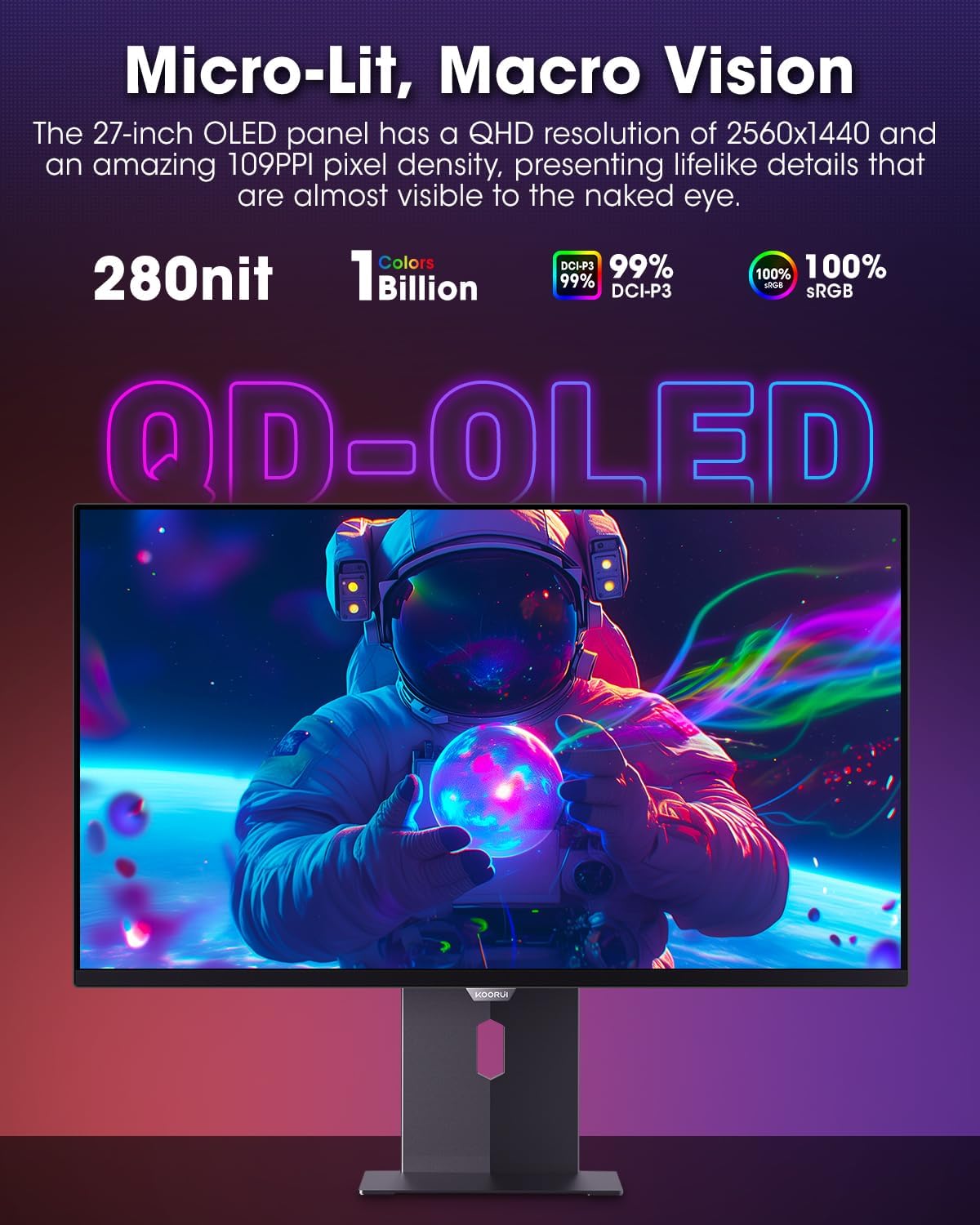
Figure 4.3.1: The QD-OLED panel delivers vivid colors and deep blacks.

Figure 4.3.2: High refresh rate and low response time for smooth gaming.
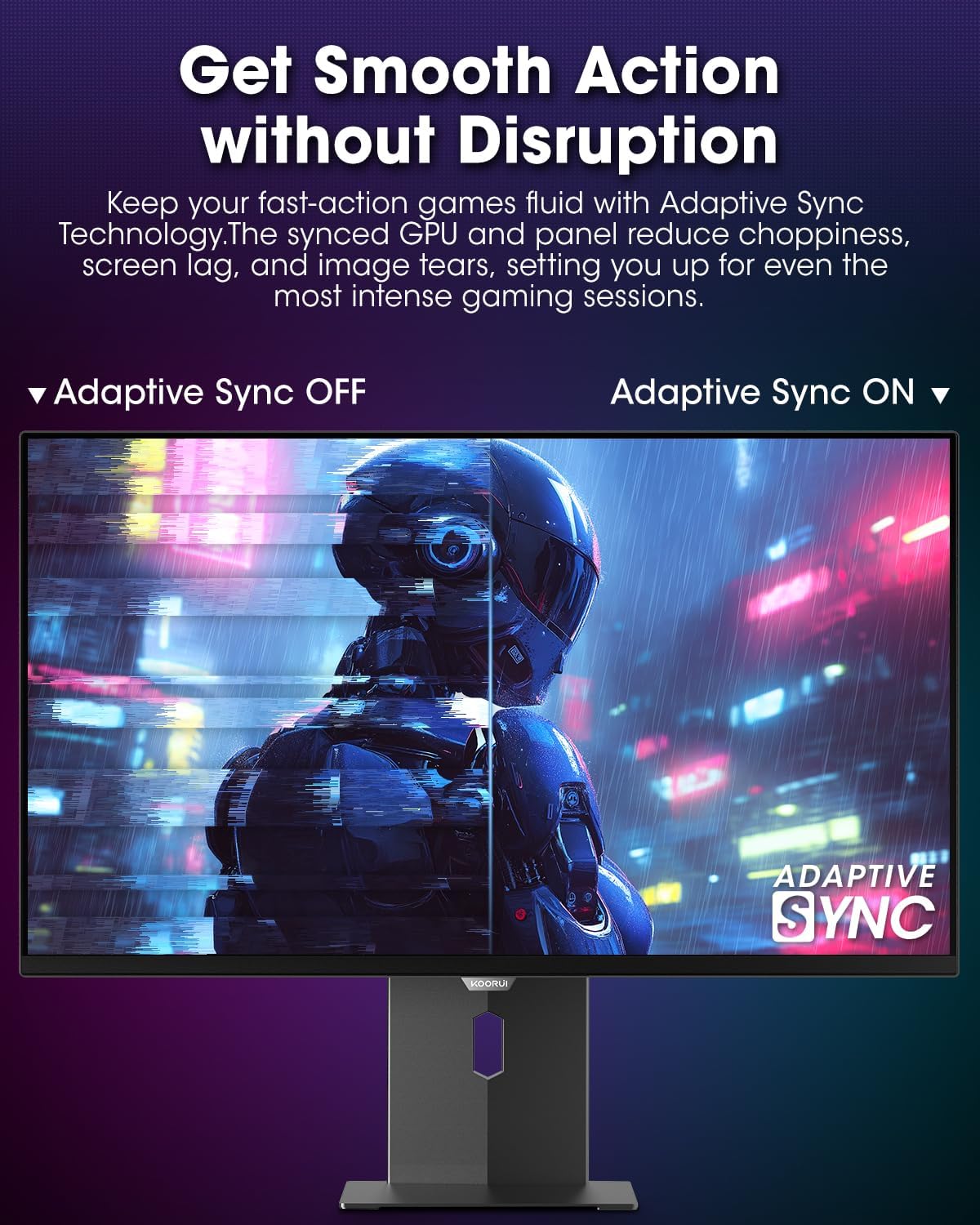
Figure 4.3.3: AdaptiveSync technology prevents screen tearing.
4.4 ఎర్గోనామిక్ సర్దుబాట్లు
The monitor stand allows for various adjustments to enhance viewసౌలభ్యం:
- ఎత్తు సర్దుబాటు: మానిటర్ను కంటి స్థాయికి పెంచండి లేదా తగ్గించండి.
- వంపు: స్క్రీన్ కోణాన్ని ముందుకు లేదా వెనుకకు సర్దుబాటు చేయండి.
- స్వివెల్: Rotate the monitor horizontally.
- పివోట్: మానిటర్ను నిలువుగా తిప్పండి (పోర్ట్రెయిట్ మోడ్).

చిత్రం 4.4.1: మానిటర్ టిల్ట్ సర్దుబాటు.

Figure 4.4.2: Monitor pivot adjustment to portrait mode.
5. నిర్వహణ
- స్క్రీన్ క్లీనింగ్: మెత్తని, మెత్తని బట్టను తేలికగా ఉపయోగించండి డిampనీరు లేదా స్క్రీన్ క్లీనర్తో నింపబడి ఉండాలి. క్లీనర్ను నేరుగా స్క్రీన్పై స్ప్రే చేయవద్దు.
- సి ని శుభ్రపరచడంasing: మానిటర్ను తుడవండి casinమృదువైన, పొడి గుడ్డతో తుడవండి. రాపిడి క్లీనర్లను నివారించండి.
- వెంటిలేషన్: Ensure the monitor's ventilation holes are not blocked to prevent overheating.
- పవర్ ఆఫ్: శుభ్రపరిచే ముందు ఎల్లప్పుడూ మానిటర్ను ఆఫ్ చేసి, అన్ప్లగ్ చేయండి.
6. ట్రబుల్షూటింగ్
| సమస్య | సాధ్యమైన కారణం | పరిష్కారం |
|---|---|---|
| తెరపై చిత్రం లేదు | పవర్ కేబుల్ డిస్కనెక్ట్ చేయబడింది; వీడియో కేబుల్ డిస్కనెక్ట్ చేయబడింది; తప్పు ఇన్పుట్ సోర్స్ ఎంచుకోబడింది. | పవర్ మరియు వీడియో కేబుల్ కనెక్షన్లను తనిఖీ చేయండి; OSD మెను ద్వారా సరైన ఇన్పుట్ సోర్స్ను ఎంచుకోండి. |
| చిత్రం మిణుకుమిణుకుమంటోంది లేదా చిరిగిపోతోంది | AdaptiveSync not enabled; Graphics card driver issues. | Enable AdaptiveSync in OSD menu; Update graphics card drivers. |
| రంగులు తప్పుగా కనిపిస్తున్నాయి | రంగు సెట్టింగ్లు తప్పుగా కాన్ఫిగర్ చేయబడ్డాయి; వీడియో కేబుల్ తప్పుగా ఉంది. | Reset color settings in OSD menu; Try a different video cable. |
| మానిటర్ ఆన్ అవ్వడం లేదు | పవర్ కేబుల్ కనెక్ట్ కాలేదు; పవర్ అవుట్లెట్ పనిచేయడం లేదు. | పవర్ కేబుల్ సురక్షితంగా కనెక్ట్ చేయబడిందని నిర్ధారించుకోండి; మరొక పరికరంతో పవర్ అవుట్లెట్ను పరీక్షించండి. |
7. స్పెసిఫికేషన్లు
| ఫీచర్ | వివరాలు |
|---|---|
| బ్రాండ్ | కూరుయ్ |
| మోడల్ సంఖ్య | S2721XO ద్వారా మరిన్ని |
| స్క్రీన్ పరిమాణం | 27 అంగుళాలు |
| ప్రదర్శన రకం | QD-OLED |
| రిజల్యూషన్ | QHD వైడ్ 1440p (2560 x 1440 పిక్సెల్స్) |
| రిఫ్రెష్ రేట్ | 240 Hz |
| ప్రతిస్పందన సమయం | 0.03 Milliseconds (GtG) |
| కాంట్రాస్ట్ రేషియో | 20,000,000:1 |
| ప్రకాశం | 350 candela_per_square_meter (average 280 nits) |
| రంగు స్వరసప్తకం | 99% DCI-P3 |
| HDR మద్దతు | HDR True Black 400 |
| అనుకూల సమకాలీకరణ | FreeSync అనుకూలమైనది |
| కనెక్టివిటీ | 2x HDMI 2.1, 1x DisplayPort 1.4, 1x Audio Out |
| ఎర్గోనామిక్స్ | Tilt, Height, Swivel, Pivot Adjustment |
| వెసా మౌంట్ | 100x100mm |
| ఉత్పత్తి కొలతలు | 21.58 x 61 x 51.2 సెం.మీ; 8.96 కిలోలు |

చిత్రం 7.1: మానిటర్ కొలతలు.
8. వారంటీ మరియు మద్దతు
8.1 వారంటీ సమాచారం
The KOORUI S2721XO monitor comes with a 1-సంవత్సరం పరిమిత వారంటీ. Please retain your proof of purchase for warranty claims. For detailed warranty terms and conditions, refer to the official KOORUI webసైట్ లేదా కస్టమర్ సపోర్ట్ని సంప్రదించండి.
8.2 కస్టమర్ మద్దతు
For technical assistance, troubleshooting, or warranty inquiries, please contact KOORUI customer support. Refer to the contact information provided on the official KOORUI webసైట్ లేదా మీ కొనుగోలు డాక్యుమెంటేషన్.
You can also find additional support resources and FAQs on the KOORUI brand store on Amazon: KOORUI Amazon Store
9. ఉత్పత్తి వీడియోలు
KOORUI 4K OLED Gaming Monitor 240Hz (Seller Video)
ఈ వీడియో ఓవర్ని అందిస్తుందిview of the KOORUI OLED Gaming Monitor, highlighting its key features such as high refresh rate and OLED display technology. While the title mentions "4K", the video content is generally applicable to high-performance OLED gaming monitors from KOORUI, including the S2721XO model's features like 240Hz refresh rate and fast response time.