
పరిచయం
Thank you for choosing the Gemilai Electric Conical Burr Coffee Grinder and Digital Coffee Scales Bundle. This manual provides essential instructions for the safe and efficient operation, maintenance, and care of your new coffee preparation system. Please read this manual thoroughly before first use and keep it for future reference.
ప్యాకేజీ విషయాలు
అన్ప్యాక్ చేసిన తర్వాత, దయచేసి క్రింద జాబితా చేయబడిన అన్ని వస్తువులు ఉన్నాయని మరియు మంచి స్థితిలో ఉన్నాయని నిర్ధారించుకోండి:
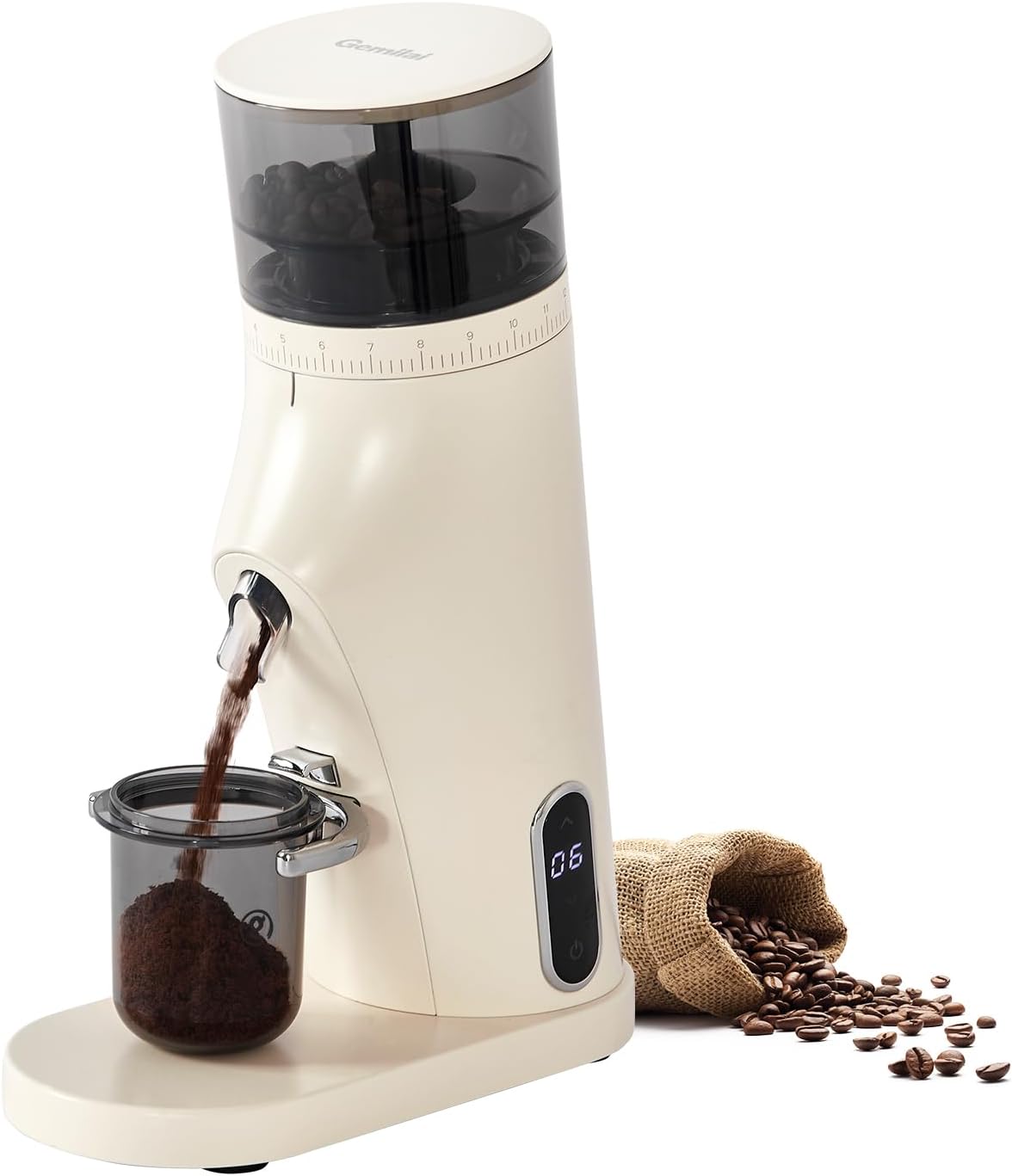
Image: Gemilai Electric Conical Burr Coffee Grinder and Digital Coffee Scale Bundle.

Image: Detailed diagram of the package contents, including the G9010B Coffee Grinder (Ivory White), Dosing Cup, Small Brush, Instruction Manual, and User Guide.
- G9010B Coffee Grinder (Ivory White)
- డోసింగ్ కప్
- చిన్న బ్రష్
- సూచనల మాన్యువల్ (ఈ పత్రం)
- వినియోగదారు గైడ్
- డిజిటల్ కాఫీ స్కేల్
- పవర్ అడాప్టర్
సెటప్ సూచనలు
Coffee Grinder Assembly
Before first use, ensure all packaging materials are removed. The grinder comes partially assembled. Refer to the diagram below for component identification.

చిత్రం: పేలింది view of the coffee grinder showing its main components: Magnet Hopper Lid, 80g Single-Dose Bean Hopper, Detachable Grinding Burrs, Rotary Grind Adjustment Disk, Sloped Powder Pouring, Smart Touch Screen Display, Filter Holder, Reinforced Non-Slip Foot, and 38mm Conical Burrs.
- Place the grinder on a stable, flat surface.
- Ensure the detachable grinding burrs are correctly seated within the grinder.
- Place the 80g single-dose bean hopper on top of the burr assembly.
- Secure the magnet hopper lid onto the bean hopper.
- Connect the power adapter to the grinder's power port and plug it into a suitable electrical outlet.
Digital Coffee Scale Setup

Image: The Gemilai Digital Coffee Scale.
- Place the digital coffee scale on a flat, level surface.
- Ensure the scale has power (check for battery compartment or charging port if applicable, though not explicitly stated, it's standard for digital scales).
- స్కేల్ను ఆన్ చేయడానికి పవర్ బటన్ను నొక్కండి.
కాఫీ గ్రైండర్ ఆపరేటింగ్
Adjusting Grind Settings
The Gemilai coffee grinder offers 60 micro-adjustment settings to achieve the perfect grind for your preferred brewing method. Rotate the grind adjustment disk to select your desired fineness.

Image: Visual guide to the 60 grind settings, indicating fineness levels for various brewing methods.
- Fine Grind (Settings 3-6): Ideal for Espresso.
- Medium-Fine Grind (Settings 6-7): Suitable for Mocha Pot.
- Medium Grind (Settings 7-9): Recommended for French Press.
- Coarse Grind (Settings 10-12): Best for Pour Over and Cold Brew.
Using Dual Modes (Manual & Timed)
The grinder features a smart touchscreen display with dual operating modes:

Image: Touchscreen interface displaying options for Manual Mode and Timed Mode.
- మాన్యువల్ మోడ్: Press the power button once to start grinding. Press again to stop.
- సమయానుకూల మోడ్: Long press the power button for 2 seconds to switch to Timed Mode. Use the up/down arrows to adjust the grinding time (adjustable range: 5s-60s). The grinder will automatically stop after the set time.
- Load coffee beans into the hopper.
- Place the dosing cup under the grinder's chute.
- Select your desired mode and start grinding.
Operating the Digital Coffee Scale
The high-precision digital coffee scale ensures accurate measurements for consistent brewing results.

Image: Digital coffee scale showing its display and function buttons.
- స్కేల్ను స్థిరమైన, స్థాయి ఉపరితలంపై ఉంచండి.
- స్కేల్ను ఆన్ చేయడానికి పవర్ బటన్ను నొక్కండి.
- Place your container (e.g., dosing cup) on the weighing platform.
- Press the 'Tare' or 'Zero' button to reset the display to zero, accounting for the container's weight.
- Add coffee beans or ground coffee to the container until the desired weight is reached. The scale provides accuracy up to 0.1g.
- The scale may offer multiple weighing modes (e.g., grams, ounces). Refer to the scale's specific user guide for mode selection.
సంరక్షణ మరియు నిర్వహణ
Regular cleaning ensures optimal performance and longevity of your Gemilai coffee grinder and scale.
Coffee Grinder Cleaning

Image: Detachable burr assembly for easy cleaning.

Image: Important usage and maintenance tips for the coffee grinder.
- శుభ్రపరిచే ముందు ఎల్లప్పుడూ గ్రైండర్ను అన్ప్లగ్ చేయండి.
- Use the provided small brush to clean residual coffee grounds from the burrs and chute.
- Wipe the grinder's exterior with a damp cloth (wrung out).
- చేయవద్దు rinse, immerse, or pour water or cleaning solutions directly into the machine.
- Ensure all parts are completely dry before reassembling and using the grinder.
Digital Coffee Scale Cleaning
- స్కేల్ యొక్క ఉపరితలాన్ని మృదువైన, d తో తుడవండి.amp గుడ్డ.
- Avoid using abrasive cleaners or submerging the scale in water.
ట్రబుల్షూటింగ్
| సమస్య | సాధ్యమైన కారణం | పరిష్కారం |
|---|---|---|
| గ్రైండర్ ఆన్ చేయదు. | ప్లగ్ ఇన్ చేయబడలేదు; పవర్ స్విచ్ ఆఫ్ చేయబడింది. | Ensure power adapter is securely connected and plugged into a working outlet. Check the on/off switch on the back of the grinder. |
| అస్థిరమైన రుబ్బు. | Burrs are dirty or worn; incorrect grind setting. | Clean the burrs thoroughly. Adjust the grind setting to a finer or coarser level as needed. |
| ఆపరేషన్ సమయంలో గ్రైండర్ ఆగిపోతుంది. | Overheating; bean hopper empty. | Allow the grinder to cool down for at least 30 minutes. Refill the bean hopper. Avoid continuous operation for more than 5 minutes. |
| Scale not displaying weight. | Low battery; unstable surface. | Ensure the scale has sufficient power. Place the scale on a flat, stable surface. |
ఉత్పత్తి లక్షణాలు
కాఫీ గ్రైండర్
- మోడల్: G9010B
- బర్ రకం: 38mm Conical Burr (SUS420 Stainless Steel)
- గ్రైండ్ సెట్టింగులు: 60 Micro-Adjustments
- మోటార్ పవర్: 150W
- మోటారు వేగం: 430rpm
- హాప్పర్ సామర్థ్యం: 80g (Single-Dose)
- ఆపరేషన్ మోడ్లు: Smart Timer & Manual
- బరువు: 2.4 కిలోలు (సుమారుగా)
డిజిటల్ కాఫీ స్కేల్
- గరిష్ట సామర్థ్యం: 2 కిలోలు
- ఖచ్చితత్వం: 0.1గ్రా
- ఫీచర్లు: Multiple weighing modes, Manual Zero Timing, Weight Reset
- ఛార్జింగ్ పోర్ట్: టైప్-సి
- కొలతలు: 90mm/3.54inch (width), 95mm/3.74inch (height), 19mm/0.75inch (thickness)
వారంటీ మరియు మద్దతు
Your Gemilai Electric Conical Burr Coffee Grinder & Digital Coffee Scales Bundle comes with a standard manufacturer's warranty. For detailed warranty information, product support, or service inquiries, please refer to the contact information provided in the separate User Guide or visit the official Gemilai webసైట్.
ఆన్లైన్ మద్దతు: Visit the Gemilai Store on Amazon