
1. ముఖ్యమైన భద్రతా సమాచారం
Please read all instructions carefully before operating the Rubicon DX14 Electric Wheelchair. Failure to follow safety guidelines may result in injury or damage to the product.
- Always ensure the wheelchair is fully charged before extended use.
- Do not operate the wheelchair under the influence of alcohol or medication that impairs judgment.
- Avoid operating on excessively steep inclines or uneven terrain beyond the wheelchair's capabilities.
- Always use the seatbelt provided.
- చేతులు మరియు దుస్తులను కదిలే భాగాల నుండి దూరంగా ఉంచండి.
- Store the wheelchair in a dry, safe place away from extreme temperatures.
2. ఉత్పత్తి ముగిసిందిview
The Rubicon DX14 Model16 is a foldable electric wheelchair designed for mobility and convenience. It features a robust aluminum alloy frame, dual motors, and a long-range lithium battery.
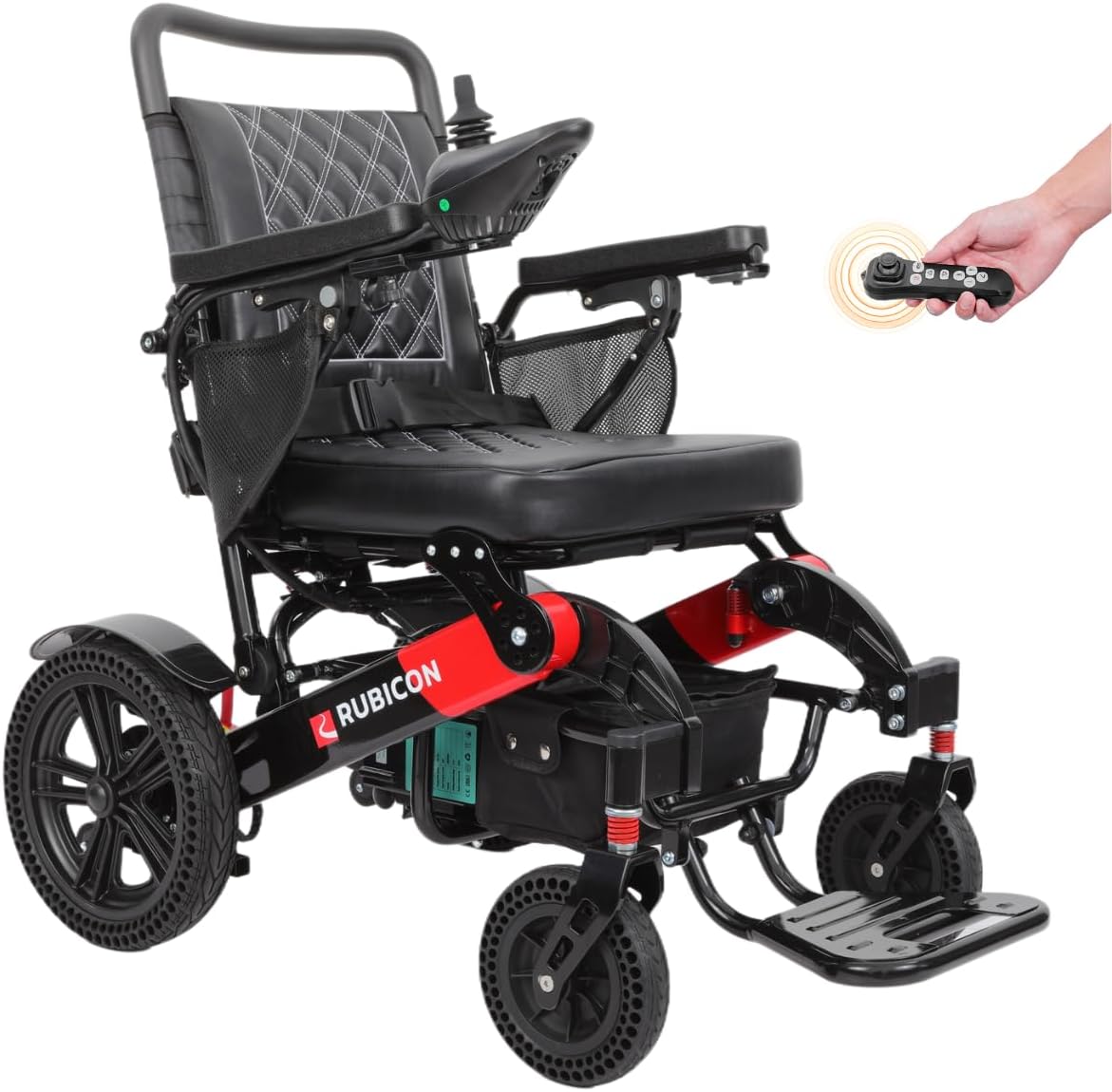
Image: The Rubicon DX14 Model16 electric wheelchair in its operational state, showcasing దాని డిజైన్ మరియు లక్షణాలు.
ముఖ్య లక్షణాలు:
- Longest-Range Battery: Equipped with high-quality Lithium-Ion cells, providing an extended range of up to 30 miles. Features an off-vehicle charging cable for convenience.
- శక్తివంతమైన ద్వంద్వ మోటార్లు: Two 300 Watt motors (total 600W) offer exceptional torque and power for various terrains. Includes posi-traction capabilities and an Electromagnetic brake for safety.
- యూజర్ ఫ్రెండ్లీ డిజైన్: Offers versatile operation in electric or manual mode. The joystick can be mounted on either hand and is adjustable in length. Features three storage compartments and a high-density foam seat.
- Lightweight & Heavy-Duty: Folds in 3 seconds to a compact 13 inches high. Weighs 64 lbs with a weight capacity of 330 lbs. Constructed from aircraft-grade aluminum alloy with a weatherproof coating.
- Small Turning Radius: A 32-inch turning radius and a 360-degree joystick ensure maneuverability in tight spaces.
- అన్ని భూభాగాల పనితీరు: Capable of navigating grass, ramps, sand, mud, snow, and bumpy roads.
3. సెటప్ మరియు అసెంబ్లీ
3.1 వీల్చైర్ను విప్పడం
The Rubicon DX14 is designed for quick unfolding. Gently pull the backrest upwards while pushing the seat downwards until the frame locks into place. Ensure all locking mechanisms are secure before use.

Image: The Rubicon DX14 wheelchair shown in both its folded and unfolded configurations, highlighting its compact storage capability.
3.2 Joystick Installation and Adjustment
The joystick can be mounted on either the left or right armrest. Insert the joystick cable into the designated port and secure it. Adjust the length of the joystick for optimal user comfort and control.

చిత్రం: క్లోజప్ view of the 360-degree control joystick and its buttons for power, horn, speed display, speed deceleration, and speed acceleration.
3.3 బ్యాటరీ ఛార్జింగ్
Connect the off-vehicle charging cable to the battery port and a standard power outlet. The battery can be charged while installed in the wheelchair or removed. An indicator light on the charger will show charging status (typically red for charging, green for fully charged).
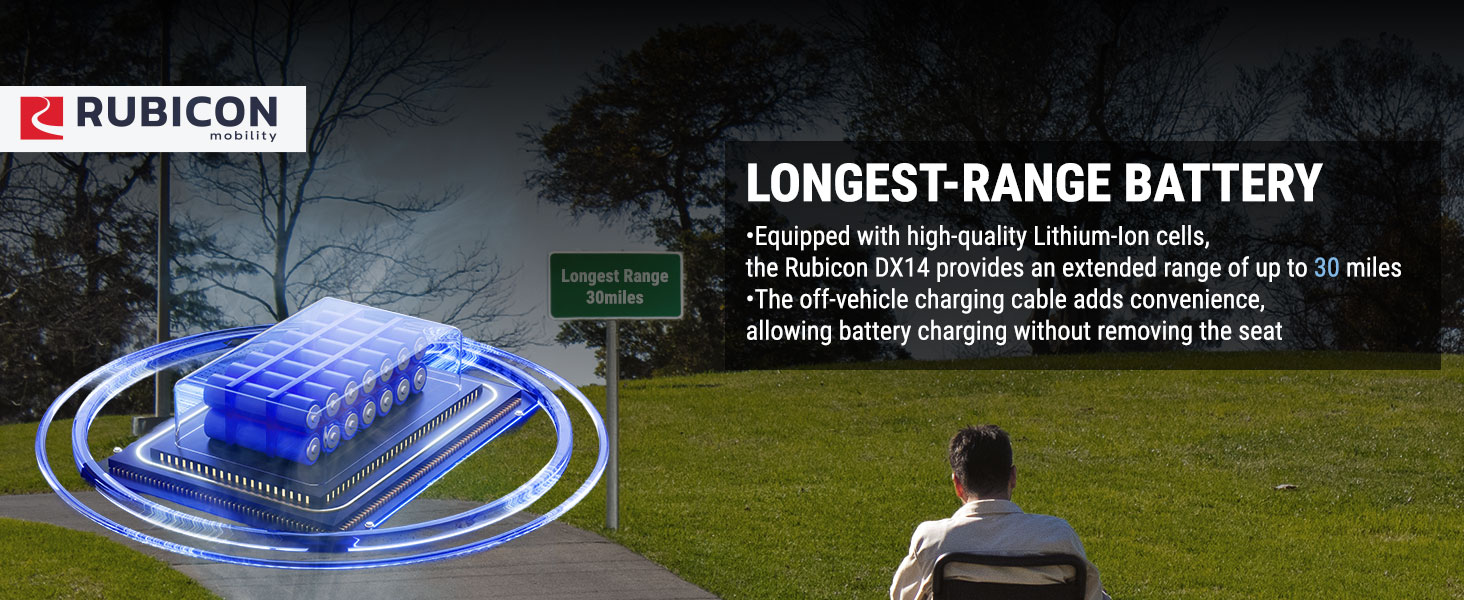
Image: Illustration of the Rubicon DX14's long-range battery technology, emphasizing its 30-mile range and off-vehicle charging capability.
4. ఆపరేటింగ్ సూచనలు
4.1 పవర్ చేయడం ఆన్/ఆఫ్
Press the power button on the joystick to turn the wheelchair on or off. The battery display will illuminate upon activation.
4.2 Electric and Manual Mode
To switch between electric and manual mode, locate the red lever near the rear wheels. Flip the lever to engage or disengage the motors. In manual mode, the wheelchair can be pushed like a traditional wheelchair.
4.3 జాయ్స్టిక్ని ఉపయోగించడం
The 360-degree joystick provides precise control. Push the joystick gently in the desired direction to move. The further you push, the faster the wheelchair will move. Release the joystick to engage the electromagnetic brakes and stop.
- వేగం సర్దుబాటు: Use the '+' and '-' buttons on the joystick to increase or decrease the speed setting.
- కొమ్ము: ఇతరులను అప్రమత్తం చేయడానికి హార్న్ బటన్ను నొక్కండి.
Video: Demonstration of the Rubicon DX14's 360-degree joystick control and adjustable speed settings.
4.4 బ్లూటూత్ రిమోట్ కంట్రోల్
The Rubicon DX14 includes a Bluetooth remote control, allowing a caregiver to operate the wheelchair from a short distance. Refer to the remote control's specific instructions for pairing and usage.
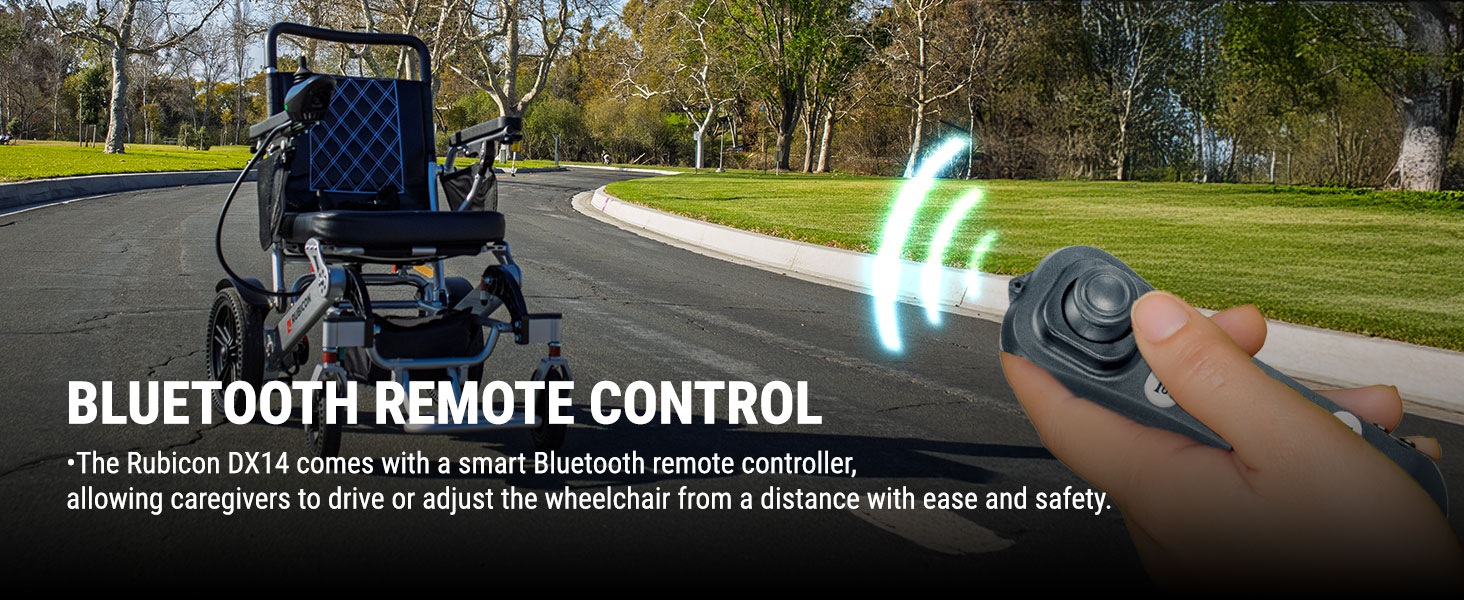
Image: The Rubicon DX14 electric wheelchair being controlled by a Bluetooth remote, illustrating its remote operation capability.
4.5 ఆల్-టెర్రైన్ డ్రైవింగ్
The DX14 is designed for various terrains. Exercise caution and reduce speed when navigating uneven surfaces like grass, mud, or bumpy roads. Avoid excessively soft or slippery surfaces.

Image: A person operating the Rubicon DX14 electric wheelchair on a paved path surrounded by grass, demonstrating its all-terrain capability.
5. నిర్వహణ
5.1 శుభ్రపరచడం
ఫ్రేమ్ మరియు సీటును ప్రకటనతో తుడవండిamp cloth. Do not use abrasive cleaners or immerse electrical components in water. The high-density foam seat cushion is removable for easy cleaning.
5.2 బ్యాటరీ సంరక్షణ
Charge the battery regularly, even if the wheelchair is not in frequent use, to maintain battery health. Avoid fully discharging the battery. Store batteries in a cool, dry place.
5.3 సాధారణ తనిఖీ
Periodically check all nuts, bolts, and connections for tightness. Inspect tires for wear and proper inflation (if applicable). Ensure the electromagnetic brakes are functioning correctly.
6. ట్రబుల్షూటింగ్
If you encounter issues with your Rubicon DX14, refer to the following common problems and solutions:
| సమస్య | సాధ్యమైన కారణం | పరిష్కారం |
|---|---|---|
| Wheelchair does not power on. | Battery discharged or not connected. | Charge the battery. Ensure battery is properly seated and connected. |
| Wheelchair moves slowly or erratically. | Low battery, joystick malfunction, or motor issue. | Charge battery. Check joystick connection. Contact support if issue persists. |
| Brakes not engaging properly. | Electromagnetic brake malfunction. | Immediately cease use and contact customer support. |
For issues not listed here or if solutions do not resolve the problem, please contact Rubicon customer support.
7. స్పెసిఫికేషన్లు
| ఫీచర్ | వివరాలు |
|---|---|
| మోడల్ | DX14 Model16 |
| సీటు లోతు | 16 అంగుళాలు |
| వ్యాసార్థాన్ని తిరగండి | 32 అంగుళాలు (Note: Product description states 32 inches, specifications list 22 inches. Using 32 inches as it's more prominent in features.) |
| బ్రేక్ స్టైల్ | విద్యుదయస్కాంత |
| చక్రాల రకం | ఘనమైనది |
| మెటీరియల్ రకం | Aluminum, Polyurethane |
| ఫ్రేమ్ మెటీరియల్ | ఎయిర్క్రాఫ్ట్-గ్రేడ్ అల్యూమినియం మిశ్రమం |
| మోటార్ పవర్ | 2 x 300W (మొత్తం 600W) |
| బ్యాటరీ రకం | Dual 12AH Lithium Batteries |
| గరిష్ట పరిధి | 30 మైళ్ల వరకు |
| బరువు సామర్థ్యం | 330 పౌండ్లు |
| వీల్చైర్ బరువు | 64 పౌండ్లు |
| మడతపెట్టిన ఎత్తు | 13 అంగుళాలు |
8. వారంటీ మరియు మద్దతు
8.1 వారంటీ సమాచారం
The Rubicon DX14 comes with the following warranty:
- ఫ్రేమ్: 1 సంవత్సరం
- Motor and Joystick Controller: 1 సంవత్సరం
- బ్యాటరీ: 6 నెలలు
వారంటీ క్లెయిమ్ల కోసం దయచేసి మీ కొనుగోలు రుజువును ఉంచుకోండి.
8.2 కస్టమర్ మద్దతు
Rubicon is a US-based company headquartered in California, providing Gold Standard Customer Support. For assistance, technical support, or warranty inquiries, please contact the seller, Fashion Horton, through your Amazon order details or visit the Rubicon store page for contact information.
విక్రేత: Fashion Horton
Rubicon Store: Visit the Rubicon Store on Amazon