1. పరిచయం
The Generic L106 GPS Folding Drone is designed for aerial exploration, offering a blend of advanced features and user-friendly operation. This manual will guide you through the setup, operation, and maintenance of your drone to ensure a safe and enjoyable experience.
- Extended Flight & Control: Experience up to 22 minutes of flight time and an impressive 3000-meter control range in open environments.
- ఇంటెలిజెంట్ నావిగేషన్: Equipped with intelligent obstacle avoidance sensors and dual GPS technology for precise outdoor and indoor navigation, ensuring collision-free operation.
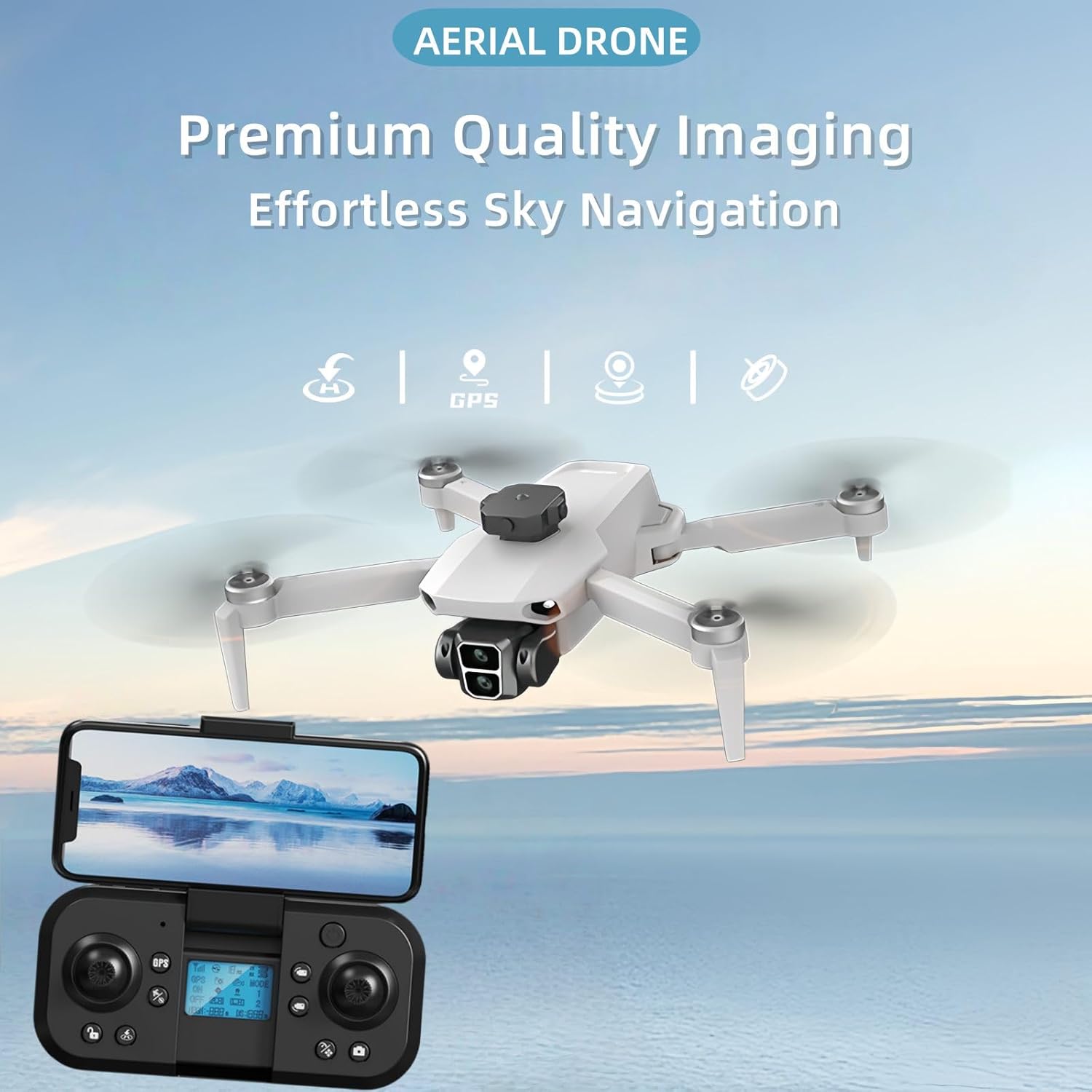
- హై-క్వాలిటీ ఇమేజింగ్: Capture stunning visuals with an 8K HD dual camera system and a 120° ultra-wide-angle lens, providing dynamic photos and smooth video recording.
- స్మార్ట్ ఫీచర్లు: Utilize one-touch smart features including gesture controls, automatic takeoff/landing, and customizable flight paths via the dedicated application.
- పోర్టబుల్ డిజైన్: The drone features a compact, foldable design for easy transport and storage.
2. ప్యాకేజీ విషయాలు
క్రింద జాబితా చేయబడిన అన్ని వస్తువులు మీ ప్యాకేజీలో చేర్చబడ్డాయని ధృవీకరించండి:
- Generic L106 GPS Folding Drone
- రిమోట్ కంట్రోలర్
- Rechargeable Batteries (2 included)
- Spare Propellers (8 pieces)
- USB ఛార్జింగ్ కేబుల్
- స్క్రూడ్రైవర్
- క్యారీయింగ్ కేసు
- వినియోగదారు మాన్యువల్

The image above displays the drone, remote controller, two batteries, spare propellers, charging cables, a screwdriver, and a carrying case.
అన్బాక్సింగ్ వీడియో
Video 2.1: An unboxing video demonstrating the contents of the drone package, including the drone, remote, batteries, and accessories.
3. సెటప్
3.1 డ్రోన్ తయారీ
- డ్రోన్ను విప్పు: Carefully unfold the drone arms. Begin with the top arms, then the bottom arms, ensuring they lock into place.
- బ్యాటరీని ఇన్స్టాల్ చేయండి: Insert a fully charged battery into the drone's battery compartment until it clicks securely.

The image illustrates the drone's foldable design, showing it both collapsed for portability and expanded with its arms extended for flight.
3.2 Remote Controller Preparation
- Install Joysticks: Screw the control sticks into the designated slots on the remote controller.
- ఫోన్ హోల్డర్ను అటాచ్ చేయండి: Pull out the integrated phone holder from the top of the remote controller.
- ఛార్జ్ కంట్రోలర్: Connect the Type-C charging cable to the remote controller's charging port to ensure it is adequately powered.

This diagram labels the various controls on the remote, including the GPS switch, lens adjustment, levers, unlock button, one-click return, photo/video buttons, speed control, geomatic calibration, and horizontal calibration.
3.3 జత చేయడం మరియు అమరిక
- పవర్ ఆన్: Press and hold the power button on both the drone and the remote controller for approximately 3 seconds until they power on.
- GPS కనెక్షన్: Ensure the drone is placed on a flat, open surface. The remote controller display will indicate when GPS is connected.
- Geomagnetic Calibration: Perform geomagnetic calibration as instructed by the remote controller or app to ensure accurate flight.

The image provides a close-up of the remote control's screen, detailing important flight information such as signal strength, GPS satellite count, drone and remote battery levels, current flight mode, altitude, and distance.
4. ఆపరేటింగ్ సూచనలు
4.1 ప్రాథమిక విమాన నియంత్రణలు
- వన్-కీ టేకాఫ్/ల్యాండింగ్: Press the designated button on the remote for automatic takeoff or landing.
- ఎత్తు హోల్డ్: The drone maintains a stable altitude when the throttle stick is released, thanks to its dual GPS and optical flow technology.
- ఉద్యమం: Use the left joystick for throttle (up/down) and yaw (rotate left/right). Use the right joystick for forward/backward and left/right strafing.
4.2 Smart Flight Features
- ఆటో రిటర్న్: With GPS enabled, the drone can automatically return to its takeoff point.
- హెడ్లెస్ మోడ్: In this mode, the drone's orientation is irrelevant; it will move relative to the pilot's position.
- సంజ్ఞ నియంత్రణలు: Utilize specific hand gestures for photo and video capture.
- Custom Flight Paths: Draw desired flight paths on the app interface, and the drone will follow them automatically.

This image demonstrates the drone's ability to navigate along a pre-defined path, allowing for seamless custom route creation through the accompanying application.
4.3 కెమెరా ఆపరేషన్
- 8K HD Dual Cameras: The drone features an 8K camera for high-resolution photo and video capture.
- సర్దుబాటు చేయగల లెన్స్: Use the dedicated button on the remote controller to adjust the camera's tilt angle during flight.
- 120° వైడ్ యాంగిల్ లెన్స్: Capture expansive aerial views with the wide-angle lens.
The image highlights the drone's intelligent obstacle avoidance system, showing it detecting and maneuvering around obstacles to prevent collisions during flight.
5. నిర్వహణ
5.1 బ్యాటరీ సంరక్షణ
- ఛార్జింగ్: Use the provided USB charging cable to charge the drone batteries and remote controller.
- నిల్వ: ప్రత్యక్ష సూర్యకాంతి మరియు విపరీతమైన ఉష్ణోగ్రతల నుండి దూరంగా చల్లని, పొడి ప్రదేశంలో బ్యాటరీలను నిల్వ చేయండి.
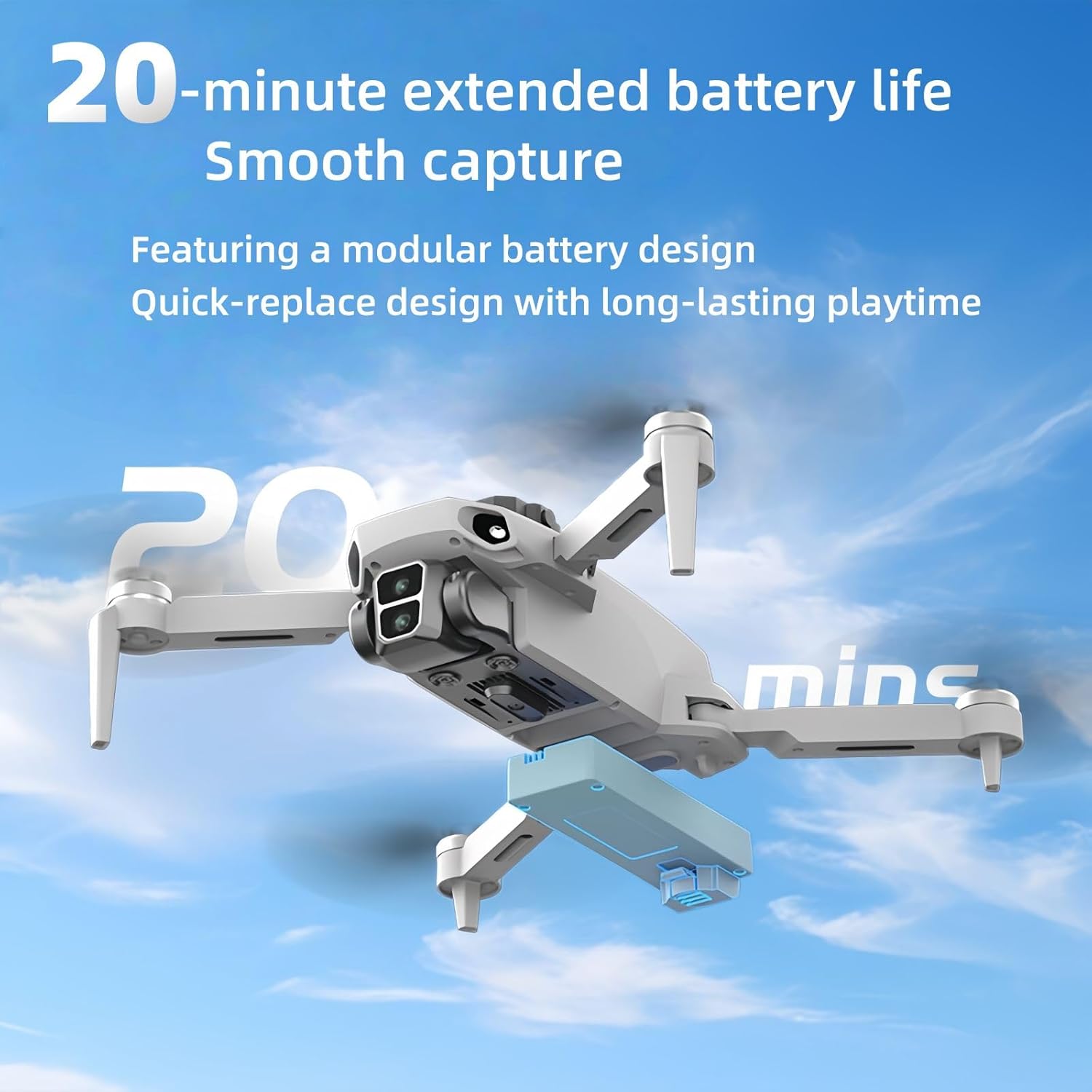
This image visually represents the drone's 22-minute extended flight capability, emphasizing its modular battery design for quick replacement and prolonged use.
5.2 ప్రొపెల్లర్ నిర్వహణ
- తనిఖీ: Regularly inspect propellers for any signs of damage (cracks, bends).
- భర్తీ: Use the provided screwdriver and spare propellers to replace any damaged blades. Ensure correct orientation during installation.
5.3 శుభ్రపరచడం
- Wipe the drone's body and camera lens with a soft, dry cloth.
- Avoid using liquid cleaners or solvents that could damage components.
6. ట్రబుల్షూటింగ్
| సమస్య | సాధ్యమైన కారణం | పరిష్కారం |
|---|---|---|
| డ్రోన్ పవర్ ఆన్ అవ్వదు | Low battery or incorrect installation | Ensure battery is fully charged and correctly inserted. Press and hold power button for 3 seconds. |
| అస్థిర విమాన ప్రయాణం/డ్రిఫ్టింగ్ | Improper calibration or strong winds | Perform geomagnetic and horizontal calibration. Fly in calm weather conditions. |
| GPS సిగ్నల్ లేదు | Flying indoors or obstructed view ఆకాశం యొక్క | స్పష్టమైన గాలి ఉన్న బహిరంగ ప్రదేశంలో ఎగరండి. view of the sky. Wait for GPS indicator on remote. |
| కెమెరా ఫోటోలను రికార్డ్ చేయడం/తీయడం లేదు | No SD card or full SD card | Insert a compatible SD card (up to 128GB). Ensure SD card has sufficient free space. |
| రిమోట్ కంట్రోలర్ కనెక్ట్ కావడం లేదు | తక్కువ బ్యాటరీ లేదా జత చేయడం సమస్య | Charge remote controller. Power cycle both drone and remote, then attempt to pair again. |
7. స్పెసిఫికేషన్లు
- బ్రాండ్: సాధారణమైనది
- మోడల్ పేరు: L106 GPS
- రంగు: తెలుపు
- కెమెరా: 8K HD Dual Cameras (Video Capture Resolution: 480p)
- కనెక్టివిటీ టెక్నాలజీ: Wi-Fi
- నైపుణ్య స్థాయి: అనుభవశూన్యుడు
- వస్తువు బరువు: 500 గ్రాములు (1.1 పౌండ్లు)
- బ్యాటరీ సెల్ కంపోజిషన్: లిథియం అయాన్
- బ్యాటరీలు: 2 A బ్యాటరీలు అవసరం (చేర్చబడి)
- ఉత్పత్తి కొలతలు: 10.4"లీ x 9.9"వా x 2.6"హ
- తయారీదారు: Liye
- తయారీదారు పార్ట్ నంబర్: MO-UI31
- మొదటి తేదీ అందుబాటులో ఉంది: మే 15, 2025
8. వారంటీ మరియు మద్దతు
The Generic L106 GPS Folding Drone comes with a 1-year warranty, as stated in the product features. For detailed warranty information, technical support, or service inquiries, please refer to the manufacturer's official webసైట్ లేదా మీ రిటైలర్ను సంప్రదించండి.


