పరిచయం
This manual provides detailed instructions for the operation and maintenance of your Generic GT826 Gaming Headset. Please read this manual thoroughly before using the product to ensure proper functionality and to maximize your gaming experience.
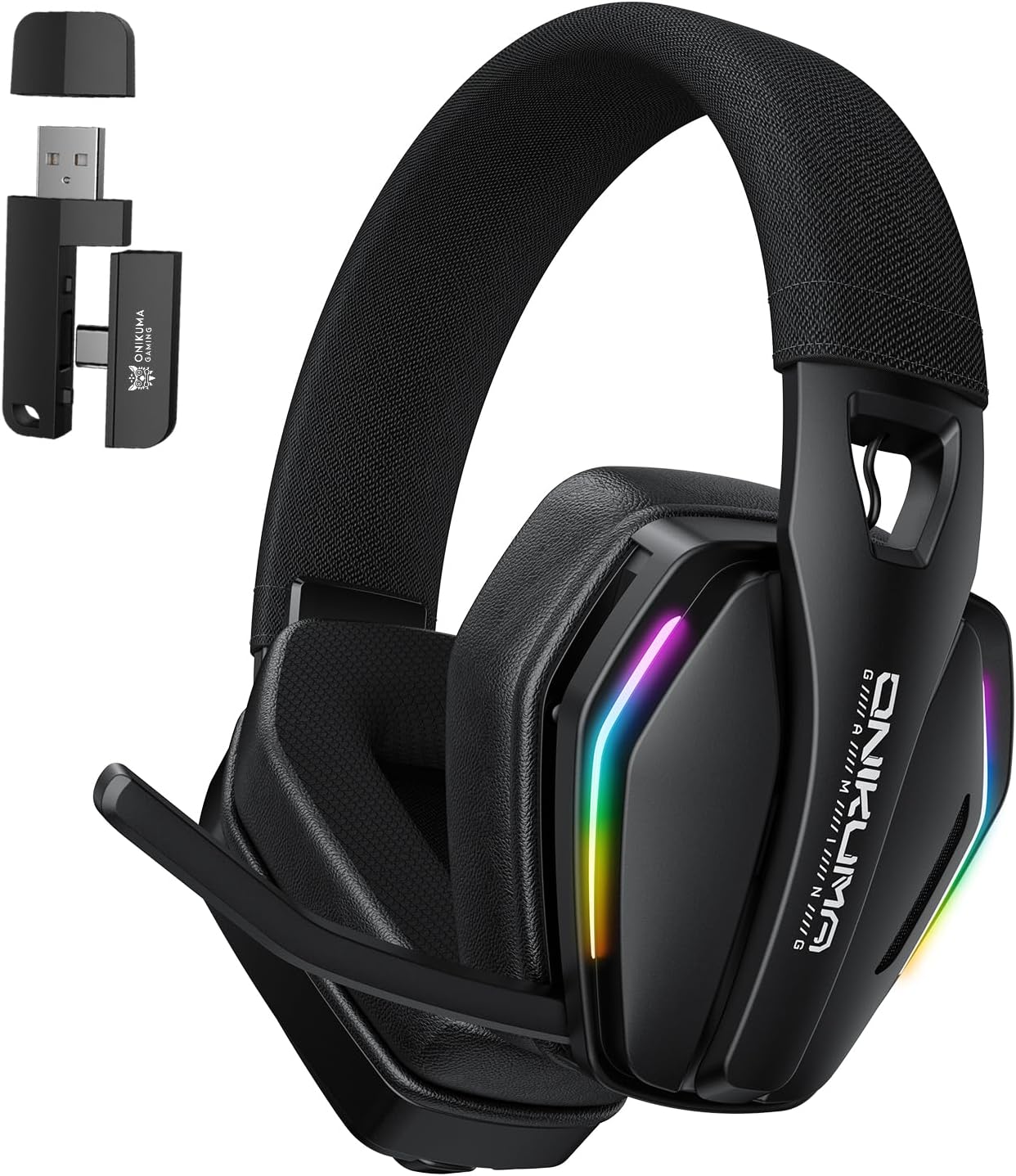
Image: The GT826 Gaming Headset, showcasing its design with RGB lighting on the earcups and the adjustable microphone.
ప్యాకేజీ విషయాలు
అన్బాక్సింగ్ తర్వాత, దయచేసి కింది అంశాలన్నీ చేర్చబడ్డాయని ధృవీకరించండి:
- GT826 Gaming Headset
- USB టైప్-సి ఛార్జింగ్ కేబుల్
- 2.4GHz వైర్లెస్ USB డాంగిల్
- వినియోగదారు మాన్యువల్

Image: The GT826 headset laid out with its accessories: a USB-C charging cable, a 2.4GHz wireless dongle, and the instruction manual.
సెటప్
1. హెడ్సెట్ను ఛార్జ్ చేయడం
Before initial use, fully charge the headset.
- Connect the supplied USB Type-C charging cable to the charging port on the headset.
- కేబుల్ యొక్క మరొక చివరను USB పవర్ సోర్స్కి కనెక్ట్ చేయండి (ఉదా. కంప్యూటర్ USB పోర్ట్, USB వాల్ అడాప్టర్).
- The LED indicator on the headset will show charging status (e.g., red for charging, off or blue for fully charged).
- పూర్తిగా ఛార్జ్ కావడానికి సాధారణంగా దాదాపు 2 గంటలు పడుతుంది.
2. హెడ్సెట్ను కనెక్ట్ చేస్తోంది
The GT826 headset supports three connectivity modes: 2.4GHz Wireless, Bluetooth 5.4, and Wired (via USB Type-C).
2.1. 2.4GHz వైర్లెస్ కనెక్షన్ (గేమింగ్ కోసం సిఫార్సు చేయబడింది)
- Insert the 2.4GHz USB dongle into an available USB port on your PC, PlayStation, or other compatible device.
- Power on the headset by pressing and holding the Power button.
- The headset will automatically attempt to connect to the dongle. A successful connection is indicated by a stable LED light (refer to LED indicator section for details).
- On your device, select "GT826" as the audio output and input device.

Image: The GT826 headset demonstrating its 2.4GHz wireless connectivity with the USB dongle plugged into a device, alongside a smartphone showing Bluetooth connectivity.
2.2. బ్లూటూత్ 5.4 కనెక్షన్
- హెడ్సెట్ ఆన్లో ఉందని నిర్ధారించుకోండి.
- Press and hold the Mode button (or a dedicated Bluetooth button if available) until the LED indicator flashes, indicating pairing mode.
- On your mobile device, tablet, or computer, enable Bluetooth and search for available devices.
- Select "GT826" from the list of found devices to pair.
- Once paired, the LED indicator will become stable.
2.3. Wired Connection (USB Type-C)
- Connect the USB Type-C cable directly from the headset to your device's USB-C port.
- హెడ్సెట్ వైర్డు ఆడియో పరికరంగా పనిచేస్తుంది. ఈ మోడ్లో బ్యాటరీ శక్తి వినియోగించబడదు.
ఆపరేటింగ్ సూచనలు
పవర్ ఆన్/ఆఫ్
- పవర్ ఆన్: LED సూచిక వెలిగే వరకు పవర్ బటన్ను దాదాపు 3 సెకన్ల పాటు నొక్కి పట్టుకోండి.
- పవర్ ఆఫ్: LED సూచిక ఆఫ్ అయ్యే వరకు పవర్ బటన్ను దాదాపు 3 సెకన్ల పాటు నొక్కి పట్టుకోండి.
వాల్యూమ్ నియంత్రణ
Use the volume roller or buttons located on the earcup to adjust the audio output level.
మైక్రోఫోన్ వినియోగం
The GT826 features a 120-degree adjustable microphone for clear communication.
- మైక్రోఫోన్ని సర్దుబాటు చేయడం: Gently pivot the microphone boom to position it optimally near your mouth. The microphone can rotate up to 120 degrees.
- మ్యూట్/అన్మ్యూట్: Use the dedicated microphone mute button on the earcup to toggle the microphone on or off. An LED indicator on the microphone or headset may show its status.
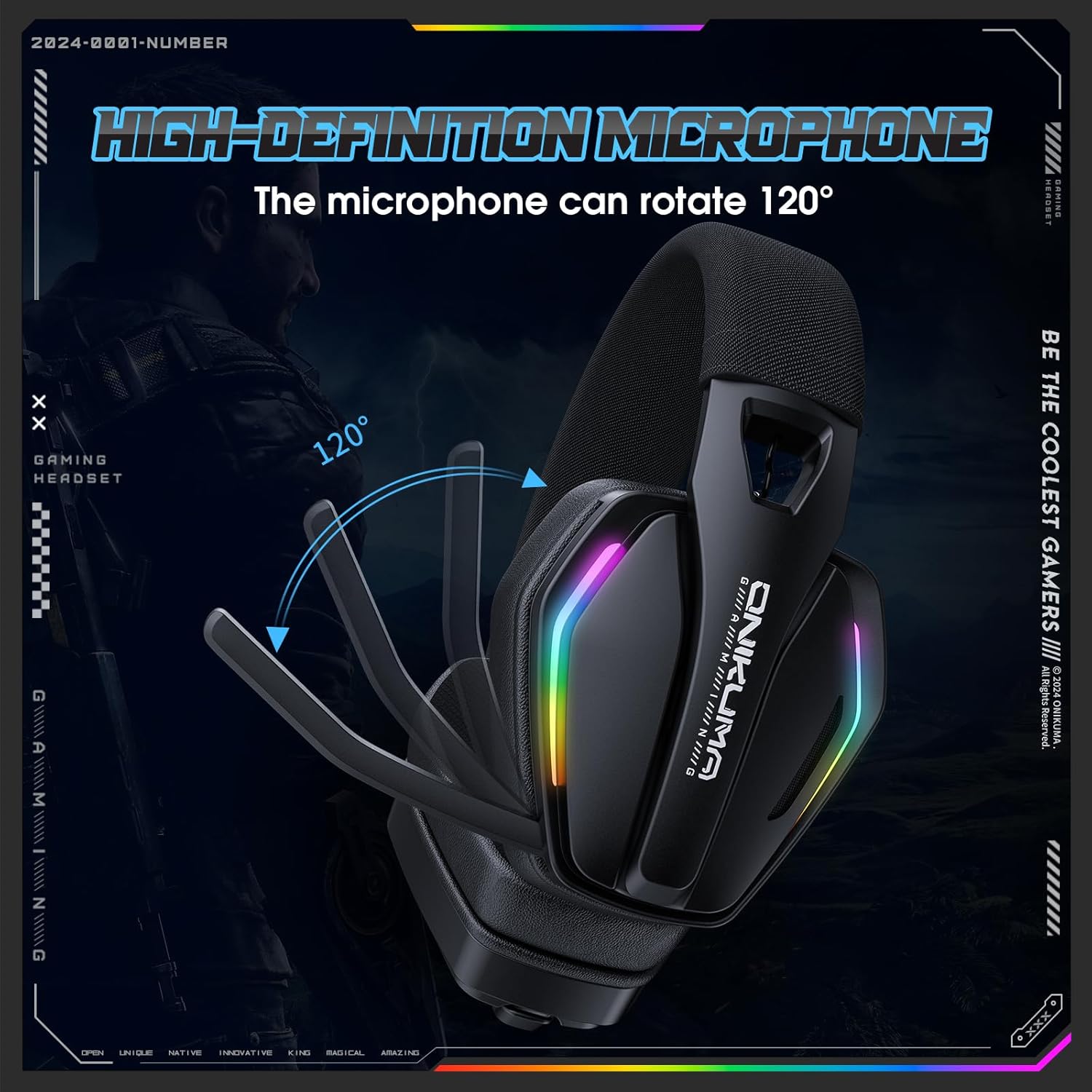
Image: The GT826 headset with its microphone boom rotated to demonstrate the 120-degree adjustment capability.
RGB లైటింగ్ కంట్రోల్
The headset features vibrant RGB lighting effects on the earcups.
- Toggle RGB: Press the RGB lighting button (if available) or a combination of buttons to cycle through lighting modes or turn the lighting on/off.
- Note that using RGB lighting will reduce battery life.
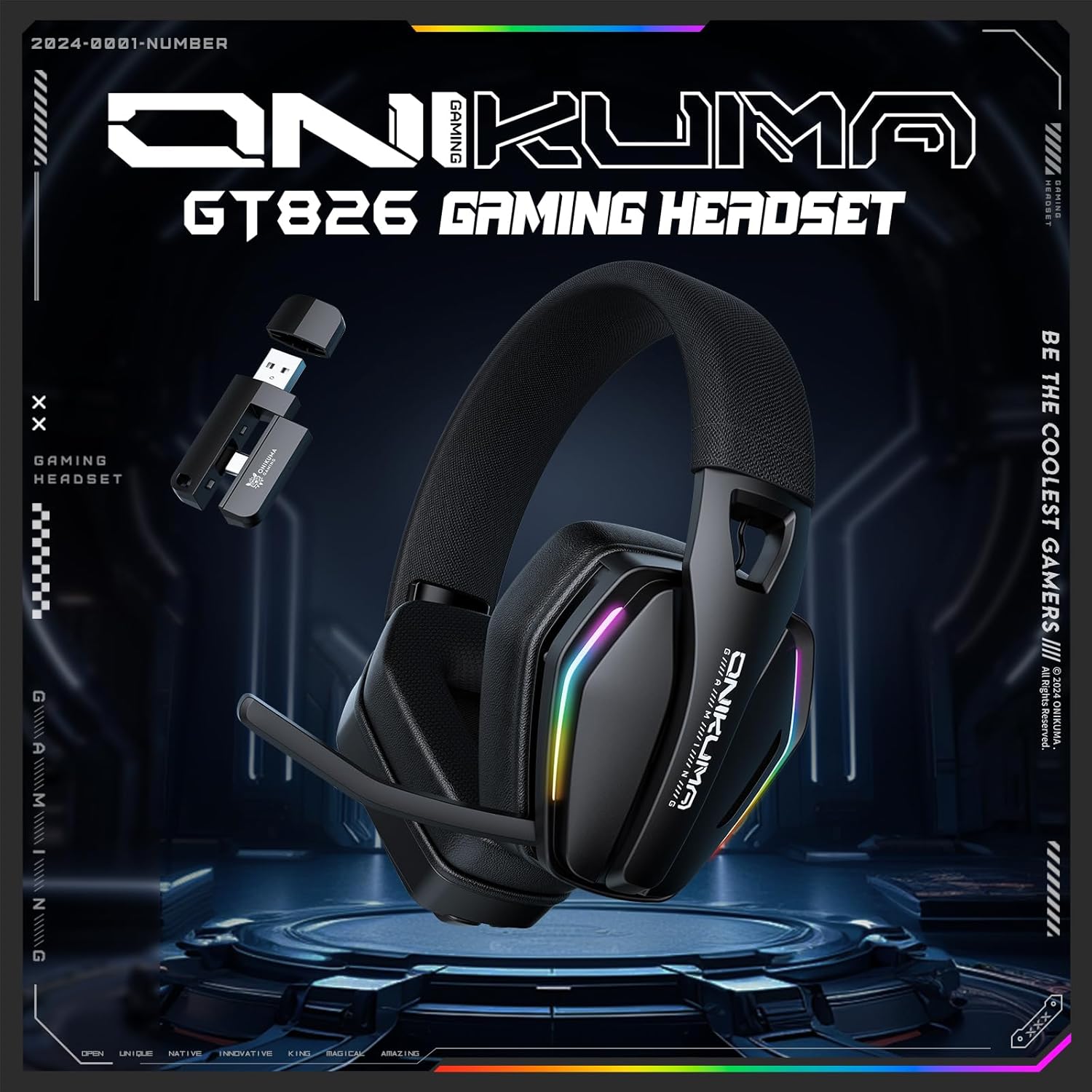
Image: The GT826 headset illuminated with its dynamic RGB lighting effects, positioned on a desk.
కనెక్టివిటీ మోడ్లను మారుస్తోంది
To switch between 2.4GHz Wireless and Bluetooth modes, press the Mode button on the headset. The LED indicator will change to reflect the active mode.
నిర్వహణ
క్లీనింగ్
- Use a soft, dry cloth to clean the headset's surfaces.
- For earcups, a slightly damp cloth with mild soap can be used, but ensure no moisture enters the speaker grilles.
- కఠినమైన రసాయనాలు, ద్రావకాలు లేదా రాపిడి పదార్థాలను ఉపయోగించడం మానుకోండి.
నిల్వ
- హెడ్సెట్ను ప్రత్యక్ష సూర్యకాంతి మరియు తీవ్రమైన ఉష్ణోగ్రతలకు దూరంగా చల్లని, పొడి ప్రదేశంలో నిల్వ చేయండి.
- When not in use, it is recommended to store the headset in its original packaging or a protective case to prevent damage.
బ్యాటరీ సంరక్షణ
- బ్యాటరీ జీవితకాలాన్ని పొడిగించడానికి, హెడ్సెట్ను తరచుగా పూర్తిగా డిశ్చార్జ్ చేయకుండా ఉండండి.
- Charge the headset regularly, even if not in constant use.
- బ్యాటరీని అధిక ఉష్ణోగ్రతలకు బహిర్గతం చేయవద్దు.
ట్రబుల్షూటింగ్
| సమస్య | సాధ్యమైన కారణం | పరిష్కారం |
|---|---|---|
| హెడ్సెట్ నుండి శబ్దం లేదు |
|
|
| మైక్రోఫోన్ పని చేయడం లేదు |
|
|
| హెడ్సెట్ వైర్లెస్గా కనెక్ట్ కావడం లేదు |
|
|
| తక్కువ బ్యాటరీ జీవితం |
|
|
స్పెసిఫికేషన్లు
| ఫీచర్ | వివరాలు |
|---|---|
| మోడల్ పేరు | GT826 |
| కనెక్టివిటీ టెక్నాలజీ | 2.4GHz Wireless, Bluetooth 5.4, Wired (USB Type-C) |
| ఆడియో డ్రైవర్ పరిమాణం | 40మి.మీ |
| ఫ్రీక్వెన్సీ రెస్పాన్స్ | 20 హెర్ట్జ్ - 20 కిలోహెర్ట్జ్ |
| సున్నితత్వం | 117 ± 3dB |
| ఇంపెడెన్స్ | ౪౦ ఓం |
| మైక్రోఫోన్ | 120° Adjustable, Detachable |
| బ్యాటరీ కెపాసిటీ | 1000mAh |
| Usage Time (No RGB) | 60 గంటల వరకు |
| Usage Time (With RGB) | 20 గంటల వరకు |
| ఛార్జింగ్ సమయం | సుమారు 2 గంటలు |
| వైర్లెస్ రేంజ్ | 49 అడుగుల (15 మీటర్లు) వరకు |
| బరువు | 12.8 ఔన్సులు |
| మెటీరియల్ | Memory Foam, Mesh, Plastic |
| నాయిస్ కంట్రోల్ | నిష్క్రియ శబ్దం రద్దు |
వారంటీ మరియు మద్దతు
For warranty information or technical support, please refer to the documentation included with your purchase or contact the retailer/manufacturer directly. Keep your proof of purchase for warranty claims.
For further assistance, you may visit the manufacturer's official webసైట్ లేదా వారి కస్టమర్ సేవా విభాగాన్ని సంప్రదించండి.
