
పరిచయం
The SmailWolf RS8 is an ultra-light gaming mouse designed for high performance and versatility. It features a 1000Hz polling rate, multiple connectivity options (Bluetooth, 2.4GHz wireless, and wired USB), and customizable RGB lighting. This manual provides instructions for setup, operation, maintenance, and troubleshooting.
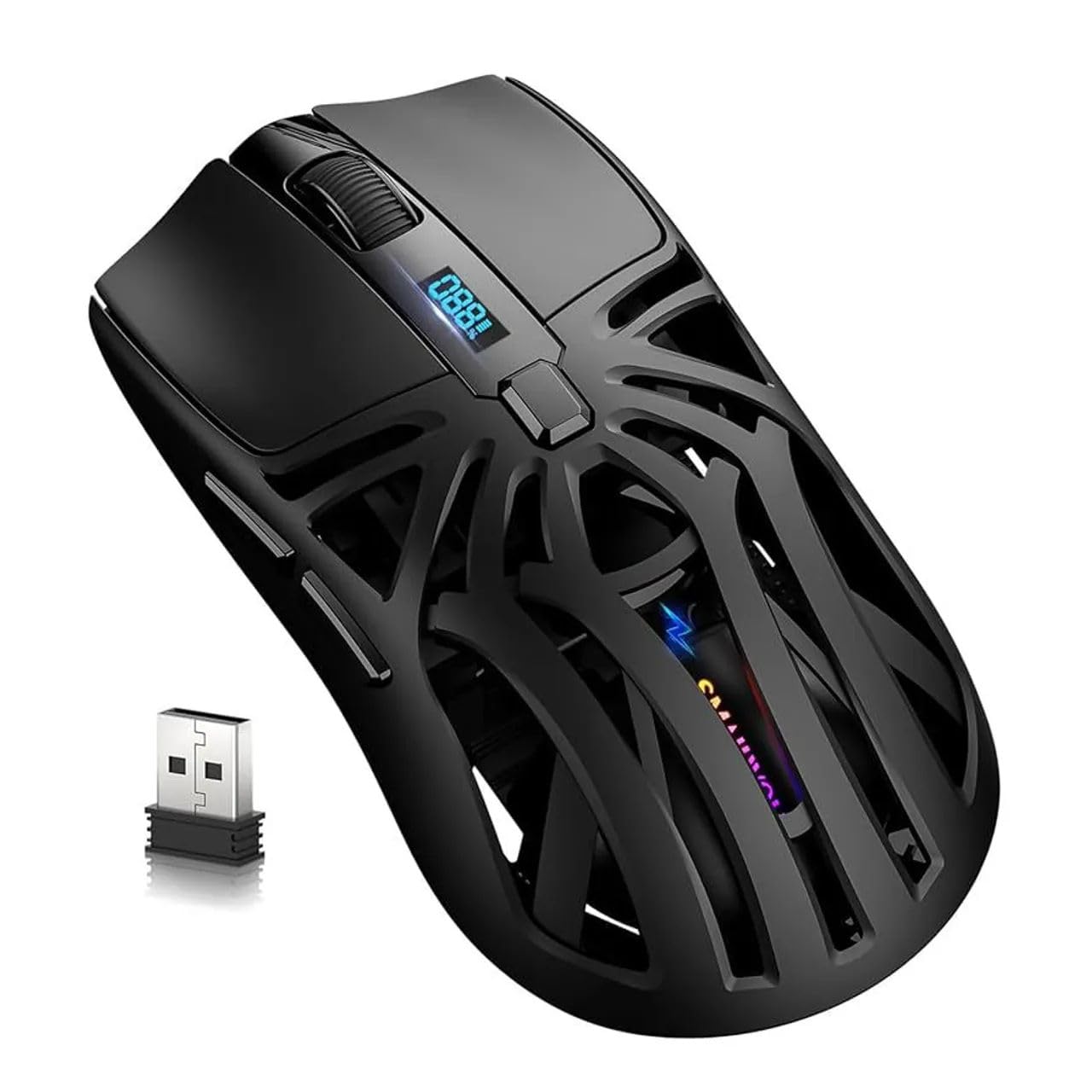
చిత్రం: పైన view of the SmailWolf RS8 gaming mouse, highlighting its ergonomic design and central digital display.
సెటప్
ప్యాకేజీ విషయాలు
Ensure the following items are included in your package: SmailWolf RS8 Gaming Mouse, USB Receiver, USB Charging Cable.
మౌస్ ఛార్జింగ్
Connect the USB charging cable to the mouse's charging port and to a USB power source. The digital display will indicate the battery level.
కనెక్టివిటీ ఎంపికలు
The SmailWolf RS8 supports three connection modes: 2.4GHz wireless, Bluetooth, and wired USB.

Image: Underside of the SmailWolf RS8 mouse, showing the mode switches and the compartment for the USB receiver.
2.4GHz వైర్లెస్ కనెక్షన్
- మౌస్ దిగువన ఉన్న కంపార్ట్మెంట్లో నిల్వ చేయబడిన USB రిసీవర్ను గుర్తించండి.
- మీ కంప్యూటర్లో అందుబాటులో ఉన్న USB పోర్ట్కి USB రిసీవర్ని ప్లగ్ చేయండి.
- Switch the mode selector on the bottom of the mouse to the 2.4G position.
- మౌస్ స్వయంచాలకంగా మీ కంప్యూటర్కు కనెక్ట్ అవ్వాలి.
బ్లూటూత్ కనెక్షన్
- మౌస్ దిగువన ఉన్న మోడ్ సెలెక్టర్ను బ్లూటూత్ స్థానానికి మార్చండి.
- మీ కంప్యూటర్లో, బ్లూటూత్ సెట్టింగ్లకు వెళ్లి కొత్త పరికరాల కోసం శోధించండి.
- Select "SmailWolf RS8" from the list of available devices to pair.
- The mouse should connect and be ready for use.
వైర్డు USB కనెక్షన్
- Connect the USB charging cable to the mouse and to a USB port on your computer.
- The mouse will function as a wired mouse and will also charge simultaneously.
ఆపరేటింగ్ సూచనలు
DPI సర్దుబాటు
The SmailWolf RS8 features six-speed DPI adjustment, with a maximum sensitivity of 12000 DPI. Use the dedicated DPI button (usually located behind the scroll wheel) to cycle through the preset DPI levels (e.g., 1200, 1600, 3200, 6400, 10000, 12000). The digital display may show the current DPI setting.
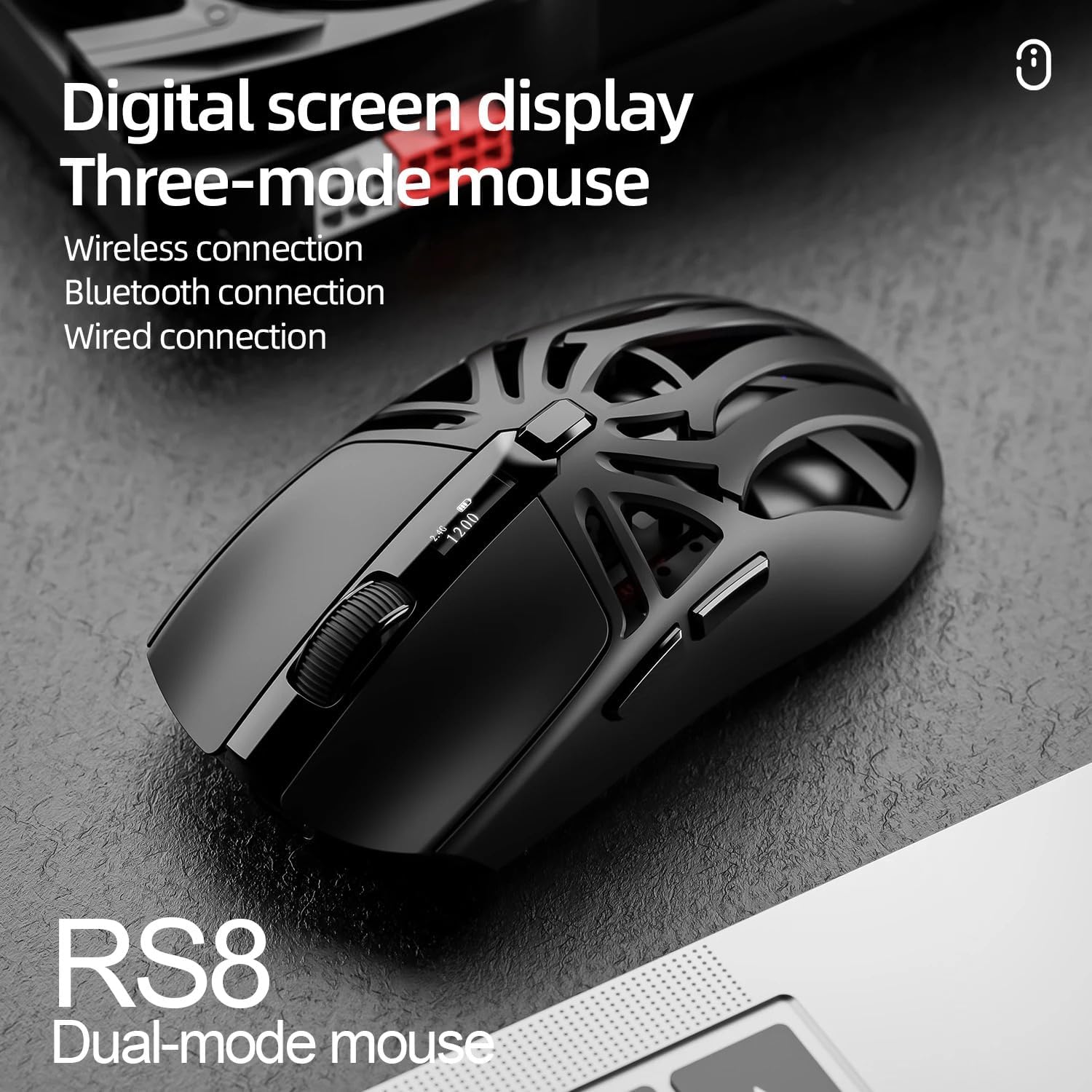
Image: SmailWolf RS8 mouse displaying DPI settings on its digital screen.
RGB Lighting Configuration
The mouse features customizable RGB lighting with 16.8 million colors. Specific buttons or software (if available) can be used to change lighting modes and colors. Refer to the manufacturer's webఅందుబాటులో ఉన్న ఏదైనా సాఫ్ట్వేర్ కోసం సైట్.

Image: Detail of the SmailWolf RS8 mouse showcasing its RGB lighting effect.
బటన్ విధులు
The mouse has 6 programmable buttons. Default functions include:
- ఎడమ క్లిక్ చేయండి
- రైట్ క్లిక్ చేయండి
- Scroll Wheel (Click and Scroll)
- DPI సైకిల్ బటన్
- ఫార్వర్డ్ బటన్ (వైపు)
- Back Button (Side)
For advanced customization, check if dedicated software is available from the manufacturer.
నిర్వహణ
క్లీనింగ్
To clean the mouse, use a soft, dry cloth. For stubborn dirt, slightly dampనీటితో లేదా తేలికపాటి శుభ్రపరిచే ద్రావణంతో గుడ్డను తుడవండి. కఠినమైన రసాయనాలు లేదా రాపిడి పదార్థాలను ఉపయోగించకుండా ఉండండి.
బ్యాటరీ సంరక్షణ
To prolong battery life, avoid fully discharging the mouse frequently. Charge the mouse when the battery indicator is low. If storing the mouse for an extended period, charge it to approximately 50% and store in a cool, dry place.
ట్రబుల్షూటింగ్
మౌస్ స్పందించడం లేదు
- మౌస్ ఛార్జ్ అయ్యిందని నిర్ధారించుకోండి.
- Check the connection mode (2.4GHz, Bluetooth, or wired).
- 2.4GHz కోసం, USB రిసీవర్ సురక్షితంగా ప్లగిన్ చేయబడిందని నిర్ధారించుకోండి. వేరే USB పోర్ట్ని ప్రయత్నించండి.
- For Bluetooth, ensure Bluetooth is enabled on your computer and the mouse is paired correctly. Try re-pairing.
- For wired, ensure the USB cable is securely connected.
- మీ కంప్యూటర్ని పునఃప్రారంభించండి.
అడపాదడపా కనెక్షన్
- Move the mouse closer to the USB receiver or Bluetooth device.
- ఇతర వైర్లెస్ పరికరాల జోక్యాన్ని నివారించండి.
- Ensure the mouse battery is not low.
DPI మారడం లేదు
- DPI బటన్ను గట్టిగా నొక్కండి.
- మౌస్ ఆన్ చేయబడి, కనెక్ట్ చేయబడిందని నిర్ధారించుకోండి.
స్పెసిఫికేషన్లు
- మోడల్: SmailWolf RS8
- కనెక్టివిటీ: Bluetooth, 2.4GHz Wireless, USB Wired (Tri-mode)
- DPI సున్నితత్వం: 12000 DPI వరకు (6 సర్దుబాటు స్థాయిలు)
- పోలింగ్ రేటు: 1000 Hz
- బటన్లు: 6
- బరువు: 49 Grams (Ultra-light)
- కొలతలు (L x W): 12 సెం.మీ x 6.5 సెం.మీ
- లైటింగ్: RGB (16.8 మిలియన్ రంగులు)
- ఆపరేటింగ్ సిస్టమ్ అనుకూలత: Windows (Windows 10 minimum)
- సిఫార్సు చేయబడిన ఉపయోగం: గేమింగ్
- మెటీరియల్: ప్లాస్టిక్
- రంగు: నలుపు
- శక్తి మూలం: Built-in rechargeable battery (charged via USB)
- ఆప్టికల్ సెన్సార్: అవును
- దిశ: కుడిచేతి వాటం
- మూలం దేశం: బ్రెజిల్
వారంటీ మరియు మద్దతు
This product is manufactured by HYPEDFLOW. For warranty information or technical support, please refer to the retailer or manufacturer's official website. The product description indicates that specific warranty details may be provided by the seller or local regulations.
తయారీదారు: HYPEDFLOW