
1. పరిచయం
Thank you for choosing the THOMSON COSMO 500W Wi-Fi Connected Fluid-Free Electric Towel Dryer. This appliance is designed to provide rapid and uniform heat, ensuring warm towels and a comfortable bathroom environment. Its elegant design and smart connectivity features offer both performance and convenience.
This manual provides essential information for the safe installation, operation, and maintenance of your new towel dryer. Please read it thoroughly before use and retain it for future reference.
2. భద్రతా సూచనలు
హెచ్చరిక: ఈ భద్రతా సూచనలను పాటించడంలో విఫలమైతే అగ్ని ప్రమాదం, విద్యుత్ షాక్ లేదా గాయం సంభవించవచ్చు.
- ఈ ఉపకరణాన్ని ఇన్స్టాల్ చేయడానికి లేదా ఉపయోగించే ముందు అన్ని సూచనలను చదవండి.
- ఈ ఉపకరణం గృహ వినియోగం కోసం మాత్రమే ఉద్దేశించబడింది. దీనిని వాణిజ్య లేదా పారిశ్రామిక ప్రయోజనాల కోసం ఉపయోగించవద్దు.
- విద్యుత్ సరఫరా వాల్యూమ్ నిర్ధారించుకోండిtage ఉపకరణంపై రేటింగ్ లేబుల్తో సరిపోలుతుంది.
- Do not operate the appliance with a damaged cord or plug, or if it has malfunctioned or been dropped.
- వేడిచేసిన ఉపరితలాల నుండి పవర్ కార్డ్ను దూరంగా ఉంచండి.
- ఉపకరణం, త్రాడు లేదా ప్లగ్ నీటిలో లేదా ఇతర ద్రవాలలో ముంచవద్దు.
- ఉపయోగంలో లేనప్పుడు మరియు శుభ్రపరిచే ముందు ఎల్లప్పుడూ పవర్ అవుట్లెట్ నుండి ఉపకరణాన్ని అన్ప్లగ్ చేయండి.
- Do not allow children to operate or play with the appliance. Close supervision is necessary when the appliance is used near children.
- Install the towel dryer in a location where it is not accessible to persons in the bath or shower.
- Ensure proper ventilation around the appliance. Do not cover the towel dryer.
- This appliance is equipped with overheat protection. If it overheats, it will automatically shut off.
- స్థానిక వైరింగ్ నిబంధనలకు అనుగుణంగా అర్హత కలిగిన ఎలక్ట్రీషియన్ ద్వారా ఇన్స్టాలేషన్ నిర్వహించాలి.
3. ఉత్పత్తి ముగిసిందిview
The THOMSON COSMO towel dryer features a sleek design and advanced fluid-free heating technology for rapid and even heat distribution. It includes a digital control panel and Wi-Fi connectivity for remote management.
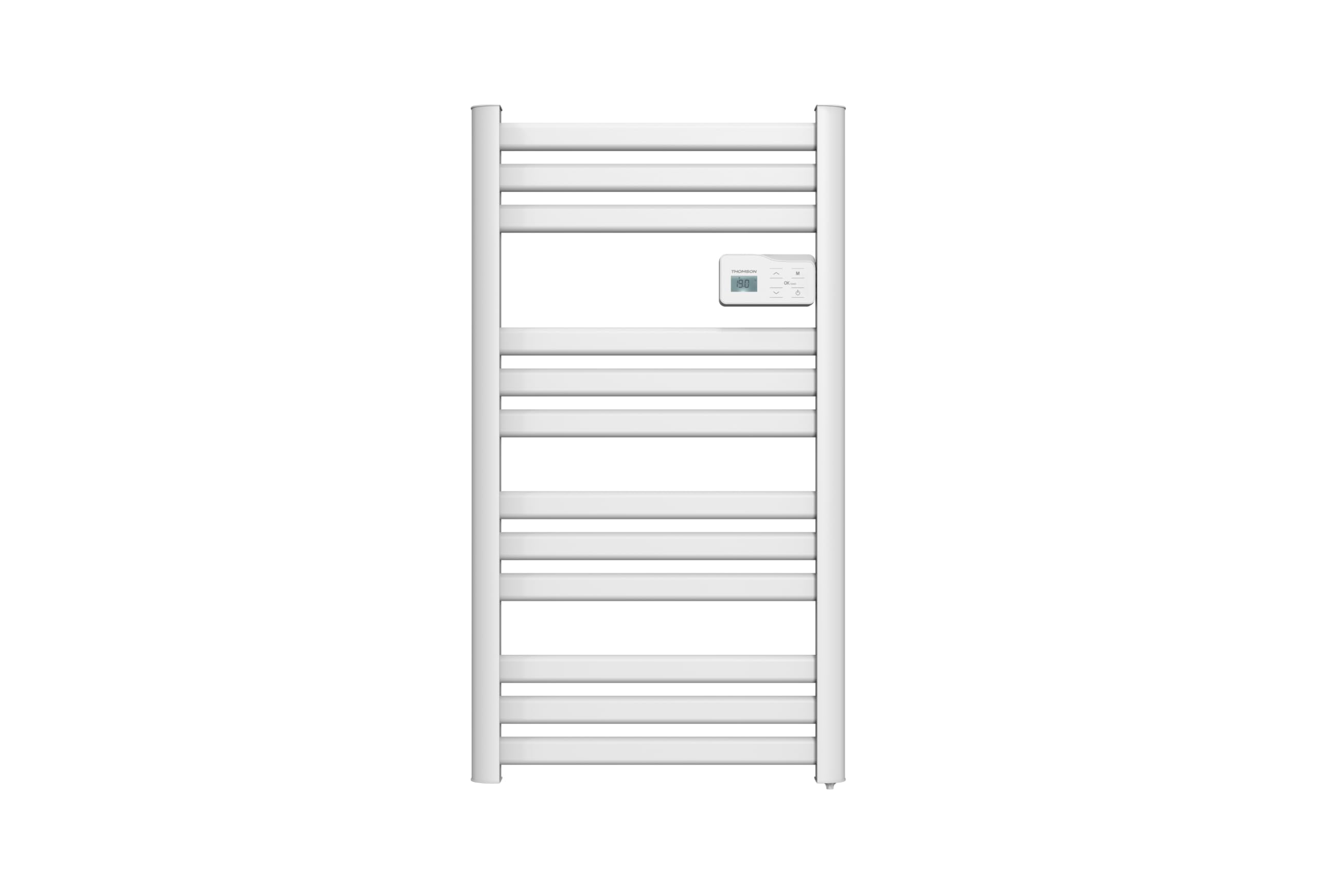
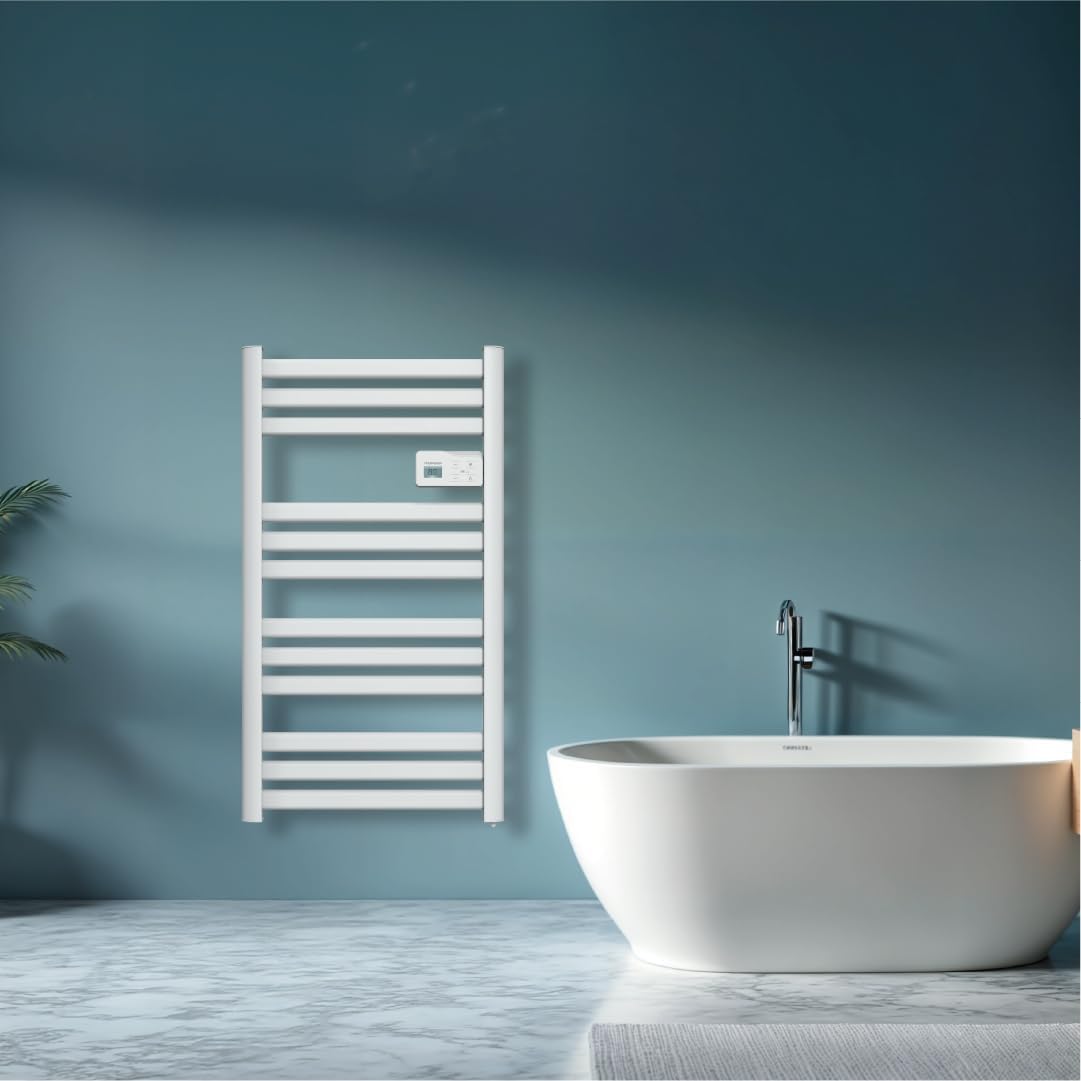
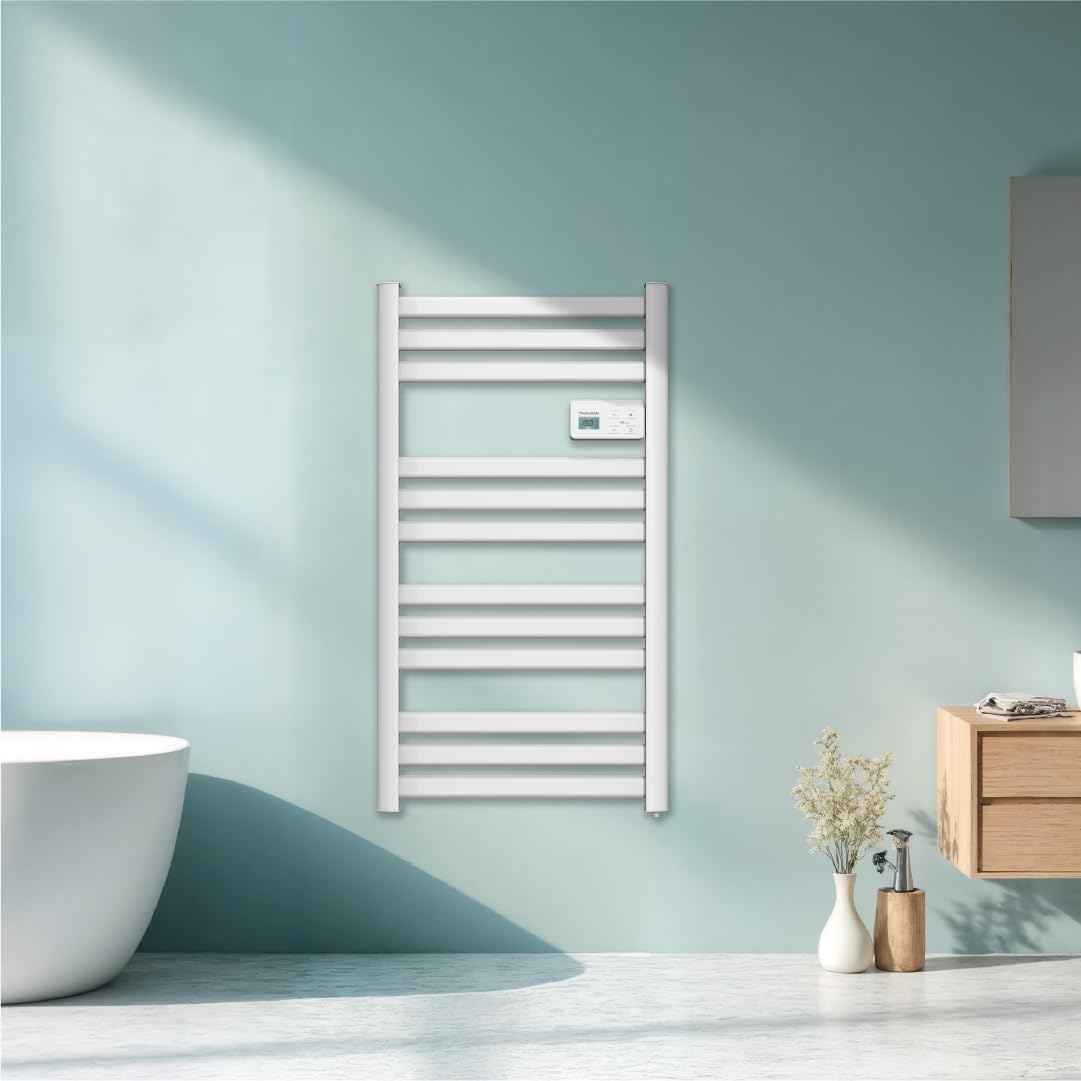
చిత్రం: ముందు view of the THOMSON COSMO electric towel dryer, white, wall-mounted, showcasing its design in a bathroom.
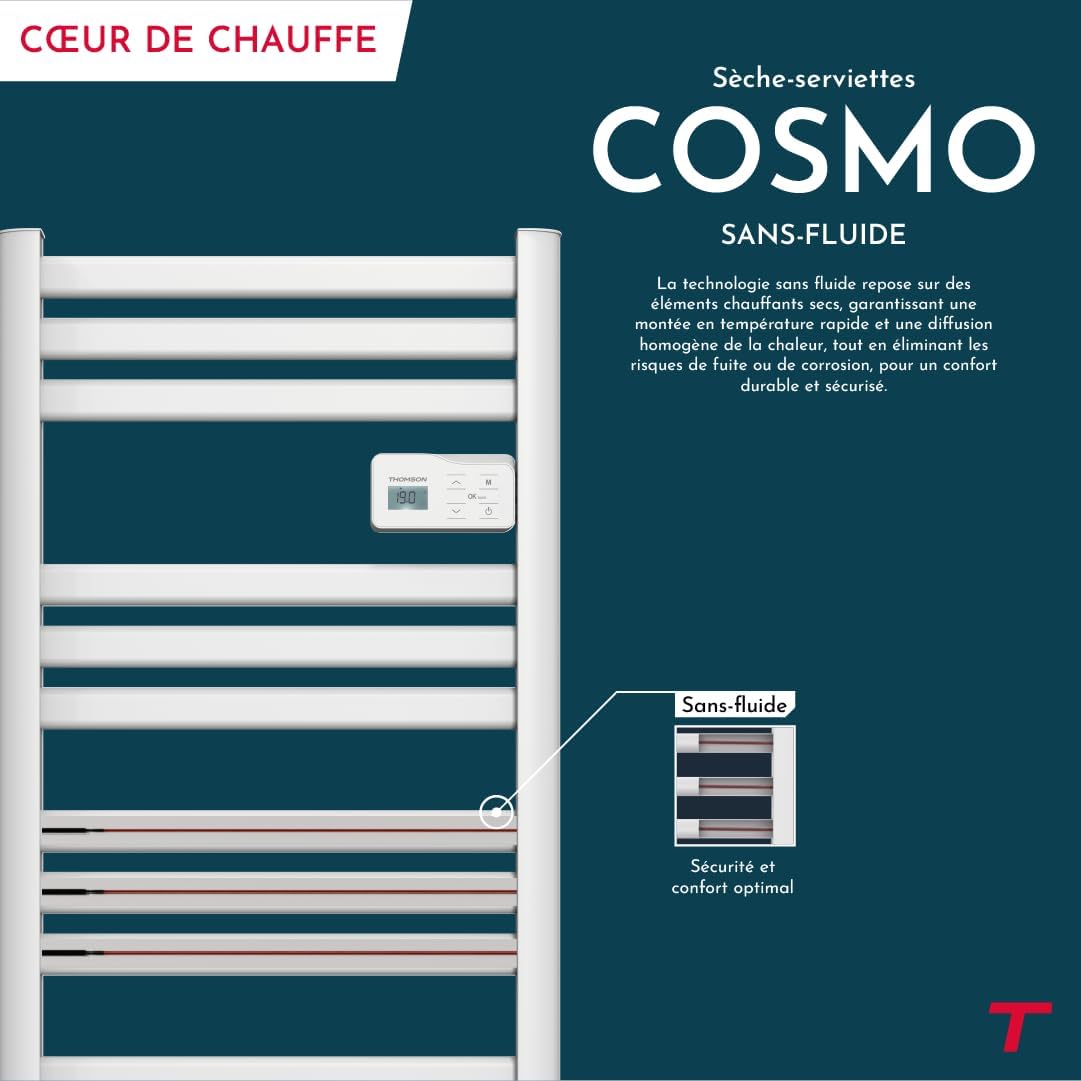
చిత్రం: Diagram illustrating the internal fluid-free heating elements, highlighting rapid and homogeneous heat distribution and programmable thermostat.
ముఖ్య లక్షణాలు:
- 500W పవర్: Efficient heating for towels and bathroom.
- Fluid-Free Technology: Ensures quick heat-up and uniform temperature across the surface.
- Wi-Fi కనెక్టివిటీ: Compatible with Tuya Smart and Smart Life applications for remote control.
- డిజిటల్ కంట్రోల్ ప్యానెల్: Intuitive LCD display for direct temperature and mode adjustments.
- ప్రోగ్రామబుల్ థర్మోస్టాట్: 7 daily pre-recorded and customizable programs.
- విండో ఓపెన్ డిటెక్షన్: Automatically cuts heating to save energy if a sudden temperature drop is detected.
- చైల్డ్ లాక్: సెట్టింగ్లకు ఊహించని మార్పులను నిరోధిస్తుంది.
4. సెటప్ మరియు ఇన్స్టాలేషన్
The THOMSON COSMO towel dryer is designed for wall-mounted installation. Professional installation is recommended.
4.1. అన్ప్యాకింగ్
- Carefully remove the towel dryer and all accessories from the packaging.
- రవాణా సమయంలో ఏదైనా నష్టం జరిగిందో లేదో తనిఖీ చేయండి. దెబ్బతిన్నట్లయితే, ఇన్స్టాల్ చేయవద్దు మరియు మీ రిటైలర్ను సంప్రదించండి.
- భవిష్యత్తులో రవాణా లేదా నిల్వ కోసం ప్యాకేజింగ్ను ఉంచండి.
4.2 మౌంటు స్థానం
- Choose a suitable wall in your bathroom, ensuring it is structurally sound to support the weight of the unit (approximately 3.9 kg).
- Ensure the location complies with local electrical safety regulations, especially regarding proximity to water sources (baths, showers, sinks).
- Maintain adequate clearance around the unit for air circulation and access.

చిత్రం: Product dimensions and weight for installation planning.
4.3. వాల్ మౌంటు
- Mark the drilling points on the wall using the provided mounting template or by measuring the bracket positions.
- Drill holes of appropriate size for the wall plugs (e.g., Molly anchors for plasterboard, as suggested by a user review).
- Insert the wall plugs and secure the mounting brackets to the wall.
- Carefully hang the towel dryer onto the secured brackets.
- Ensure the unit is level and securely fastened to the wall.
4.4. ఎలక్ట్రికల్ కనెక్షన్
- The appliance connects via an electrical cable. Ensure the power supply is switched off at the main circuit breaker before making any connections.
- Connect the towel dryer to a suitable electrical outlet or junction box according to local electrical codes.
- Once connected, switch on the power supply.
5. ఆపరేటింగ్ సూచనలు
The THOMSON COSMO towel dryer features an intuitive digital control panel for easy operation.
చిత్రం: Digital control panel with LCD display and buttons for temperature adjustment and mode selection, shown with a hand pressing the power button.
5.1. కంట్రోల్ ప్యానెల్ ఓవర్view
- LCD డిస్ప్లే: Shows current temperature, mode, and other settings.
- పవర్ బటన్ (⏻ ⏻ తెలుగు): యూనిట్ని ఆన్/ఆఫ్ చేస్తుంది.
- పైకి/క్రిందికి బాణాలు (⌃ / ⌄कालिक कालि�): Adjust temperature settings or navigate menus.
- మోడ్ బటన్ (M): Cycles through different operating modes (e.g., Comfort, Eco, Boost, Program).
- Menu/Confirm Button (≡ ≡ ఐడియాస్): Accesses menu options or confirms selections.
5.2. ప్రాథమిక ఆపరేషన్
- పవర్ ఆన్/ఆఫ్: పవర్ బటన్ నొక్కండి (⏻ ⏻ తెలుగు) to turn the towel dryer on or off.
- సెట్ ఉష్ణోగ్రత: When the unit is on, use the Up/Down arrows (⌃ / ⌄कालिक कालि�) to adjust the desired temperature. The display will show the set temperature.
- మోడ్ మార్చండి: Press the Mode button (M) to cycle through available operating modes. Refer to the full product manual for detailed descriptions of each mode (e.g., Comfort, Eco, Boost, Frost Protection).
5.3. ప్రోగ్రామింగ్
The towel dryer offers 7 daily pre-recorded and customizable programs. Access the programming menu via the Menu/Confirm button (≡ ≡ ఐడియాస్) and follow the on-screen instructions to set your desired heating schedules.
For a visual guide on programming, you can refer to the official video tutorial playlist:
వీడియో: Official video tutorial playlist for THOMSON COSMO towel dryer programming and features. This playlist provides step-by-step instructions on how to set up and use various functions of your device.
6. Wi-Fi Connectivity & Smart Features
The THOMSON COSMO towel dryer can be controlled remotely via Wi-Fi using the Tuya Smart or Smart Life mobile applications.
చిత్రం: A graphic indicating the towel dryer's Wi-Fi connectivity and compatibility with the Tuya Smart application.
6.1. యాప్ ఇన్స్టాలేషన్ మరియు జత చేయడం
- Download the "Tuya Smart" or "Smart Life" app from your smartphone's app store (Google Play Store for Android, Apple App Store for iOS).
- మీ ఖాతాకు నమోదు చేయండి లేదా లాగిన్ అవ్వండి.
- Ensure your towel dryer is powered on and your smartphone is connected to a 2.4 GHz Wi-Fi network.
- యాప్లో, "పరికరాన్ని జోడించు" లేదా "+" చిహ్నాన్ని నొక్కండి.
- Select the appropriate device category (e.g., "Heater" or "Towel Warmer").
- Follow the in-app instructions to put your towel dryer into pairing mode (usually by pressing and holding a button on the control panel until an indicator light flashes).
- యాప్లో జత చేసే ప్రక్రియను పూర్తి చేయండి.
6.2. రిమోట్ కంట్రోల్ ఫీచర్లు
కనెక్ట్ అయిన తర్వాత, మీరు యాప్ని ఉపయోగించి వీటిని చేయవచ్చు:
- Turn the towel dryer ON/OFF.
- ఉష్ణోగ్రతను సర్దుబాటు చేయండి.
- Change operating modes.
- Set and customize heating schedules.
- Monitor energy consumption (if supported by the app and device).

చిత్రం: The Tuya Smart app interface demonstrating energy monitoring and scheduling features for connected devices.
6.3. వాయిస్ కంట్రోల్ ఇంటిగ్రేషన్
The THOMSON COSMO towel dryer is compatible with voice assistants like Amazon Alexa and Google Home via the Tuya Smart/Smart Life app integration.

చిత్రం: Logos of Amazon Alexa and Google Home, signifying that the towel dryer can be controlled using voice commands through these platforms.
- Enable the "Tuya Smart" or "Smart Life" skill/service in your Alexa or Google Home app.
- Link your Tuya/Smart Life account with your voice assistant account.
- Discover devices. Your towel dryer should appear as a controllable device.
- ఇప్పుడు మీరు ఇలాంటి వాయిస్ కమాండ్లను ఉపయోగించవచ్చు:
- "Alexa, turn on the bathroom heater."
- "Hey Google, set the bathroom heater to 22 degrees."
7. నిర్వహణ
Regular maintenance ensures the longevity and efficient operation of your THOMSON COSMO towel dryer.
7.1. శుభ్రపరచడం
- ఉపకరణాన్ని ఎల్లప్పుడూ అన్ప్లగ్ చేయండి మరియు శుభ్రపరిచే ముందు పూర్తిగా చల్లబరచడానికి అనుమతించండి.
- బాహ్య ఉపరితలాలను మృదువైన, డితో తుడవండిamp రాపిడి క్లీనర్లు, ద్రావకాలు లేదా కఠినమైన రసాయనాలను ఉపయోగించవద్దు, ఎందుకంటే ఇవి ముగింపును దెబ్బతీస్తాయి.
- Ensure no water enters the control panel or electrical components.
- Do not use water jets or immerse the appliance in water.
7.2. నిల్వ
If storing the towel dryer for an extended period, ensure it is clean and dry. Store it in a cool, dry place, preferably in its original packaging to protect it from dust and damage.
8. ట్రబుల్షూటింగ్
If you encounter issues with your THOMSON COSMO towel dryer, refer to the following common problems and solutions:
| సమస్య | సాధ్యమైన కారణం | పరిష్కారం |
|---|---|---|
| ఉపకరణం ఆన్ చేయబడలేదు. | విద్యుత్ సరఫరా లేదు; పవర్ బటన్ నొక్కలేదు; అధిక వేడి రక్షణ సక్రియం చేయబడింది. | Check power outlet and circuit breaker; Press the Power button; Unplug, let cool, then plug back in. |
| Appliance is not heating. | Temperature setting too low; Incorrect mode selected; Window open detection activated. | Increase temperature setting; Select Comfort or Boost mode; Close windows/doors. |
| Wi-Fi కనెక్షన్ విఫలమైంది. | Incorrect Wi-Fi password; Not connected to 2.4 GHz network; Router too far; Device not in pairing mode. | Verify password; Connect to 2.4 GHz Wi-Fi; Move router closer or use extender; Re-enter pairing mode as per app instructions. |
| వాయిస్ కంట్రోల్ పనిచేయడం లేదు. | App not linked to voice assistant; Device not discovered; Incorrect commands. | Ensure Tuya/Smart Life skill is enabled and linked; Re-discover devices in Alexa/Google Home app; Use correct voice commands. |
ఈ పరిష్కారాలను ప్రయత్నించిన తర్వాత కూడా సమస్య కొనసాగితే, దయచేసి కస్టమర్ మద్దతును సంప్రదించండి.
9. స్పెసిఫికేషన్లు
| ఫీచర్ | వివరాలు |
|---|---|
| మోడల్ | కాస్మో |
| బ్రాండ్ | THOMSON (Bestherm) |
| పవర్ అవుట్పుట్ | 500 వాట్స్ |
| తాపన పద్ధతి | Radiant, Fluid-Free Electric |
| కొలతలు (H x W x D) | 98 cm x 54 cm x 9.2 cm (38.6 in x 21.3 in x 3.6 in) |
| బరువు | 3.9 కిలోగ్రాములు (8.6 పౌండ్లు) |
| రంగు | తెలుపు |
| మౌంటు రకం | వాల్-మౌంటెడ్ |
| ప్రత్యేక లక్షణాలు | Wi-Fi Compatible, Overheat Protection, Programmable Thermostat, Electronic Thermostat, Child Lock, Window Open Detection |
| స్మార్ట్ హోమ్ అనుకూలత | Tuya Smart, Smart Life, Amazon Alexa, Google Home |
| ASIN | B0FP2KJNLQ |
10. వారంటీ మరియు మద్దతు
10.1. వారంటీ సమాచారం
Your THOMSON COSMO towel dryer comes with a manufacturer's warranty. Please refer to the warranty card included with your product for specific terms, conditions, and duration. Keep your proof of purchase for warranty claims.
10.2. కస్టమర్ మద్దతు
For technical assistance, troubleshooting beyond this manual, or warranty inquiries, please contact your retailer or the manufacturer's customer service. Contact details can typically be found on the product packaging or the manufacturer's official webసైట్.
ఆన్లైన్ వనరులు: For additional support and video tutorials, visit the official THOMSON website or the YouTube playlist provided in this manual.