
పరిచయం
ధన్యవాదాలు, ధన్యవాదాలు.asing the Audizio SW80D Active HiFi Subwoofer. This manual provides essential information for the safe and efficient operation of your device. Please read it thoroughly before use and retain it for future reference. The Audizio SW80D is designed to enhance your audio experience by delivering powerful, deep bass for home cinema, gaming, TV, and HiFi systems.
భద్రతా సూచనలు
సురక్షితమైన ఆపరేషన్ను నిర్ధారించడానికి, దయచేసి క్రింది జాగ్రత్తలను గమనించండి:
- Do not expose the unit to rain or moisture to prevent electric shock.
- Do not open the housing. There are no user-serviceable parts inside. Refer all servicing to qualified personnel.
- యూనిట్ పడిపోకుండా నిరోధించడానికి స్థిరమైన, స్థాయి ఉపరితలంపై ఉంచండి.
- యూనిట్ చుట్టూ తగినంత వెంటిలేషన్ ఉండేలా చూసుకోండి. వెంటిలేషన్ ఓపెనింగ్లను బ్లాక్ చేయవద్దు.
- రేడియేటర్లు, హీట్ రిజిస్టర్లు, స్టవ్లు లేదా వేడిని ఉత్పత్తి చేసే ఇతర ఉపకరణాలు వంటి ఉష్ణ వనరుల నుండి యూనిట్ను దూరంగా ఉంచండి.
- ప్రత్యేకించి ప్లగ్లు, కన్వీనియన్స్ రెసెప్టాకిల్స్ మరియు అవి ఉపకరణం నుండి నిష్క్రమించే ప్రదేశంలో నడవడం లేదా పించ్ చేయడం నుండి పవర్ కార్డ్ను రక్షించండి.
- మెరుపు తుఫానుల సమయంలో లేదా ఎక్కువ కాలం ఉపయోగించనప్పుడు యూనిట్ను అన్ప్లగ్ చేయండి.
పెట్టెలో ఏముంది
Carefully unpack your Audizio SW80D subwoofer and check that all items are present:
- Audizio SW80D Active HiFi Subwoofer
- పవర్ కేబుల్(లు)
- సూచనల మాన్యువల్ (ఈ పత్రం)
ఉత్పత్తి లక్షణాలు
- Delivers rich, room-filling bass with a robust 20cm driver and 80W RMS output.
- అంతర్నిర్మిత క్లాస్-D amplifier and adjustable crossover (60-250Hz) for distortion-free low frequencies.
- Discreet black design with a removable front grille to suit any decor.
- Versatile RCA and 3.5mm aux connectivity for integration with various audio systems.
- Aux out allows for linking multiple subwoofers or speakers.
- Stable silicone feet and a bass reflex enclosure reduce resonance.
- Optional phase control (0°/180°) for optimal sound harmonization.
నియంత్రణలు మరియు కనెక్షన్లు

Close-up of the Audizio SW80D subwoofer's rear control panel, detailing the LED, Power switch, Volume, Low Pass, Phase switch, Line In (RCA), Aux Out, and DC In connections.

Straight rear view of the Audizio SW80D subwoofer, highlighting the control panel with various inputs and adjustments.
వెనుక ప్యానెల్ నియంత్రణలు:
- LED సూచిక: Illuminates when the subwoofer is powered on.
- పవర్ స్విచ్: Toggles the subwoofer's power on or off.
- వాల్యూమ్ నాబ్: సబ్ వూఫర్ యొక్క మొత్తం అవుట్పుట్ స్థాయిని సర్దుబాటు చేస్తుంది.
- LOW PASS Knob (60-250Hz): Controls the upper frequency limit of the subwoofer. Frequencies above this setting will be filtered out.
- దశ స్విచ్ (0°/180°): Adjusts the phase of the subwoofer's output to match the main speakers.
- LINE IN (RCA L/R): Stereo RCA inputs for connecting to an amplifier, AV receiver, or other audio source.
- ఆక్స్ అవుట్: 3.5mm auxiliary output for linking to additional subwoofers or other audio devices.
- DC IN: Power input for connecting the provided power cable.
ముందు ప్యానెల్:
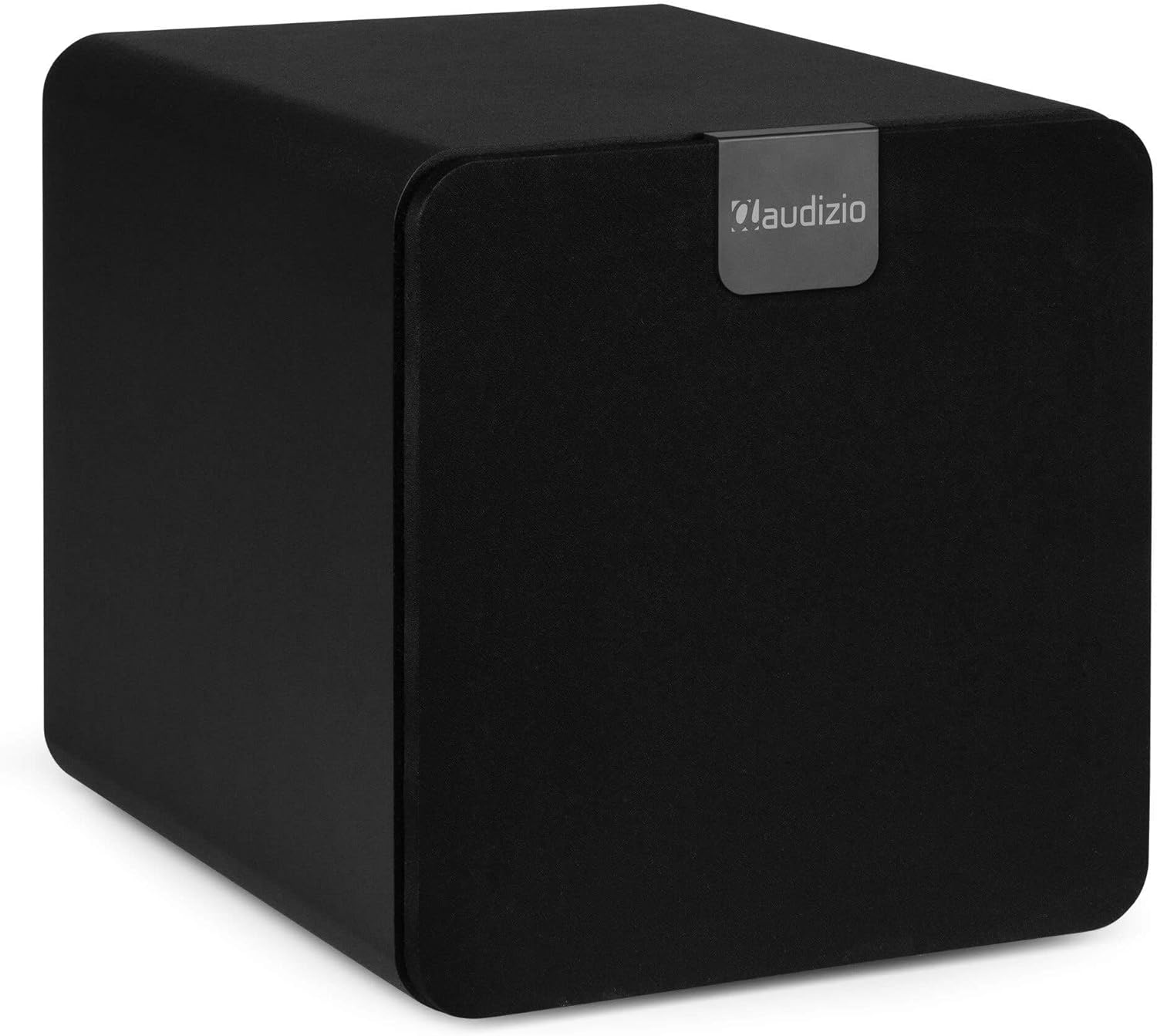
Audizio SW80D subwoofer with its front grille attached, showcasing its discreet black design.
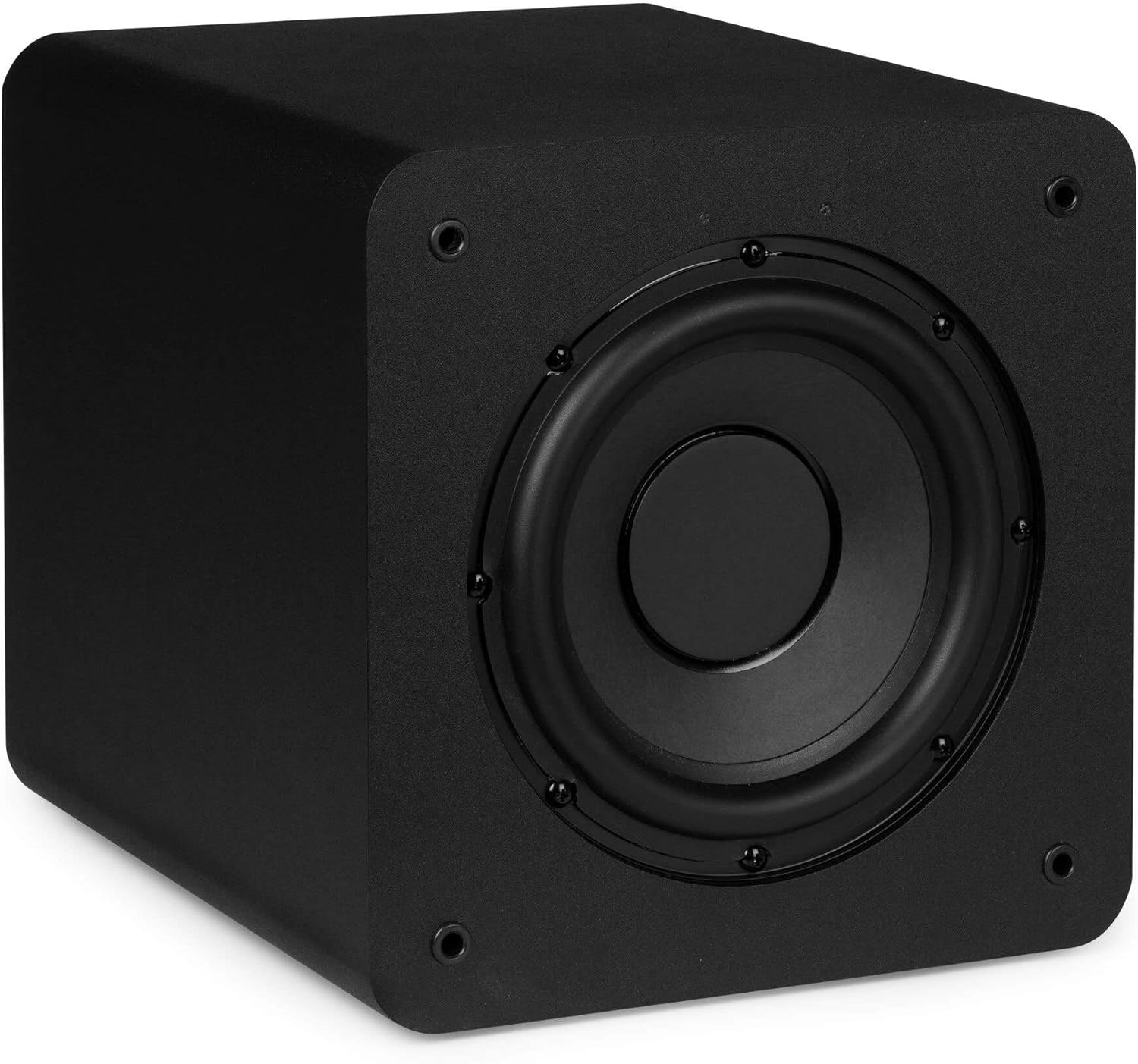
Audizio SW80D subwoofer with the front grille removed, revealing the 20cm driver.
The front of the subwoofer features a removable grille. You can choose to keep the grille on for a discreet look or remove it to expose the 20cm driver.
సైడ్ ప్యానెల్:
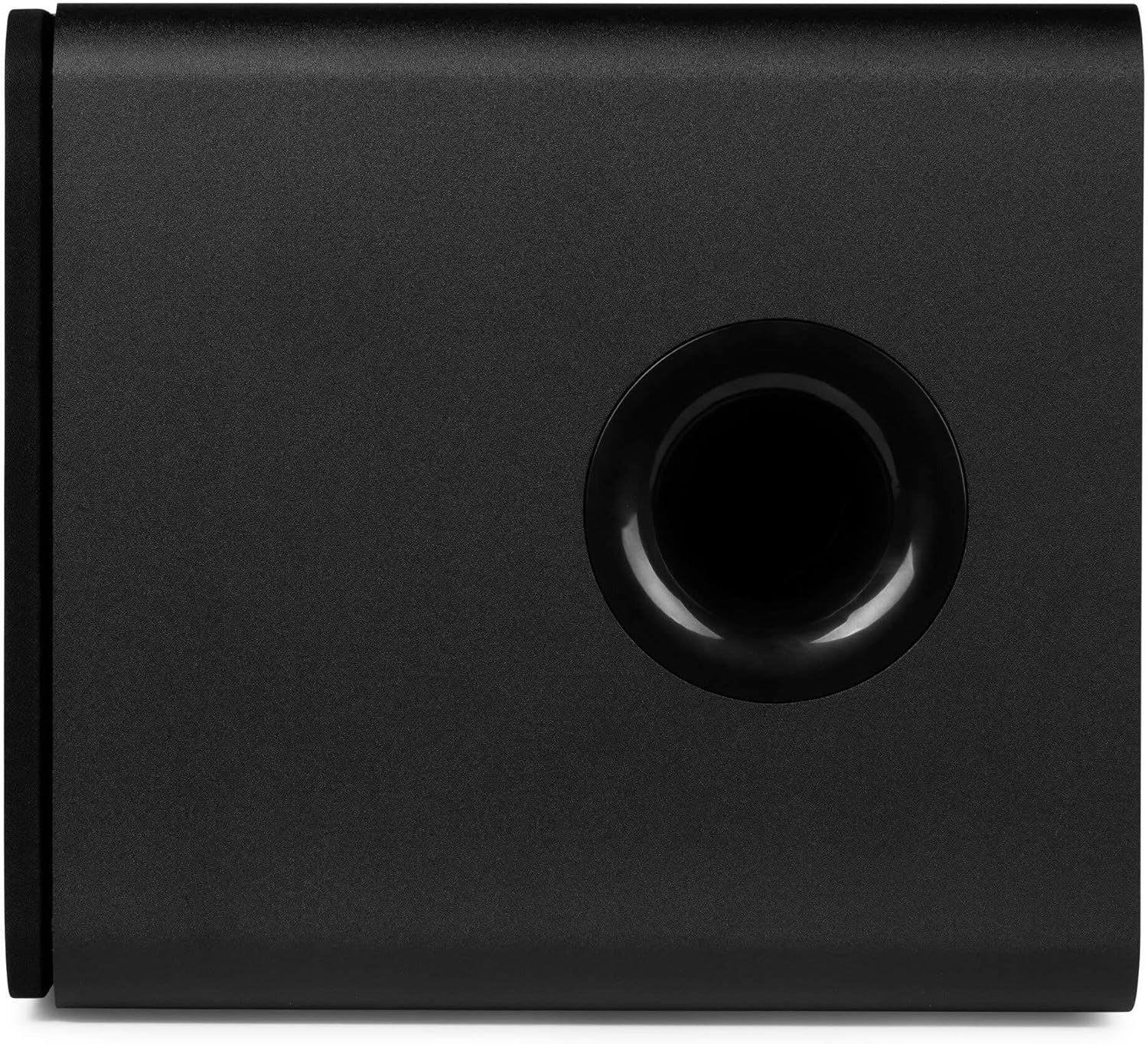
వైపు view of the Audizio SW80D subwoofer, featuring the bass reflex port.
The side panel includes a bass reflex port, which enhances low-frequency output.
సెటప్
1. ప్లేస్మెంట్
- Place the subwoofer on a stable, level surface. The front-firing design and bass reflex port allow for flexible placement, even in tight spaces.
- Experiment with different locations in your room to find the best bass response. Corner placement often enhances bass output.
- Ensure there is adequate space around the bass reflex port for optimal air movement.
2. కనెక్షన్లు
- పవర్ కనెక్షన్: Connect the provided power cable to the DC IN port on the rear panel of the subwoofer and then to a suitable power outlet.
- ఆడియో ఇన్పుట్:
- RCA కనెక్షన్: Use RCA cables to connect the LINE IN (Left and Right) ports on the subwoofer to the subwoofer output (LFE or Sub Out) of your amplifier or AV receiver. If your source has only one subwoofer output, connect it to the Left (white) RCA input on the subwoofer.
- 3.5mm AUX కనెక్షన్: If your source device has a 3.5mm auxiliary output, you can connect it to the LINE IN (Left) port using an appropriate adapter cable (not included).
- Auxiliary Output (Optional): If you wish to connect additional subwoofers or other audio devices in series, use a 3.5mm cable from the AUX OUT port to the input of the next device.
ఆపరేటింగ్ సూచనలు
- పవర్ ఆన్: After making all connections, switch the POWER button on the rear panel to the 'ON' position. The LED indicator will illuminate.
- వాల్యూమ్ సర్దుబాటు: Start with the VOLUME knob set to a low level. Play audio through your main system and gradually increase the subwoofer's VOLUME until the bass blends smoothly with your main speakers.
- Low Pass Crossover Adjustment: The LOW PASS knob (60-250Hz) determines the highest frequency the subwoofer will reproduce. Adjust this setting to match the low-frequency capabilities of your main speakers. A good starting point is typically around 80-100Hz, or slightly above the lowest frequency your main speakers can reproduce.
- దశ సర్దుబాటు: The PHASE switch (0°/180°) helps integrate the subwoofer's output with your main speakers. Listen to music with strong bass and toggle the switch between 0° and 180°. Choose the setting that provides the most impactful and coherent bass response. This often depends on the subwoofer's placement relative to your main speakers.
- ఫైన్-ట్యూనింగ్: Continue to adjust the VOLUME, LOW PASS, and PHASE settings until the bass sounds natural, powerful, and well-integrated with your overall audio system.
నిర్వహణ
- శుభ్రపరచడం: Use a soft, dry cloth to clean the exterior of the subwoofer. Do not use abrasive cleaners, waxes, or solvents.
- గ్రిల్ కేర్: The front grille can be removed for cleaning. Gently wipe it with a soft cloth.
- వెంటిలేషన్: Ensure that the ventilation openings and bass reflex port remain clear of dust and obstructions.
- నిల్వ: If storing the subwoofer for an extended period, disconnect it from power and store it in a cool, dry place, preferably in its original packaging.
ట్రబుల్షూటింగ్
No Sound from Subwoofer:
- Check if the subwoofer is powered on and the LED indicator is lit.
- Ensure the power cable is securely connected to both the subwoofer and the power outlet.
- Verify that the audio input cables (RCA) are correctly connected to both the subwoofer and your audio source/receiver.
- Increase the VOLUME knob on the subwoofer.
- Check the volume settings on your amplifier/receiver and ensure the subwoofer output is enabled.
- వీలైతే వేరే ఆడియో సోర్స్ లేదా కేబుల్తో పరీక్షించండి.
Distorted or Boomy Bass:
- Reduce the VOLUME knob on the subwoofer.
- Adjust the LOW PASS crossover frequency. Try lowering it to prevent the subwoofer from reproducing frequencies that your main speakers are already handling.
- Experiment with the PHASE switch (0°/180°) to find the setting that provides the cleanest bass.
- Try repositioning the subwoofer. Moving it away from corners or walls can sometimes reduce boominess.
హమ్మింగ్ లేదా బజ్జింగ్ శబ్దం:
- అన్ని ఆడియో కేబుల్లు సురక్షితంగా కనెక్ట్ అయ్యాయని నిర్ధారించుకోండి.
- Try connecting the subwoofer to a different power outlet.
- Disconnect all audio input cables from the subwoofer. If the hum stops, the issue is likely with the audio source or cables.
- Use shielded audio cables to minimize interference.
స్పెసిఫికేషన్లు
| ఫీచర్ | స్పెసిఫికేషన్ |
|---|---|
| మోడల్ సంఖ్య | SW80D |
| స్పీకర్ పరిమాణం | 8 అంగుళాలు (20 సెం.మీ.) |
| స్పీకర్ గరిష్ట అవుట్పుట్ పవర్ | 160 వాట్స్ |
| RMS అవుట్పుట్ పవర్ | 80 వాట్స్ |
| తక్కువ పాస్ క్రాస్ఓవర్ | 60 - 250 Hz (Adjustable) |
| దశ నియంత్రణ | 0° / 180° |
| కనెక్టివిటీ | RCA Line In (L/R), 3.5mm Aux Out |
| మౌంటు రకం | టాబ్లెట్ మౌంట్ |
| ఉత్పత్తి కొలతలు (D x W x H) | 15.75 x 13.98 x 15.16 అంగుళాలు (40 x 35.5 x 38.5 సెం.మీ.) |
| వస్తువు బరువు | 15.73 పౌండ్లు (7.15 కిలోగ్రాములు) |
| తయారీదారు | ట్రోనియోస్ BV |
వారంటీ మరియు మద్దతు
Audizio products are designed and manufactured to the highest standards. In the unlikely event that you experience a problem with your product, please contact your retailer for assistance. Please retain your proof of purchase as this will be required for any warranty claims. For further support or inquiries, please refer to the contact information provided by your retailer or visit the official Audizio webసైట్.