
పరిచయం
This manual provides clear, step-by-step instructions for using your Apple Watch Series 11. It is designed to help users, from beginners to those upgrading from an older model, understand and utilize all features effectively. Follow these guidelines to set up, operate, maintain, and troubleshoot your device.
1. ప్రారంభ సెటప్
1.1 Unboxing and First Steps
Upon unboxing your Apple Watch Series 11, ensure all components are present. These typically include the Apple Watch, a charging cable, and documentation. Before proceeding, it is recommended to fully charge your device.
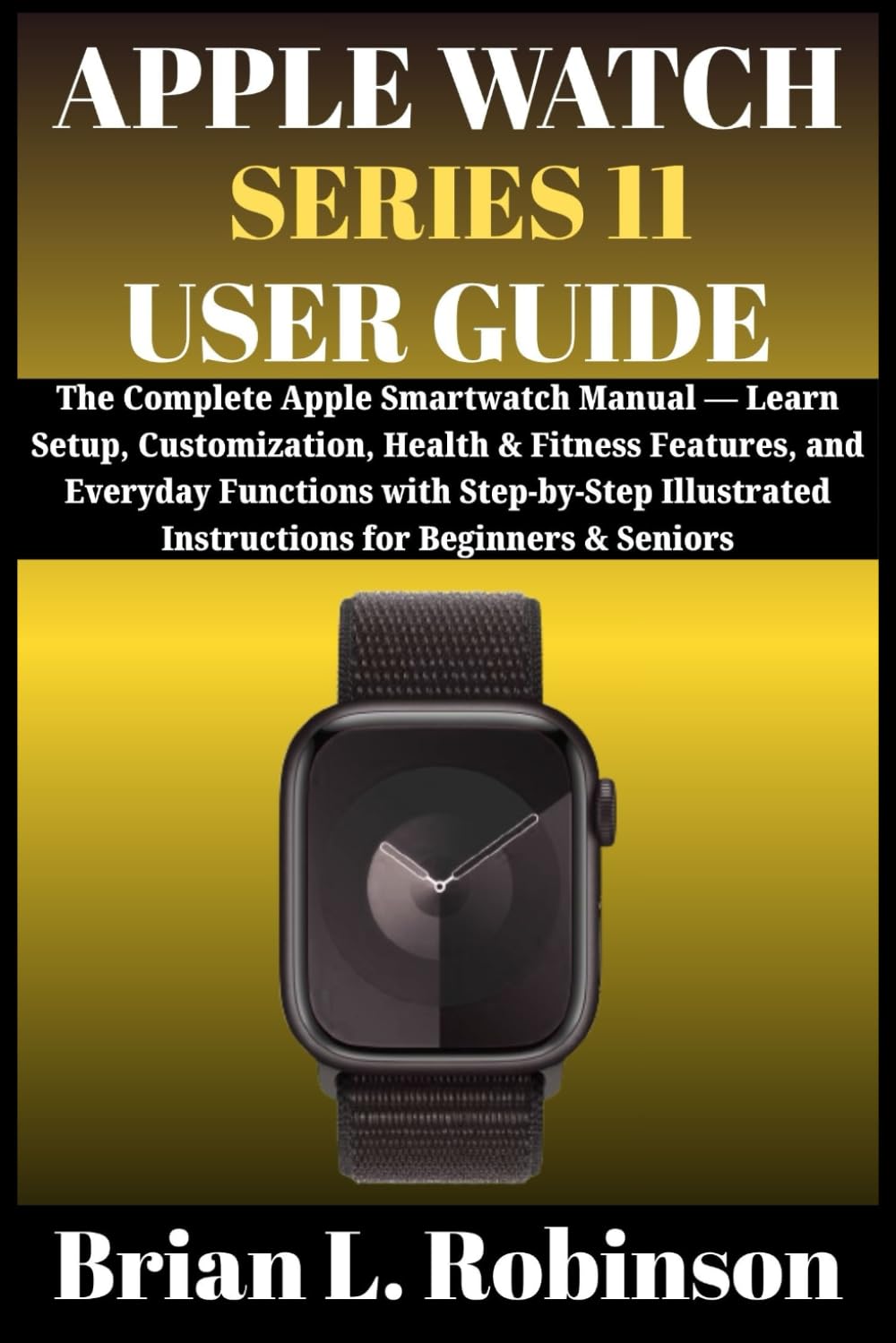
Image: Front cover of the 'Apple Watch Series 11 User Guide' book, featuring the title and design elements. This guide serves as your comprehensive resource.
1.2 Pairing with iPhone
To begin using your Apple Watch, it must be paired with a compatible iPhone. Ensure your iPhone is updated to the latest iOS version and has Bluetooth enabled.
- Apple లోగో కనిపించే వరకు సైడ్ బటన్ను నొక్కి పట్టుకోవడం ద్వారా మీ Apple వాచ్ని ఆన్ చేయండి.
- Bring your iPhone near your Apple Watch. A pairing screen will appear on your iPhone. Tap 'Continue'.
- మీ ఐఫోన్ను ఆపిల్ వాచ్ కనిపించేలా ఉంచండి viewఫైండర్. ఇది పరికరాలను జత చేస్తుంది.
- Follow the on-screen instructions on both devices to complete the setup, including setting up a passcode and installing apps.
1.3 Customization and Syncing
After pairing, you can customize your Apple Watch. Explore various watch faces, arrange app layouts, and configure notifications through the Apple Watch app on your iPhone. The device runs on watchOS 26, offering enhanced features and performance.
2. Operating Your Apple Watch Series 11
2.1 కమ్యూనికేషన్ లక్షణాలు
Your Apple Watch allows you to stay connected directly from your wrist.
- కాల్స్ చేయడం: Use the Phone app on your watch or Siri to initiate calls.
- సందేశాలు పంపడం: Respond to messages using dictation, Scribble, or pre-set replies.
- యాప్ వినియోగం: Access and interact with various apps installed on your watch.
2.2 ఆరోగ్యం మరియు ఫిట్నెస్ ట్రాకింగ్
The Apple Watch Series 11 is equipped with advanced sensors for monitoring your well-being.
- హృదయ స్పందన పర్యవేక్షణ: Track your heart rate throughout the day and during workouts.
- కార్యాచరణ ట్రాకింగ్: Monitor your daily movement, exercise, and stand goals with the Activity rings.
- నిద్ర ట్రాకింగ్: Analyze your sleep patterns to help improve your rest.
2.3 Everyday Tools
Utilize built-in tools for convenience.
- సిరి: Activate Siri by raising your wrist or pressing the Digital Crown to ask questions or issue commands.
- ఆపిల్ పే: Make secure payments directly from your wrist.
- మ్యాప్స్: Get turn-by-turn directions with haptic feedback.
- Reminders and Notifications: Receive timely alerts and manage your schedule.
2.4 Camera Control and Shortcuts
Control your iPhone's camera remotely and use custom shortcuts for quick actions.
3. సంరక్షణ మరియు నిర్వహణ
3.1 మీ పరికరాన్ని శుభ్రపరచడం
Regular cleaning helps maintain your Apple Watch. Use a soft, lint-free cloth. If necessary, slightly dampen the cloth with fresh water. Avoid harsh chemicals or abrasive materials.
3.2 ఛార్జింగ్
Charge your Apple Watch using the provided magnetic charging cable. Ensure the charger is connected to a power source and the watch is properly aligned for charging. Avoid exposing the charging port to liquids.
3.3 సాఫ్ట్వేర్ నవీకరణలు
Keep your Apple Watch software updated to ensure optimal performance and access to the latest features. Updates can be managed through the Apple Watch app on your iPhone.
4. సాధారణ సమస్యలను పరిష్కరించడం
If you encounter problems with your Apple Watch Series 11, try the following basic troubleshooting steps:
- పరికరం స్పందించడం లేదు: Try a force restart by holding the side button and Digital Crown simultaneously until the Apple logo appears.
- కనెక్టివిటీ సమస్యలు: Ensure Bluetooth is enabled on your iPhone and both devices are within range. Try unpairing and re-pairing the watch.
- ఛార్జింగ్ సమస్యలు: Verify the charging cable and adapter are working correctly. Clean the back of the watch and the charger.
- యాప్ లోపాలు: Close and reopen the app. If the issue persists, try restarting your Apple Watch.

Image: Back cover of the 'Apple Watch Series 11 User Guide' book, displaying the ISBN-13 barcode (979-8267977777) and other publication details.
5. ఉత్పత్తి లక్షణాలు
Key specifications for the Apple Watch Series 11 User Guide book:
| స్పెసిఫికేషన్ | వివరాలు |
|---|---|
| ASIN | B0FTLW772W |
| ప్రచురణకర్త | స్వతంత్రంగా ప్రచురించబడింది |
| ప్రచురణ తేదీ | అక్టోబర్ 1, 2025 |
| భాష | ఇంగ్లీష్ |
| ప్రింట్ పొడవు | 309 పేజీలు |
| ISBN-13 | 979-8267977777 |
| వస్తువు బరువు | 1.18 పౌండ్లు |
| కొలతలు | 6 x 0.7 x 9 అంగుళాలు |
6. వారంటీ మరియు మద్దతు సమాచారం
For specific warranty details regarding your Apple Watch Series 11, please refer to the official Apple website or the documentation included with your device. This user guide provides instructional content for the device, not warranty coverage.
For technical support, service, or additional information, visit the official Apple Support webసైట్: support.apple.com/watch.