
పరిచయం
This manual provides detailed instructions for the setup, operation, and maintenance of your Oilsky M305 MP3 Player. Please read this manual thoroughly before using the device to ensure optimal performance and longevity.

చిత్రం: పైగాview of the Oilsky M305 MP3 Player's key features.
1. సెటప్ గైడ్
1.1 అన్బాక్సింగ్ మరియు ప్యాకేజీ కంటెంట్లు
Carefully unpack your Oilsky M305 MP3 Player and verify all components are present.

Image: Contents of the Oilsky M305 MP3 Player box.
ప్యాకేజీ కలిగి ఉండాలి:
- 1x Oilsky M305 Music Player
- 1x 128GB TF Card (pre-installed or separate)
- 1x USB కేబుల్ (ఛార్జింగ్ మరియు డేటా బదిలీ కోసం)
- 1x వైర్డ్ ఇయర్ఫోన్లు
- 1x ప్రొటెక్టివ్ ఫిల్మ్
- 1x రక్షణ కేసు
- 1x వినియోగదారు మాన్యువల్
1.2 పరికరాన్ని ఛార్జ్ చేస్తోంది
Before first use, fully charge the device. Connect the provided USB cable to the player's charging port and to a USB power adapter (not included) or a computer's USB port. The charging indicator will show the charging status.
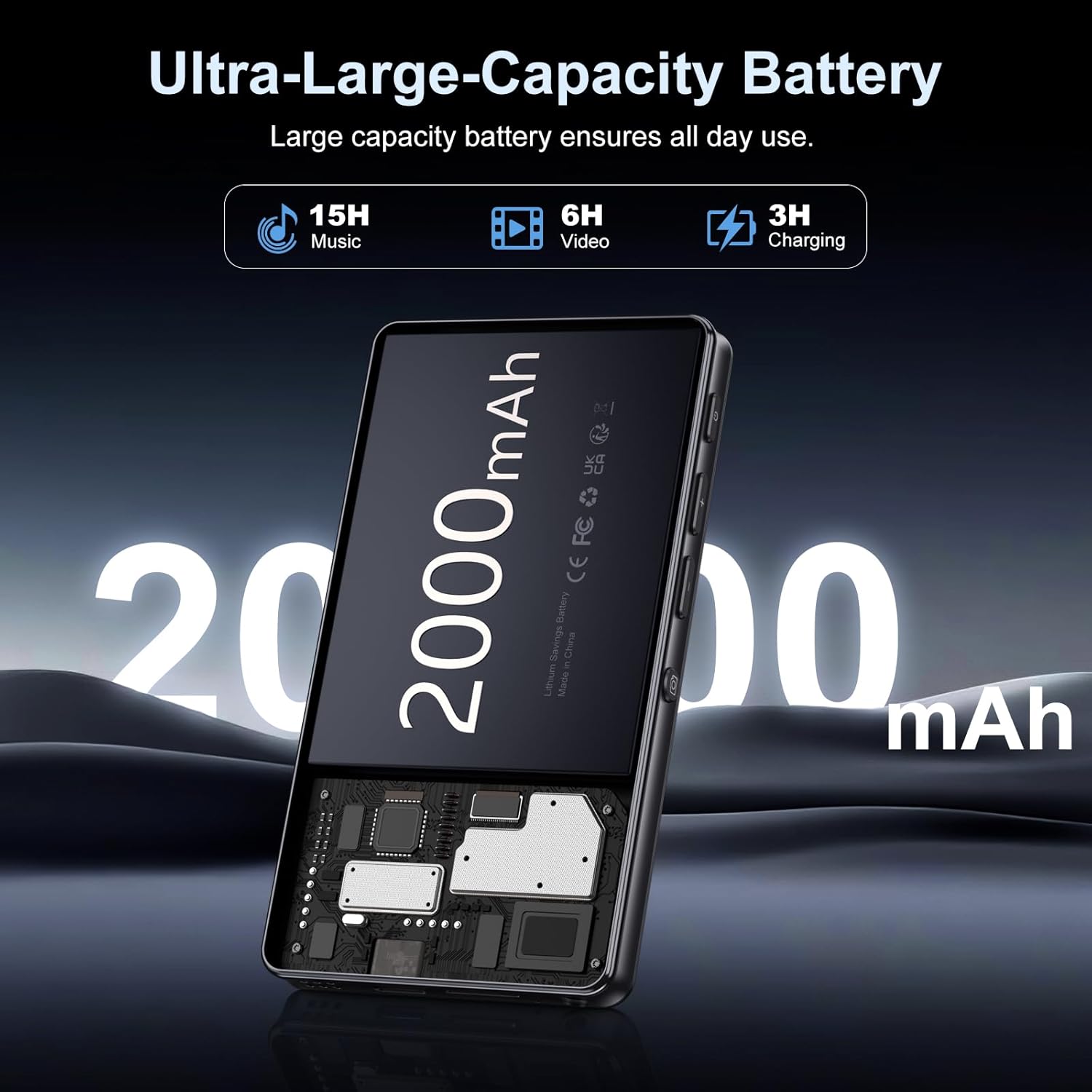
Image: Illustration of the 2000mAh battery and its charging/usage capabilities.
The 2000mAh battery provides approximately 15 hours of music playback and 6 hours of video playback on a full charge, which takes about 3 hours.
1.3 పవర్ ఆన్/ఆఫ్
- పవర్ ఆన్ చేయడానికి: స్క్రీన్ లైట్లు వెలిగే వరకు పరికరం వైపున ఉన్న పవర్ బటన్ను నొక్కి పట్టుకోండి.
- పవర్ ఆఫ్ చేయడానికి: పవర్ బటన్ను నొక్కి పట్టుకోండి, ఆపై స్క్రీన్పై కనిపించే ఎంపికల నుండి 'పవర్ ఆఫ్' ఎంచుకోండి.
1.4 ప్రారంభ సెటప్
మొదటిసారి పవర్-ఆన్ చేసిన తర్వాత, స్క్రీన్పై ఉన్న ప్రాంప్ట్లను అనుసరించండి:
- మీకు ఇష్టమైన భాషను ఎంచుకోండి.
- Connect to a Wi-Fi network for internet access and app downloads.
- Set up date and time.
2. ఆపరేటింగ్ సూచనలు
2.1 Basic Navigation (Touchscreen)
The Oilsky M305 features a 4.02-inch HD touchscreen for intuitive control. Use gestures similar to a smartphone:
- నొక్కండి: ఒక అంశాన్ని ఎంచుకోవడానికి లేదా యాప్ను తెరవడానికి.
- స్వైప్: To scroll through lists or switch between screens.
- జూమ్ చేయడానికి పించ్ చేయండి: In supported applications like image galleries.

Image: The 4.02-inch HD touchscreen in use, displaying video content.
2.2 మ్యూజిక్ ప్లేబ్యాక్
The device supports various music formats including MP3, WAV, APE, FLAC, and AAC. You can play music through the built-in speaker or connected headphones/Bluetooth devices.

Image: Music playback interface showing supported audio formats.
- Accessing Music: Open the pre-installed music player app or any downloaded streaming service (e.g., Spotify, Audible).
- ప్లేజాబితాలను సృష్టిస్తోంది: Use the music player app to organize your songs into custom playlists.
- సమం: Adjust audio settings via the built-in equalizer for a personalized listening experience.

Image: Features for music management, including playlist creation and equalizer settings.
2.3 వీడియో ప్లేబ్యాక్
The device supports various video formats including AVI, MKV, MP4, MPG, and MOV. Videos can be viewed on the 4.02-inch HD screen.

Image: Supported video and music formats for the device.
2.4 కెమెరా వినియోగం
The M305 is equipped with a 13MP rear camera and a 5MP front camera for capturing photos and videos.
- ఫోటోలు తీస్కోడం: కెమెరా యాప్ తెరిచి, మీ షాట్ను ఫ్రేమ్ చేసి, షట్టర్ బటన్ను నొక్కండి.
- రికార్డింగ్ వీడియోలు: Switch to video mode in the Camera app and tap the record button to start/stop.

Image: Illustration of the 5MP front and 13MP rear cameras.
2.5 Connectivity (Bluetooth & Wi-Fi)
The device features dual-band Wi-Fi for fast internet access and Bluetooth 5.0 for stable wireless connections.
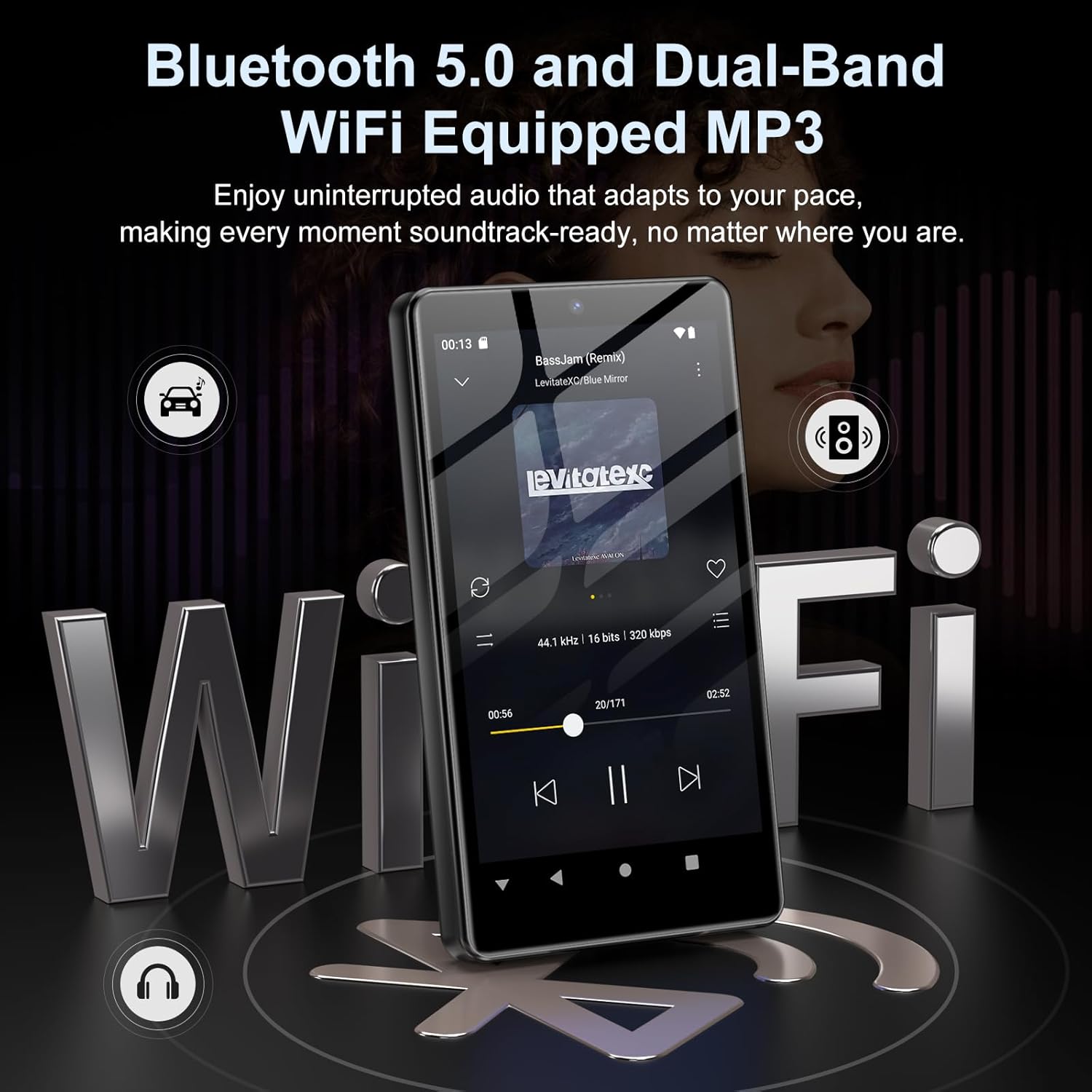
Image: Visual representation of Bluetooth and Wi-Fi connectivity.
- Wi-Fi: అందుబాటులో ఉన్న నెట్వర్క్లకు కనెక్ట్ అవ్వడానికి సెట్టింగ్లు > నెట్వర్క్ & ఇంటర్నెట్ > Wi-Fi కి వెళ్లండి.
- బ్లూటూత్: Go to Settings > Connected devices > Bluetooth to pair with headphones, speakers, or other Bluetooth-enabled devices.
2.6 నిల్వ నిర్వహణ
The M305 comes with 32GB of internal ROM and includes a 128GB TF card, supporting external storage expansion up to 1TB.

Image: Storage capacity details including internal ROM and TF card expansion.
- Viewing Storage: Navigate to Settings > Storage to see internal and external storage usage.
- బదిలీ చేస్తోంది Files: Connect the device to a computer using the USB cable to transfer music, videos, and photos.
2.7 App Installation (Google Play Store)
Running on Android 13.0, the device allows you to install and uninstall applications from the Google Play Store.
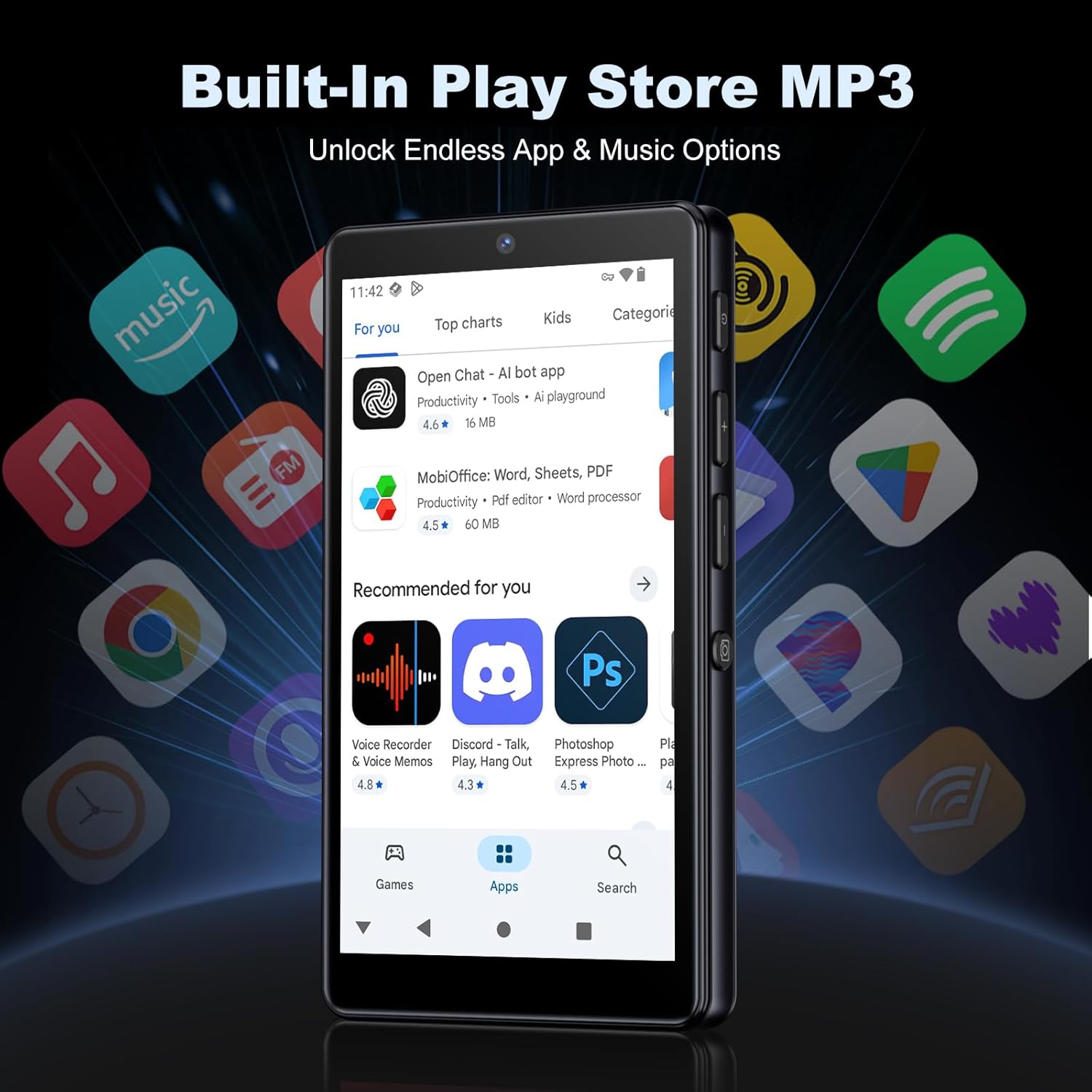
Image: The Google Play Store interface on the device.
- యాప్లను ఇన్స్టాల్ చేస్తోంది: Open the Play Store app, search for your desired application, and tap 'Install'.
- యాప్లను అన్ఇన్స్టాల్ చేయడం: Go to Settings > Apps, select the app, and tap 'Uninstall'.
3. నిర్వహణ
3.1 శుభ్రపరచడం
To clean the device, use a soft, dry, lint-free cloth. Avoid using abrasive cleaners, solvents, or aerosol sprays, which may damage the screen or finish.
3.2 బ్యాటరీ సంరక్షణ
- పరికరాన్ని తీవ్రమైన ఉష్ణోగ్రతలకు బహిర్గతం చేయకుండా ఉండండి.
- బ్యాటరీ తరచుగా పూర్తిగా డిశ్చార్జ్ అవ్వనివ్వకండి.
- ఛార్జింగ్ కోసం అందించిన USB కేబుల్ను మాత్రమే ఉపయోగించండి.
3.3 సాఫ్ట్వేర్ నవీకరణలు
Periodically check for software updates to ensure your device has the latest features and security patches. Go to Settings > System > System update.
4. ట్రబుల్షూటింగ్
4.1 పరికరం ఆన్ కావడం లేదు
- బ్యాటరీ ఛార్జ్ అయ్యిందని నిర్ధారించుకోండి. పరికరాన్ని కనీసం 30 నిమిషాల పాటు ఛార్జర్కి కనెక్ట్ చేయండి.
- Try a forced restart by holding the power button for 10-15 seconds.
4.2 కనెక్టివిటీ సమస్యలు (Wi-Fi/బ్లూటూత్)
- Wi-Fi: Check if the Wi-Fi network is active and you have entered the correct password. Try restarting your router.
- బ్లూటూత్: Ensure the device you are trying to connect to is in pairing mode and within range. Try turning Bluetooth off and on again on both devices.
4.3 యాప్లు క్రాష్ కావడం లేదా స్తంభించిపోవడం
- యాప్ను మూసివేసి తిరిగి తెరవండి.
- Clear the app's cache: Settings > Apps > [App Name] > Storage & cache > Clear cache.
- సమస్య కొనసాగితే, యాప్ను అన్ఇన్స్టాల్ చేసి, మళ్లీ ఇన్స్టాల్ చేయడానికి ప్రయత్నించండి.
4.4 పేలవమైన ఆడియో నాణ్యత
- Check your earphones or Bluetooth speaker connection.
- ఆడియోను నిర్ధారించుకోండి file భ్రష్టు పట్టలేదు.
- Adjust the equalizer settings in your music player.
5. స్పెసిఫికేషన్లు
| ఫీచర్ | వివరాలు |
|---|---|
| బ్రాండ్ | ఆయిల్స్కీ |
| మోడల్ సంఖ్య | M305 |
| ఆపరేటింగ్ సిస్టమ్ | ఆండ్రాయిడ్ 13.0 |
| ప్రాసెసర్ | MTK 8-కోర్ |
| RAM | 4GB |
| అంతర్గత నిల్వ (ROM) | 32GB |
| బాహ్య నిల్వ | 128GB TF Card included, expandable up to 1TB |
| స్క్రీన్ పరిమాణం | 4.02 అంగుళాల HD టచ్స్క్రీన్ |
| వెనుక కెమెరా | 13MP |
| ఫ్రంట్ కెమెరా | 5MP |
| బ్లూటూత్ | బ్లూటూత్ 5.0 |
| Wi-Fi | డ్యూయల్-బ్యాండ్ Wi-Fi |
| బ్యాటరీ కెపాసిటీ | 2000mAh Lithium-polymer |
| సంగీతం ప్లేబ్యాక్ సమయం | 15 గంటల వరకు |
| వీడియో ప్లేబ్యాక్ సమయం | 6 గంటల వరకు |
| ఛార్జింగ్ సమయం | సుమారు 3 గంటలు |
| మద్దతు ఉన్న ఆడియో ఫార్మాట్లు | MP3, WAV, APE, FLAC, AAC, etc. |
| మద్దతు ఉన్న వీడియో ఫార్మాట్లు | AVI, MKV, MP4, MPG, MOV, etc. |
| మద్దతు ఉన్న చిత్ర ఆకృతులు | JPEG, BMP, GIF, PNG, etc. |
6. వారంటీ సమాచారం
The Oilsky M305 MP3 Player comes with a manufacturer's warranty. Please refer to the warranty card included in your package or contact Oilsky customer support for specific terms and conditions. Keep your proof of purchase for warranty claims.
7. కస్టమర్ మద్దతు
If you encounter any issues not covered in this manual or require further assistance, please contact Oilsky customer support. Contact details can typically be found on the official Oilsky webసైట్ లేదా వారంటీ కార్డులో.