
1. పరిచయం
The Garosa USB Sound Card Connector Isolator, also known as AUDIO2RIG, is an advanced interface designed to connect your computer to radio equipment. It features sound transformer and optical isolation to ensure clear communication by minimizing signal interference and crosstalk between the computer and radio.
This device facilitates seamless integration for various operating systems, including Windows, Android, and OS X, making it a versatile tool for radio communication setups.
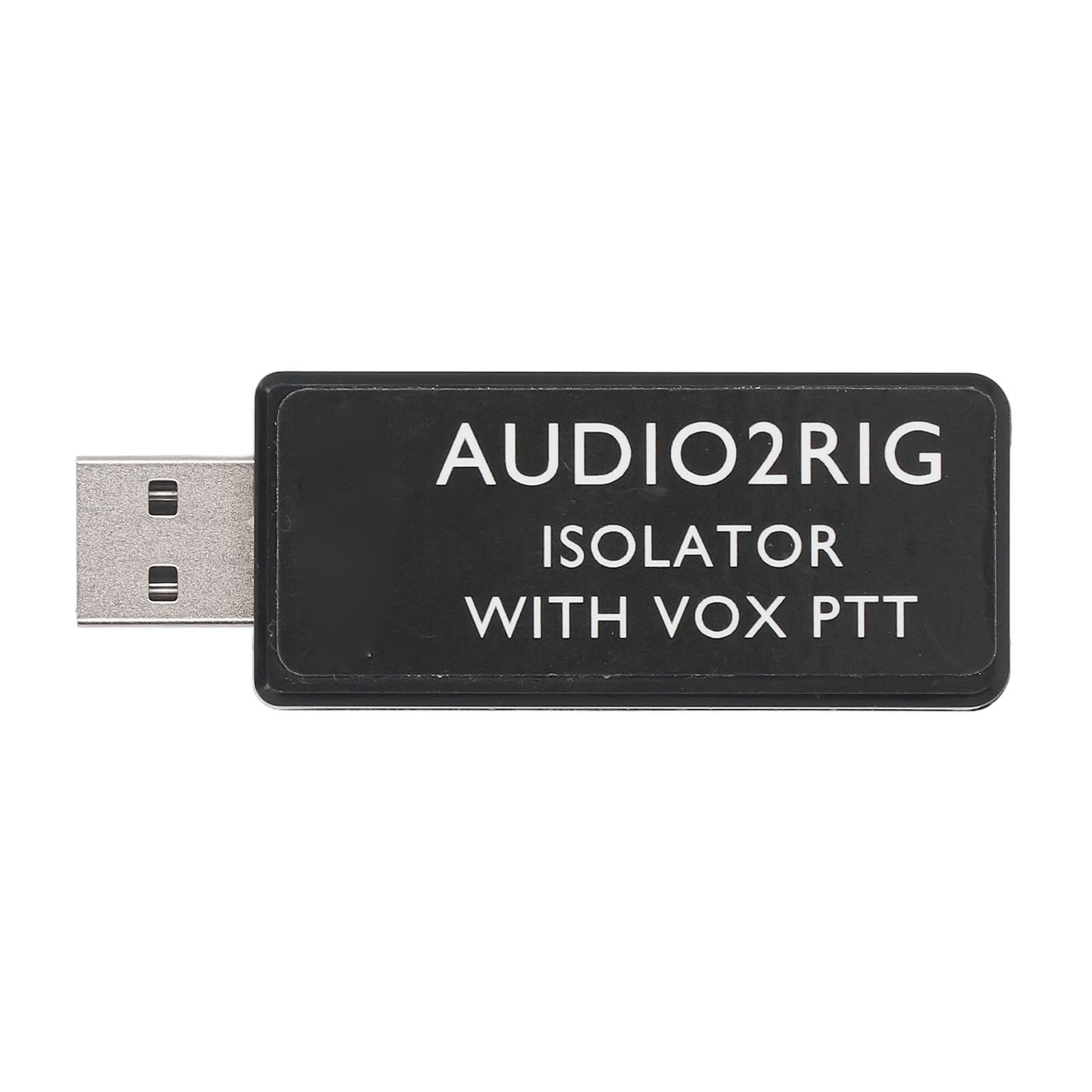
Figure 1: The Garosa USB Sound Card Connector Isolator (AUDIO2RIG) module.
2. ప్యాకేజీ విషయాలు
దయచేసి అన్ని అంశాలు ప్యాకేజీలో ఉన్నాయని ధృవీకరించండి:
- 1 x Garosa USB Sound Card Connector Isolator
3 కీ ఫీచర్లు
- Advanced Sound Interface: Serves as a robust sound and PTT control interface, featuring sound transformer and optical isolation for seamless computer to radio connectivity without signal interference.
- Compact and Easy Installation: Its compact size ensures easy installation, integrating with Windows, Android, and OS X systems for a quick setup experience.
- విస్తృత అనుకూలత: Compatible with popular radio equipment, this USB sound card connector supports VOX PTT control for versatile use across various setups.
- Customizable Connection Options: Features a single 3.5mm 4PIN jack with user-definable functions, allowing adaptation and connection to different devices, providing flexibility in radio communications.
- Isolated PTT Control: The integrated sound card and PTT control minimize crosstalk issues by ensuring physical isolation, enhancing sound clarity and reliability during transmissions.
4. సెటప్ సూచనలు
4.1 పరికరాన్ని కనెక్ట్ చేస్తోంది
To set up your Garosa USB Sound Card Connector Isolator, follow these steps:
- Connect the USB end of the isolator to an available USB port on your computer (desktop or laptop).
- Connect your radio equipment's 3.5mm 4PIN audio cable to the corresponding jack on the isolator. Ensure a secure connection.
- The device is designed for plug-and-play functionality with Windows, Android, and OS X systems. Drivers should install automatically.

Figure 2: Connecting the isolator to a computer and radio equipment.

Figure 3: Detail of the 3.5mm 4PIN audio jack on the isolator.
5. ఆపరేటింగ్ సూచనలు
5.1 PTT Control and Customization
The isolator supports VOX PTT (Push-To-Talk) control, which allows for voice-activated transmission. The 3.5mm 4PIN jack offers user-definable functions, enabling flexible adaptation to various radio communication needs.
- VOX PTT: When enabled on your radio equipment, the device will automatically activate transmission upon detecting voice input, eliminating the need for manual PTT button presses.
- అనుకూలీకరించదగిన విధులు: Refer to your radio equipment's manual for specific instructions on configuring the 3.5mm 4PIN jack's functions to align with the isolator's capabilities. This allows for tailored control over audio input/output and PTT signaling.
6. స్పెసిఫికేషన్లు
| ఫీచర్ | వివరాలు |
|---|---|
| అంశం రకం | USB Sound Card Connector Isolator |
| మెటీరియల్ | ABS |
| మార్పిడి | 3.5mm Sound to USB |
| అనుకూల పరికరాలు | Laptop (and other devices with USB ports) |
| బ్రాండ్ | గరోసా |
| మోడల్ సంఖ్య | Garosahm1e0rfz5c |
| తయారీదారు | గరోసా |
| అంతర్నిర్మిత మీడియా | నం |

Figure 4: Dimensions of the Garosa USB Sound Card Connector Isolator.
7. నిర్వహణ
To ensure the longevity and optimal performance of your Garosa USB Sound Card Connector Isolator, follow these simple maintenance guidelines:
- శుభ్రపరచడం: Use a soft, dry cloth to wipe the exterior of the device. Avoid using liquid cleaners or solvents, as they may damage the product.
- నిల్వ: Store the isolator in a cool, dry place away from direct sunlight and extreme temperatures when not in use.
- నిర్వహణ: పరికరాన్ని జాగ్రత్తగా నిర్వహించండి. దానిని పడవేయడం లేదా బలమైన ప్రభావాలకు గురిచేయకుండా ఉండండి.
8. ట్రబుల్షూటింగ్
If you encounter issues with your Garosa USB Sound Card Connector Isolator, consider the following basic troubleshooting steps:
- No Recognition by Computer: Ensure the USB connector is fully inserted into a functional USB port. Try a different USB port or a different computer to rule out port issues.
- No Audio/PTT Functionality: Verify that all cables (USB and 3.5mm) are securely connected. Check your computer's sound settings to ensure the USB audio device is selected as the input/output. Confirm that your radio equipment is properly configured for external audio and PTT control.
- Interference/Poor Audio Quality: Ensure the device is not placed near strong electromagnetic interference sources. The optical isolation feature is designed to minimize this, but extreme conditions can still affect performance.
- సాఫ్ట్వేర్ సమస్యలు: Restart your computer. If issues persist, check for any available driver updates for USB audio devices through your operating system's device manager.
9. వారంటీ మరియు మద్దతు
For warranty information or technical support, please refer to the documentation provided at the time of purchase or contact Garosa customer service through their official channels. Keep your purchase receipt as proof of purchase.