
Magcubic L018
Magcubic L018 Mini Portable Projector User Manual
మోడల్: ఎల్ 018
Brand: Magcubic
పరిచయం
Thank you for choosing the Magcubic L018 Mini Portable Projector. This device is designed to provide a high-quality home cinema experience with its advanced features and portable design. Please read this manual carefully to ensure proper setup and operation.
ముఖ్య లక్షణాలు:
- Native 1080P & 4K Support: Enjoy crystal-clear images with native 1080p resolution and 4K decoding capabilities for a cinematic visual experience.
- 400 ANSI ల్యూమెన్స్: Bright and vivid projections suitable for various lighting conditions.
- ఆండ్రాయిడ్ 14 ఆపరేటింగ్ సిస్టమ్: Access a wide range of streaming apps and content directly from the projector.
- 180° తిప్పగలిగే స్టాండ్: Flexible projection angles, allowing you to project onto walls, ceilings, or screens with ease.
- డ్యూయల్-బ్యాండ్ వైఫై 6 & బ్లూటూత్ 5.2: Ensures ultra-fast, stable wireless connectivity for streaming and audio.
- Auto Keystone Correction & Electric Focus: Automatically adjusts image shape and sharpness for a perfect picture every time.
- అంతర్నిర్మిత స్పీకర్: Integrated audio for an immersive experience.
పెట్టెలో ఏముంది
- Magcubic L018 Mini Portable Projector
- పవర్ కేబుల్
- రిమోట్ కంట్రోల్
- వినియోగదారు మాన్యువల్
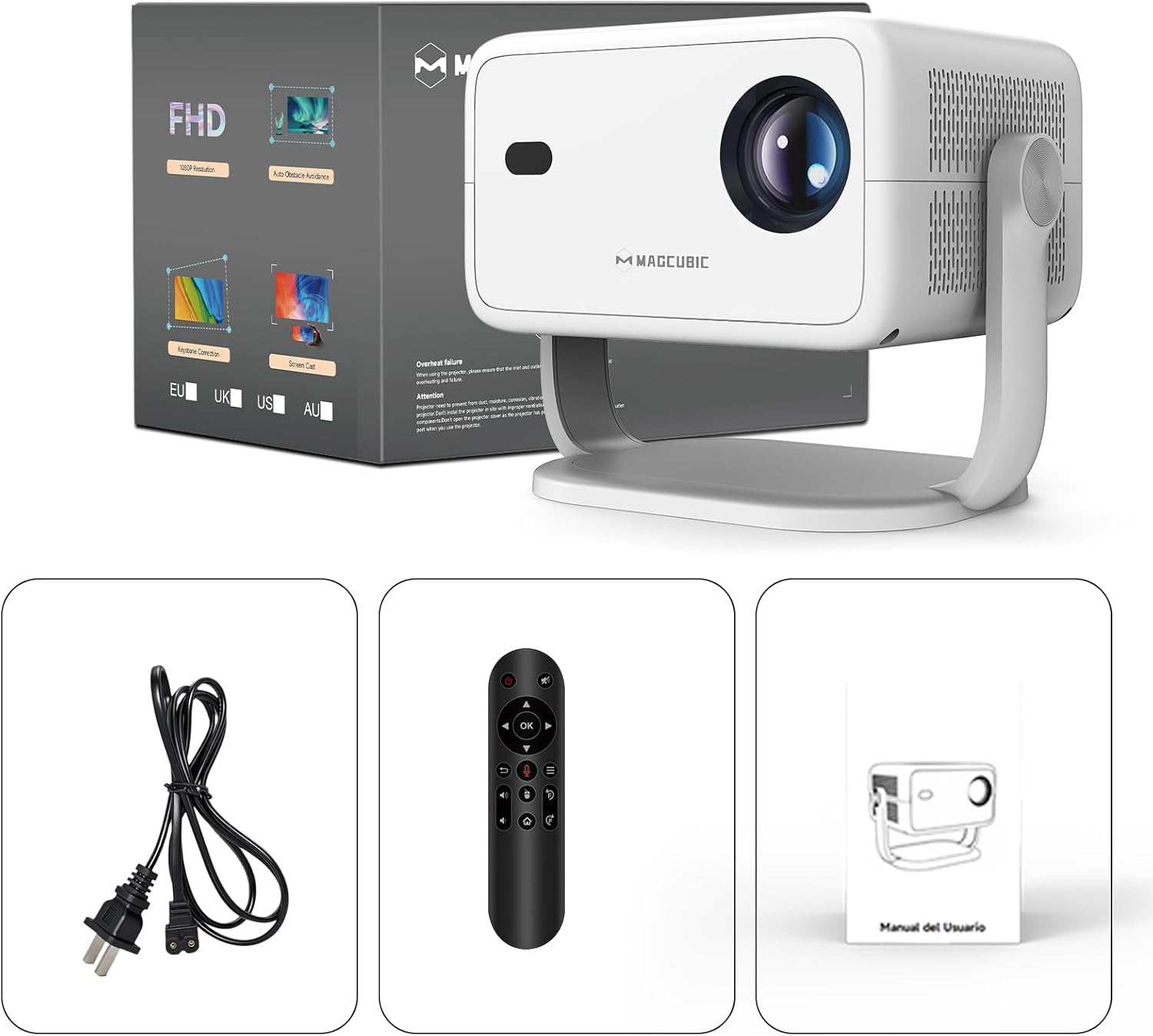
Image: The Magcubic L018 projector, power cable, remote control, and user manual are shown, illustrating the package contents.
సెటప్
- పవర్ కనెక్షన్: Connect the provided power cable to the projector's power input and then to a power outlet.
- ప్లేస్మెంట్: Place the projector on a stable surface (floor mount or tabletop stand) or mount it as desired. The 180° rotatable stand allows for flexible positioning, including ceiling projection.
- పవర్ ఆన్: పరికరాన్ని ఆన్ చేయడానికి ప్రొజెక్టర్ లేదా రిమోట్ కంట్రోల్లోని పవర్ బటన్ను నొక్కండి.
- ఆటోమేటిక్ సర్దుబాట్లు: The projector features automatic keystone correction and electric focus. It will automatically adjust the image shape and sharpness. If needed, use the remote control for fine-tuning the focus.
- Initial Setup (Android OS): భాష ఎంపిక, Wi-Fi కనెక్షన్ మరియు టైమ్ జోన్ సెట్టింగ్లతో సహా ప్రారంభ సెటప్ను పూర్తి చేయడానికి ఆన్-స్క్రీన్ ప్రాంప్ట్లను అనుసరించండి.
- కనెక్టివిటీ:
- Wi-Fi: Connect to your home Wi-Fi network (2.4G or 5G) via the settings menu for internet access and streaming.
- బ్లూటూత్: Pair Bluetooth devices like external speakers or headphones through the Bluetooth settings.
- HDMI: Connect external devices (e.g., laptop, game console) using an HDMI cable to the HDMI port.
- USB: Insert a USB drive into the USB port to play local media files.
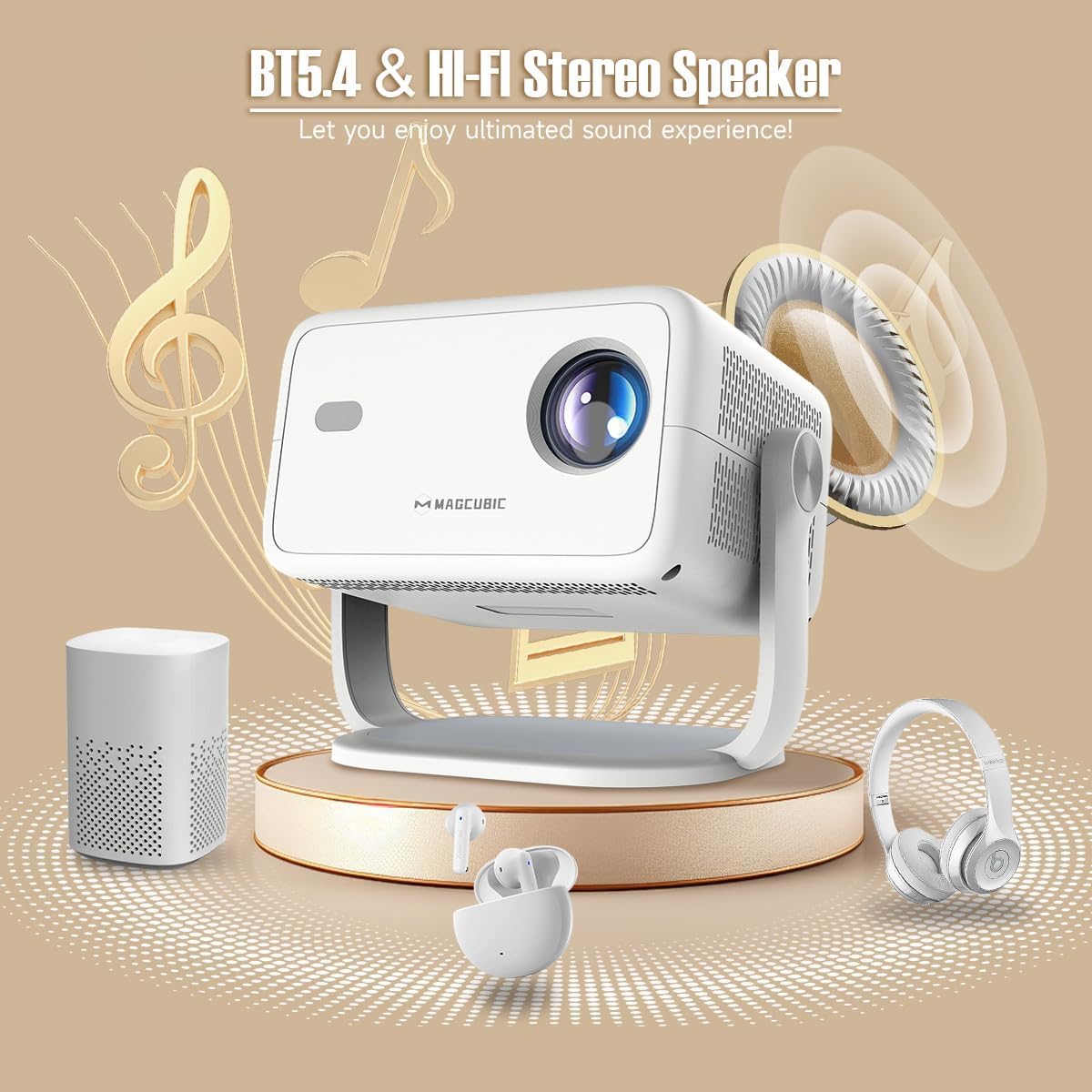
Image: The rear panel of the projector displays the HDMI, USB, and 3.5mm audio ports for connecting various devices.

Image: The projector is shown on a coffee table, projecting an image onto a wall, with on-screen indicators for auto keystone correction and auto focus.
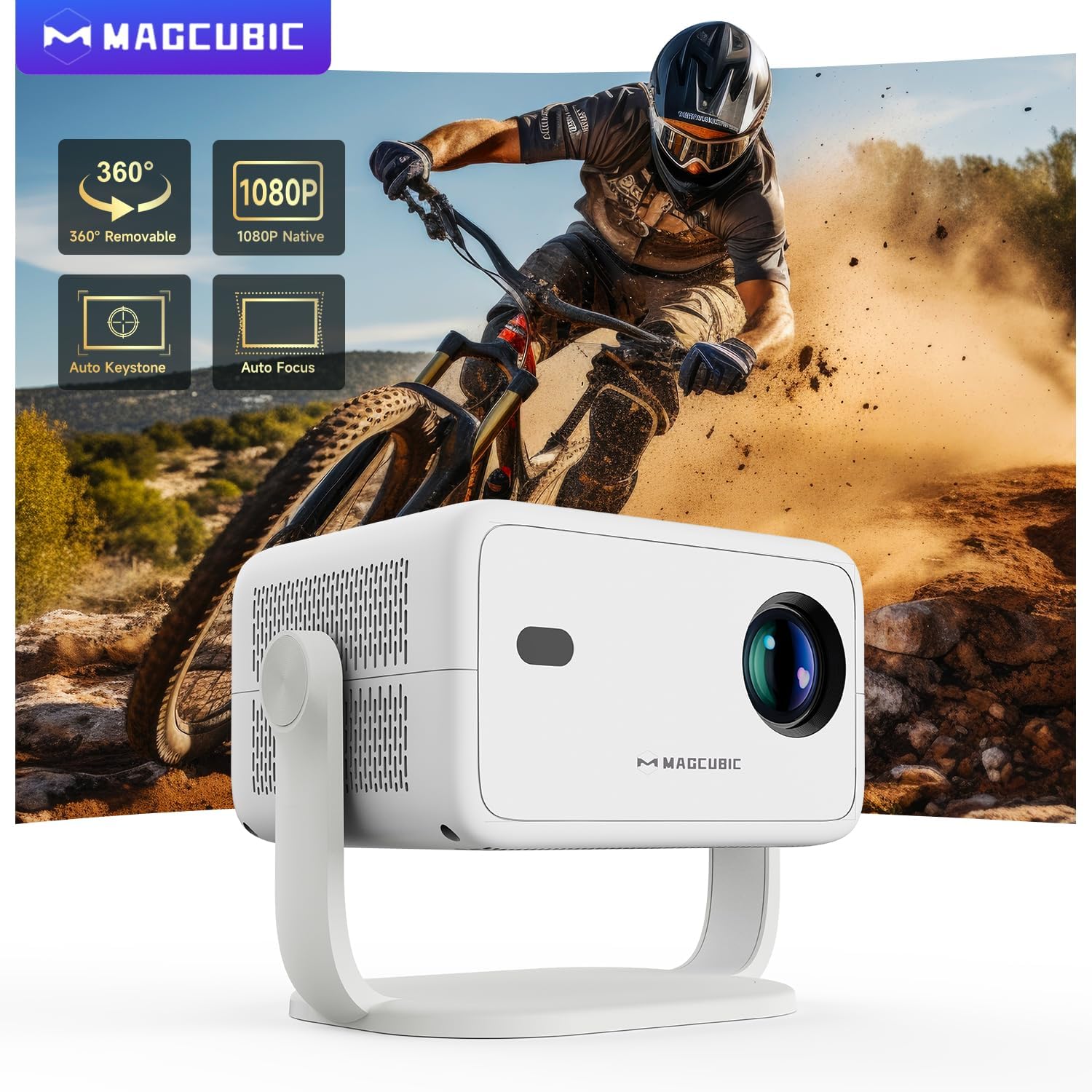
Image: The projector is shown rotating 180 degrees on its integrated stand, demonstrating its flexible projection capabilities.
ఆపరేటింగ్ సూచనలు
- నావిగేషన్: Use the remote control to navigate the Android 14 OS interface. The remote supports both standard button navigation and an air mouse function for easier control.
- యాప్ యాక్సెస్: From the home screen, select your desired streaming apps (e.g., Netflix, YouTube, Prime Video) or browse the app store to download more.
- స్క్రీన్ మిర్రరింగ్: Use the built-in screen mirroring function (compatible with Android and iOS devices) to project content from your smartphone or tablet wirelessly.
- మీడియా ప్లేబ్యాక్: Play videos, photos, or music from connected USB drives or HDMI sources.
- ఆడియో అవుట్పుట్: The projector has a built-in speaker. For enhanced audio, connect external Bluetooth speakers or headphones.
- చిత్ర సెట్టింగ్లు: Adjust brightness, contrast, color, and sharpness through the projector's settings menu to optimize your viewing అనుభవం.
Video: This video demonstrates the features of the Mini Projector HY350Max Black, including its design, performance, auto-focus, auto-keystone, wireless mirroring, and audio capabilities.
Video: This video showcases the Portable Projector with 4K support and 180° rotatable stand, highlighting its versatility and ease of use for various projection scenarios.
Video: This video presents the Android 11 L018 projector, demonstrating its native 1080P resolution, 650 ANSI lumens, and 4K capabilities.
Video: This video highlights the WiMiUS P61 Pro Portable Projector with Official Netflix support, showcasing its smart features and entertainment options.
Video: This video features the Magcubic HY310 Portable Projector, demonstrating its compact design and projection capabilities.
నిర్వహణ
- లెన్స్ శుభ్రపరచడం: Gently wipe the projector lens with a soft, lint-free cloth. Do not use abrasive cleaners or solvents.
- వెంటిలేషన్: Ensure the projector's ventilation openings are clear and unobstructed to prevent overheating.
- నిల్వ: ఉపయోగంలో లేనప్పుడు, ప్రొజెక్టర్ను చల్లని, పొడి ప్రదేశంలో, ప్రత్యక్ష సూర్యకాంతి మరియు తీవ్రమైన ఉష్ణోగ్రతలకు దూరంగా నిల్వ చేయండి.
- దుమ్ము రక్షణ: Use a dust cover when the projector is not in use for extended periods.
ట్రబుల్షూటింగ్
| సమస్య | సాధ్యమైన కారణం | పరిష్కారం |
|---|---|---|
| చిత్రం ఏదీ ప్రొజెక్ట్ చేయబడలేదు | Power cable disconnected, projector off, input source not selected. | Check power connection, turn on projector, select correct input source (HDMI, USB, Screen Mirroring). |
| చిత్రం అస్పష్టంగా ఉంది | దృష్టి మళ్లింది, తప్పు ప్రొజెక్షన్ దూరం. | Use the remote control to adjust electric focus. Ensure the projector is within the recommended projection distance (1.05m - 4m). |
| చిత్రం వక్రీకరించబడింది (ట్రాపెజాయిడ్ ఆకారం) | ప్రొజెక్టర్ స్క్రీన్కు లంబంగా లేదు. | The projector has auto keystone correction. If manual adjustment is needed, check settings. |
| శబ్దం లేదు | Volume too low, external speaker not connected/paired, incorrect audio output selected. | Increase volume. Check Bluetooth connection for external speakers. Ensure internal speaker is selected or correct audio output is chosen. |
| Wi-Fi కనెక్షన్ సమస్యలు | తప్పు పాస్వర్డ్, పరిధి దాటిపోయింది, రౌటర్ సమస్యలు. | Verify Wi-Fi password. Move projector closer to the router. Restart router. |
స్పెసిఫికేషన్లు
- బ్రాండ్:
- మాగ్క్యూబిక్
- మోడల్ పేరు:
- L018
- సిఫార్సు చేసిన ఉపయోగాలు:
- హోమ్ సినిమా
- ప్రత్యేక లక్షణాలు:
- Automatic screen alignment, Built-in speaker, Digital keystone correction, Auto focus, Wi-Fi enabled
- కనెక్టివిటీ టెక్నాలజీ:
- HDMI, USB, Wi-Fi
- స్క్రీన్ రిజల్యూషన్:
- 1920 x 1080 (స్థానిక)
- గరిష్ట డిస్ప్లే రిజల్యూషన్:
- 3840 x 2160 (4K Supported)
- ప్రదర్శన రకం:
- LED
- ఫారమ్ ఫ్యాక్టర్:
- పోర్టబుల్
- మౌంటు రకం:
- Floor mount, Tabletop stand
- ప్రకాశం:
- 400 lm (ANSI)
- రంగు:
- తెలుపు
- వాట్tage:
- 80 వాట్స్
- Control Unit Type:
- Voice control, Remote control
- అనుకూల పరికరాలు:
- Television (and other HDMI/USB devices)
- కాంట్రాస్ట్ రేషియో:
- 10000 : 1
- గరిష్ట ప్రొజెక్షన్ దూరం:
- 4 మీటర్లు
- కనిష్ట ప్రొజెక్షన్ దూరం:
- 1.05 మీటర్లు
- హార్డ్వేర్ ఇంటర్ఫేస్:
- 3.5mm Audio, Bluetooth 5, HDMI, USB 2.0
- వీడియో ఎన్కోడింగ్:
- H.264 లేదా H.265
- వస్తువు బరువు:
- 1.3 కిలోలు
- మూలం దేశం:
- చైనా
వారంటీ మరియు మద్దతు
Your Magcubic L018 Mini Portable Projector comes with a 2-సంవత్సరం ఉత్పత్తి వారంటీ. We are committed to providing excellent customer service.
- పారదర్శకత ధృవీకరించబడింది: Each item has a unique code verified before shipment.
- 30-రోజుల రిటర్న్ లేదా ఎక్స్ఛేంజ్: For your peace of mind.
- జీవితకాల సాంకేతిక మద్దతు: Our professional support team is available to assist you.
- 24/7 సర్వీస్ ప్రొఫెషనల్: ఏవైనా విచారణలు లేదా సమస్యలకు అంకితమైన మద్దతు.
For further assistance, please refer to the contact information provided with your purchase or visit the official Magcubic support webసైట్.
Ask a question about this manual
Ask about setup, troubleshooting, compatibility, parts, safety, or missing instructions. Manuals+ will review the question and use this page’s manual context to help answer it.