
పరిచయం
The Geeni Lighthawk Smart Floodlight Camera is an advanced outdoor surveillance device designed to provide security and illumination. It features Ultra-HD video recording, powerful LED floodlights, motion detection, two-way audio communication, and a built-in siren. This manual provides detailed instructions for the installation, operation, and maintenance of your Geeni Lighthawk camera.
కీ ఫీచర్లు
- Ultra-HD 3MP Video & Dual-Band Wi-Fi: Records in 3MP (2304 x 1296) resolution for clear video. Supports both 2.4GHz and 5GHz Wi-Fi networks for stable connectivity.
- 1800-Lumen Lighting: Integrated LED floodlights provide 1800 lumens of brightness, activating automatically upon motion detection.
- Smart Motion Alerts & Siren: Sends instant notifications to your smartphone when motion is detected up to 8 meters away. Features a built-in siren for deterrence.
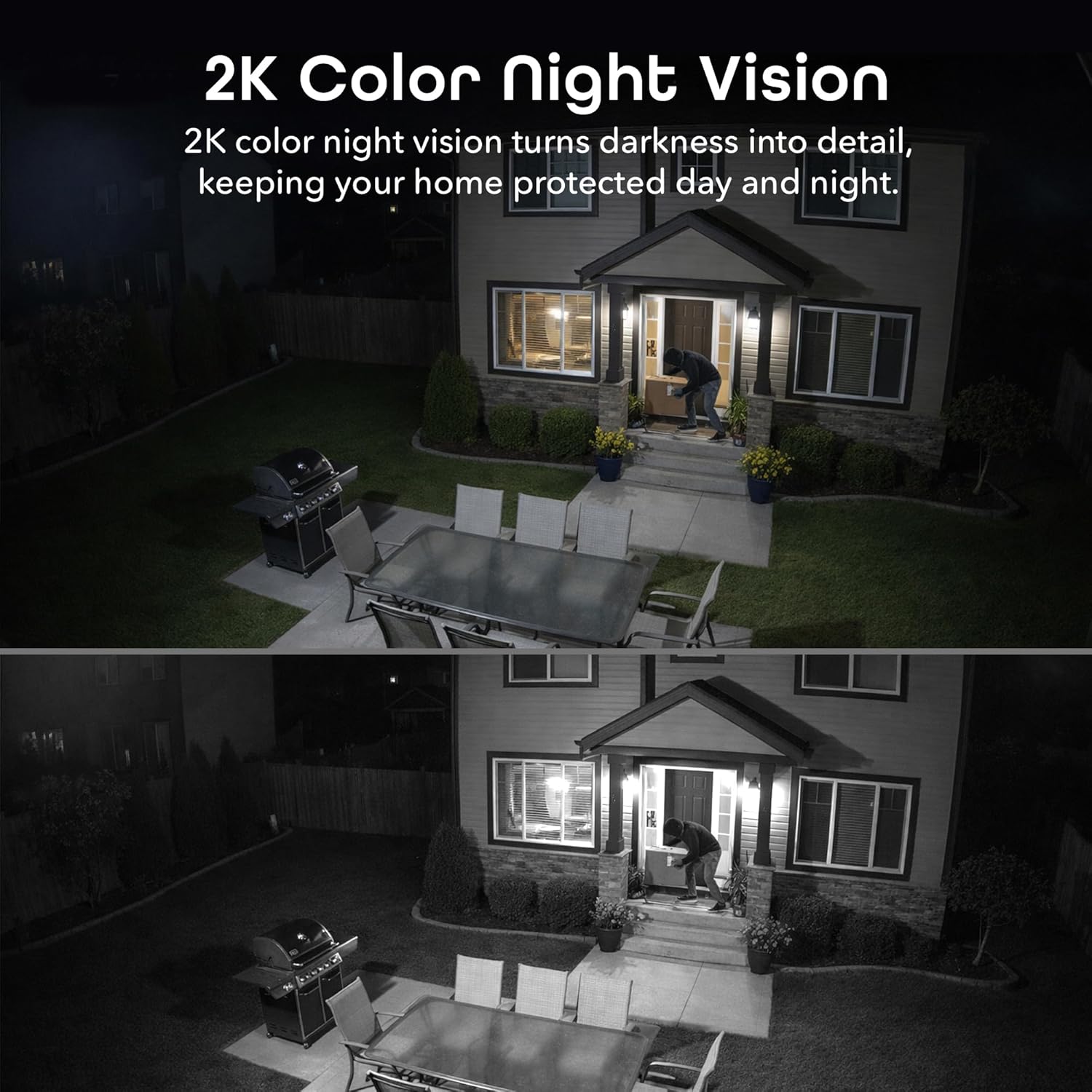
- Two-Way Audio & Night Vision: Enables communication through a built-in microphone and speaker. Offers enhanced night vision for clear visibility up to 8 meters (26ft) in darkness.
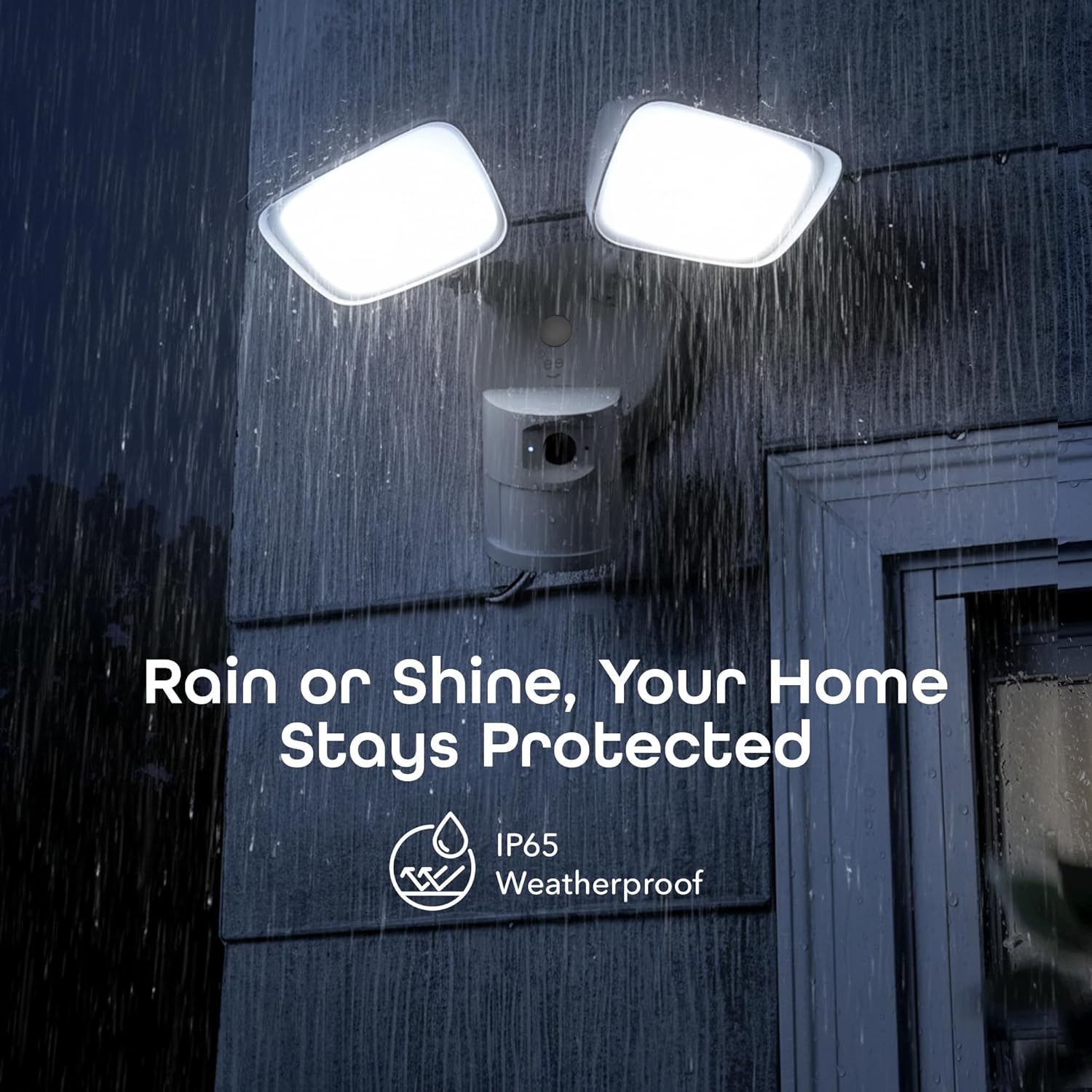
- IP65 Weatherproof & Local Storage: Durable IP65-rated housing protects against dust and heavy rain. Supports local storage via a microSD card up to 256GB (card not included).

ఏమి చేర్చబడింది
The Geeni Lighthawk Smart Floodlight Camera package typically includes the following items:
- Geeni Lighthawk Smart Floodlight Camera
- ఇన్స్ట్రక్షన్ మాన్యువల్
- మౌంటు స్క్రూలు మరియు హార్డ్వేర్
సెటప్ గైడ్
1. మొదట భద్రత
- Ensure the power to the installation area is turned off at the circuit breaker before beginning any electrical work.
- మీకు ఎలక్ట్రికల్ వైరింగ్ గురించి ఖచ్చితంగా తెలియకపోతే, అర్హత కలిగిన ఎలక్ట్రీషియన్ను సంప్రదించండి.
2. సంస్థాపన కోసం సిద్ధం
- Choose a suitable outdoor location for your floodlight camera, such as a wall or eave, ensuring it covers the desired surveillance area.
- The camera is hardwired, requiring an existing electrical junction box.
- Gather necessary tools: screwdriver, wire nuts, electrical tape, and a ladder if needed.
3. భౌతిక సంస్థాపన
- సర్క్యూట్ బ్రేకర్ వద్ద పవర్ ఆఫ్ చేయండి.
- Remove your existing light fixture from the junction box.
- అందించిన స్క్రూలను ఉపయోగించి జంక్షన్ బాక్స్కు మౌంటు బ్రాకెట్ను అటాచ్ చేయండి.
- Connect the camera's wires to your home's electrical wires (typically black to black, white to white, and ground to ground) using wire nuts. Secure connections with electrical tape.
- Mount the floodlight camera to the mounting bracket, ensuring a secure fit.
- Adjust the floodlight heads and camera angle to cover your desired area.
- సర్క్యూట్ బ్రేకర్ వద్ద శక్తిని పునరుద్ధరించండి.
4. యాప్ కనెక్షన్
- Download the Geeni app from your smartphone's app store.
- ఖాతాను సృష్టించండి లేదా లాగిన్ చేయండి.
- Follow the in-app instructions to add your Geeni Lighthawk camera. This typically involves scanning a QR code on the device or manually selecting it from a list.
- Ensure your Wi-Fi network is active and accessible. The camera supports both 2.4GHz and 5GHz bands for flexible connection.

ఆపరేటింగ్ సూచనలు
ప్రత్యక్షం View మరియు రికార్డింగ్
- Open the Geeni app and select your Lighthawk camera to view ప్రత్యక్ష ఫీడ్.
- You can manually initiate video recording or capture screenshots directly from the live view ఇంటర్ఫేస్.
మోషన్ డిటెక్షన్ మరియు హెచ్చరికలు
- Configure motion detection sensitivity and activity zones within the Geeni app settings.
- Receive instant push notifications on your smartphone when motion is detected.
- The 1800-lumen floodlights will automatically activate upon motion detection, illuminating the area.
రెండు-మార్గం ఆడియో
- Use the two-way audio feature in the app to speak to visitors or deter unwanted guests.
- The built-in microphone and speaker allow for clear communication.

Night Vision and Floodlight Control
- The camera provides enhanced night vision for clear monitoring in low-light conditions.
- The floodlights can be set to activate automatically with motion or controlled manually through the app.
స్థానిక నిల్వ
- Insert a microSD card (up to 256GB, not included) into the designated slot for continuous local recording.
- రికార్డ్ చేసిన fooని యాక్సెస్ చేయండిtage directly from the Geeni app without requiring a subscription.

వాయిస్ కంట్రోల్
- The Geeni Lighthawk camera is compatible with voice assistants like Amazon Alexa and Google Assistant.
- Link your Geeni account to your voice assistant app to enable commands such as "Alexa, show me the driveway."

నిర్వహణ
- శుభ్రపరచడం: కాలానుగుణంగా కెమెరా లెన్స్ మరియు ఫ్లడ్లైట్ కవర్లను మృదువైన, d ట్యాప్తో తుడవండి.amp దుమ్ము మరియు చెత్తను తొలగించడానికి వస్త్రం. రాపిడి క్లీనర్లను నివారించండి.
- ఫర్మ్వేర్ నవీకరణలు: Ensure your camera's firmware is up to date through the Geeni app to benefit from the latest features and security enhancements.
- కనెక్షన్ తనిఖీ: Regularly check the physical wiring connections and Wi-Fi signal strength to ensure optimal performance.
ట్రబుల్షూటింగ్
| సమస్య | సాధ్యమైన పరిష్కారం |
|---|---|
| కెమెరా Wi-Fiకి కనెక్ట్ చేయడం లేదు | Ensure your Wi-Fi password is correct. Verify the camera is within range of your router. Try connecting to both 2.4GHz and 5GHz networks if available. Restart your router and the camera. |
| Motion alerts are inconsistent or delayed | Adjust motion detection sensitivity in the app. Ensure there are no obstructions in the camera's field of view. Check your Wi-Fi signal strength at the camera's location. Ensure app notifications are enabled on your smartphone. |
| పేలవమైన వీడియో నాణ్యత | Check your Wi-Fi connection speed. Ensure the camera lens is clean and free from smudges or dirt. Verify the camera's resolution settings in the app. |
| Two-way audio is unclear or has delay | Ensure your internet connection is stable. Reduce background noise near the camera and your smartphone. Check the volume settings in the app. |
| ఫ్లడ్లైట్లు వెలగడం లేదు | Check motion detection settings and schedules in the app. Ensure the ambient light sensor is not obstructed. Verify power supply to the unit. |
స్పెసిఫికేషన్లు
| ఫీచర్ | వివరాలు |
|---|---|
| బ్రాండ్ | గీని |
| మోడల్ పేరు | GNC-CW100-199 |
| కనెక్టివిటీ టెక్నాలజీ | వైర్లెస్ (Wi-Fi) |
| వీడియో క్యాప్చర్ రిజల్యూషన్ | 3MP (2304 x 1296), 2K |
| లైటింగ్ అవుట్పుట్ | 1800 ల్యూమెన్స్ |
| నైట్ విజన్ రేంజ్ | 8 మీటర్లు (26 అడుగులు) వరకు |
| మోషన్ డిటెక్షన్ పరిధి | 8 మీటర్ వరకు |
| Wi-Fi ఫ్రీక్వెన్సీ | 2.4GHz & 5GHz Dual-Band |
| వాతావరణ నిరోధక రేటింగ్ | IP65 |
| స్థానిక నిల్వ | microSD card up to 256GB (not included) |
| శక్తి మూలం | Hardwired (No Batteries Required) |
| అనుకూల పరికరాలు | Smart Display, Smartphone, Tablet |
| మౌంటు రకం | వాల్ మౌంట్ |
| అంశం కొలతలు | 29 x 15.5 x 22 సెంటీమీటర్లు |
| మూలం దేశం | చైనా |
వారంటీ మరియు మద్దతు
For warranty information and technical support, please refer to the official Geeni website or contact Geeni customer service directly. Keep your purchase receipt for warranty claims. Support resources, including FAQs and troubleshooting guides, are often available online.