పరిచయం
This manual provides detailed instructions for the setup, operation, and maintenance of your Ozeri WeightMaster 400 lbs Digital Scale. Please read this manual thoroughly before use to ensure proper function and to maximize the benefits of its features.

Image: The Ozeri WeightMaster Digital Scale, displaying a weight measurement and a green indicator for weight loss.
భద్రతా సమాచారం
- Place the scale on a hard, flat surface for accurate readings. Avoid carpets or uneven floors.
- తడి లేదా జారే ఉపరితలాలపై స్కేల్ను ఉపయోగించవద్దు.
- స్కేల్పై దూకవద్దు.
- స్కేల్ను నీరు మరియు తీవ్రమైన ఉష్ణోగ్రతల నుండి దూరంగా ఉంచండి.
- This scale is designed for household use only.
- స్కేల్ను మీరే విడదీయడానికి లేదా రిపేర్ చేయడానికి ప్రయత్నించవద్దు. సమస్యలు తలెత్తితే కస్టమర్ సపోర్ట్ను సంప్రదించండి.
ప్యాకేజీ విషయాలు
ప్యాకేజీలో అన్ని అంశాలు ఉన్నాయని నిర్ధారించుకోండి:
- Ozeri WeightMaster Digital Scale (Model ZB21)
- 3 AAA బ్యాటరీలు
- సూచనల మాన్యువల్ (ఈ పత్రం)
సెటప్
1. బ్యాటరీ ఇన్స్టాలేషన్
- స్కేల్ యొక్క దిగువ భాగంలో బ్యాటరీ కంపార్ట్మెంట్ను గుర్తించండి.
- బ్యాటరీ కంపార్ట్మెంట్ కవర్ తెరవండి.
- 3 AAA బ్యాటరీలను చొప్పించండి, సరైన ధ్రువణతను (+/-) నిర్ధారించుకోండి.
- బ్యాటరీ కంపార్ట్మెంట్ కవర్ను సురక్షితంగా మూసివేయండి.
2. Initial User Profile సెటప్
The scale supports up to 5 unique user profiles. Follow these steps to set up your profile:
- Press the "SET" button located on the scale's display. The user number (U1-U5) will flash.
- Use the Up/Down arrow buttons to select your desired user number (e.g., U1 for User 1).
- Press "SET" to confirm.
- The height setting will flash. Use the Up/Down arrows to adjust your height. Press "SET" to confirm.
- The age setting will flash. Use the Up/Down arrows to adjust your age. Press "SET" to confirm.
- The gender setting will flash. Use the Up/Down arrows to select male or female. Press "SET" to confirm.
- The scale will display "0.0 lb" and is ready for use.
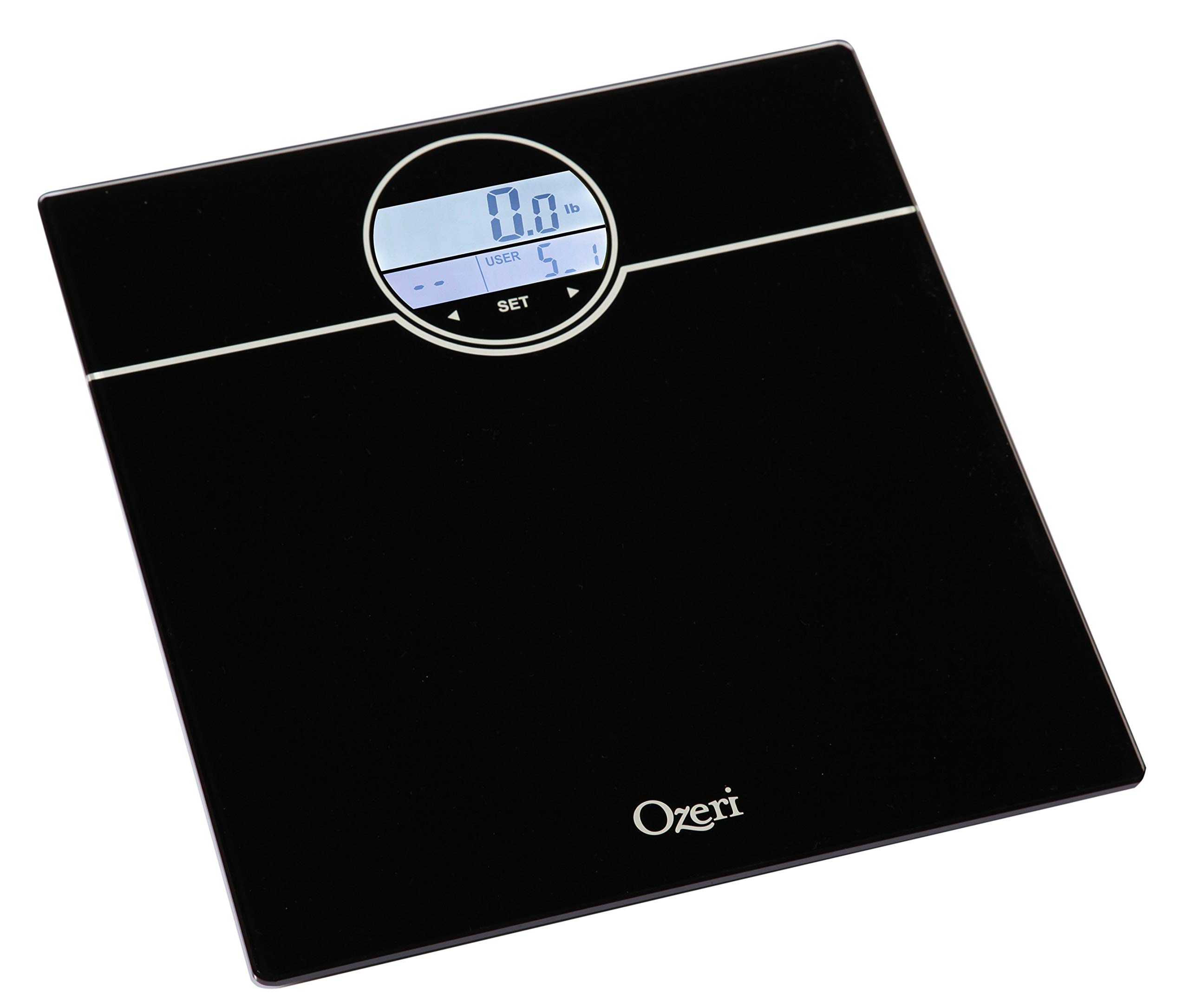
Image: The scale's display during the user profile setup process, showing the user selection and initial weight reading.
ఆపరేటింగ్ సూచనలు
Weighing Yourself
- కఠినమైన, చదునైన ఉపరితలంపై స్కేల్ ఉంచండి.
- Step onto the scale with bare feet. The scale will automatically turn on and detect your user profile.
- Stand still until your weight is displayed.
- The scale will then display your BMI (Body Mass Index).
- Following BMI, the scale will show your net weight change from your last weigh-in (L1), the average of your last 3 weigh-ins (L3), and the average of your last 7 weigh-ins (L7).
- The display will illuminate GREEN for weight loss and RED for weight gain.
- The scale will automatically power off after a few seconds.
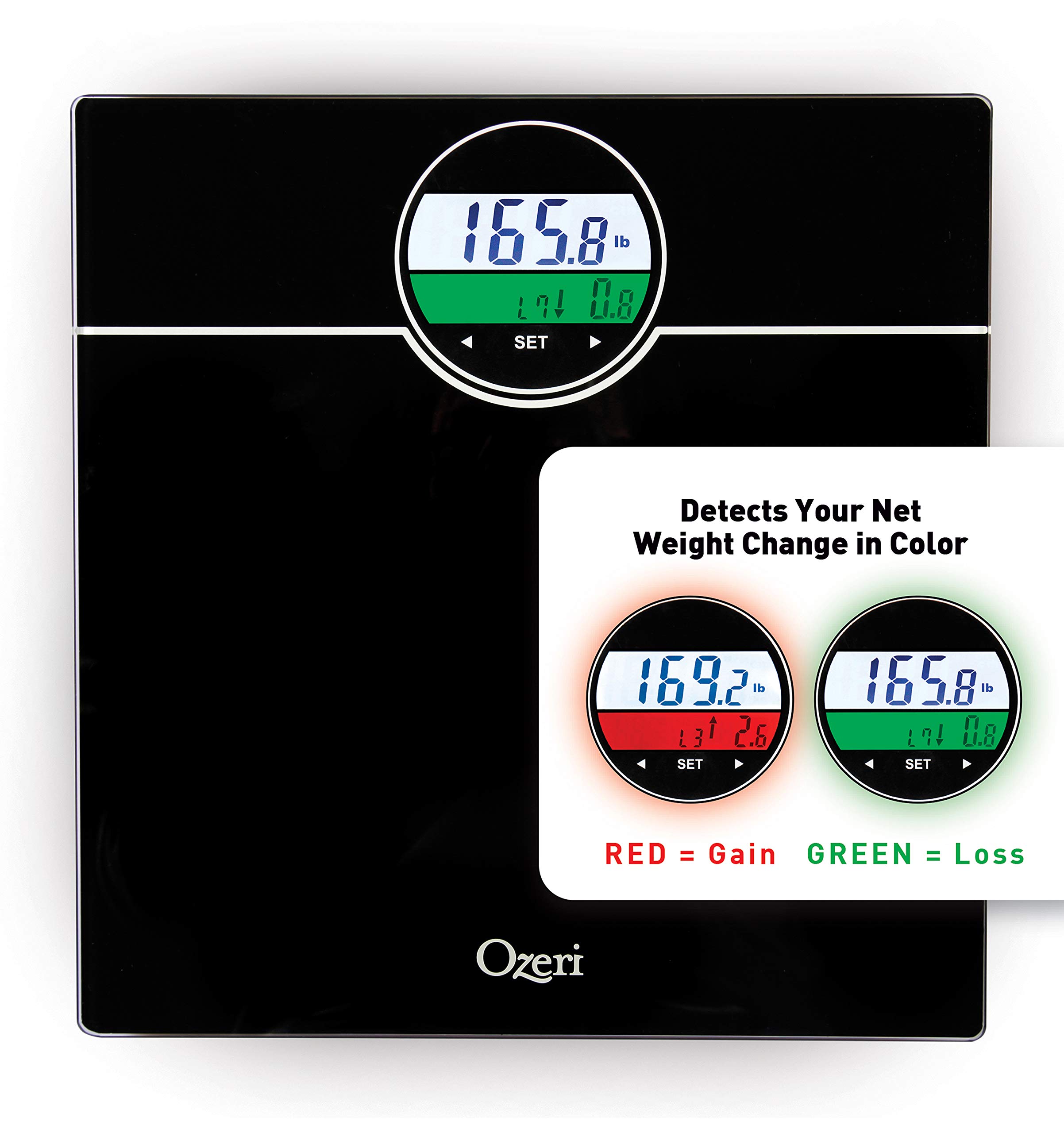
Image: The scale's display showing weight and color-coded weight change detection. Green indicates weight loss, red indicates weight gain.
ఫీచర్లు
- BMI Measurement: Calculates your Body Mass Index based on your height and weight.
- Weight Change Detection: Displays net weight change from your last weigh-in (L1), the average of your last 3 weigh-ins (L3), and the average of your last 7 weigh-ins (L7).
- Color Alert Technology: The display illuminates GREEN for weight loss and RED for weight gain, providing visual feedback.
- Auto Recognition Technology: Automatically identifies up to 5 unique users based on their weight.
- StepOn Technology: Automatically turns on when you step on the scale.
- ఆటో పవర్-ఆఫ్: నిష్క్రియ కాలం తర్వాత స్వయంచాలకంగా ఆఫ్ చేయడం ద్వారా బ్యాటరీ జీవితాన్ని ఆదా చేస్తుంది.
- అధిక సామర్థ్యం: Weighs up to 400 lbs.
నిర్వహణ
- ప్రకటనతో స్కేల్ను శుభ్రం చేయండిamp వస్త్రం మరియు తేలికపాటి డిటర్జెంట్. రాపిడి క్లీనర్లను ఉపయోగించవద్దు లేదా స్కేల్ను నీటిలో ముంచవద్దు.
- Store the scale in a dry place at room temperature.
- డిస్ప్లేలో తక్కువ బ్యాటరీ సూచిక కనిపించినప్పుడు బ్యాటరీలను మార్చండి.
ట్రబుల్షూటింగ్
| సమస్య | పరిష్కారం |
|---|---|
| "ఇక్కడ" ప్రదర్శించబడింది | బ్యాటరీలు తక్కువగా ఉన్నాయి. కొత్త AAA బ్యాటరీలతో భర్తీ చేయండి. |
| "తప్పు" ప్రదర్శించబడింది | Overload. The maximum weight capacity (400 lbs) has been exceeded. Step off the scale immediately. |
| సరికాని రీడింగ్లు |
|
| స్కేల్ ఆన్ చేయబడదు |
|
స్పెసిఫికేషన్లు
- మోడల్: ZB21
- సామర్థ్యం: 400 పౌండ్లు (180 కిలోలు)
- యూనిట్లు: పౌండ్లు (lb), కిలోగ్రాములు (kg)
- ప్రదర్శన: LCD with Color Alert Technology
- శక్తి: 3 x AAA బ్యాటరీలు (చేర్చబడినవి)
- కొలతలు: 12.2 x 11.8 x 0.9 అంగుళాలు (31 x 30 x 2.3 సెం.మీ.)
- మెటీరియల్: Impact-resistant tempered glass
- ప్రత్యేక లక్షణాలు: BMI, Weight Change Detection (L1, L3, L7), Auto Recognition (up to 5 users), StepOn Technology, Auto Power-Off
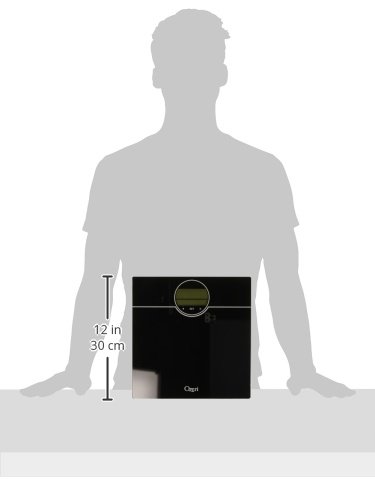
Image: A visual representation of the scale's dimensions, indicating its compact size.
వారంటీ మరియు మద్దతు
Ozeri products are backed by a warranty. For specific warranty details, product support, or to contact customer service, please refer to the official Ozeri webసైట్ లేదా మీ కొనుగోలు డాక్యుమెంటేషన్తో అందించబడిన సంప్రదింపు సమాచారం.
మరింత సహాయం కోసం, దయచేసి సందర్శించండి Ozeri Store on Amazon.


