పరిచయం
ధన్యవాదాలు, ధన్యవాదాలు.asing the SABRENT AU-DDAB USB External Stereo Sound Adapter. This device provides an easy solution to connect your headphones, speakers, or microphone to your computer via a USB port, bypassing your computer's internal sound card. It is designed for plug-and-play functionality, requiring no additional drivers for most operating systems.
ఫీచర్లు
- USB కనెక్టివిటీ: Easily connects to any available USB port on your computer.
- 3D Stereo Audio: Enhances audio output for an immersive listening experience.
- ప్లగ్ & ప్లే: No drivers required for installation on most operating systems.
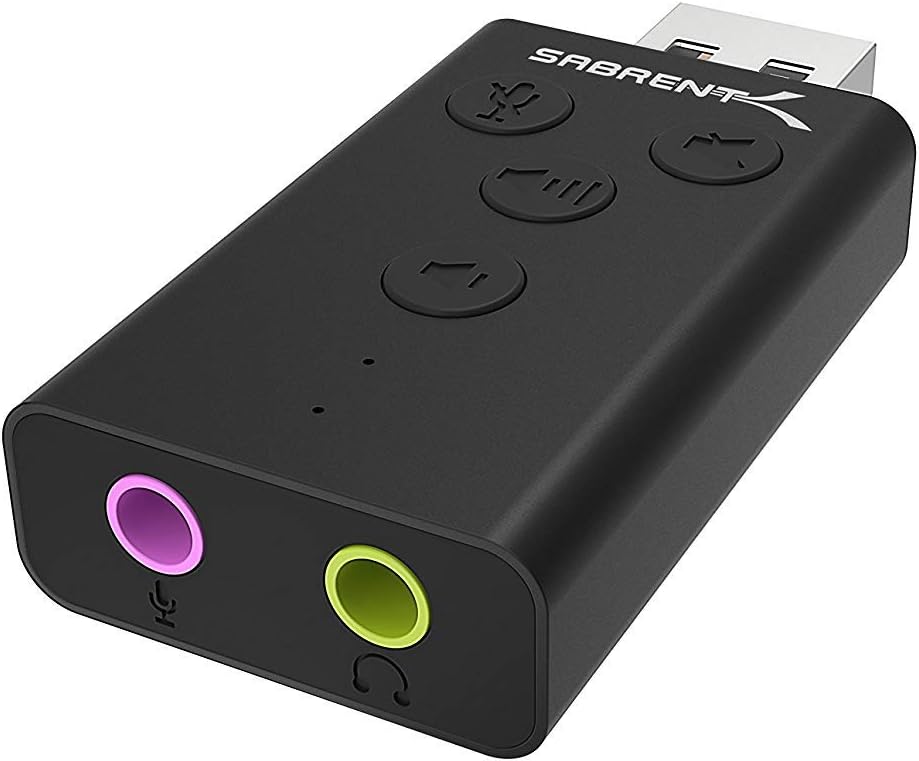
- ఇంటిగ్రేటెడ్ కంట్రోల్స్: Features dedicated buttons for microphone mute, speaker mute, volume up, and volume down.
- LED సూచికలు: Visual feedback for microphone mute status and device activity.
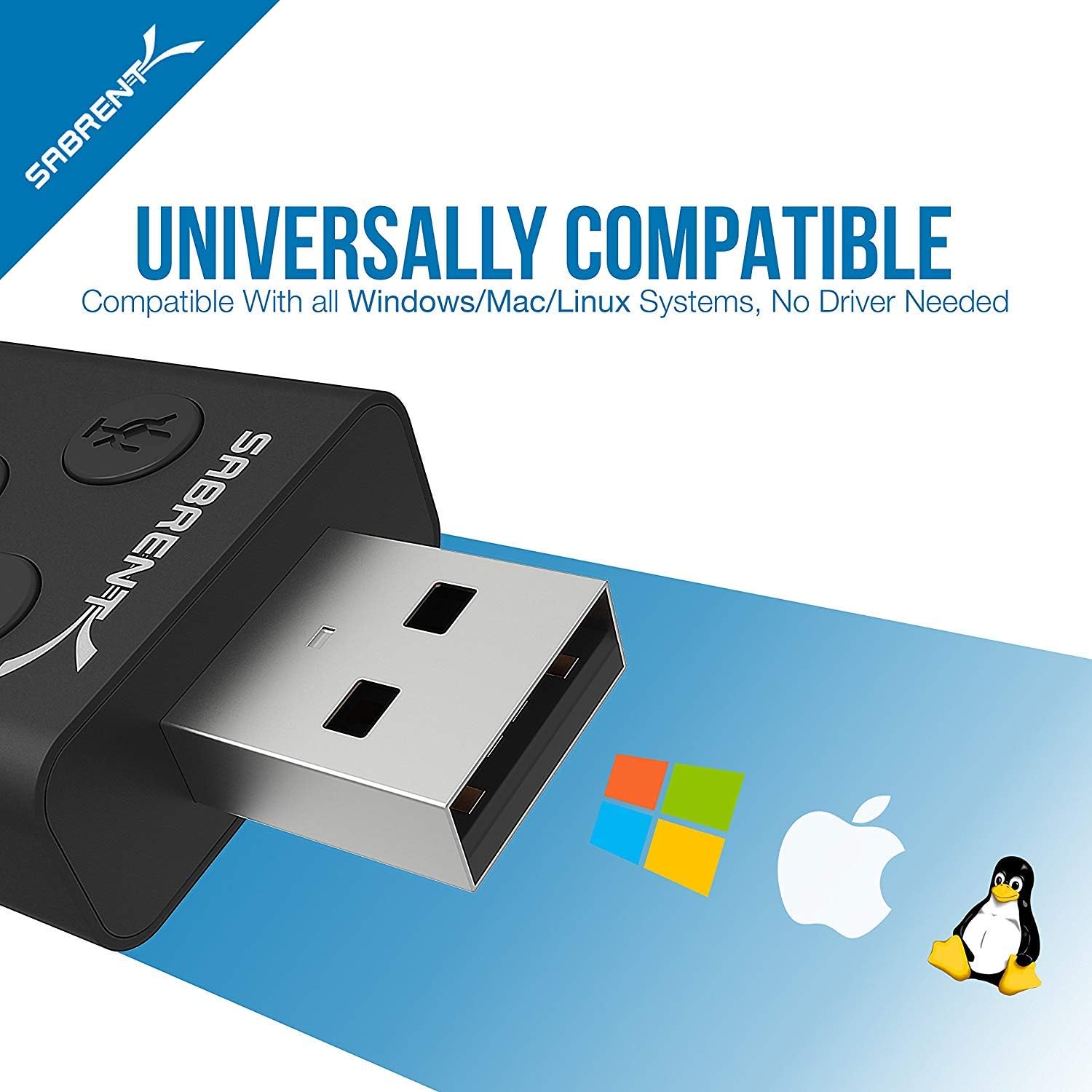
- యూనివర్సల్ అనుకూలత: Works with Windows, Mac, and Linux systems.
- మన్నికైన డిజైన్: అల్యూమినియం సిasing for enhanced protection and a sleek appearance.

ప్యాకేజీ విషయాలు
- SABRENT AU-DDAB USB External Stereo Sound Adapter
- వినియోగదారు మాన్యువల్ (ఈ పత్రం)
సెటప్
- కంప్యూటర్కు కనెక్ట్ చేయండి: Insert the USB connector of the SABRENT AU-DDAB adapter into an available USB port on your computer. The operating system will automatically detect and install the necessary drivers.
- ఆడియో అవుట్పుట్ని కనెక్ట్ చేయండి: Plug your headphones or speakers into the green 3.5mm audio output jack on the adapter.
- మైక్రోఫోన్ను కనెక్ట్ చేయండి (ఐచ్ఛికం): If using a microphone, plug it into the pink 3.5mm microphone input jack on the adapter.
- పరికర గుర్తింపును ధృవీకరించండి:
- విండోస్: Go to "Sound Settings" (right-click the speaker icon in the taskbar) and ensure "USB Audio Device" is selected as the default playback and recording device.
- Mac: Go to "System Preferences" > "Sound" and select "USB Audio Device" for both input and output.
ఆపరేటింగ్ సూచనలు
The SABRENT AU-DDAB adapter features integrated controls for convenient audio management.
- వాల్యూమ్ అప్ బటన్: ఆడియో అవుట్పుట్ వాల్యూమ్ను పెంచడానికి నొక్కండి.
- వాల్యూమ్ డౌన్ బటన్: ఆడియో అవుట్పుట్ వాల్యూమ్ను తగ్గించడానికి నొక్కండి.
- Speaker Mute Button: Press to mute or unmute the audio output. An LED indicator will show the mute status.
- మైక్రోఫోన్ మ్యూట్ బటన్: Press to mute or unmute the microphone input. An LED indicator will show the mute status.
ట్రబుల్షూటింగ్
| సమస్య | సాధ్యమైన కారణం | పరిష్కారం |
|---|---|---|
| సౌండ్ అవుట్పుట్ లేదు. |
|
|
| మైక్రోఫోన్ పనిచేయడం లేదు. |
|
|
| Device not recognized. |
|
|
స్పెసిఫికేషన్లు
- మోడల్: AU-DDAB
- ఇంటర్ఫేస్: USB 2.0
- ఆడియో అవుట్పుట్: Stereo, 3.5mm jack
- మైక్రోఫోన్ ఇన్పుట్: 3.5 మిమీ జాక్
- ఆపరేటింగ్ సిస్టమ్ అనుకూలత: Windows (XP, Vista, 7, 8, 10, 11), macOS, Linux
- కొలతలు (LxWxH): సుమారు 2.3 x 0.5 x 1.1 అంగుళాలు (5.8 x 1.3 x 2.8 సెం.మీ.)
- బరువు: సుమారు 0.388 ఔన్సులు (11 గ్రాములు)
- మెటీరియల్: అల్యూమినియం సిasing
వారంటీ మరియు మద్దతు
SABRENT products are backed by a limited warranty. For detailed warranty information, technical support, or customer service, please visit the official SABRENT website or contact their support team directly. Keep your purchase receipt for warranty claims.
అధికారిక Webసైట్: www.sabrent.com


