పరిచయం
This manual provides detailed instructions for the setup, operation, and maintenance of your Westclox Large Digital Wall Clock, Model 55006BK. This versatile clock features a large, easy-to-read LCD display, showing time, month, date, day of the week, and indoor temperature. It also includes an alarm function with a snooze option. Designed for convenience, it can be used as a wall-mounted or desk clock.
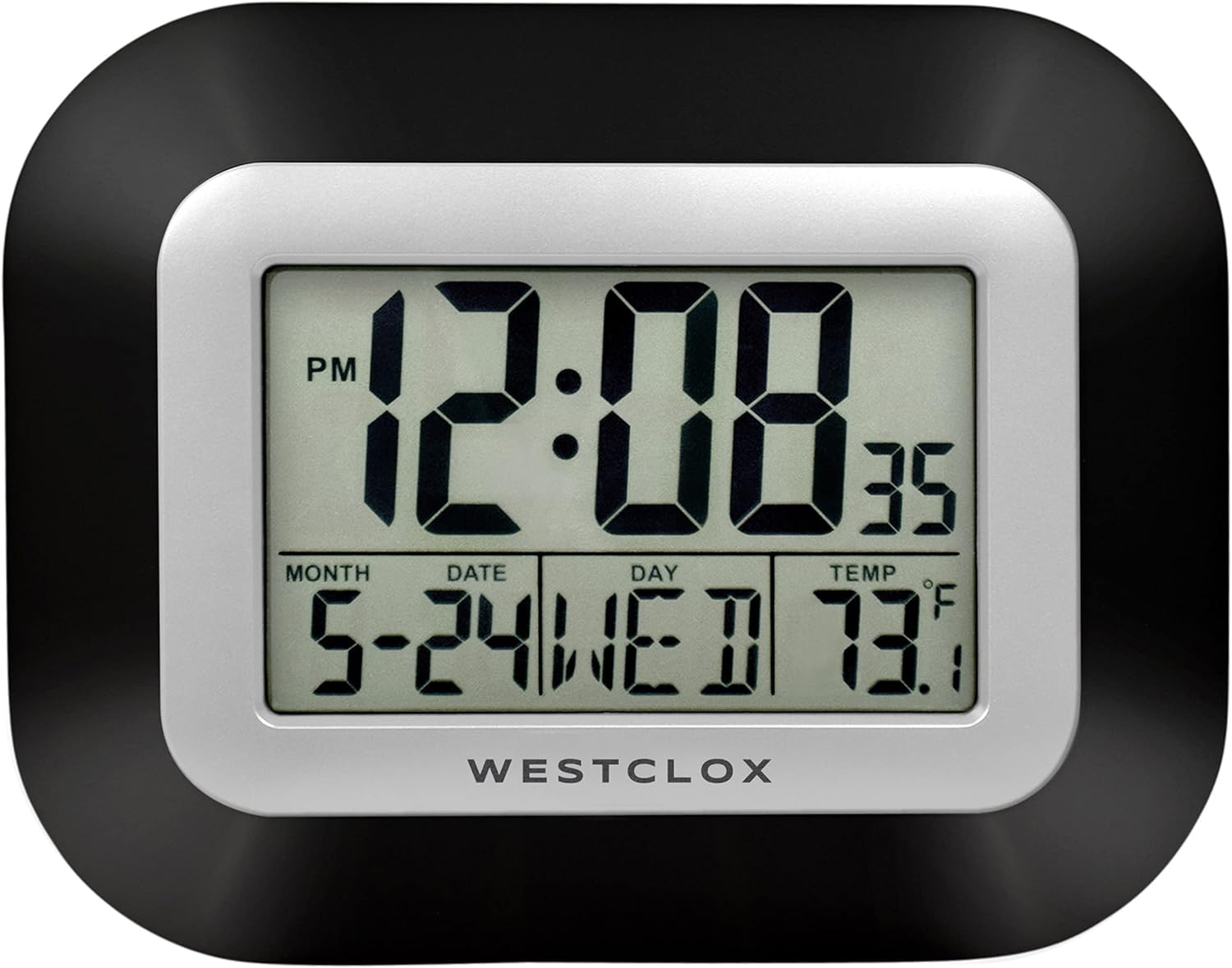
మూర్తి 1: ముందు view of the Westclox Large Digital Wall Clock.
సెటప్
1. అన్ప్యాకింగ్ మరియు కంటెంట్లు
Carefully remove the clock from its packaging. Ensure all components are present. The package should contain:
- Westclox Large Digital Wall Clock (Model 55006BK)
- సూచనల మాన్యువల్ (ఈ పత్రం)
గమనిక: ఆపరేషన్ కోసం 2 AA బ్యాటరీలు అవసరం మరియు చేర్చబడలేదు.
2. బ్యాటరీ ఇన్స్టాలేషన్
- గడియారం వెనుక బ్యాటరీ కంపార్ట్మెంట్ను గుర్తించండి.
- బ్యాటరీ కంపార్ట్మెంట్ కవర్ను తీసివేయండి.
- Insert two (2) new AA batteries, ensuring correct polarity (+ and -) as indicated inside the compartment.
- బ్యాటరీ కంపార్ట్మెంట్ కవర్ను భర్తీ చేయండి.

చిత్రం 2: వెనుక view of the clock with battery compartment and control buttons.
3. ప్లేస్మెంట్ ఎంపికలు
Your Westclox Digital Wall Clock can be placed on a flat surface or mounted on a wall.
- డెస్క్ స్టాండ్: Extend the integrated stand(s) on the back of the clock to position it upright on a desk, table, or nightstand.
- వాల్ మౌంట్: Use the keyhole slot on the back of the clock to hang it securely on a wall hook or screw.
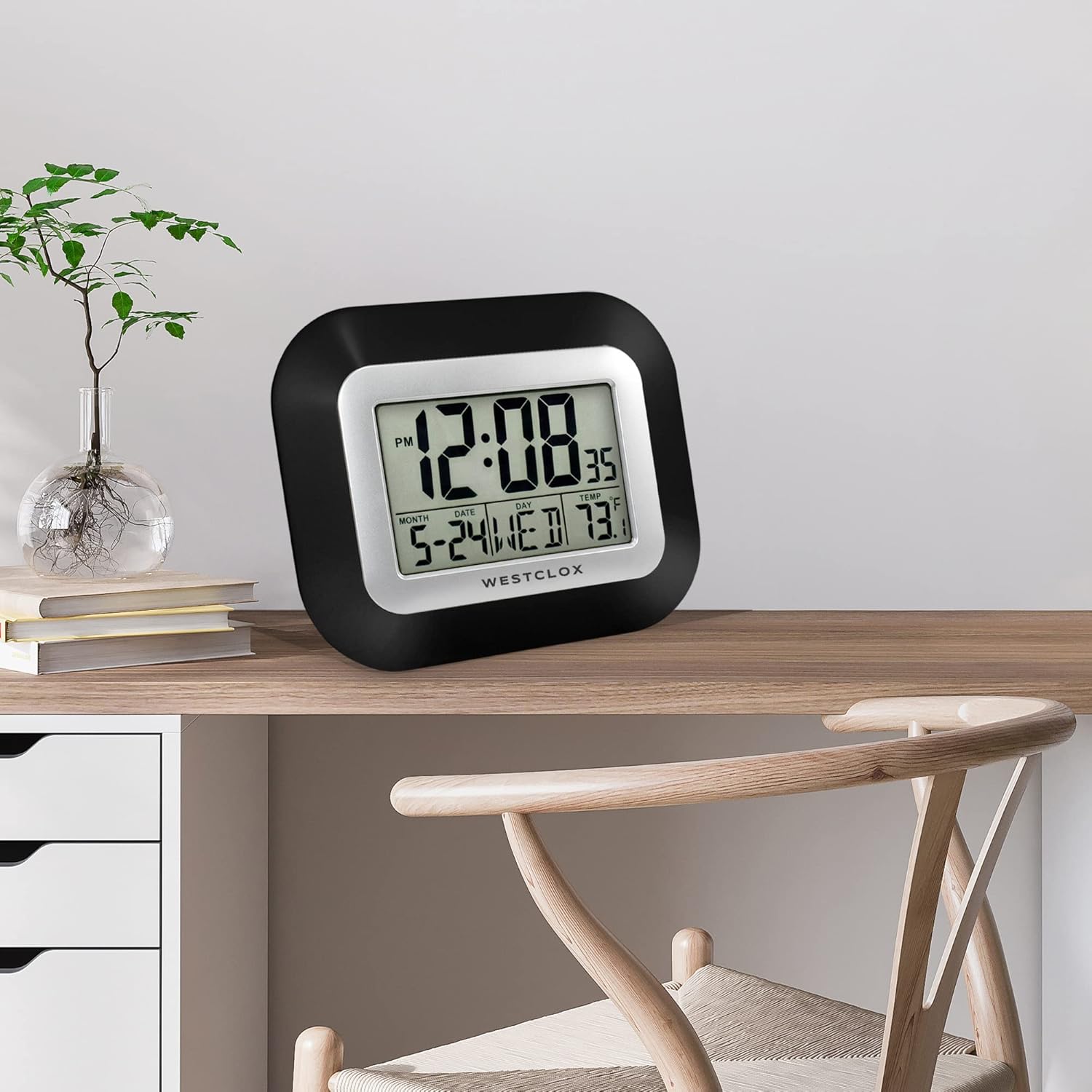
Figure 3: Clock on a desk.

Figure 4: Clock mounted on a wall.
ఆపరేటింగ్ సూచనలు
1. బటన్ విధులు
The control buttons are located on the back of the clock (refer to Figure 2).
- సెట్: Used to enter setting modes for time, date, and alarm.
- అలారం: Used to activate/deactivate the alarm and enter alarm setting mode.
- ▲ (పైకి బాణం): Used to increase values during setting.
- ▼ (క్రింది బాణం): Used to decrease values during setting.
- స్నూజ్: అలారం మోగినప్పుడు స్నూజ్ ఫంక్షన్ను సక్రియం చేస్తుంది.
2. సమయాన్ని నిర్ణయించడం
- నొక్కండి సెట్ button once. The hour digits will begin to flash.
- ఉపయోగించండి ▲ ▲ తెలుగు or ▼ గంటను సర్దుబాటు చేయడానికి బటన్లు. AM/PM సూచికపై శ్రద్ధ వహించండి.
- నొక్కండి సెట్ మళ్ళీ. నిమిషాల అంకెలు ఫ్లాష్ అవుతాయి.
- ఉపయోగించండి ▲ ▲ తెలుగు or ▼ నిమిషాలను సర్దుబాటు చేయడానికి బటన్లు.
- నొక్కండి సెట్ సమయ సెట్టింగ్ మోడ్ను నిర్ధారించి నిష్క్రమించడానికి.
3. Setting the Date and Day of the Week
- సాధారణ సమయ ప్రదర్శన నుండి, నొక్కండి సెట్ button twice. The year digits will begin to flash.
- ఉపయోగించండి ▲ ▲ తెలుగు or ▼ సంవత్సరాన్ని సర్దుబాటు చేయడానికి బటన్లు.
- నొక్కండి సెట్ again. The month digits will flash.
- ఉపయోగించండి ▲ ▲ తెలుగు or ▼ నెలను సర్దుబాటు చేయడానికి బటన్లు.
- నొక్కండి సెట్ again. The date digits will flash.
- ఉపయోగించండి ▲ ▲ తెలుగు or ▼ తేదీని సర్దుబాటు చేయడానికి బటన్లు.
- The day of the week will automatically adjust based on the set date.
- నొక్కండి సెట్ to confirm and exit date setting mode.
4. అలారం అమర్చుట
- నొక్కండి అలారం button once. The alarm time will be displayed, and the hour digits will flash.
- ఉపయోగించండి ▲ ▲ తెలుగు or ▼ అలారం గంటను సర్దుబాటు చేయడానికి బటన్లు.
- నొక్కండి అలారం మళ్ళీ. నిమిషాల అంకెలు ఫ్లాష్ అవుతాయి.
- ఉపయోగించండి ▲ ▲ తెలుగు or ▼ అలారం నిమిషాలను సర్దుబాటు చేయడానికి బటన్లు.
- నొక్కండి అలారం అలారం సమయాన్ని నిర్ధారించడానికి.
- అలారంను సక్రియం చేయడానికి, నొక్కండి అలారం button until the alarm icon (bell symbol) appears on the display.
- అలారంను నిష్క్రియం చేయడానికి, అలారం button until the alarm icon disappears.
5. స్నూజ్ ఫంక్షన్ని ఉపయోగించడం
అలారం మోగినప్పుడు, నొక్కండి స్నూజ్ button. The alarm will temporarily stop and sound again after approximately 5-10 minutes (snooze duration may vary slightly). To turn off the alarm completely, press any other button on the back of the clock.
6. ఉష్ణోగ్రత ప్రదర్శన
The clock automatically displays the indoor temperature in Fahrenheit (°F). No setting is required for this function.
నిర్వహణ
1. శుభ్రపరచడం
To clean the clock, gently wipe the surface with a soft, dry cloth. Do not use abrasive cleaners, solvents, or chemical sprays, as these may damage the display or casing.
2. బ్యాటరీ భర్తీ
When the display becomes dim or the clock functions irregularly, it is time to replace the batteries. Follow the "Battery Installation" steps in the Setup section to replace the two (2) AA batteries.
ట్రబుల్షూటింగ్
| సమస్య | సాధ్యమైన కారణం | పరిష్కారం |
|---|---|---|
| డిస్ప్లే ఖాళీగా లేదా మసకగా ఉంది. | బ్యాటరీలు తక్కువగా ఉన్నాయి లేదా తప్పుగా ఇన్స్టాల్ చేయబడ్డాయి. | సరైన ధ్రువణతను నిర్ధారించుకోవడానికి, బ్యాటరీలను కొత్త AA బ్యాటరీలతో భర్తీ చేయండి. |
| సమయం లేదా తేదీ తప్పు. | Time/date was not set correctly or reset after battery change. | Follow the "Setting the Time" and "Setting the Date and Day of the Week" instructions. |
| అలారం మోగడం లేదు. | అలారం సక్రియం చేయబడలేదు లేదా తప్పుగా సెట్ చేయబడలేదు. | Ensure the alarm time is set and the alarm icon (bell symbol) is visible on the display. |
| Cannot change day/date. | Incorrect mode entered or buttons not pressed in sequence. | Ensure you press the సెట్ button twice to enter year setting, then proceed to month and date. The day of the week adjusts automatically. |
స్పెసిఫికేషన్లు
| బ్రాండ్ | వెస్ట్క్లాక్స్ |
| మోడల్ సంఖ్య | 55006BK |
| ప్రదర్శన రకం | డిజిటల్ ఎల్సిడి |
| కొలతలు (W x H) | 7 అంగుళాలు x 9 అంగుళాలు |
| శక్తి మూలం | 2 x AA బ్యాటరీలు (చేర్చబడలేదు) |
| ప్రత్యేక లక్షణాలు | Large Display, Temperature Display, Date, Day of Week, Alarm with Snooze |
| మెటీరియల్ | ప్లాస్టిక్ |
| వస్తువు బరువు | 10.4 ఔన్సులు |
| మౌంటు రకం | Wall Mount, Desk Stand |
| ఇండోర్/అవుట్డోర్ వినియోగం | ఇండోర్ |
వారంటీ మరియు మద్దతు
Westclox products are manufactured with quality and care. For specific warranty information or technical support, please refer to the product packaging or visit the official Westclox store online.
You can find more information and contact support through the అమెజాన్లో వెస్ట్క్లాక్స్ స్టోర్.


