1. పరిచయం
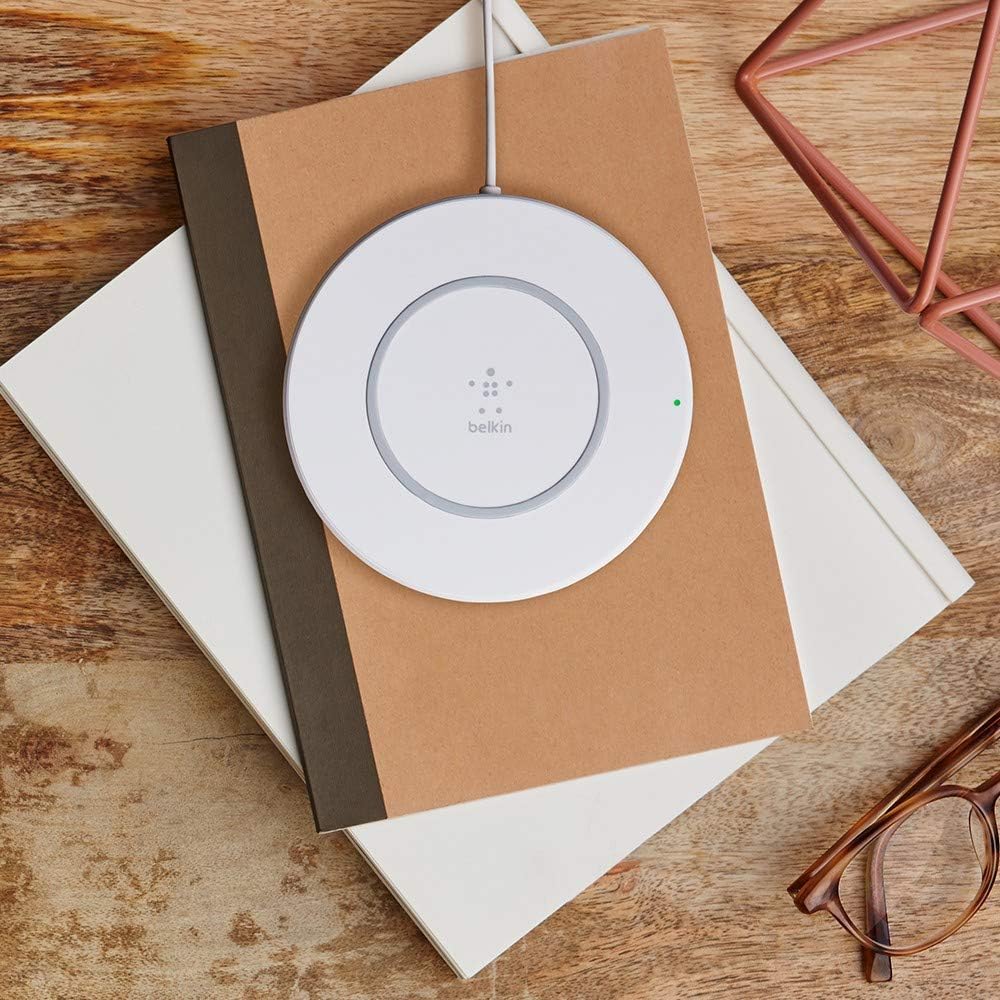
The Belkin Quick Wireless Charging Pad provides a convenient and efficient way to charge your compatible devices wirelessly. This Qi-certified charger delivers up to 7.5 watts of power for iPhones and 5 watts for other Qi-enabled devices, ensuring a reliable charging experience without the need for cables.
2. పెట్టెలో ఏముంది
- Belkin Quick Wireless Charging Pad
- ఎసి పవర్ అడాప్టర్
- వినియోగదారు మాన్యువల్ (ఈ పత్రం)
3. సెటప్
- పవర్ అడాప్టర్ను కనెక్ట్ చేయండి: Plug the AC power adapter into a wall outlet. Connect the other end of the adapter cable to the power input port on the back of the Belkin Quick Wireless Charging Pad.
- ప్లేస్మెంట్: Place the charging pad on a flat, stable surface, such as a desk or nightstand, ensuring it is within reach of a power outlet.
4. ఆపరేటింగ్ సూచనలు
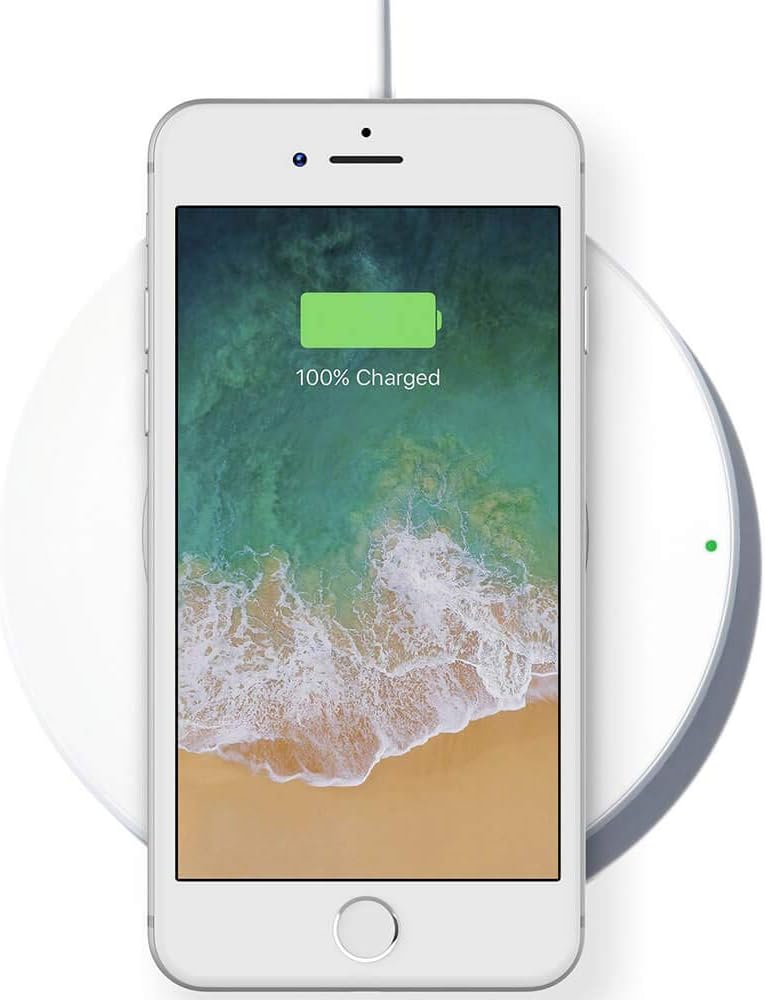
- మీ పరికరాన్ని ఉంచండి: Carefully place your Qi-enabled smartphone or device onto the center of the charging pad.
- ఛార్జింగ్ను నిర్ధారించండి: The built-in LED indicator light on the charging pad will illuminate green to confirm that your device is properly aligned and charging. Your device's screen should also indicate that it is receiving a charge.
- Charging with a Case: The charging pad is compatible with most lightweight plastic cases up to 3mm thick. You typically do not need to remove your phone case for charging.
Official Product Video: Belkin Wireless Charger Overview
Video: This official video from Belkin demonstrates the features and ease of use of the Boost Up Wireless Charging Pad, highlighting its design and charging capabilities.
5 కీ ఫీచర్లు
- 7.5W Fast Charge: Optimized for Apple devices, providing up to 7.5W of power. Other Qi-compatible devices charge at 5W.
- Interruption-Free Charging: Charge your smartphone while listening to music, streaming videos, or video calling without interruption.
- Worry-Free Design: Convenient pad design with integrated LED lights to indicate optimal alignment and charging status.
- కేస్ అనుకూలత: Charges through most lightweight plastic cases up to 3mm thick.
6. అనుకూలత
The Belkin Quick Wireless Charging Pad is Qi-certified and compatible with a wide range of devices, including:
- iPhone 8, iPhone 8 Plus, iPhone X, iPhone XS, iPhone XS Max, iPhone XR, iPhone 11, iPhone 12, iPhone 13, iPhone 14, iPhone 15, iPhone 16, iPhone 17, and iPhone SE (including all standard, Plus, Pro, Pro Max, and Mini models).
- Qi-enabled phones from Samsung, Google, LG, Sony, and more.
- Apple AirPods Pro and other Qi-enabled earbuds.
7. నిర్వహణ
To ensure optimal performance and longevity of your charging pad:
- Keep the charging pad clean and free of dust and debris. Use a soft, dry cloth for cleaning.
- పరికరాన్ని తీవ్రమైన ఉష్ణోగ్రతలు, తేమ లేదా ప్రత్యక్ష సూర్యకాంతికి గురిచేయకుండా ఉండండి.
- Do not attempt to disassemble or repair the charging pad yourself.
8. ట్రబుల్షూటింగ్
- పరికరం ఛార్జ్ చేయబడదు:
- Ensure your device is centered on the charging pad.
- Check that the power adapter is securely connected to both the wall outlet and the charging pad.
- Remove any thick or metallic phone cases, or cases containing magnets, as these can interfere with wireless charging.
- Verify that your device is Qi-enabled.
- నెమ్మదిగా ఛార్జింగ్:
- Ensure you are using the original Belkin AC power adapter provided with the charging pad.
- Confirm your device is properly aligned on the pad.
- మీ పరికరంలో ఏవైనా అనవసరమైన బ్యాక్గ్రౌండ్ అప్లికేషన్లను మూసివేయండి.
- LED సూచిక వెలిగించడం లేదు:
- విద్యుత్ కనెక్షన్లను తనిఖీ చేయండి.
- Ensure no foreign objects are on the charging pad.
9. స్పెసిఫికేషన్లు
| ఫీచర్ | వివరాలు |
|---|---|
| ఉత్పత్తి కొలతలు | 2.72 x 5 x 6.18 అంగుళాలు |
| వస్తువు బరువు | 4.1 ఔన్సులు |
| అంశం మోడల్ సంఖ్య | F7U027dqWHT |
| కనెక్టివిటీ టెక్నాలజీ | వైర్లెస్ |
| ప్రత్యేక లక్షణాలు | వైర్లెస్ ఛార్జింగ్ |
| రంగు | తెలుపు |
| తయారీదారు | Belkin Inc. |
| ఇన్పుట్ వాల్యూమ్tage | 100 వోల్ట్లు |
| వాట్tage | 7.5 వాట్స్ |

10. వారంటీ మరియు మద్దతు
The Belkin Quick Wireless Charging Pad comes with a 3-సంవత్సరం పరిమిత వారంటీ with registration on Belkin’s official website. For further assistance, technical support, or warranty claims, please visit the official Belkin support webసైట్ లేదా వారి కస్టమర్ సేవను సంప్రదించండి.


