1. ముఖ్యమైన భద్రతా సూచనలు
Please read all safety instructions carefully before using your Samsung HW-MS550 Soundbar. Keep this manual for future reference. Do not expose this appliance to rain or moisture. Do not block any ventilation openings. Ensure proper ventilation around the unit. Do not install near any heat sources. Only use attachments/accessories specified by the manufacturer. Unplug this appliance during lightning storms or when unused for long periods of time. Refer all servicing to qualified service personnel.
2. పెట్టెలో ఏముంది
మీ ప్యాకేజీలో అన్ని భాగాలు చేర్చబడ్డాయని ధృవీకరించండి:
- సౌండ్ బార్
- రిమోట్ కంట్రోలర్
- వాల్ మౌంట్ కిట్
3. ఉత్పత్తి ముగిసిందిview
The Samsung HW-MS550 Sound+ Premium Soundbar is designed to deliver enhanced audio for your home entertainment system. It features a 2.0 channel configuration with integrated audio technologies for a rich sound experience.

మూర్తి 3.1: ముందు view of the Samsung HW-MS550 Soundbar, showcasing దాని సొగసైన డిజైన్.

చిత్రం 3.2: కోణీయ view of the soundbar, highlighting the integrated control buttons on the side.

చిత్రం 3.3: వెనుక view of the soundbar, illustrating the available connectivity ports for various devices.
ముఖ్య లక్షణాలు:
- Wide Range Tweeter: Delivers consistent sound quality across a broad listening area.
- Distortion Cancelling: Technology designed to predict and cancel distortion before it occurs.
- Multi-speaker Control: Enhances bass depth and power by coordinating speaker movement.
- వైర్లెస్ కనెక్టివిటీ: Supports Bluetooth and Wi-Fi for seamless connection to compatible devices.
- వాయిస్ నియంత్రణ: Compatible with Alexa for hands-free operation.
- గేమ్ మోడ్ ప్రో: Optimizes sound effects for an immersive gaming experience.
- 4K Pass-through with HDR Compatibility: Allows high-definition audio to pass through with UHD HDR video quality.
- Wireless Surround Sound Ready: Expandable with an optional Wireless Surround Kit (sold separately).
4. సెటప్
4.1 ప్లేస్మెంట్
Place the soundbar on a stable, flat surface in front of your TV, or mount it on the wall using the provided wall mount kit. Ensure there are no obstructions in front of the soundbar for optimal sound dispersion.

Figure 4.1: Illustration of the soundbar's wide sound dispersion, ensuring consistent audio quality across the room.
4.2 కనెక్షన్లు
Connect the soundbar to your TV and other devices using the appropriate cables. The HW-MS550 supports multiple connection types:
- HDMI: For the best audio quality and 4K pass-through, connect an HDMI cable from your TV's HDMI ARC port to the soundbar's HDMI OUT (TV-ARC) port.
- ఆప్టికల్: Connect an optical cable from your TV's optical digital audio output to the soundbar's OPTICAL IN port.
- AUX: Use a 3.5mm audio cable to connect devices to the AUX IN port.
- బ్లూటూత్: For wireless audio streaming, pair your smartphone or other Bluetooth-enabled device with the soundbar.
- Wireless TV Connection: Connect your Samsung TV wirelessly via Bluetooth or Wi-Fi for a clutter-free setup.
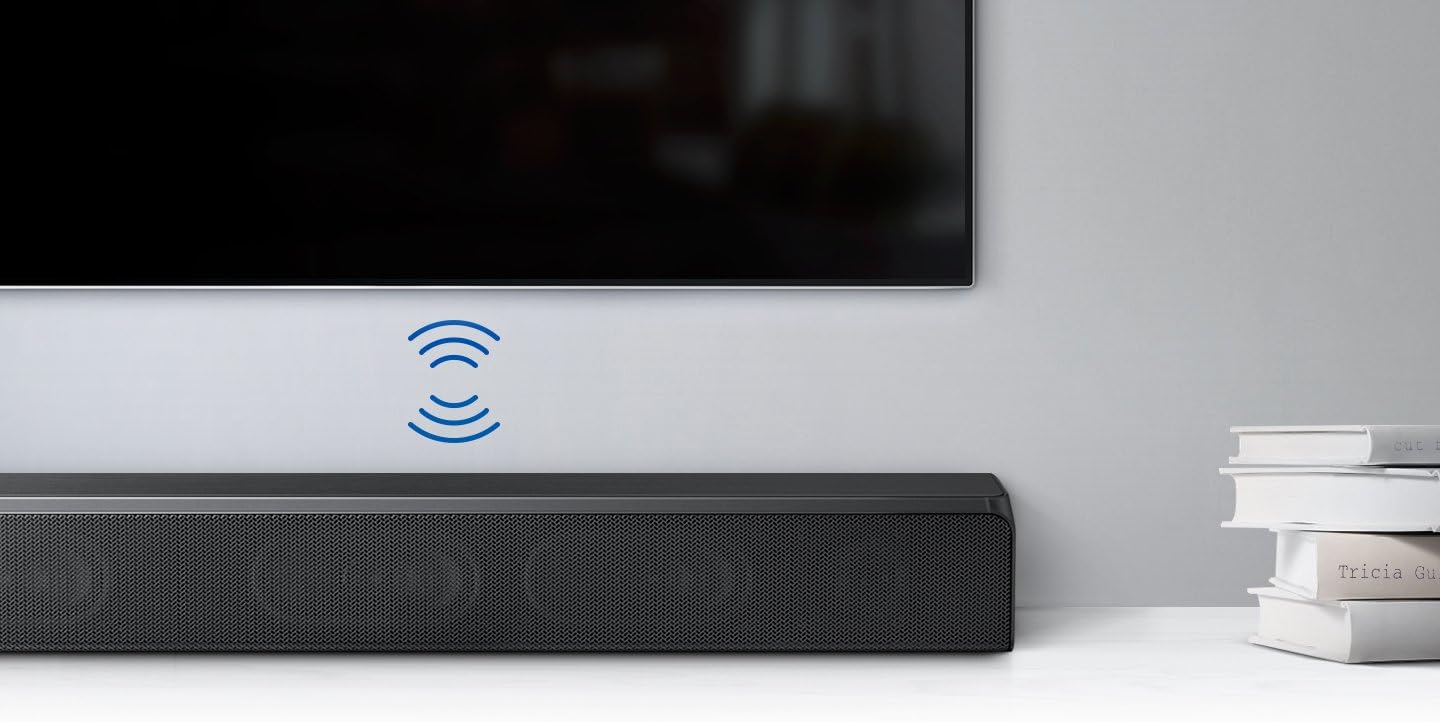
Figure 4.2: The soundbar connected wirelessly to a Samsung TV, demonstrating a clean setup without visible cables.
4.3 పవర్ కనెక్షన్
After making all necessary audio connections, connect the power cord to the soundbar and then to a wall outlet.
5. ఆపరేటింగ్ సూచనలు
5.1 పవర్ ఆన్/ఆఫ్
Press the Power button on the remote control or on the side of the soundbar to turn the unit on or off. If connected via HDMI ARC, the soundbar may power on/off automatically with your TV.
5.2 ఇన్పుట్ ఎంపిక
Use the 'Source' button on the remote control to cycle through available input sources: TV (HDMI ARC/Optical), Bluetooth, AUX, USB.
5.3 వాల్యూమ్ నియంత్రణ
Adjust the volume using the Volume Up (+) and Volume Down (-) buttons on the remote control or on the soundbar itself.
5.4 బ్లూటూత్ జత చేయడం
బ్లూటూత్ పరికరాన్ని జత చేయడానికి:
- Select 'Bluetooth' as the input source on the soundbar.
- మీ మొబైల్ పరికరంలో, బ్లూటూత్ని ప్రారంభించండి మరియు అందుబాటులో ఉన్న పరికరాల కోసం శోధించండి.
- Select 'Samsung HW-MS550' from the list to connect.

Figure 5.1: A smartphone wirelessly streaming music to the soundbar via Bluetooth connection.
5.5 సౌండ్ మోడ్లు
The soundbar offers various sound modes to optimize your listening experience. Use the 'Sound Mode' button on the remote to switch between modes like Standard, Surround, Game Mode Pro, and Smart Sound Mode.
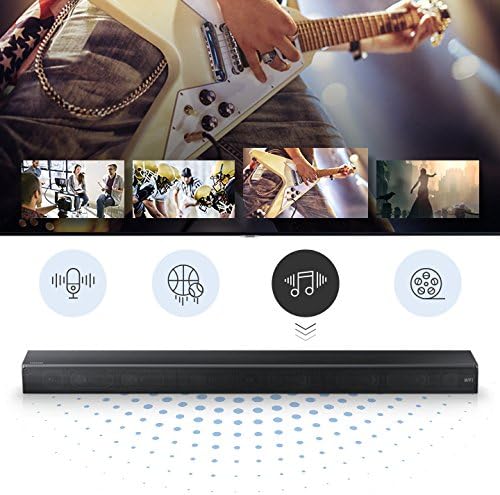
Figure 5.2: Icons indicating various sound modes available on the soundbar, such as voice, sports, music, and movie.
5.6 అలెక్సా వాయిస్ కంట్రోల్
If you have an Amazon Alexa-enabled device, you can control your soundbar using voice commands. Ensure your soundbar is connected to your home network and linked to your Alexa account through the Samsung SmartThings app.
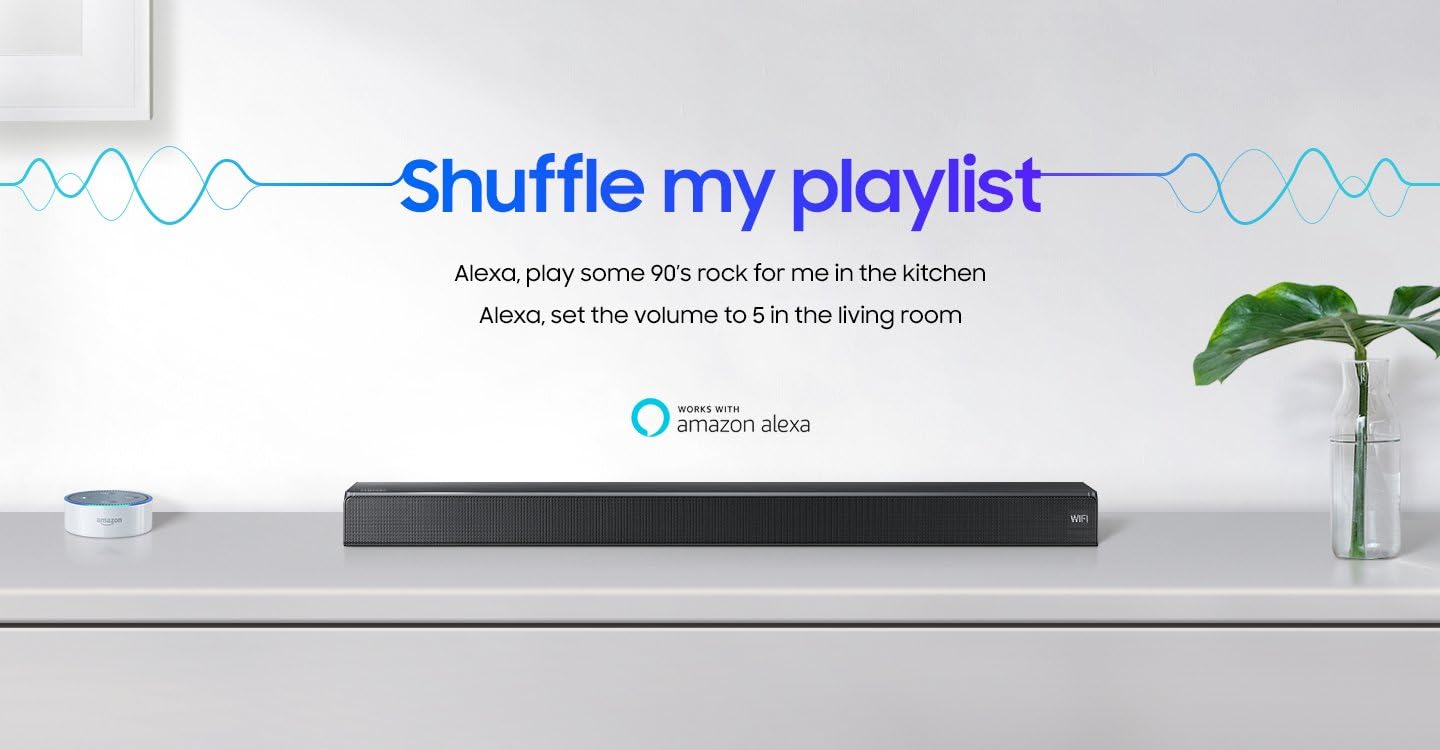
Figure 5.3: The soundbar displayed with the 'Works with Amazon Alexa' logo, indicating voice control capabilities.
6. నిర్వహణ
మీ సౌండ్బార్ యొక్క దీర్ఘాయువు మరియు సరైన పనితీరును నిర్ధారించడానికి:
- శుభ్రపరచడం: Wipe the exterior surfaces with a soft, dry cloth. Do not use liquid cleaners or aerosols.
- వెంటిలేషన్: వెంటిలేషన్ ఓపెనింగ్లను దుమ్ము మరియు చెత్త లేకుండా శుభ్రంగా ఉంచండి.
- సాఫ్ట్వేర్ అప్డేట్లు: Periodically check for and install software updates to enhance performance and add new features. Refer to the Samsung SmartThings app or Samsung support webసూచనల కోసం సైట్.
7. ట్రబుల్షూటింగ్
మీ సౌండ్బార్తో మీకు సమస్యలు ఎదురైతే, ఈ క్రింది సాధారణ సమస్యలు మరియు పరిష్కారాలను చూడండి:
| సమస్య | సాధ్యమైన కారణం | పరిష్కారం |
|---|---|---|
| ధ్వని లేదా తక్కువ వాల్యూమ్ లేదు | Incorrect input source, TV volume too low, cables not connected properly. | Select the correct input source. Increase the soundbar and TV volume. Check all cable connections. |
| Soundbar turns off automatically | Auto Power Link feature, no audio signal for 5 minutes. | This is normal behavior if no audio signal is detected for a period. Adjust Auto Power Link settings if available in your TV or soundbar menu. |
| Bluetooth connection unstable or disconnects | Interference, device too far, pairing issue. | Ensure no obstructions between devices. Keep devices within range. Re-pair the Bluetooth device. Check for firmware updates. |
| రిమోట్ కంట్రోల్ పనిచేయడం లేదు | బ్యాటరీలు క్షీణించాయి, అవరోధం, తప్పు మోడ్. | Replace batteries. Remove any obstructions. Ensure the remote is pointed directly at the soundbar. |
8. స్పెసిఫికేషన్లు
| ఫీచర్ | వివరణ |
|---|---|
| మోడల్ పేరు | HW-MS550/ZA |
| స్పీకర్ రకం | చుట్టుముట్టండి |
| కనెక్టివిటీ టెక్నాలజీ | Bluetooth, HDMI, USB |
| ఆడియో అవుట్పుట్ మోడ్ | చుట్టుముట్టండి |
| నియంత్రణ పద్ధతి | వాయిస్ |
| కొలతలు (L x W x H) | 35.04 x 5.14 x 2.79 అంగుళాలు |
| వస్తువు బరువు | 11.02 పౌండ్లు |
| శక్తి మూలం | కార్డెడ్ ఎలక్ట్రిక్ |
| అనుకూల పరికరాలు | స్మార్ట్ఫోన్, టాబ్లెట్, MP3 ప్లేయర్, డెస్క్టాప్, టెలివిజన్, ప్రొజెక్టర్, ల్యాప్టాప్ |
| మౌంటు రకం | వాల్ మౌంట్ |
| UPC | 887276225654 |
9. వారంటీ మరియు మద్దతు
This Samsung HW-MS550 Soundbar comes with a limited warranty. For detailed warranty information, product registration, and technical support, please visit the official Samsung support webSamsung సైట్లో లేదా కస్టమర్ సర్వీస్ను సంప్రదించండి. వారంటీ క్లెయిమ్ల కోసం మీ కొనుగోలు రుజువును ఉంచండి.
ఆన్లైన్ మద్దతు: www.samsung.com/us/support/
కస్టమర్ సేవ: Refer to your region's Samsung webస్థానిక సంప్రదింపు నంబర్ల కోసం సైట్.