పరిచయం
This manual provides detailed instructions for the installation, operation, and maintenance of the Foxeer Predator Micro V2 FPV Camera. Please read this manual thoroughly before using the product to ensure proper functionality and safety.
ఉత్పత్తి ముగిసిందిview
The Foxeer Predator Micro V2 is a high-performance FPV camera designed for racing drones and other multirotors. It features Super WDR, 1000TVL resolution, and an On-Screen Display (OSD) for easy configuration.

Image: Foxeer Predator Micro V2 FPV Camera, front view.
ముఖ్య లక్షణాలు ఉన్నాయి:
- అధిక రిజల్యూషన్: 1000TVL for clear image quality.
- Super WDR: Excellent performance in varying light conditions.
- తక్కువ జాప్యం: Minimum to 4ms for responsive FPV flying.
- OSD: Built-in On-Screen Display for easy settings adjustment.
- కాంపాక్ట్ సైజు: Lightweight at 5.5g (excluding bracket) and small dimensions (18.6 x 19.0mm).
- వైడ్ వాల్యూమ్tagఇ ఇన్పుట్: Supports 5-40V.

Image: Visual representation of the Predator Micro V2 highlighting clearer image quality, brighter dark zones, and new DSY/NIGHT, LED, and V CAL features.
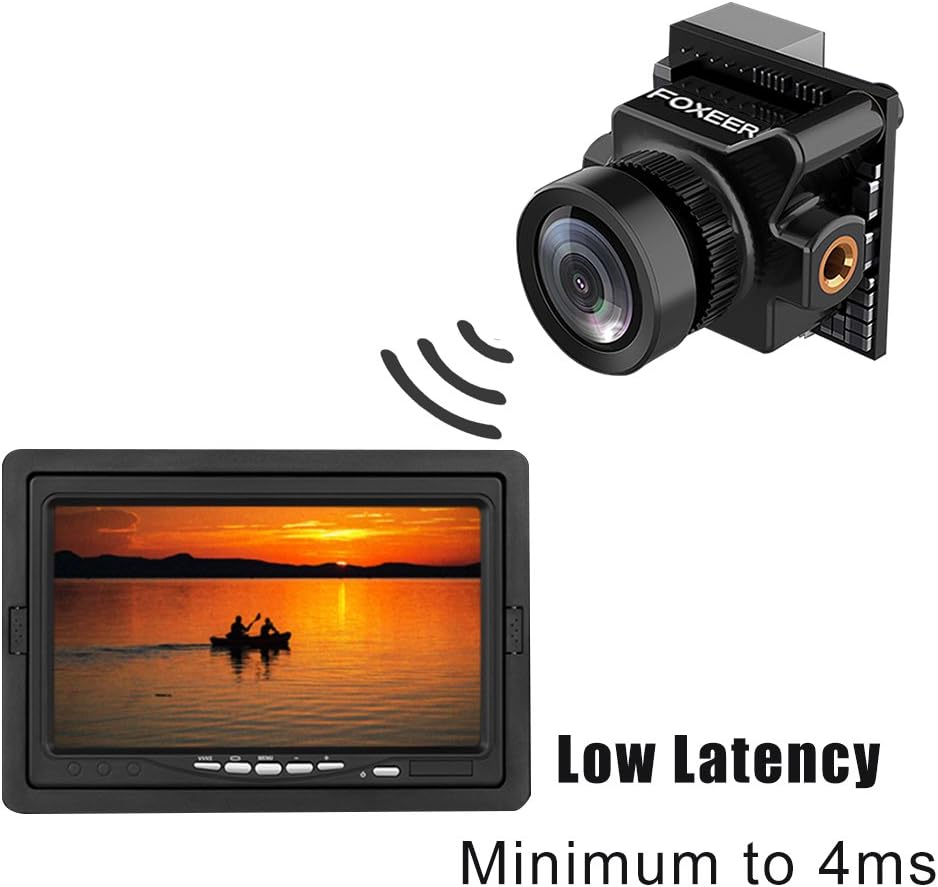
Image: Depiction of the camera's low latency, showing the camera transmitting to a monitor with minimal delay.
ప్యాకేజీ విషయాలు
క్రింద జాబితా చేయబడిన అన్ని వస్తువులు మీ ప్యాకేజీలో చేర్చబడ్డాయని నిర్ధారించుకోండి. ఏవైనా వస్తువులు తప్పిపోయినా లేదా దెబ్బతిన్నా, దయచేసి మీ రిటైలర్ను సంప్రదించండి.
- 1x Foxeer Predator Micro V2 Camera
- 1x OSD Board
- 1x Servo Cable
- 1x OSD Cable
- 1x బ్రాకెట్
- 4x Gasket Rings
- 4x బ్రాకెట్ స్క్రూలు
- 2x Case Screws
- 1x వినియోగదారు మాన్యువల్

Image: All components included in the Foxeer Predator Micro V2 package, including the camera, OSD board, cables, bracket, and screws.
స్పెసిఫికేషన్లు
Detailed technical specifications for the Foxeer Predator Micro V2 FPV Camera:

Image: A table summarizing the technical specifications of the Foxeer Predator Micro V2 camera.
| ఫీచర్ | స్పెసిఫికేషన్ |
|---|---|
| మోడల్ | Foxeer Predator Micro V2 |
| రిజల్యూషన్ | 1000TVL |
| TV వ్యవస్థ | NTSC |
| CVBS | 4:3 స్క్రీన్ |
| జాప్యం | Minimum to 4ms |
| OSD | అవును |
| WDR | అవును |
| ఇన్పుట్ వాల్యూమ్tage | 5-40V |
| బరువు | 5.5g (excluding bracket) |
| పరిమాణం | 18.6 x 19.0 మి.మీ |
| V CAL | వాల్యూమ్tage calibration, range -0.5~0.5 |
| పగలు/రాత్రి | AUTO and Manual |
| చిత్రం ఫ్లిప్ | Off/ H-Flip / V-Flip/ HV-Flip |
| భాషలు | English/ Deutsch/ Francais / Pyccknn / Portugues / Espanol / Chinese |
The camera features a 1.8mm lens with a FOV-D (Diagonal Field of View) of 150°.

Image: Diagram illustrating the Field of View (FOV-V, FOV-H, FOV-D) for the 1.8mm M8 lens, indicating a 150° diagonal field of view.
సెటప్
సంస్థాపన
- మౌంటు: Use the provided bracket and screws to securely mount the Predator Micro V2 camera onto your drone frame. Ensure the camera is oriented correctly. The multi-functional bracket allows for easy switching between standard and mini sizes.
- వైరింగ్: Connect the camera to your flight controller or video transmitter using the provided servo cable and OSD cable. Ensure correct polarity for power (5-40V input). Refer to your flight controller/VTX manual for specific wiring diagrams.
ప్రారంభ పవర్-అప్
After installation, connect power to your drone. The camera should power on and display video output.
ఆపరేటింగ్
ఆన్-స్క్రీన్ డిస్ప్లే (OSD) మెనూ
The Predator Micro V2 features an integrated OSD for easy configuration. Use the OSD board (joystick) to navigate and adjust settings.

Image: Screenshots of the OSD menu, showing options for setup (Camera ID, Picture Adjust, Day/Night, LED, V CAL, Camera Reset) and display settings (Time, Power, V CAL, LED).
OSDని నావిగేట్ చేస్తోంది
- Connect the OSD board to the camera.
- కెమెరాను ఆన్ చేయండి.
- Use the joystick on the OSD board to navigate through the menu options.
- Press the center button to select an option or confirm a setting.
- Move the joystick left/right to change values.
- Select "EXIT" to save changes and exit the menu.
Key OSD Settings
- పగలు/రాత్రి: Set to AUTO for automatic switching, or MANUAL to select permanent COLOR or B/W mode.
- LED: Adjust LED brightness (OFF/MID/DARK).
- V CAL (Voltagఇ క్రమాంకనం): వాల్యూమ్ సర్దుబాటుtage reading with a range of -0.5 to 0.5.
- చిత్రం ఫ్లిప్: Options include Off, H-Flip (horizontal), V-Flip (vertical), and HV-Flip (horizontal and vertical).
- భాషలు: Select from English, Deutsch, Francais, Pyccknn, Portugues, Espanol, or Chinese.
నిర్వహణ
- శుభ్రపరచడం: కెమెరా లెన్స్ను మెత్తటి, మెత్తటి బట్టతో క్రమం తప్పకుండా శుభ్రం చేయండి. రాపిడి పదార్థాలు లేదా కఠినమైన రసాయనాలను నివారించండి.
- తనిఖీ: Periodically inspect all cables and connections for signs of wear or damage. Ensure the camera is securely mounted.
- నిల్వ: When not in use, store the camera in a dry, dust-free environment, away from extreme temperatures.
ట్రబుల్షూటింగ్
| సమస్య | సాధ్యమైన కారణం | పరిష్కారం |
|---|---|---|
| వీడియో అవుట్పుట్ లేదు | Incorrect wiring; No power; Damaged cable; Incorrect TV system setting. | Check all wiring connections for correct polarity and secure fit. Ensure power is supplied within the 5-40V range. Replace damaged cables. Verify TV System (NTSC) matches your receiver. |
| Image is dark/bright | Incorrect exposure settings; DAY/NIGHT mode issue. | Adjust exposure settings via the OSD menu. Check DAY/NIGHT mode; try setting it to AUTO or manually to COLOR/B&W. |
| Image is upside down/reversed | Image Flip setting enabled. | Access the OSD menu and set "Image Flip" to "Off". |
| OSD not appearing | OSD board not connected or faulty. | Ensure the OSD board is correctly connected to the camera. Test with another OSD board if available. |
| వాల్యూమ్tage reading inaccurate | V CAL setting needs adjustment. | Use the OSD menu to adjust the "V CAL" setting to match a known voltagఇ పఠనం. |
వారంటీ మరియు మద్దతు
For warranty information and technical support, please refer to the official FOXEER webసైట్లో లేదా మీ స్థానిక పంపిణీదారుని సంప్రదించండి. కొనుగోలు రుజువుగా మీ కొనుగోలు రసీదును ఉంచండి.
For further assistance, you may visit the FOXEER store on Amazon: FOXEER Amazon Store.