1. ఉత్పత్తి ముగిసిందిview
The JSAUX Micro USB Cable is designed for high-speed charging and data synchronization for a wide range of Micro USB compatible devices. This durable cable features a nylon braided exterior and reinforced connectors, engineered for longevity and reliable performance. It supports fast charging up to 2.4A and data transfer speeds up to 480Mbps.

Image: Two JSAUX Micro USB cables, highlighting their robust construction.
2 కీ ఫీచర్లు
- హై-స్పీడ్ ఛార్జింగ్: Supports up to 2.4A for efficient power delivery to compatible devices.
- Fast Data Sync: Achieves data transfer speeds of up to 480Mbps, enabling quick file బదిలీలు.
- మెరుగైన మన్నిక: Constructed with premium nylon braiding and special strain relief design, capable of withstanding over 20,000 bending tests.
- Anti-Break Design: Features upgraded 3D aluminum connectors and exclusive laser welding technology to prevent metal part breakage.
- చిక్కు లేకుండా: The braided design helps prevent tangles, making the cable easy to store and use.
- సరైన పొడవు: Includes a 6.6ft and a 10ft cable, providing flexibility for various charging and syncing needs.

Image: Fast Charging and Data Transfer Capabilities.
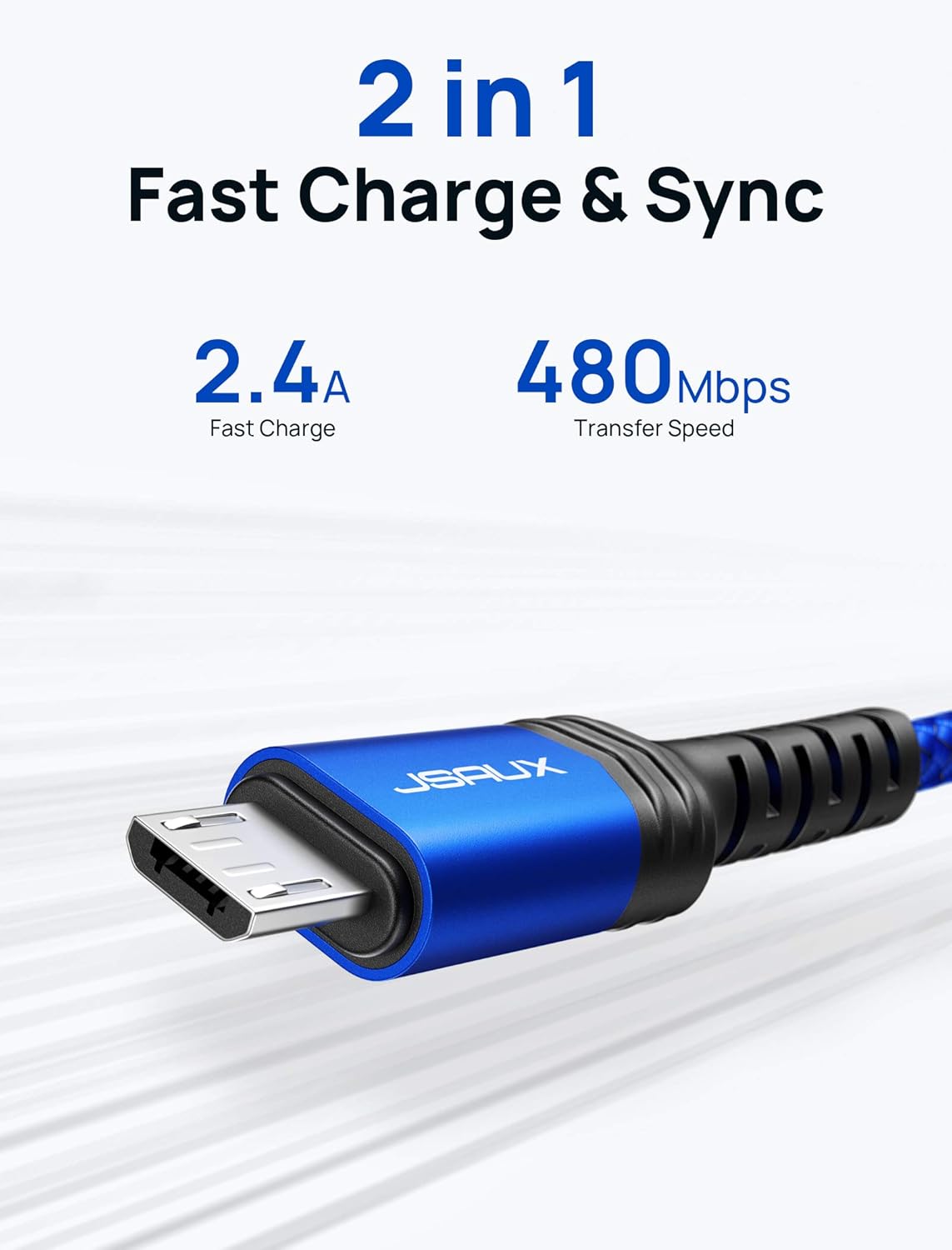
Image: Cable undergoing a bending test, demonstrating its durability.
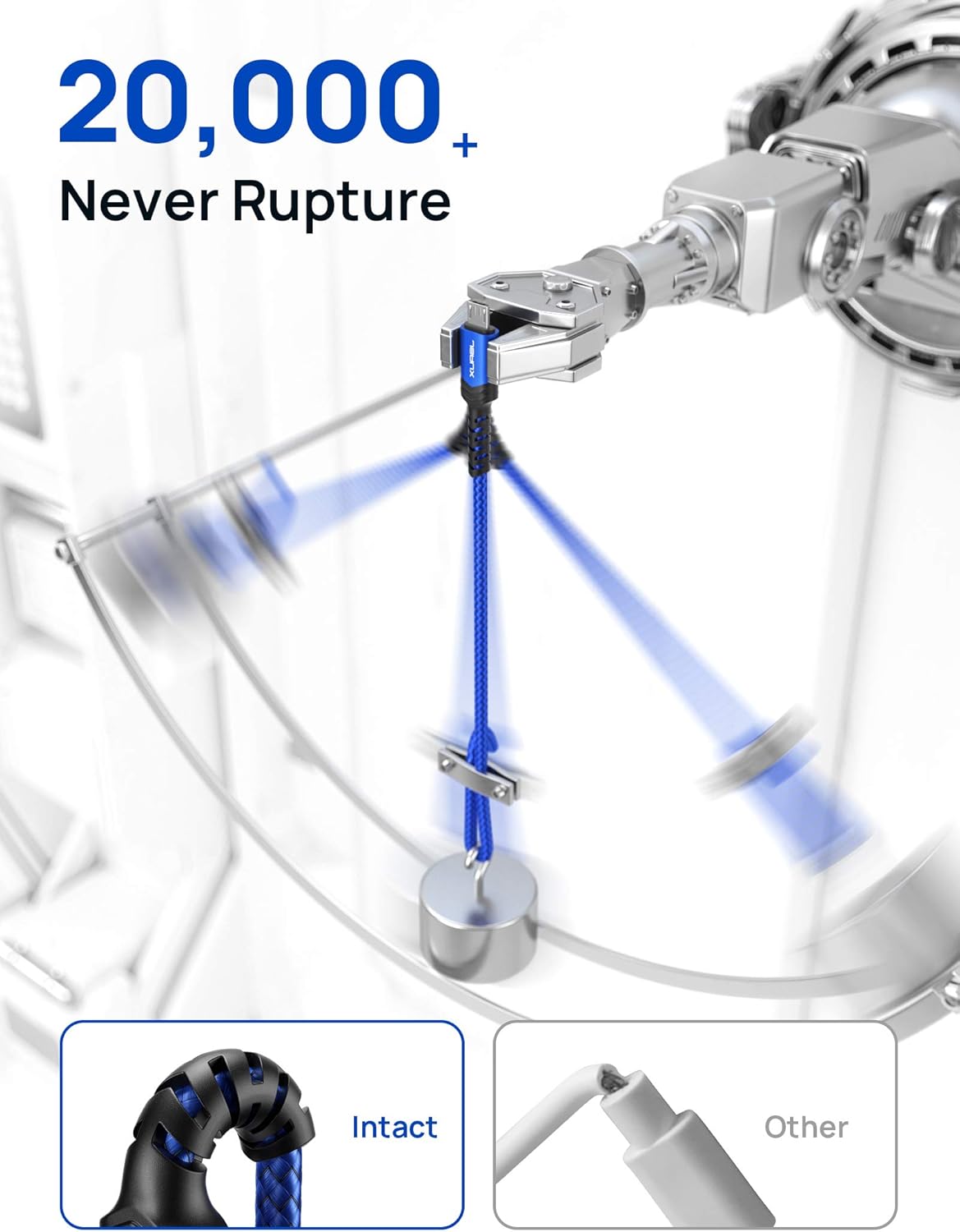
Image: Detail of the anti-break connector design.
3. అనుకూలత
This Micro USB cable is universally compatible with all devices featuring a Micro USB port. Please ensure your device has a Micro USB port before purchase.
Compatible Devices Include:
- Samsung Galaxy S7 Edge/S7/S6 Edge/S6/S4/S3
- Samsung Note 5/Note 4/Note3/J3/J7
- Samsung Tab 4/Tab 3/Tab A/Tab E/Tab S2/Tab S/Tab Pro
- LG G4/G4 Stylus/G3/G3 Stylus/G2/V10/K10
- Kindle e-readers
- PS4/Xbox controllers
- బ్లూటూత్ స్పీకర్లు
- MP3 ప్లేయర్లు
- పోర్టబుల్ ఛార్జర్స్
- And other Micro USB devices

చిత్రం: ఉదాamples of devices compatible with the JSAUX Micro USB cable.
4. సెటప్
Setting up your JSAUX Micro USB Cable is straightforward:
- Identify the correct ports on your devices. The cable has a standard USB-A connector on one end and a Micro USB connector on the other.
- For charging, insert the USB-A end into a compatible USB wall charger, power bank, or computer USB port.
- Insert the Micro USB end into the Micro USB port of your device (e.g., smartphone, tablet, e-reader).
- For data transfer, connect the USB-A end to a computer's USB port and the Micro USB end to your device. Your computer should recognize the device automatically.

Image: Visual guide for identifying USB-A and Micro USB connectors.
5. ఆపరేటింగ్ సూచనలు
మీ పరికరాన్ని ఛార్జ్ చేస్తోంది:
- Connect the Micro USB cable to a power source and your device as described in the Setup section.
- పవర్ సోర్స్ యాక్టివ్గా ఉందని నిర్ధారించుకోండి.
- The device's charging indicator should activate, confirming it is receiving power.
డేటా బదిలీ:
- Connect the Micro USB cable between your device and a computer.
- On your device, you may be prompted to select a USB connection mode (e.g., "File Transfer," "MTP," "PTP"). Select the appropriate mode for data transfer.
- Access your device's storage from your computer's file explorer to transfer files.
6. నిర్వహణ
To ensure the longevity and optimal performance of your JSAUX Micro USB Cable, follow these maintenance guidelines:
- పదునైన వంపులను నివారించండి: While the cable is designed for durability, extreme or repeated sharp bends, especially near the connectors, should be avoided to prevent internal damage.
- సరైన నిల్వ: When not in use, coil the cable loosely. The included sticky buckles can be used to keep the cable neatly organized and prevent tangling.
- క్లీన్ కనెక్టర్లు: Periodically inspect and gently clean the connectors with a dry, soft cloth to remove dust or debris that could affect connectivity.
- పెంపుడు జంతువుల నుండి రక్షించండి: The nylon braided design offers enhanced resistance, but it is advisable to keep cables away from pets that may chew on them.
- జాగ్రత్తగా నిర్వహించండి: Always pull from the connector head, not the cable itself, when unplugging from devices or power sources.

Image: Cables neatly stored with included velcro straps.

Image: Cable resisting pet interaction, demonstrating its robust build.
7. ట్రబుల్షూటింగ్
If you encounter issues with your JSAUX Micro USB Cable, consider the following common solutions:
| సమస్య | సాధ్యమైన కారణం | పరిష్కారం |
|---|---|---|
| పరికరం ఛార్జ్ చేయడం లేదు | Loose connection, faulty power source, incompatible device. | Ensure both ends of the cable are securely connected. Try a different power adapter or USB port. Verify your device uses a Micro USB port. |
| నెమ్మదిగా ఛార్జింగ్ వేగం | Low-power USB port, device limitation, background apps. | Use a wall adapter with sufficient output (e.g., 2.4A). Close unnecessary background applications on your device. |
| డేటా బదిలీ పని చేయడం లేదు | Incorrect USB mode, driver issues, loose connection. | On your device, select "File Transfer" or "MTP" mode. Try connecting to a different USB port on your computer. Ensure the cable is fully inserted. |
| Cable appears damaged | Physical stress, extreme conditions. | Discontinue use if visible damage is present. Contact customer support for assistance. |
8. స్పెసిఫికేషన్లు
| స్పెసిఫికేషన్ | వివరాలు |
|---|---|
| బ్రాండ్ | JSAUX |
| మోడల్ సంఖ్య | CC0023 |
| కనెక్టర్ రకం | Micro USB (Male-to-Male) |
| కేబుల్ రకం | USB |
| మెటీరియల్ | Nylon Braided Exterior |
| ప్రస్తుత అవుట్పుట్ | 2.4 వరకు Amps |
| డేటా బదిలీ రేటు | Up to 480 Mbps (0.48 Gigabits Per Second) |
| కేబుల్ పొడవులు | 6.6 feet and 10 feet (Total 16.6 feet) |
| రంగు | నీలం |
| వస్తువు బరువు | 3.5 ఔన్సులు |
| కొలతలు | 6.6 x 0.2 x 0.2 inches (for 6.6ft cable) |
| ప్రత్యేక లక్షణాలు | Braided, High Speed, Tangle Free, Strain Relief Design |
| సర్టిఫికేషన్ | UL |
9. వారంటీ మరియు మద్దతు
JSAUX products are manufactured with high-quality standards. For information regarding warranty coverage, returns, or technical support, please refer to the official JSAUX webసైట్లో లేదా వారి కస్టమర్ సర్వీస్ను నేరుగా సంప్రదించండి. ఏవైనా వారంటీ క్లెయిమ్లకు కొనుగోలు రుజువుగా మీ కొనుగోలు రసీదును ఉంచండి.
మరింత సహాయం కోసం, సందర్శించండి JSAUX Store on Amazon.


