1. పరిచయం
Thank you for choosing the DEERC D20 Mini Drone. This compact and versatile drone is designed for users aged 14 and up, offering an engaging flight experience with its 720P HD FPV camera, intuitive controls, and various intelligent flight modes. Please read this manual thoroughly before operating the drone to ensure safe and optimal performance.
2. పెట్టెలో ఏముంది
- Customer version quadcopter (1)
- రిమోట్ కంట్రోలర్ (1)
- Fuselage battery (2)
- USB ఛార్జింగ్ కేబుల్ (1)
- Spare propeller (1 set)
- Protective cover (1 set)
- స్క్రూడ్రైవర్ (1)
- ఇన్స్ట్రక్షన్ మాన్యువల్ (1)
3. ఉత్పత్తి ముగిసిందిview
The DEERC D20 Mini Drone is engineered for ease of use and durability, making it suitable for beginners while offering advanced features for experienced pilots. Its foldable design ensures portability, and the included 720P HD camera allows for capturing aerial photos and videos.

Figure 1: DEERC D20 Mini Drone, remote controller, and two batteries.
3.1 కీ ఫీచర్లు
- HD Pictures and Live Videos: Equipped with a 720P HD Wi-Fi camera for aerial photos and videos, with FPV transmission via smartphone app.
- సులభమైన నియంత్రణ: One Key Start/Landing button, Altitude Hold for stable hovering, Headless Mode for simplified orientation.
- Powerful and Safe: Features low power alarm, Emergency stop, and 4 propeller guards for safe flight. Includes 2 rechargeable batteries for up to 20 minutes of flight time.
- 3D Flips and Waypoints Fly: Perform impressive 3D flips and draw custom flight paths on your smartphone for automated flight.
- Voice Control and Gesture Selfie: Control the drone with voice commands (e.g., "Take off," "Landing") and capture photos/videos with hand gestures.

Figure 2: D20's 720P HD FPV Camera for real-time viewing.
The drone's camera provides a first-person view (FPV) directly to your smartphone, enhancing the immersive flight experience.

Figure 3: Voice Control and Waypoints Fly features for advanced operation.
Utilize voice commands for basic operations and draw flight paths on your phone for automated flight routes.
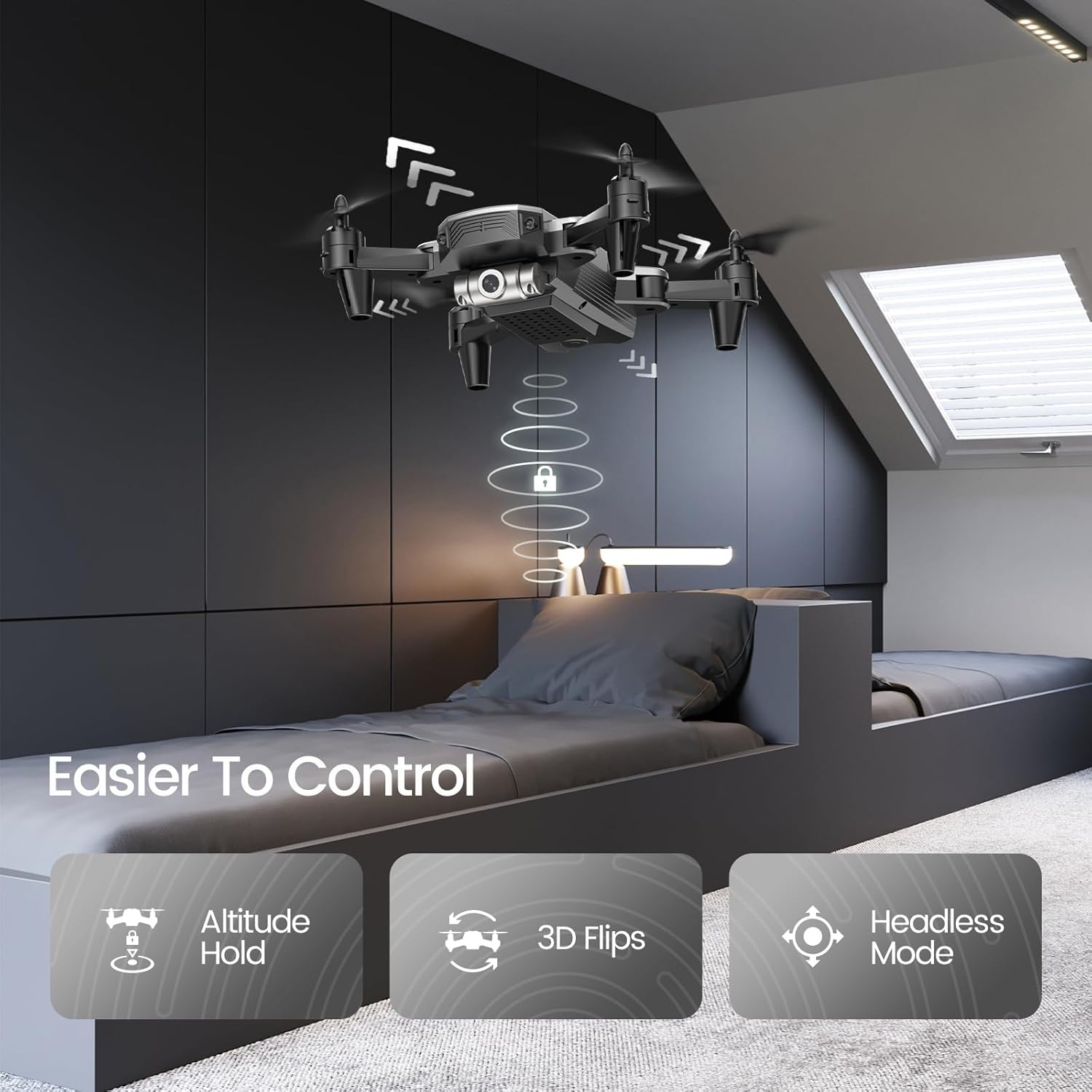
Figure 4: Features like Altitude Hold, 3D Flips, and Headless Mode make the drone easier to control.
Altitude Hold maintains the drone's height, simplifying control, while 3D Flips add excitement to your flights.
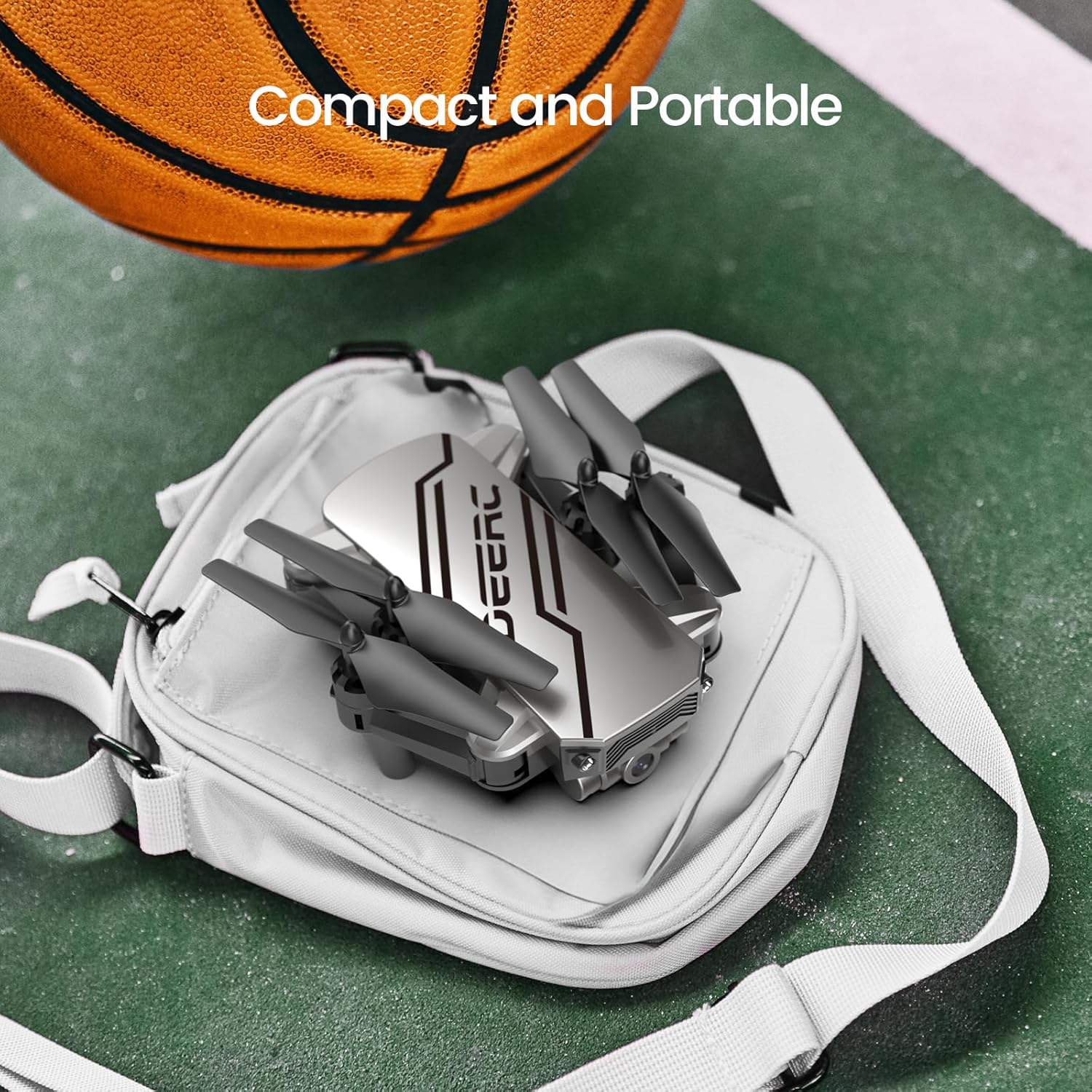
Figure 5: The drone's compact and portable design allows for easy transport.
Its lightweight and foldable design ensures you can take it anywhere.
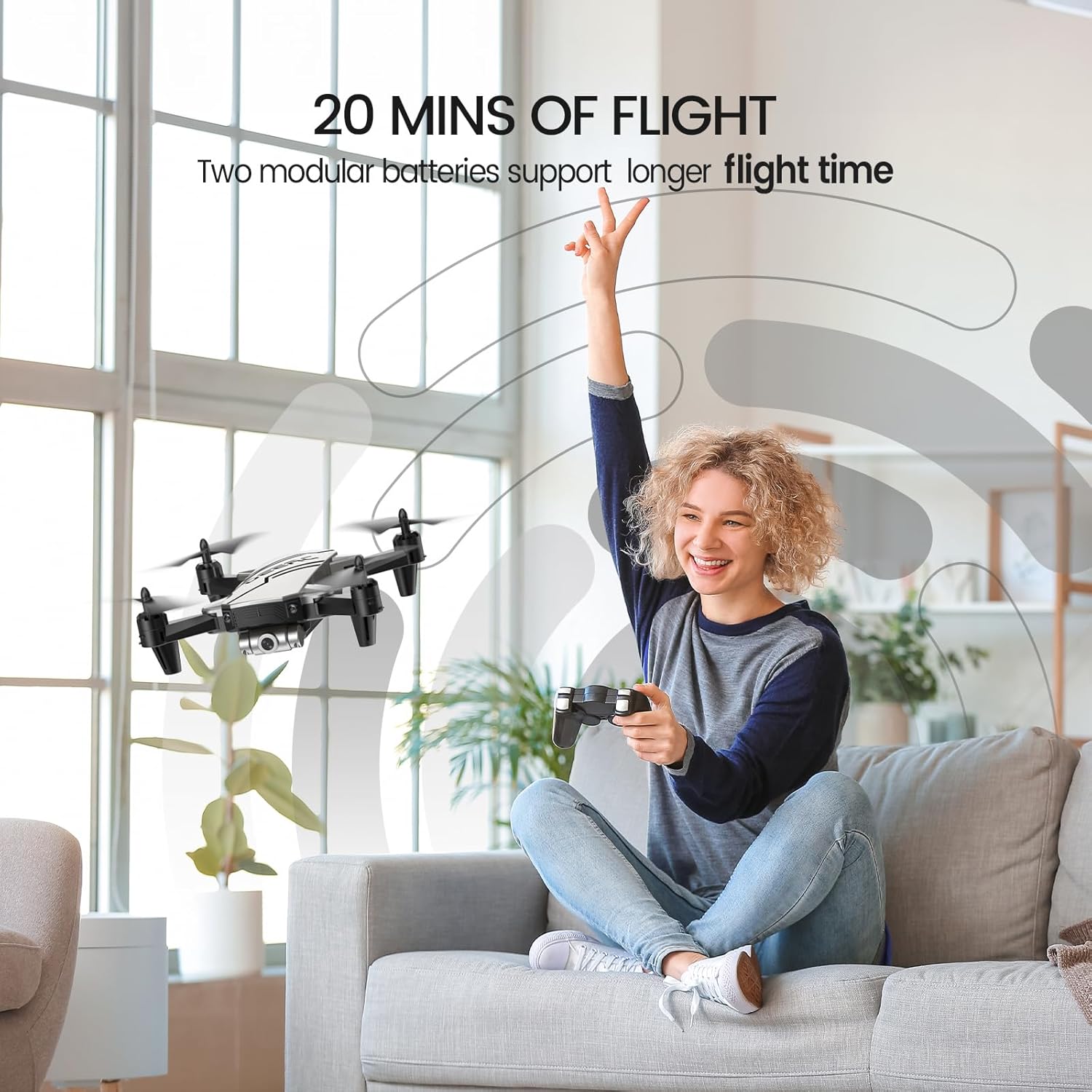
Figure 6: Enjoy extended flight sessions with two included batteries, providing up to 20 minutes of flight time.
The modular batteries are easy to swap, extending your flying fun.
4. సెటప్
4.1. బ్యాటరీలను ఛార్జ్ చేయడం
Before first use, fully charge both drone batteries. Connect the USB charging cable to a USB power adapter (not included) and then to the drone battery. The charging indicator will show the charging status. A full charge takes approximately 60-80 minutes per battery.
4.2. Installing Batteries and Propeller Guards
- Insert a charged battery into the drone's battery compartment until it clicks into place.
- Attach the propeller guards to each arm of the drone for added protection, especially for beginners.
- Insert 3 AAA batteries (not included) into the remote controller.
4.3. Pairing the Drone and Controller
- డ్రోన్ను చదునైన, స్థాయి ఉపరితలంపై ఉంచండి.
- Turn on the drone. The indicator lights will flash.
- రిమోట్ కంట్రోలర్ను ఆన్ చేయండి.
- Push the left joystick up and then pull it down. The drone lights will become solid, indicating successful pairing.
5. ఆపరేటింగ్ సూచనలు
5.1. ప్రాథమిక విమాన నియంత్రణలు
- ఒక కీలక ప్రారంభం/ల్యాండింగ్: Press the dedicated button on the controller to automatically take off or land.
- ఎత్తు హోల్డ్: The drone will automatically maintain its current altitude when the throttle stick is released.
- వేగం సర్దుబాటు: Use the speed button on the controller to cycle through low, medium, and high-speed modes.
- హెడ్లెస్ మోడ్: Press the Headless Mode button. The drone will orient itself relative to the pilot, regardless of its actual front direction.
- 3D ఫ్లిప్లు: While flying, press the 3D Flip button and then move the right joystick in any direction to perform a flip.
5.2. Advanced Features (via Smartphone App)
Download the official DEERC FPV app from your device's app store. Connect your smartphone to the drone's Wi-Fi network (usually named "DEERC-D20-XXXX").
- FPV View: See real-time video feed from the drone's camera on your smartphone.
- వాయిస్ నియంత్రణ: Use simple voice commands like "Take off" or "Landing" to control the drone.
- Gesture Selfie: Make a "V" sign or show your palm to the camera to trigger photo or video recording automatically.
- Waypoints Fly: Draw a desired flight path on your smartphone screen, and the drone will follow it automatically.
6. నిర్వహణ
- Regularly inspect propellers for damage. Replace any bent or broken propellers using the included spare parts and screwdriver.
- Keep the drone and controller clean. Wipe with a soft, dry cloth.
- Store the drone and batteries in a cool, dry place away from direct sunlight when not in use.
- Do not overcharge batteries. Disconnect once fully charged.
7. ట్రబుల్షూటింగ్
| సమస్య | సాధ్యమైన కారణం | పరిష్కారం |
|---|---|---|
| డ్రోన్ కంట్రోలర్కు స్పందించదు. | Not paired; low battery. | Re-pair drone and controller; charge batteries. |
| ఎగురుతున్నప్పుడు డ్రోన్ కదులుతుంది. | Needs calibration; windy conditions. | డ్రోన్ను చదునైన ఉపరితలంపై క్రమాంకనం చేయండి; ప్రశాంత పరిస్థితులలో ఎగరండి. |
| Poor camera feed/lag. | Weak Wi-Fi signal; interference. | Ensure close proximity to drone; avoid areas with strong Wi-Fi interference. |
| చిన్న విమాన సమయం. | బ్యాటరీ పూర్తిగా ఛార్జ్ కాలేదు; పాత బ్యాటరీ. | Fully charge batteries; consider replacing old batteries. |
8. స్పెసిఫికేషన్లు
- బ్రాండ్: DEERC
- మోడల్ పేరు: D20
- రంగు: వెండి
- వస్తువు బరువు: 69 గ్రాములు (2.43 ఔన్సులు)
- ఉత్పత్తి కొలతలు: 7.72"లీ x 6.38"వా x 1.69"హ
- వీడియో క్యాప్చర్ రిజల్యూషన్: 720p
- ఎఫెక్టివ్ స్టిల్ రిజల్యూషన్: 0.92 ఎంపీ
- కనెక్టివిటీ టెక్నాలజీ: Wi-Fi
- బ్యాటరీ కెపాసిటీ: 0.51 Watt Hours (2 Lithium Polymer batteries included)
- నైపుణ్య స్థాయి: అనుభవశూన్యుడు
- సిఫార్సు చేసిన వయస్సు: 14 సంవత్సరాలు మరియు అంతకంటే ఎక్కువ
9. వారంటీ & సపోర్ట్
For warranty information and customer support, please refer to the official DEERC website or contact their customer service directly. You can also find additional resources and a downloadable PDF user manual ఇక్కడ.
సంబంధిత పత్రాలు - D20
 |
DEERC D70 డ్రోన్: ఉపయోగం కోసం సూచనలు మరియు భద్రతా మార్గదర్శకాలు DEERC D70 డ్రోన్ను ఆపరేట్ చేయడానికి సమగ్ర గైడ్, సెటప్, విమాన నియంత్రణలు, భద్రతా జాగ్రత్తలు మరియు నిర్వహణను కవర్ చేస్తుంది. ఎగరడం, ఫోటోలు మరియు వీడియోలను సంగ్రహించడం మరియు హెడ్లెస్ మోడ్ మరియు 360° ఫ్లిప్ల వంటి అధునాతన ఫీచర్లను ఉపయోగించడం ఎలాగో తెలుసుకోండి. |
 |
DEERC D20 డ్రోన్: ఉపయోగం మరియు భద్రతా గైడ్ కోసం సూచనలు DEERC D20 డ్రోన్ కోసం సమగ్ర సూచనలు, భద్రతా మార్గదర్శకాలు మరియు స్పెసిఫికేషన్లు. మీ డ్రోన్ను ఎలా ఆపరేట్ చేయాలో, ఇన్స్టాల్ చేయాలో మరియు నిర్వహించాలో తెలుసుకోండి. |
 |
DEERC D10 డ్రోన్: ఉపయోగం మరియు ఆపరేషన్ గైడ్ కోసం సూచనలు DEERC D10 డ్రోన్ కోసం సమగ్ర గైడ్, సెటప్, ఆపరేషన్, భద్రతా మార్గదర్శకాలు, విధులు, స్పెసిఫికేషన్లు మరియు సంప్రదింపు సమాచారాన్ని కవర్ చేస్తుంది. ఈ యూజర్ ఫ్రెండ్లీ మాన్యువల్తో మీ DEERC D10 డ్రోన్ను సురక్షితంగా మరియు సమర్థవంతంగా ఎలా ఎగురవేయాలో తెలుసుకోండి. |
 |
DEERC D10 డ్రోన్: ఉపయోగం మరియు ఆపరేషన్ గైడ్ కోసం సూచనలు DEERC D10 డ్రోన్ కోసం సమగ్ర గైడ్, భద్రతా మార్గదర్శకాలు, ఇన్స్టాలేషన్, ఆపరేషన్, ఛార్జింగ్ మరియు విధులను కవర్ చేస్తుంది. మీ డ్రోన్ను సురక్షితంగా మరియు ప్రభావవంతంగా ఎలా ఎగరాలి మరియు నిర్వహించాలో తెలుసుకోండి. |
 |
DEERC D50 డ్రోన్: ఉపయోగం కోసం సూచనలు, భద్రతా మార్గదర్శకాలు మరియు స్పెసిఫికేషన్లు DEERC D50 డ్రోన్ కోసం సమగ్ర గైడ్, సెటప్, ఆపరేషన్, భద్రతా జాగ్రత్తలు, నిర్వహణ మరియు సాంకేతిక వివరణలను కవర్ చేస్తుంది. బ్యాటరీ సంరక్షణ, విమాన మోడ్లు మరియు ట్రబుల్షూటింగ్పై సమాచారం ఉంటుంది. |
 |
DEERC D70 డ్రోన్: యూజర్ మాన్యువల్ మరియు ఫ్లైట్ గైడ్ DEERC D70 డ్రోన్ను ఆపరేట్ చేయడానికి సమగ్ర గైడ్, సెటప్, విమాన నియంత్రణలు, విధులు, భద్రతా మార్గదర్శకాలు మరియు స్పెసిఫికేషన్లను కవర్ చేస్తుంది. |